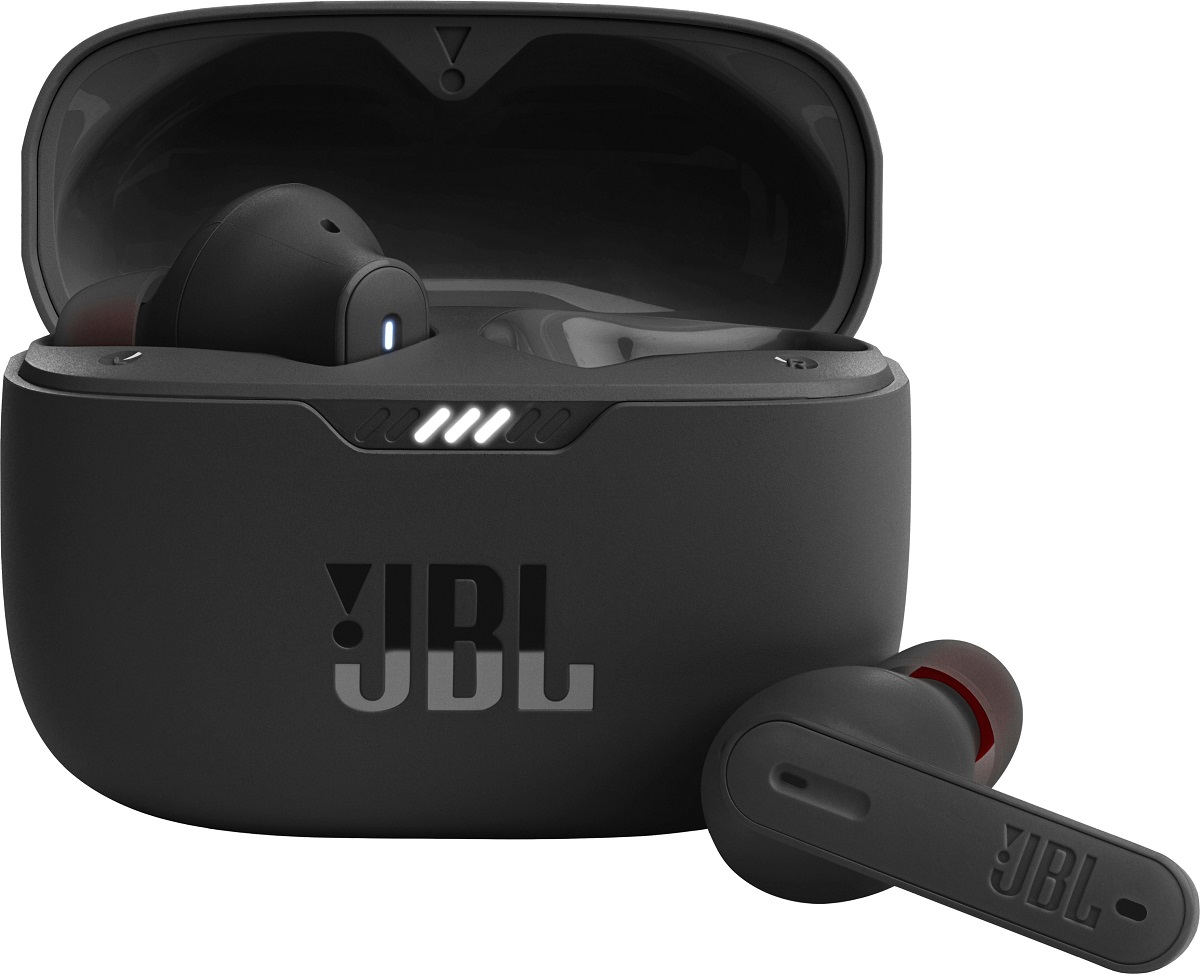
This tag collects all of our practical guides for getting the most out of your JBL audio gear, from wireless earbuds to smart speakers. It is written for everyday owners who want clear, step-by-step instructions without jargon, whether you are setting up a new device or troubleshooting an old one. The articles assume no prior technical knowledge and focus on the actions you can take right now with the hardware you already have.
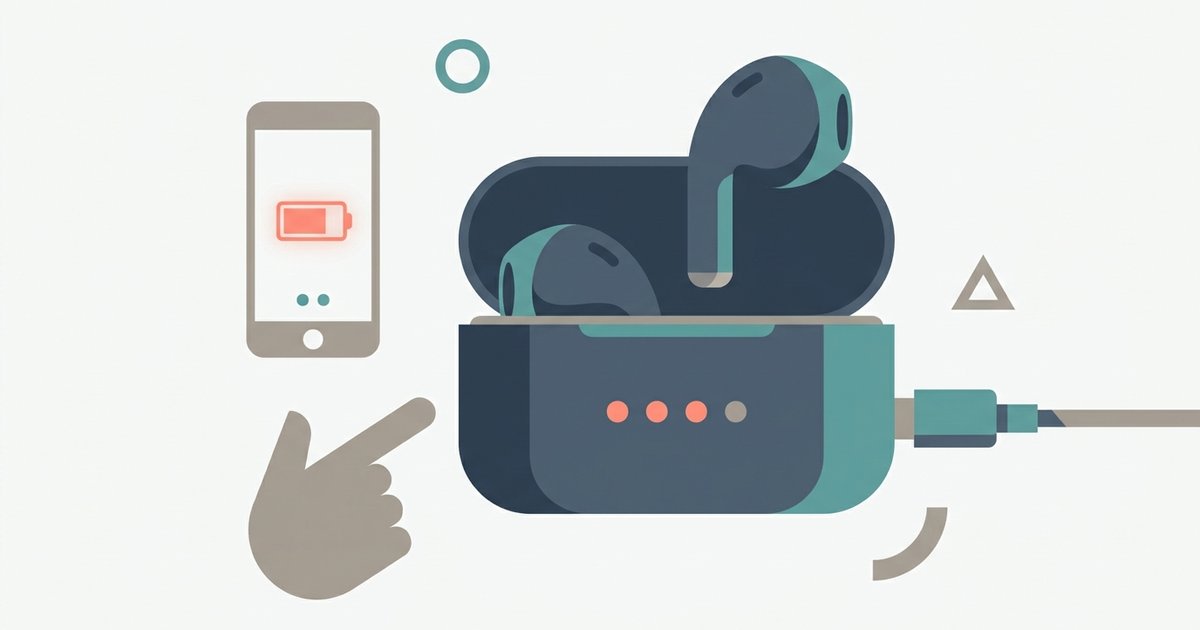
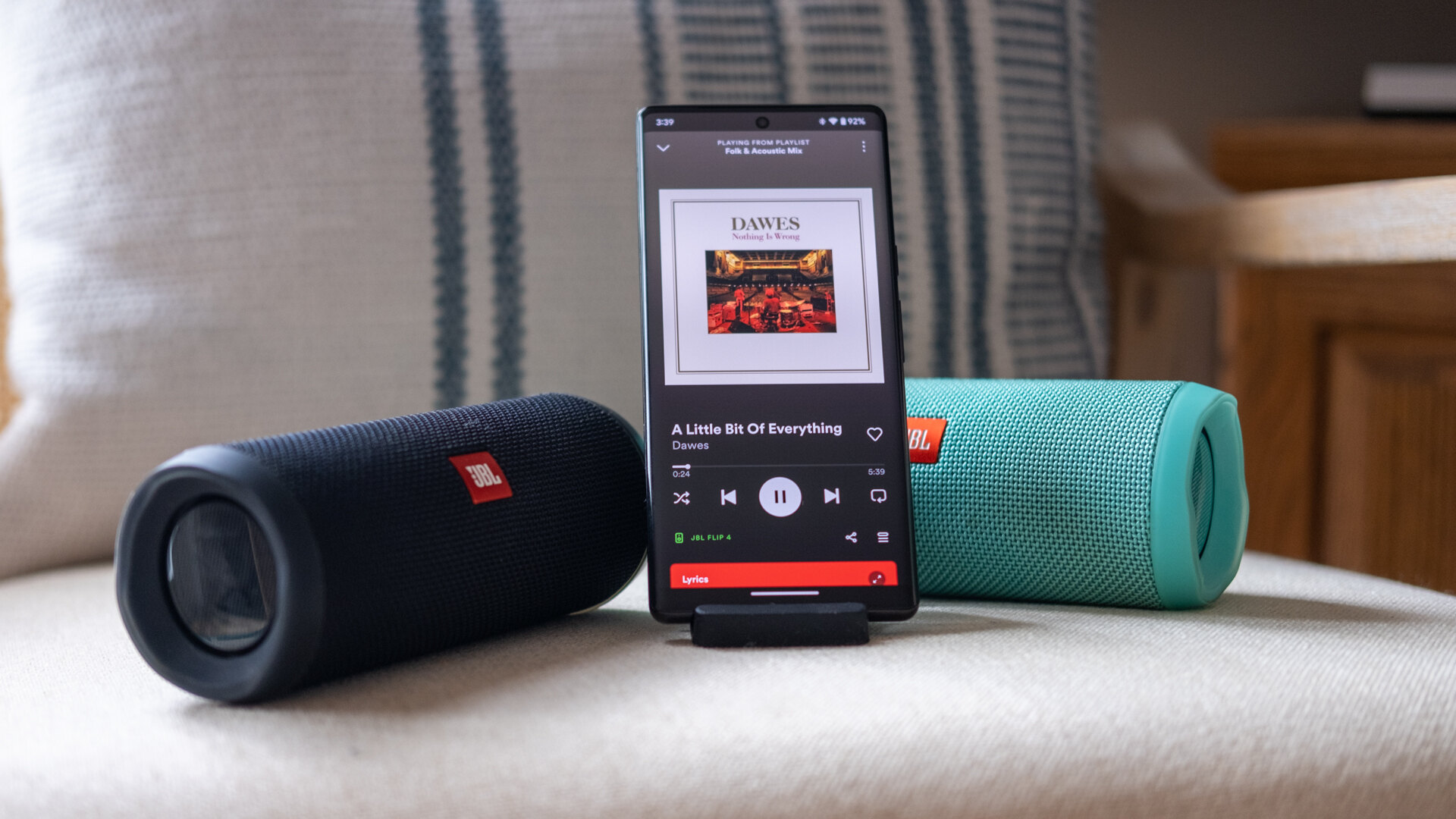
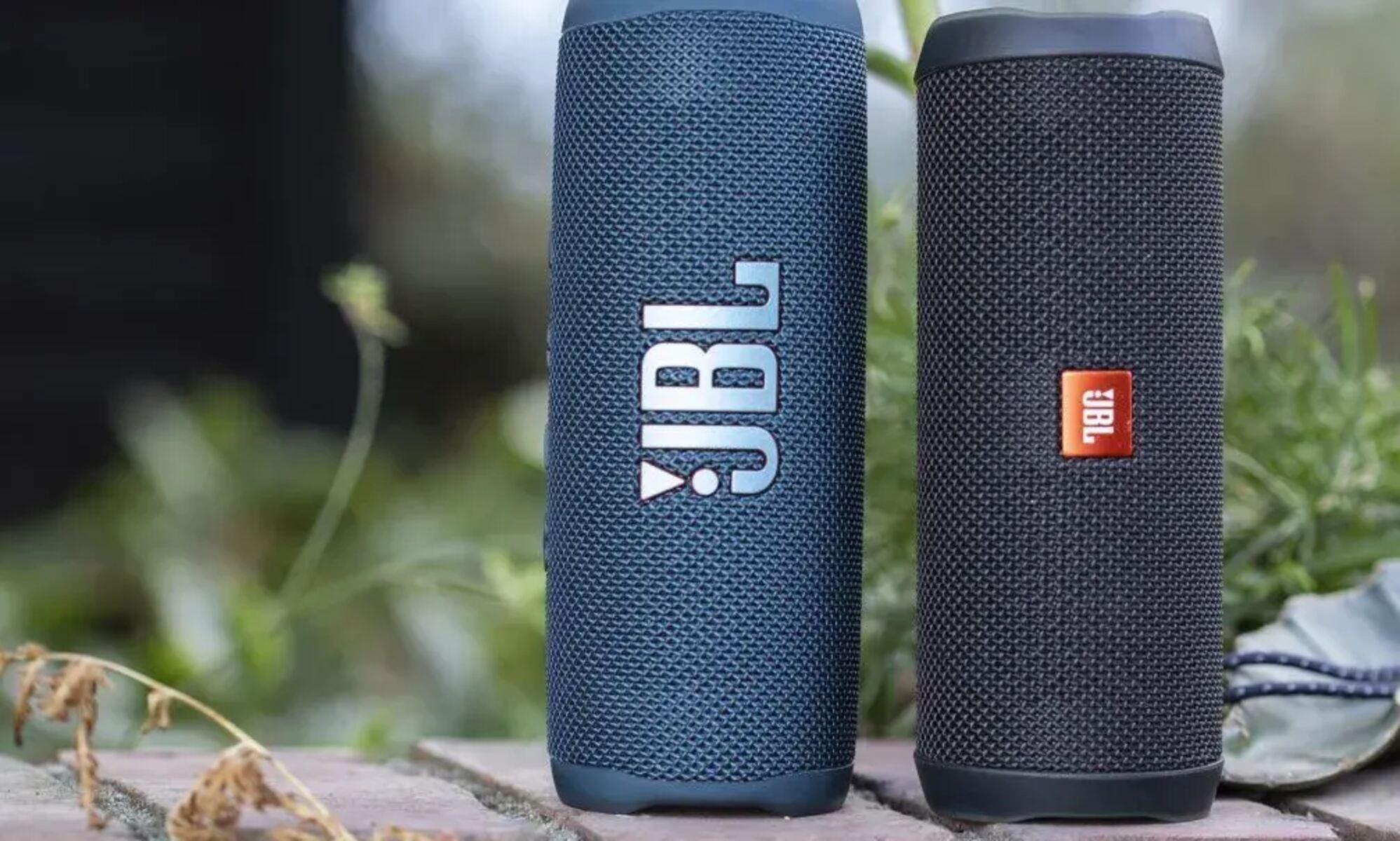
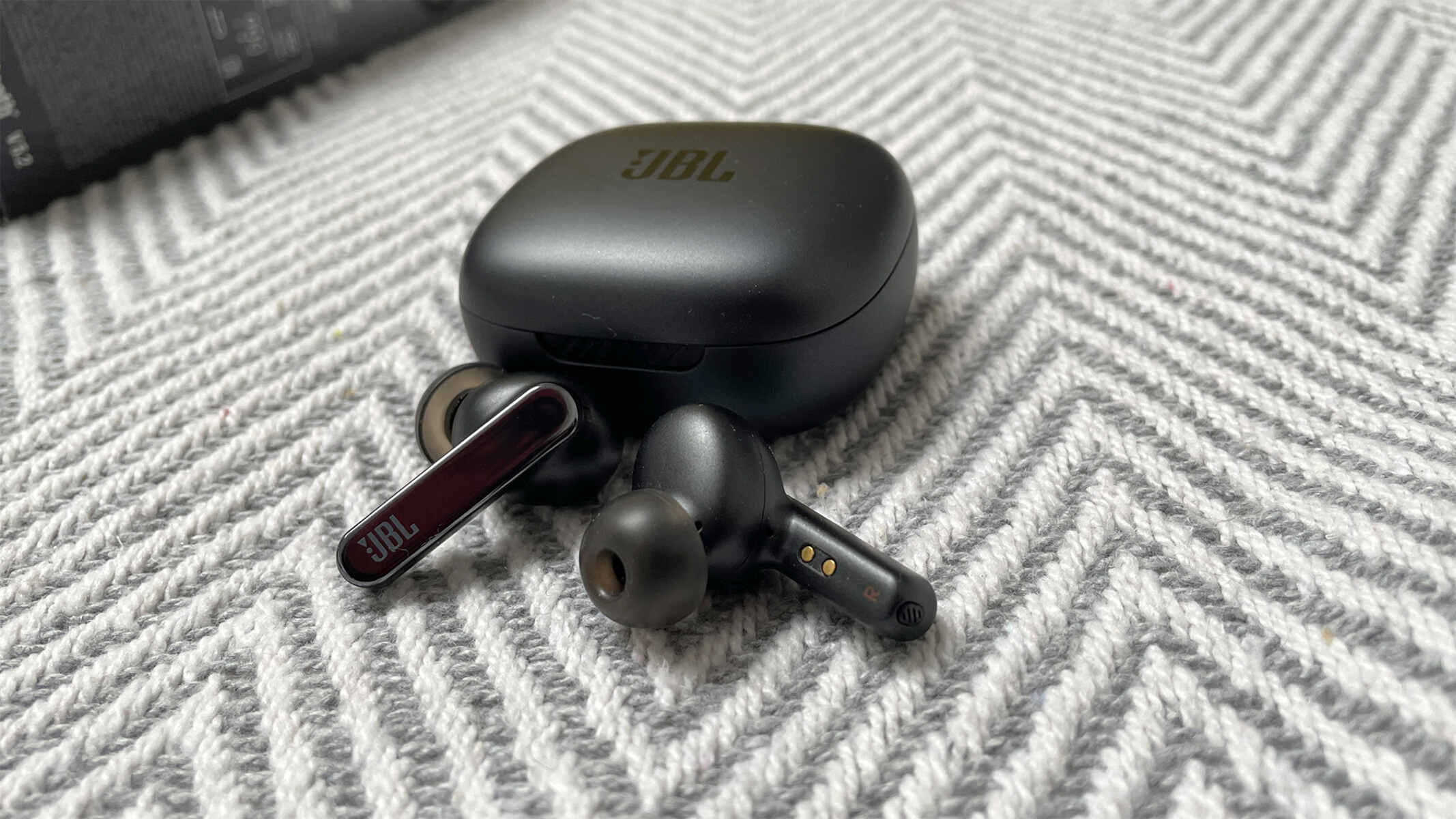
The guides here fall into two main areas of daily use. The first is connection and control: you will find walkthroughs for pairing your earbuds to a phone, linking a phone to a JBL speaker, and adjusting volume levels when the controls are not obvious. The second area is maintenance and features, covering how to reset a smart speaker when it misbehaves, how to turn on noise cancelling for a quieter listening experience, and how to check the battery level on your earbuds so you are never caught without power. Each article is built around a single, specific task, so you can jump straight to the fix you need.
These are straightforward how-to instructions for legitimate, everyday operation of your own devices. They help you manage your hardware safely, restore it to working order, and use its built-in features, not circumvent any protections. If your speaker is frozen or your earbuds are not connecting, the reset and pairing guides are there to get you back on track without any risky tricks.