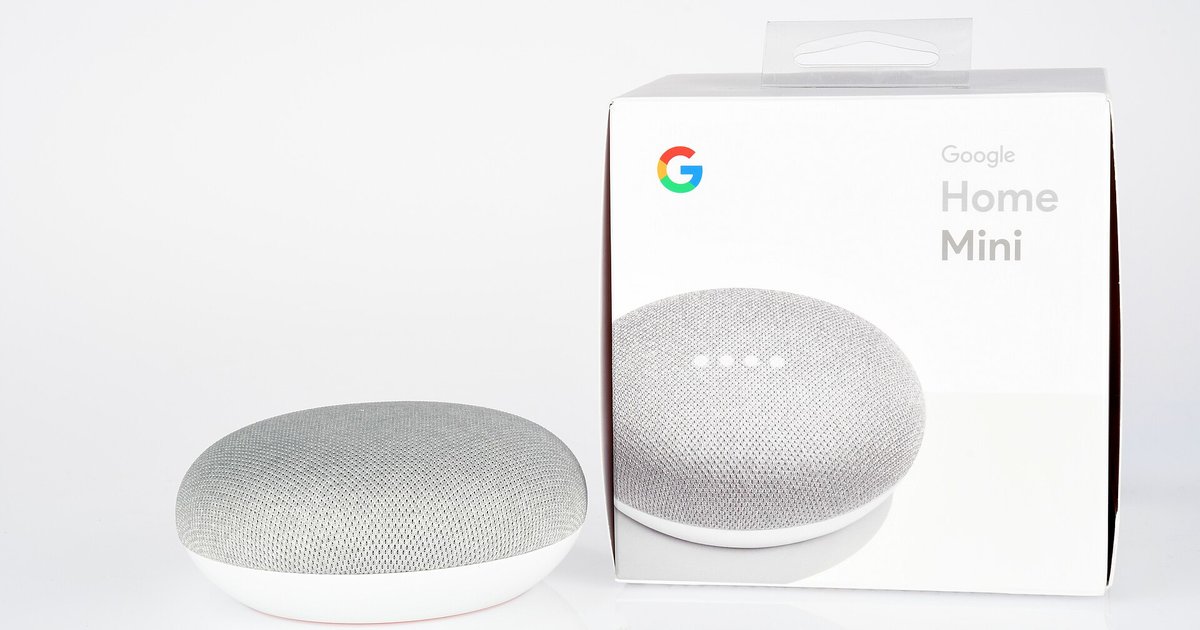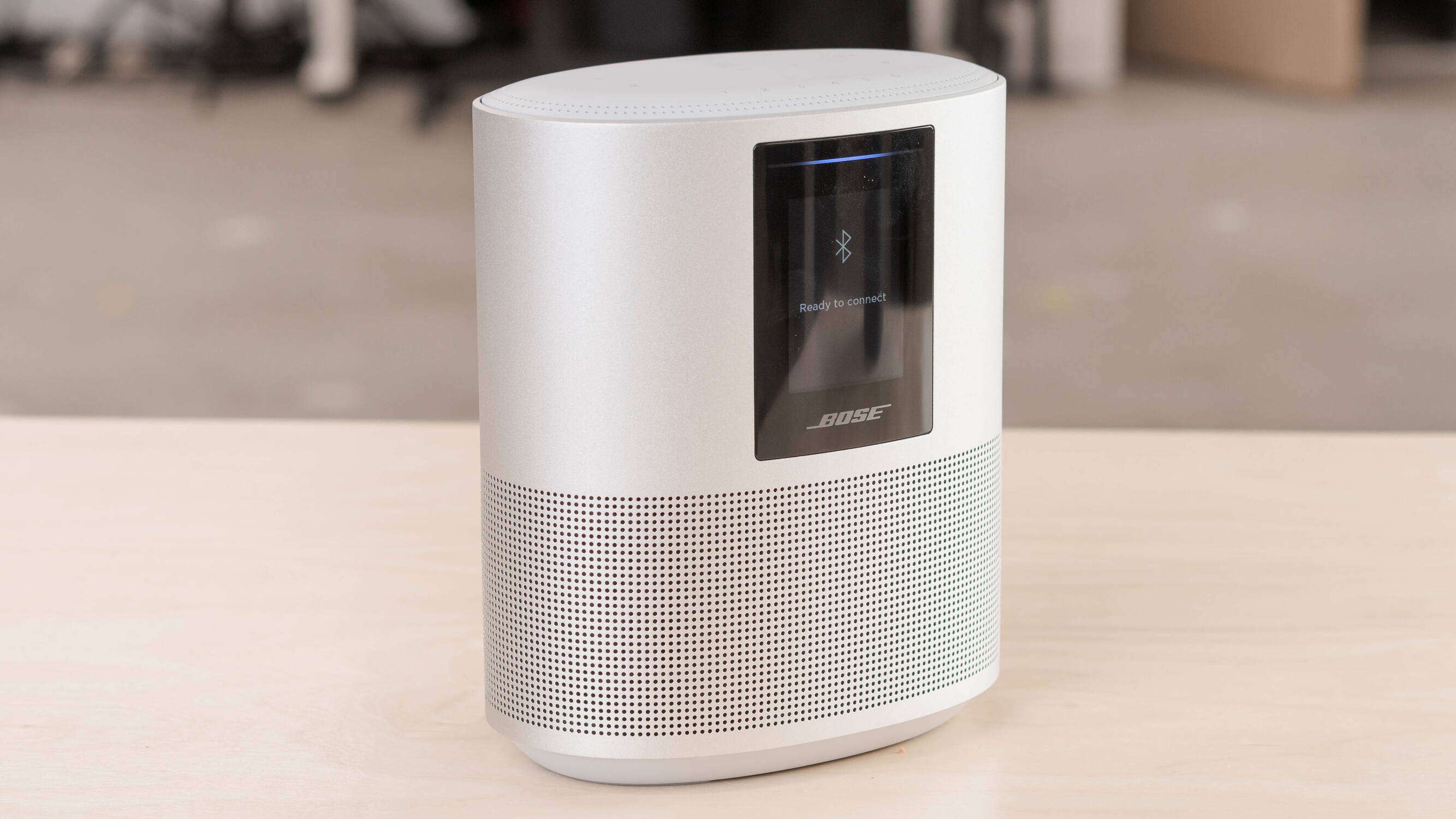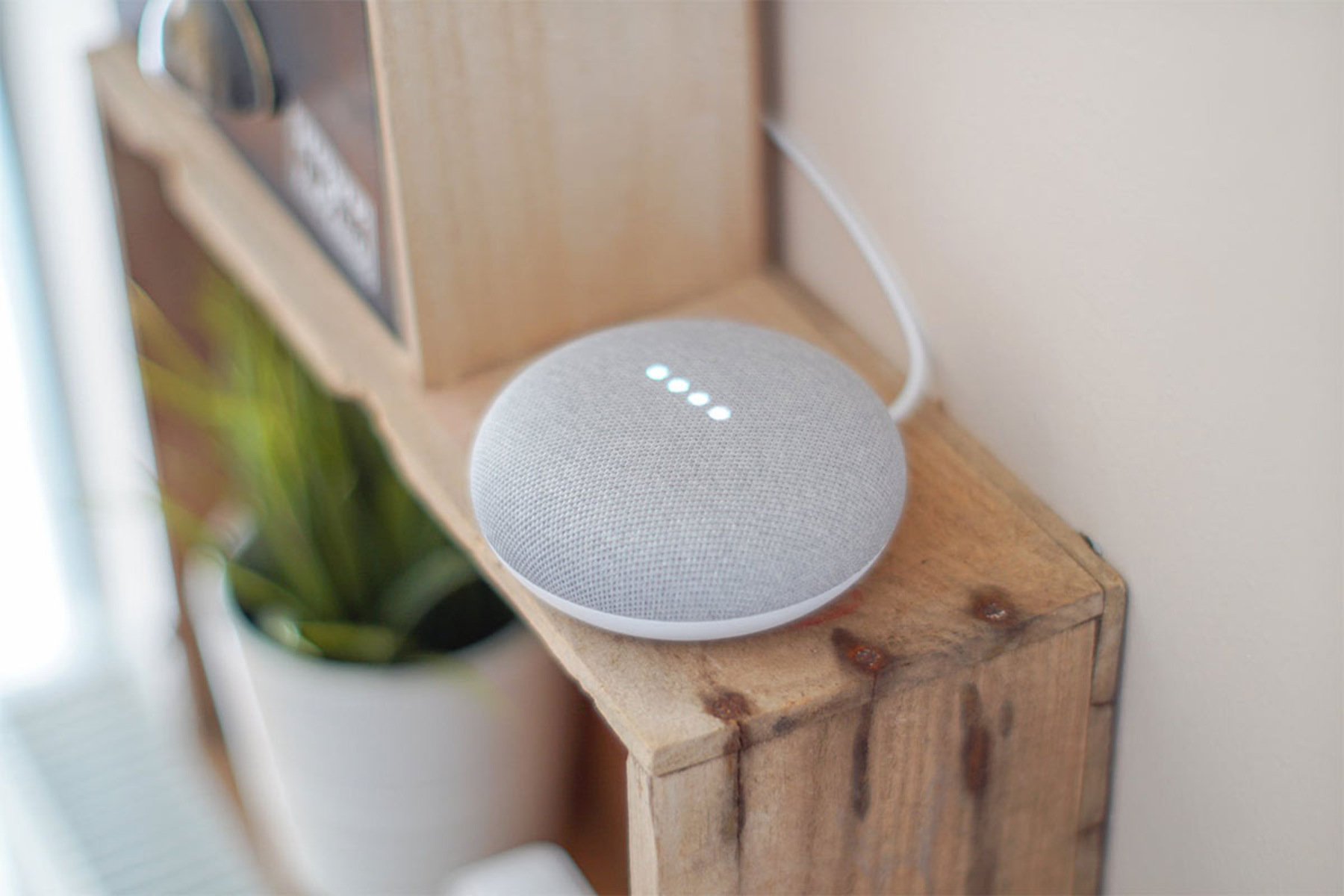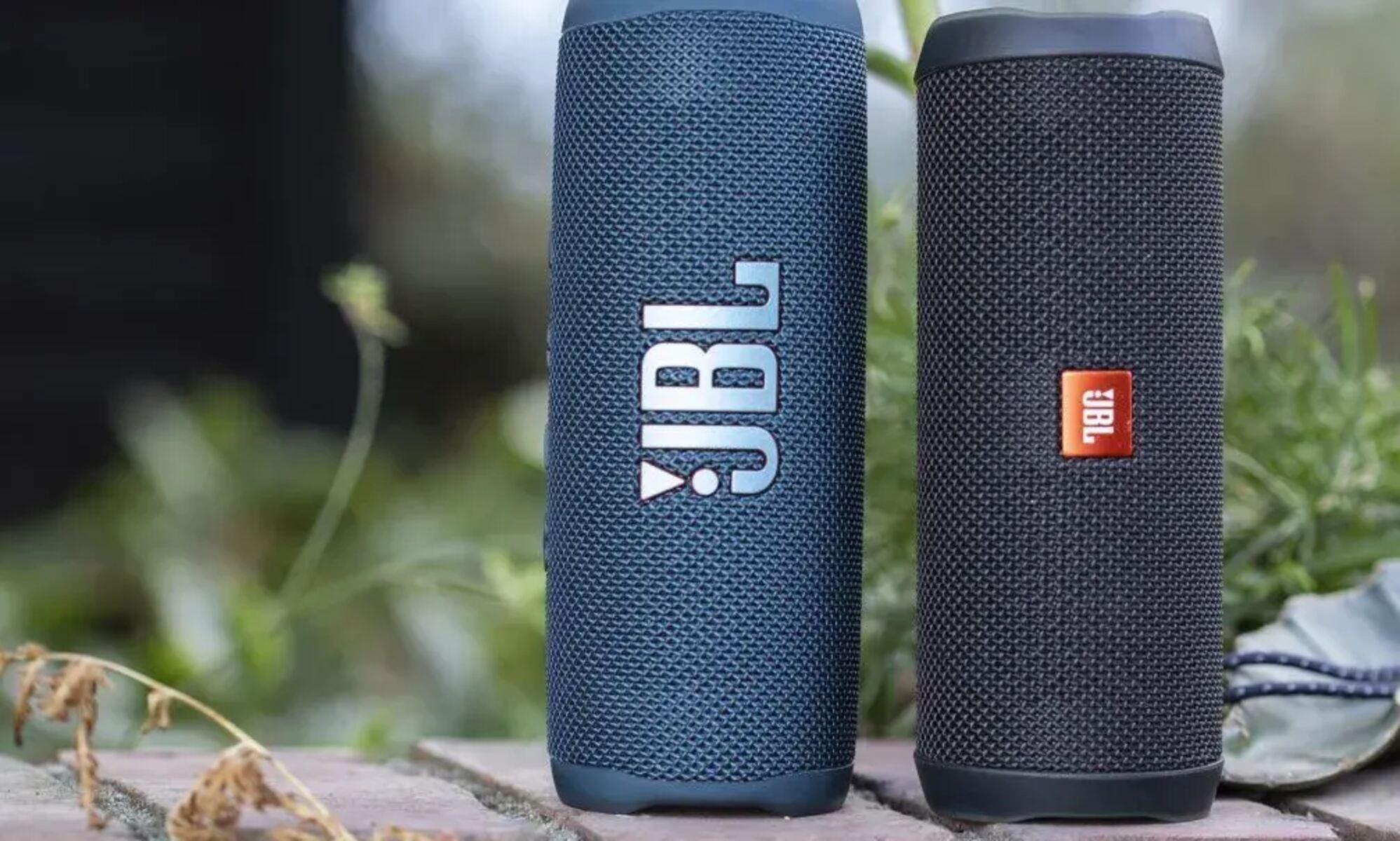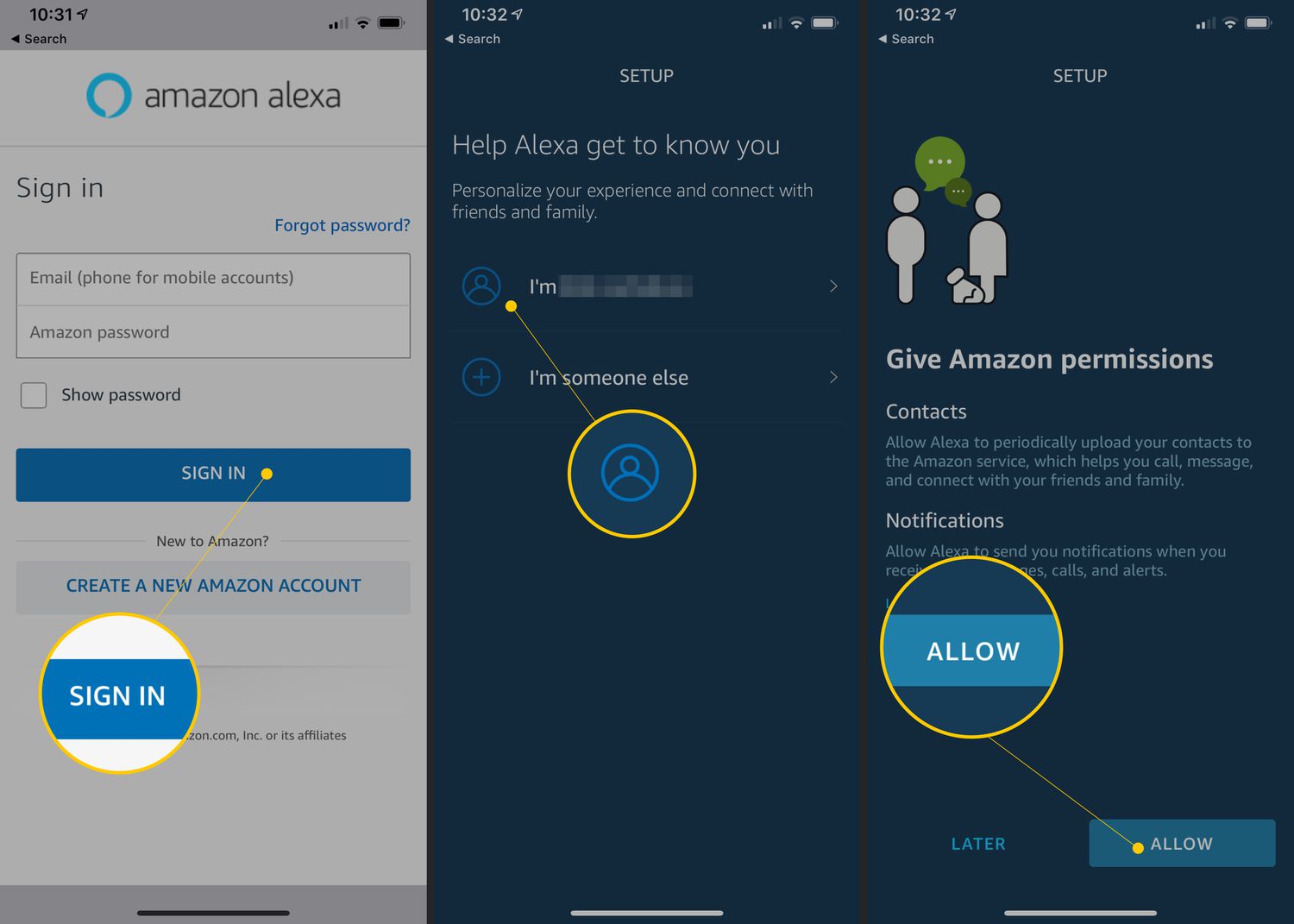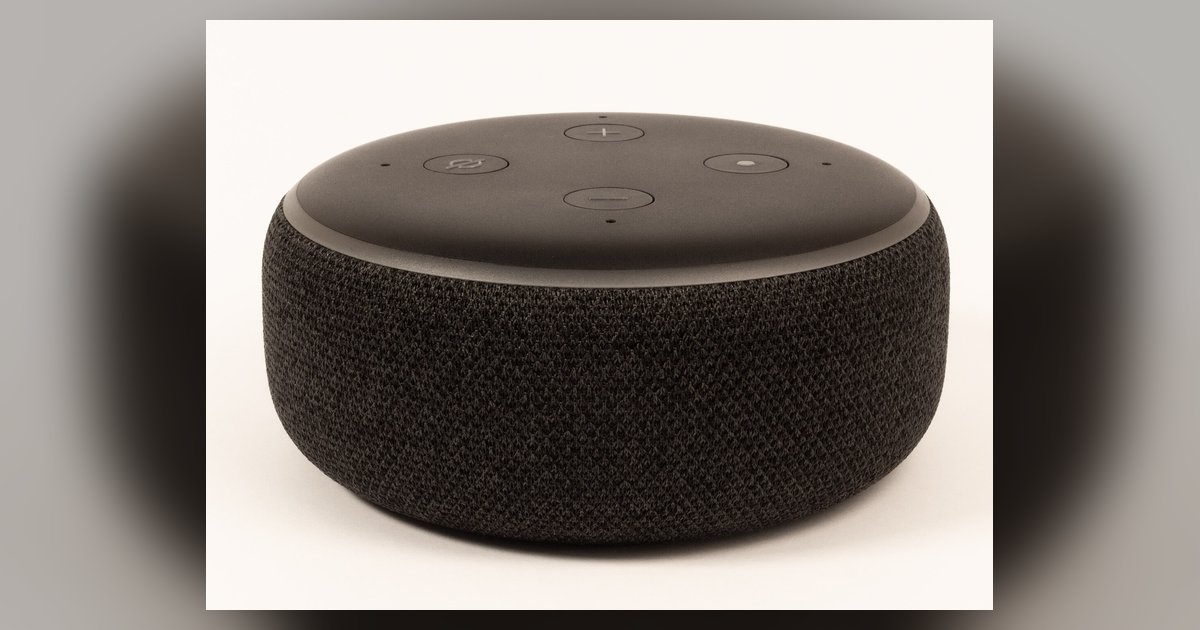
This tag collects practical, step-by-step guides for people who own or manage smart speakers from the major ecosystems, Amazon Alexa, Google Home, Bose, and JBL. It is written for everyday users who want to fix a connection issue, change a setting, or recover a device without calling support or searching through scattered manufacturer forums. Whether you are setting up a new speaker for the first time or troubleshooting an older one, these articles assume you have basic familiarity with your device but need clear, direct instructions for specific tasks.
The articles cluster around three common problem areas. First, network and setup tasks: you will find help for changing the Wi-Fi network on an Alexa device, connecting a Google smart speaker to a new router, and the initial setup process for Alexa. Second, reset and recovery scenarios: guides cover how to reset a Bose smart speaker, a JBL smart speaker, and how to factory reset a Google Home device without using the companion app, useful when the app is unavailable or the device is unresponsive. Third, media and playback control: one article explains how to play a Spotify playlist on Alexa, which solves the frequent frustration of voice commands not matching your saved lists.
Importantly, the reset and factory-reset articles are framed as legitimate troubleshooting and device-recovery procedures, not as ways to bypass security or access someone else’s property. They help you restore your own speaker to a clean state, clear glitches, or prepare it for a new owner. The Wi-Fi and setup guides focus on getting your speaker online safely and legally, using the official app or voice prompts. In short, this tag is a reliable reference for keeping your smart speaker working smoothly, with an emphasis on safe, supported methods.