Before you start: identify your device and its limits for smartwatch setup
Before you begin smartwatch setup, first confirm exactly which model you are holding. The quickest way is to check the back of the watch for a model number. Then look up the steps to find your model in your manufacturer’s support documentation, because knowing your exact device ensures you follow the correct pairing instructions and avoid compatibility issues. This matters because different models have different hardware capabilities. For example, a GPS-only watch relies entirely on your phone for internet access. A cellular model can send messages on its own, but only after the initial setup is done with the phone nearby.
You also need to understand the practical smartwatch range from your phone, so you know whether you can step away from your phone without losing notifications. Most Bluetooth-connected watches lose connection at roughly 30 feet (10 meters). Beyond that distance, notifications and calls stop working unless you have a cellular plan. Speaking of which, check whether you can even activate the device without logging into an ecosystem. Some watches support smartwatch use without Google or Samsung account, which is helpful if you want to avoid mandatory sign-ins or data tracking, but many require one for downloading apps or receiving software updates.
Finally, if you bought a cellular model, review the smartwatch cellular plan costs and carrier compatibility list before you assume it will work independently, because this information tells you which carriers support your watch and what you’ll actually pay. A watch sold by one carrier is often locked to that network. Standalone plans typically add $10, $15 per month to your bill. This model-specific activation path is the only one that lets you leave your phone behind entirely and still stay connected.
- smartwatch cellular plan costs and carrier compatibility list — Smartwatch Cellular Plan Costs and Carrier Compatibility List
- smartwatch use without Google or Samsung account — Can You Use a Smartwatch Without a Google or Samsung Account
- smartwatch range from your phone — Smartwatch Range: How Far Can It Be From Your Phone?
- steps to find your model — Smartwatch Identification: Steps To Find Your Model
Initial setup and core connections
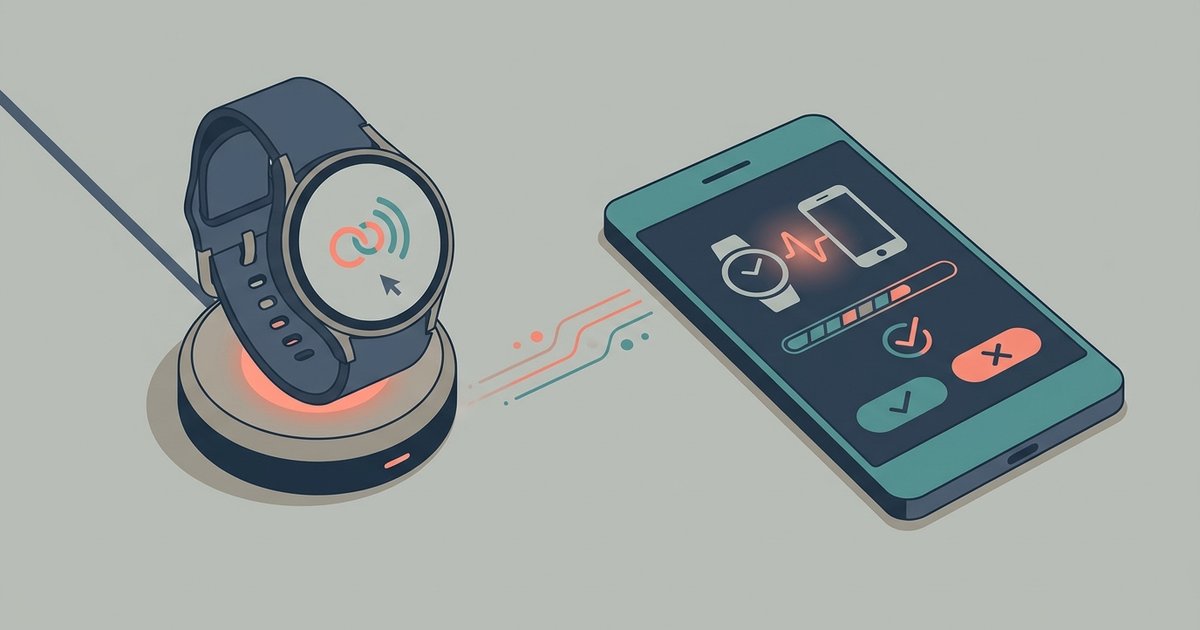
Press and hold the side button until the screen lights up. If your watch has a physical SIM tray, you will need to carefully insert it before proceeding. The process for inserting SIM card in Apple watch is essentially the same as on an iPhone, though the tray is smaller and requires a fine tool. Once powered, the watch will prompt you to choose a language and then guide you through pairing with your phone. If you lack a cellular plan and want to test connectivity, you can try using hotspot on Apple watch by sharing your phone’s personal hotspot. This only works for data and not for calls or messages unless the watch supports Wi-Fi calling. For a true phone-independent experience, you will need to research whether your carrier supports standalone activation, though most smartwatches still require a companion phone for initial setup. Attempting to set up an Apple watch without an iPhone is not supported by Apple; an iPhone is required for pairing and use. If you are working with a different brand, the spade and co smartwatch setup follows a similar first-boot sequence. For the adventurous, a diy smartwatch creation project might skip pairing entirely by using a standalone microcontroller, but for most users, the standard smartwatch setup remains the most reliable path. Keep your phone nearby during this stage. Most watches will not proceed past the initial screens until they see a companion device. Only Apple’s Family Setup allows a watch to be managed from a parent’s device without handing over a full phone, though an iPhone is still required for initial configuration.
Syncing data and linking apps
Start by making sure your watch can see the people you actually talk to. The process of syncing contacts to smartwatch usually happens automatically through your phone's companion app. You may need to grant permission for your watch to access your address book. Once that's done, your watch will show names and photos for incoming calls and messages. You can respond without digging out your phone.
Beyond contacts, you will want to link the health and fitness services you already use. For example, if you track meals and activity with a popular weight management service, you can sync Apple watch to weight watchers app by opening the app on your phone. Find the device settings and authorise the connection. After that, your watch will send calorie burn and step data directly to your account. Your daily totals stay consistent across devices.
If you manage a health condition like hypertension, you might wonder whether you can check blood pressure with Apple watch directly on your wrist. The watch itself lacks a cuff sensor, so you will need a compatible Bluetooth blood pressure monitor. After pairing the monitor with your phone, the reading appears in the Health app. Your watch can display the latest measurement or even remind you to take a reading at the same time each day. Linking these third-party services early means your watch becomes a central dashboard for both your communication and your wellness data. Apple Watch lets you blend native Health app data, third-party wellness integrations, and real-time communication controls into a single wrist-based dashboard without manual data export.
Troubleshooting problems after setup
If your smartwatch refuses to charge after pairing, the culprit is almost always a dirty contact point or a power adapter that doesn’t supply enough wattage. Try wiping the metal pads on both the watch and charger with a dry cloth. Then plug the charger directly into a wall outlet rather than a USB port on a computer. For more stubborn cases, you can find a dedicated resource on fixing smartwatch charging issues, which is worth reading because it walks through checking for debris in the magnetic ring and testing different cables to save you from unnecessary replacements.
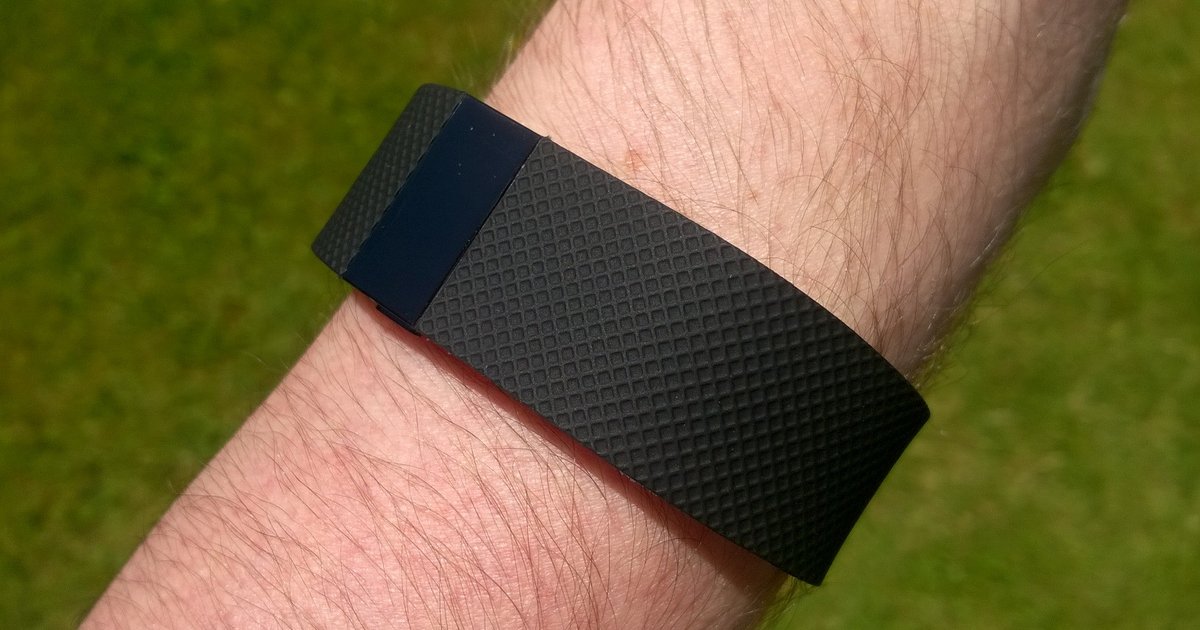
When your health readings seem off, say, your heart rate variability suddenly reads as a flat line, start by investigating reasons for low HRV on Fitbit, since that article explains why a low reading often points to a loose band that prevents consistent skin contact. It can also mean the watch was not snug enough during the measurement. If the screen freezes, apps crash, or the watch simply stops responding to taps, these smartwatch malfunctions usually clear up with a forced restart, consult the linked guide to learn the exact steps for your model and avoid unnecessary service calls. Hold the side button and the crown until the logo appears. Consult your model's specific restart instructions, as methods vary. Remember that even cellular models still depend on the paired phone for the initial activation handshake. If you are trying to go completely phone-free, verify your carrier supports standalone usage before assuming something is broken.
- investigating reasons for low HRV on Fitbit — Low HRV Concerns: Investigating Reasons For Low HRV On Fitbit
- fixing smartwatch charging issues — Troubleshooting: Fixing Smartwatch Charging Issues
- smartwatch malfunctions — Smartwatch Malfunctions: Troubleshooting Guide