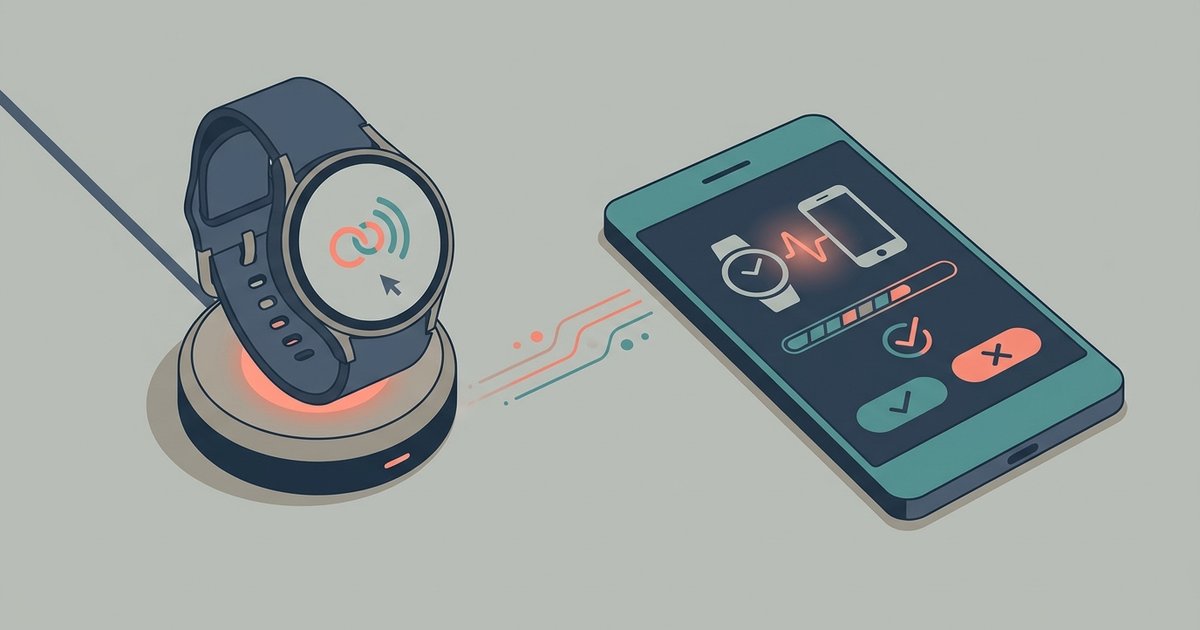
This tag collects step-by-step guides for getting common consumer gadgets, smart speakers, fitness trackers, smartwatches, VR headsets, and racing wheels, out of the box and running with minimal frustration. It is written for everyday owners who have just unboxed a new device or who are trying to connect it to another piece of hardware, not for developers or IT professionals. The articles assume you have a basic familiarity with your device’s physical buttons and ports, but no prior setup experience.
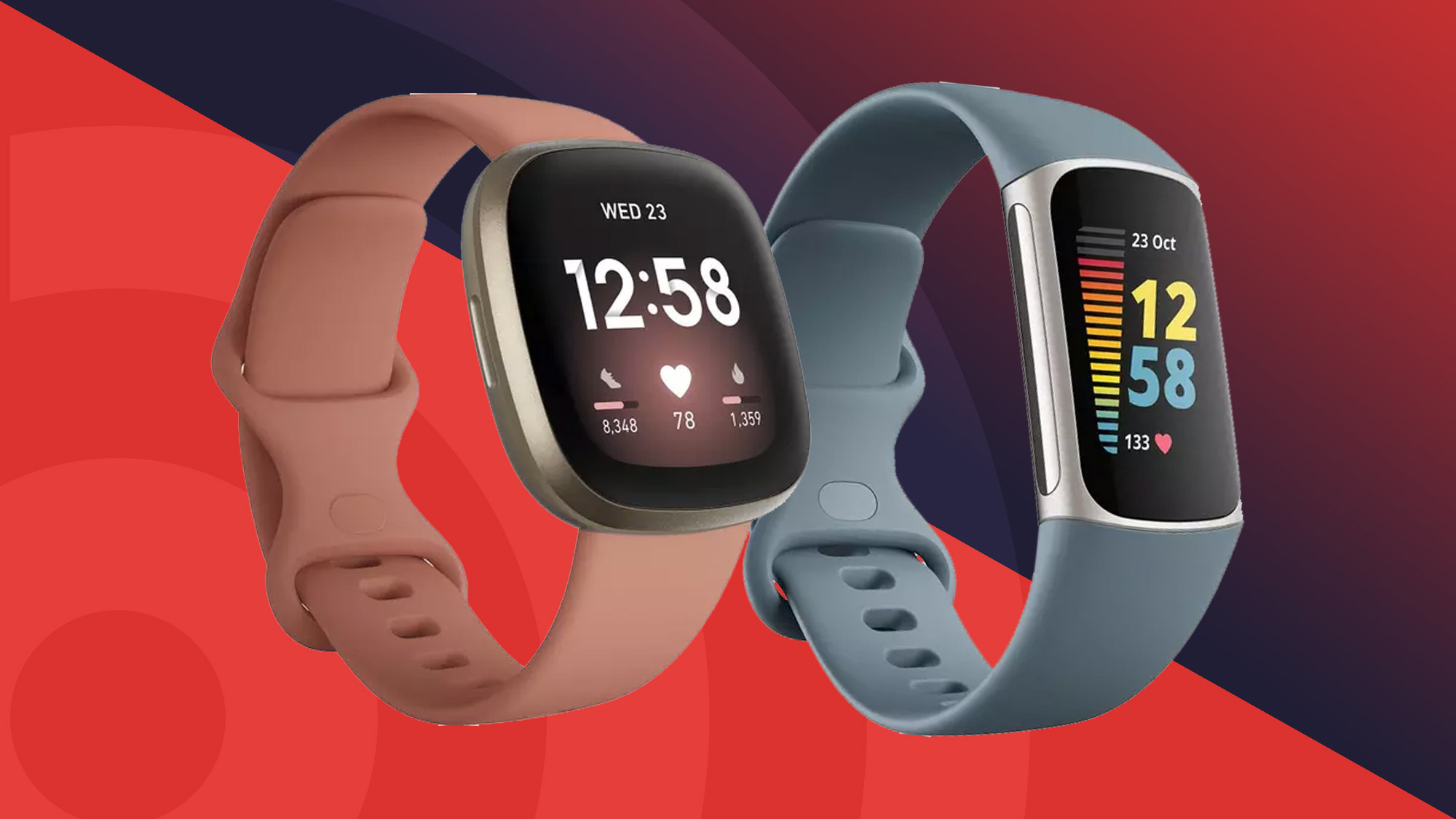
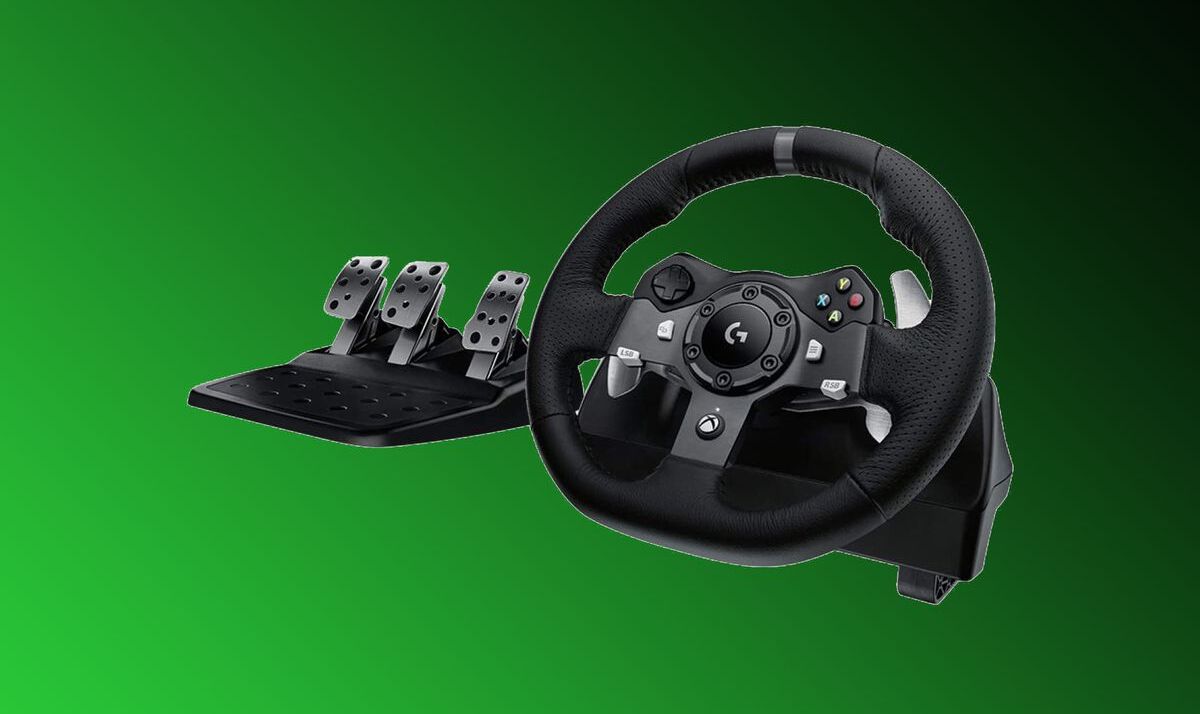
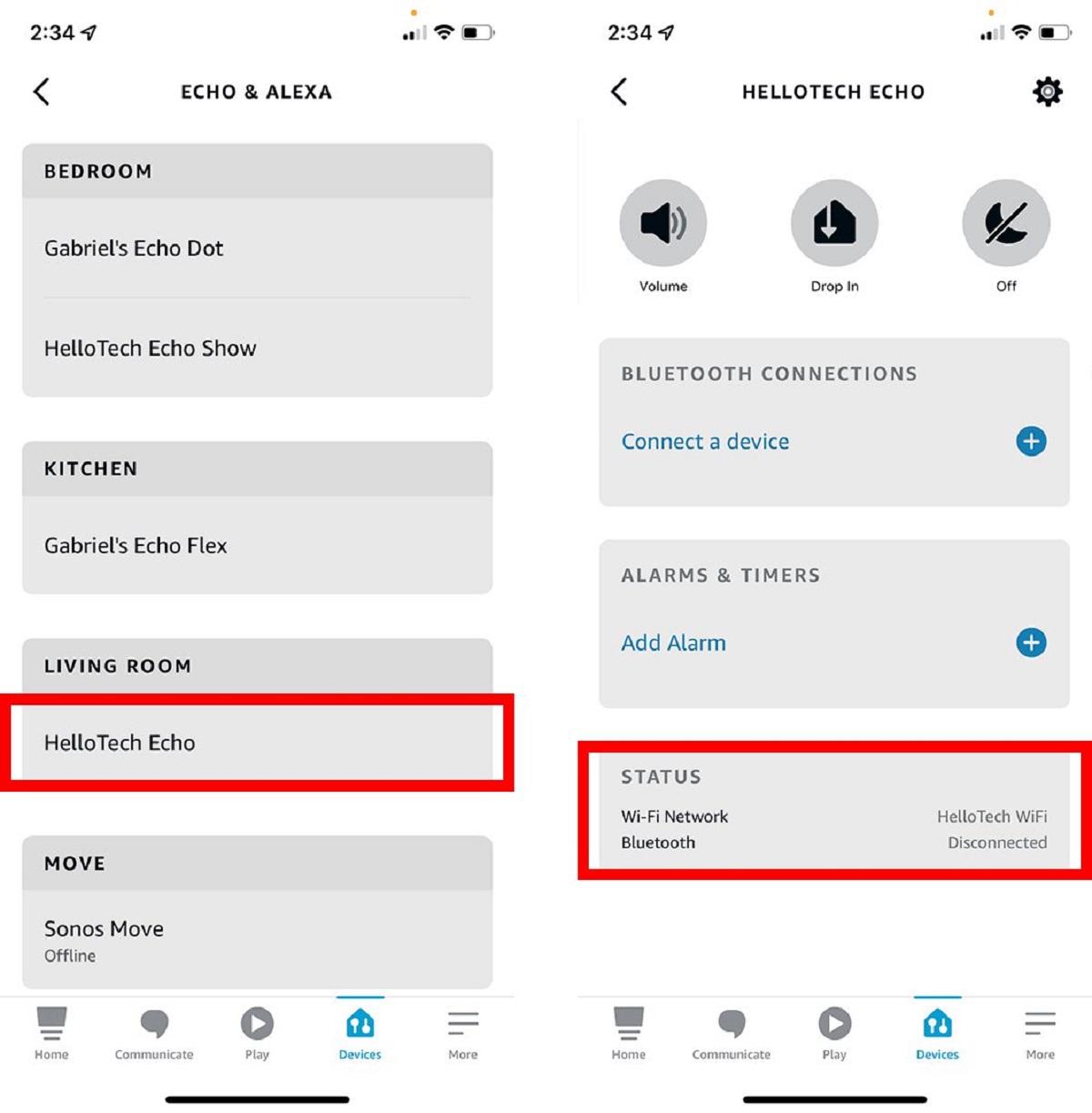
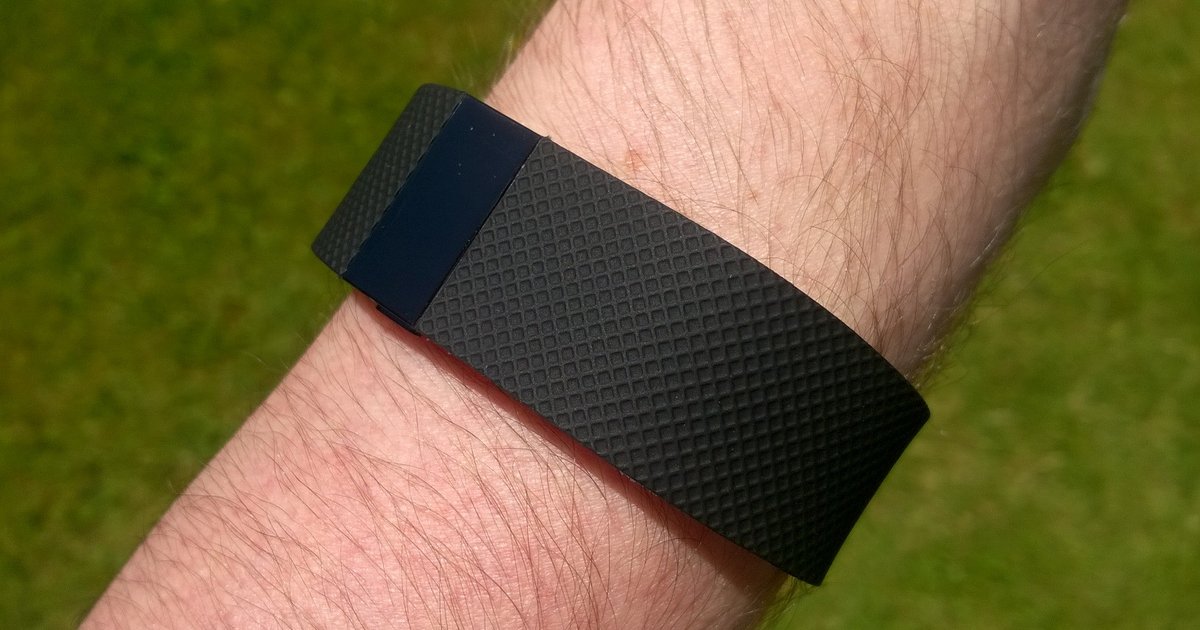
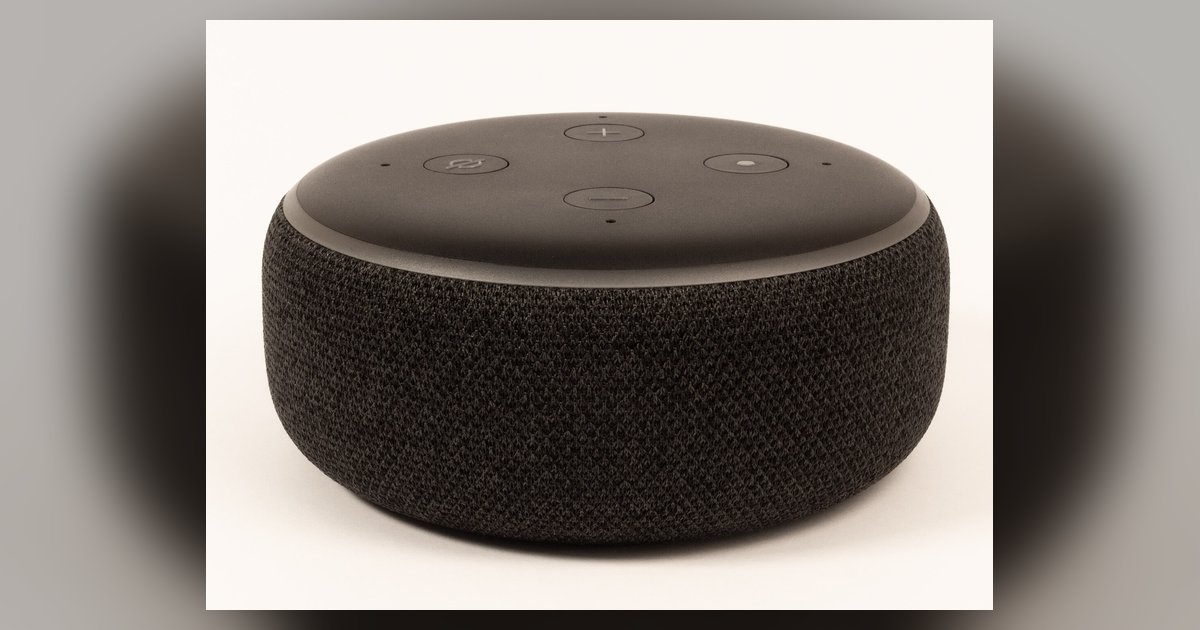
The problems addressed here fall into three practical themes. One is wireless and voice connectivity: several pieces walk you through the legitimate, supported ways to pair devices that usually expect an internet connection, such as using Alexa over a local Bluetooth link when Wi‑Fi is unavailable, or linking a smartwatch to your phone via a direct Bluetooth handshake. Another theme is platform compatibility and official workarounds, for example, configuring a Logitech racing wheel for an Xbox One using only manufacturer-endorsed cables and settings, or setting up a VR headset within the boundaries of its original software and safety guidelines. The third theme is onboarding and daily operation, covering the initial power-on, account login, and syncing routines for Fitbit trackers and smartwatches, including how to troubleshoot a device that will not pair or sync properly.
Throughout, the focus is on safe, manufacturer-supported methods. You will learn how to initiate a Bluetooth scan, put a device into pairing mode, and confirm a successful connection, as well as how to reset a device to factory defaults when a sync fails. The articles also explain what to do when a connection drops mid-session and how to re-establish it without risking data loss. No content here encourages bypassing security, pirating software, or modifying hardware outside its intended use, the goal is simply to help you use your gear as designed, legally and reliably.