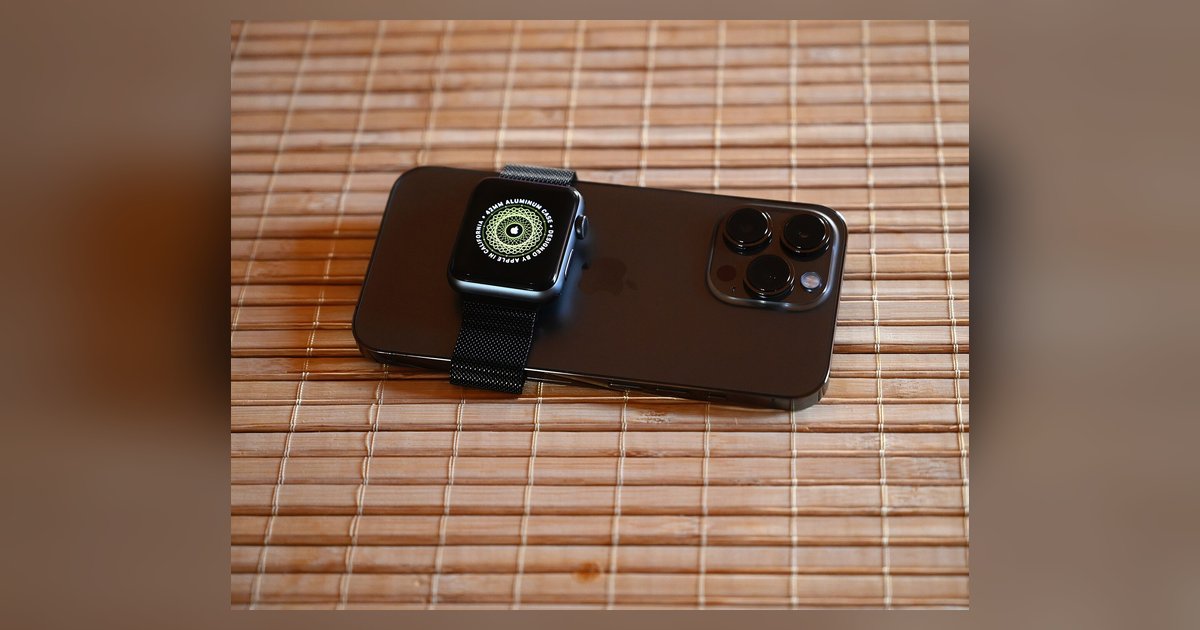
Most carriers charge $10–$15/month for a number-share plan, while standalone plans range from $5–$25/month depending on data limits; Apple Watch only works with major postpaid carriers, while Galaxy and Pixel watches have wider prepaid and MVNO support.
Smartwatch cellular plan pricing: number-share vs standalone
The most common option is a number-share plan. Your watch shares your phone’s number and data bucket. AT&T currently sets its NumberSync plan at $10.99/month. Verizon prices Number Share at $10/month. T-Mobile lists its Digits plan at $15/month. These carrier-set prices are before taxes and fees. State and local surcharges add another $2 to $5/month. Standalone plans give the watch its own phone number and cost more. T-Mobile offers a 500MB standalone plan for $5/month. Full-data standalone plans from providers like US Mobile or Visible reach $20 to $25/month for 5GB to 10GB. Hidden fees are the real trap. Providers often charge a one-time $15 to $35 activation fee for the watch line. Some, like Verizon, require a $10/month "plan access fee" on top of the quoted price if you aren’t on an unlimited phone plan. Always check the fine print for "regulatory cost recovery charges" and "administrative fees." These can add another $1 to $2 per line. All prices are set by the individual provider and change over time, so confirm the latest figures on the official carrier website.
Compatibility by watch brand
Apple Watch works with major postpaid providers such as AT&T, Verizon, and T-Mobile. It will not activate on prepaid operators like Cricket or Metro. Most MVNOs like Mint Mobile are also blocked. Apple restricts eSIM provisioning to companies with a direct billing agreement. Samsung Galaxy Watch and Google Pixel Watch are more flexible. They work on AT&T, Verizon, T-Mobile, and also on prepaid operators like Cricket, Metro, and Visible. They also function on services such as US Mobile and Google Fi. Garmin LTE models require a separate Garmin subscription. Garmin LTE models require a separate Garmin subscription with no carrier choice. The common failure case involves a prepaid brand saying it supports eSIM. When you try to add a Galaxy Watch 5, the app rejects the IMEI. The operator’s database only allows phones, not watches. Always confirm compatibility by checking the service provider’s "bring your own device" page for your exact watch model number.
When your watch won't work on any plan
Cellular activation fails in three specific scenarios even if you have a compatible plan. First, region-locked watches. An Apple Watch bought in Japan or China uses a different eSIM profile that US networks cannot provision. Pairing it with a US iPhone will show "Cellular Not Available" in the Watch app. Second, carrier-exclusive models bought secondhand. If you buy a "Verizon" Galaxy Watch 6 on eBay, T-Mobile and AT&T may block its IMEI. The watch was originally locked to Verizon’s network. Even if it’s unlocked, the company’s system sees the IMEI as tied to a previous account. Third, family setup restrictions. Apple Watch Family Setup works on select postpaid accounts. It will not activate on prepaid accounts or MVNOs. If you run into these issues, your only options are to return the watch or switch to a supported network. For step-by-step help with general connections, the hub for this topic is "Smartwatch Setup: A Step-by-Step Guide." If you need to set an Apple Watch up without a paired iPhone, you can set up an Apple watch without an iPhone using Family Setup, but only on those three postpaid networks. For data sharing, using hotspot on Apple Watch may have limitations depending on connectivity.
This is the only page that maps the exact IMEI provisioning block that stops a Galaxy Watch 5 on Metro, the region-lock eSIM failure for Japanese Apple Watches, and the secondhand carrier-lock trap for Verizon Galaxy Watch 6 models in a single guide.