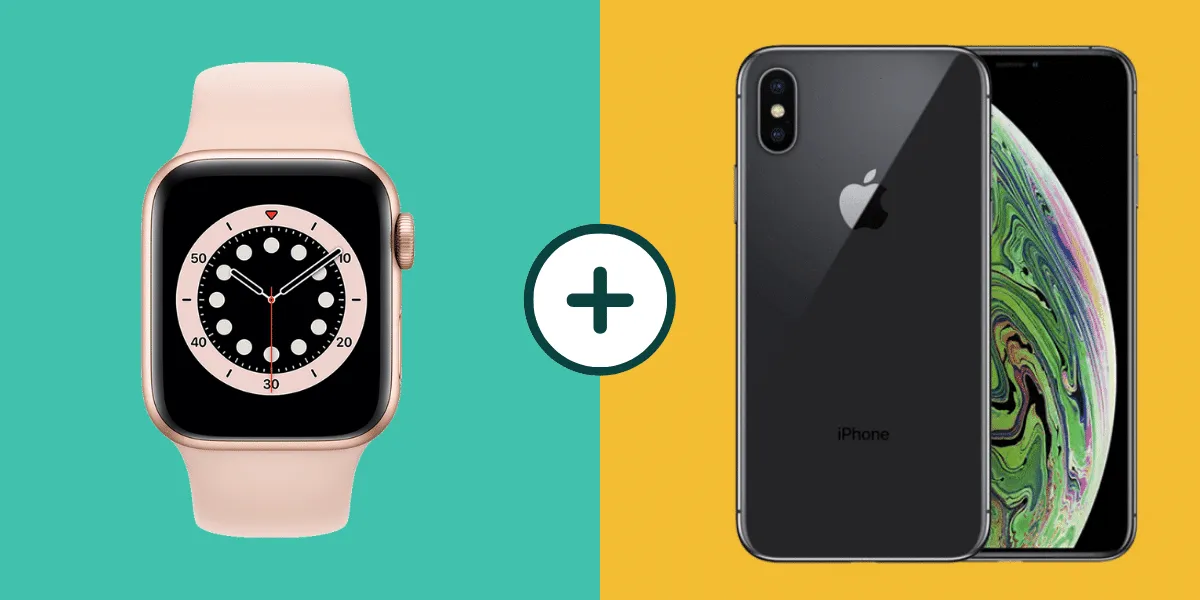
Practical, hands-on guides for people who own or are considering an Apple Watch. These articles are written for everyday users, not developers or power tinkerers, who want to get more out of their wearable without wading through official manuals or forum threads. Whether you are setting up a new watch, troubleshooting a quirk, or trying to connect it to another service, this tag points you to clear, step-by-step explanations.
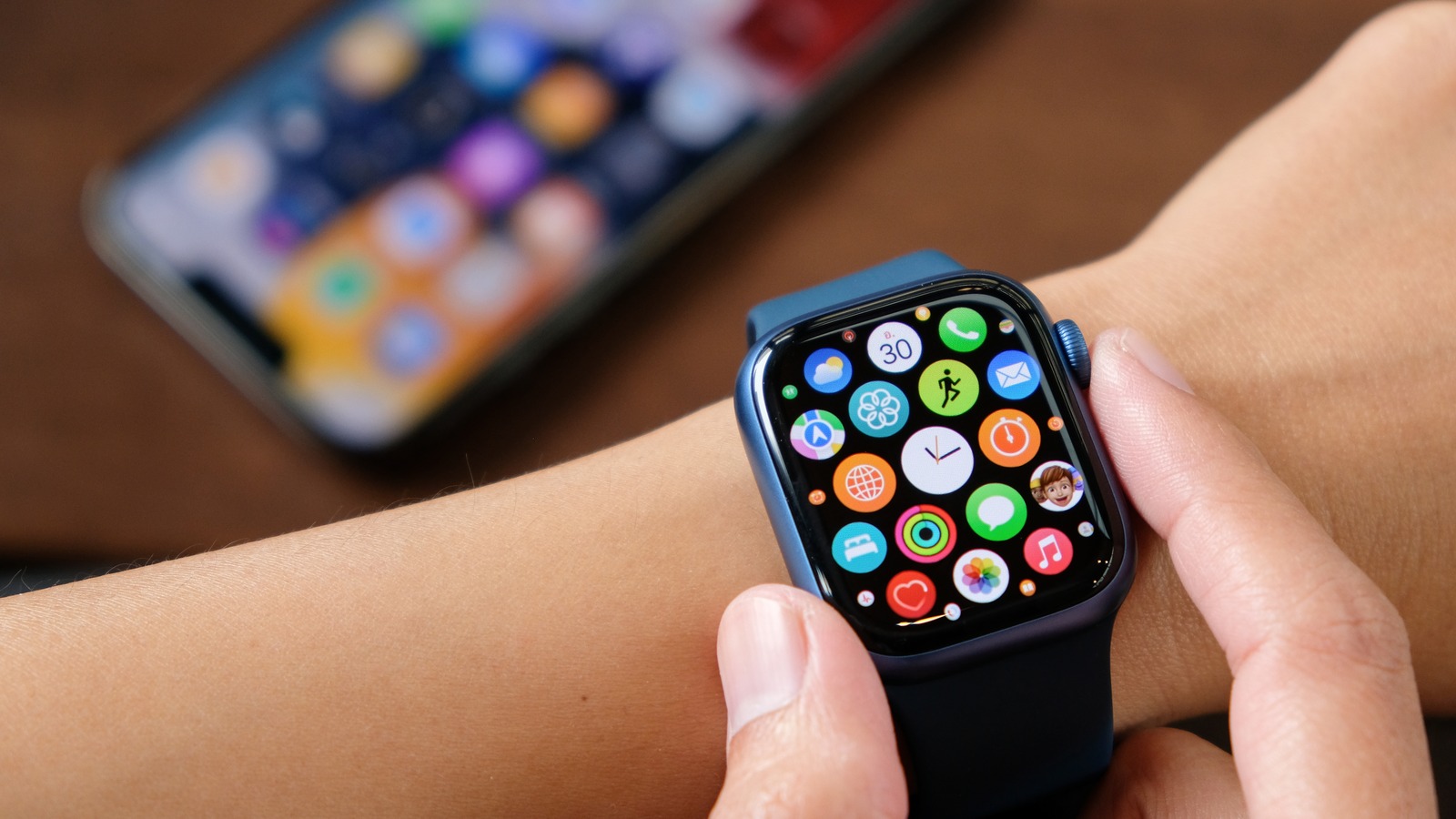
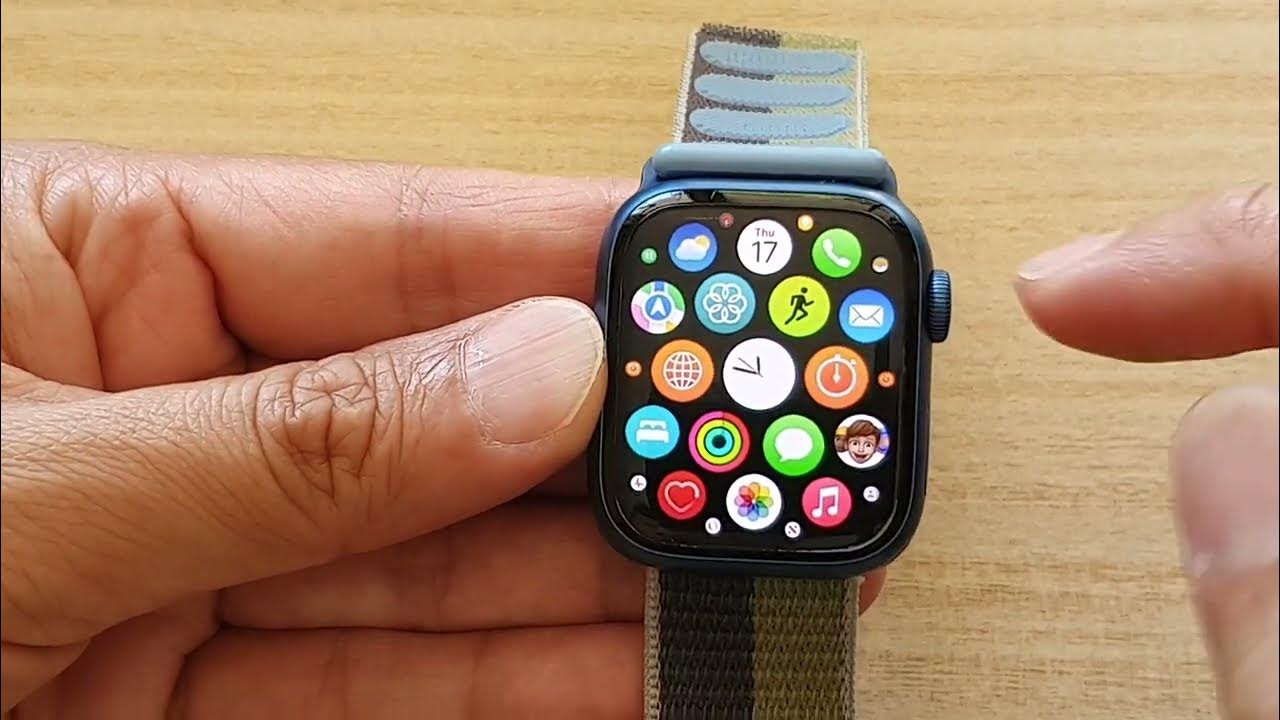
Several articles focus on configuration and connectivity. For example, you can learn how to set up an Apple Watch without an iPhone, how to insert a SIM card, and how to use the watch’s hotspot feature. Other guides cover syncing contacts to a smartwatch and linking the watch to the Weight Watchers app, which helps you track health data in one place. A few pieces also address everyday usability, such as changing the home screen layout, using the on-screen keyboard on the Apple Watch SE, and watching video directly on the wrist.
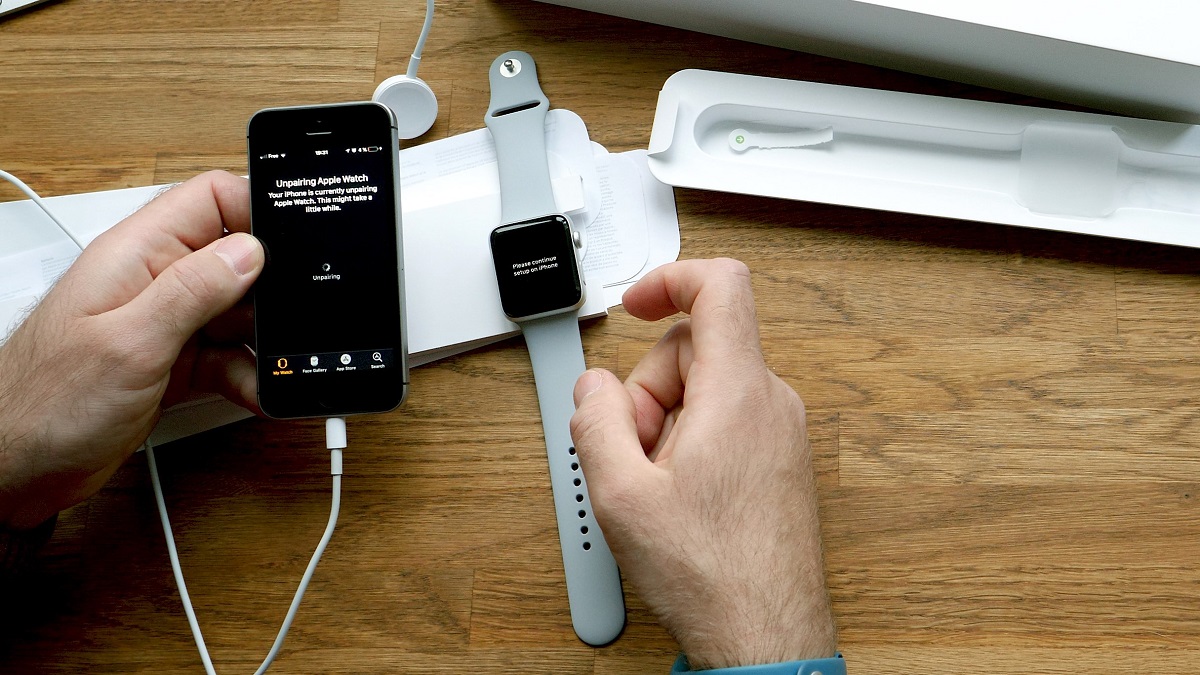
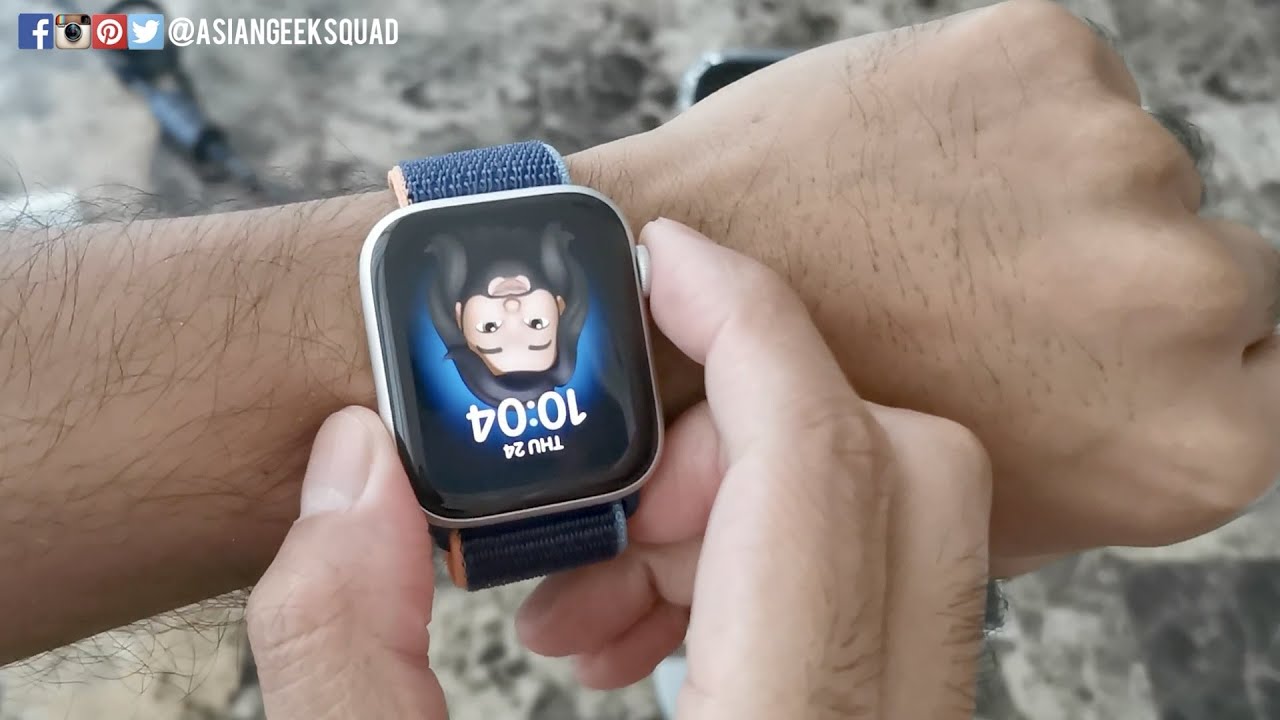
Some topics take on safety and security angles rather than workarounds. The guide on checking blood pressure with an Apple Watch explains the built-in limitations and what the sensor can and cannot do. Similarly, the article about removing Activation Lock without the previous owner focuses on legitimate recovery steps, like proof of purchase and contacting Apple support, not bypassing protections. The article about an upside-down watch face helps you fix a display setting, not hack the system. Together, these pieces aim to help you use your Apple Watch correctly, legally, and with fewer frustrating surprises.