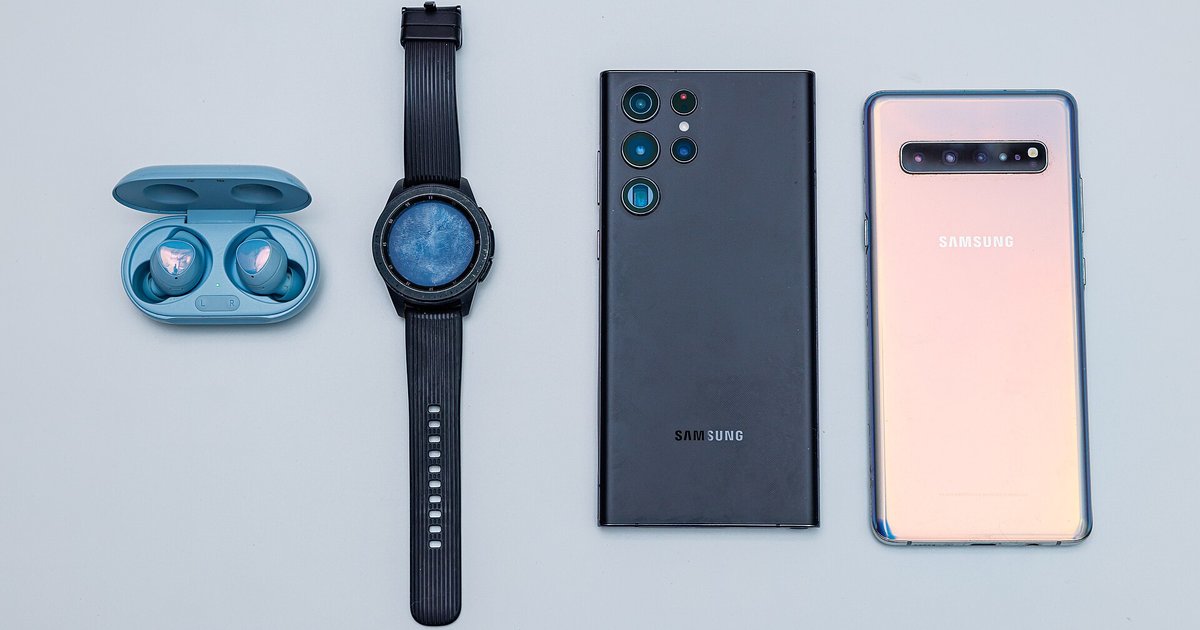
No, modern Samsung (Wear OS) and Google Pixel watches require a Samsung or Google account to complete initial setup and download apps. You can skip the login on some older Tizen-based Galaxy Watches, but functionality will be severely limited.
The smartwatch without account block on Wear OS 3 and later
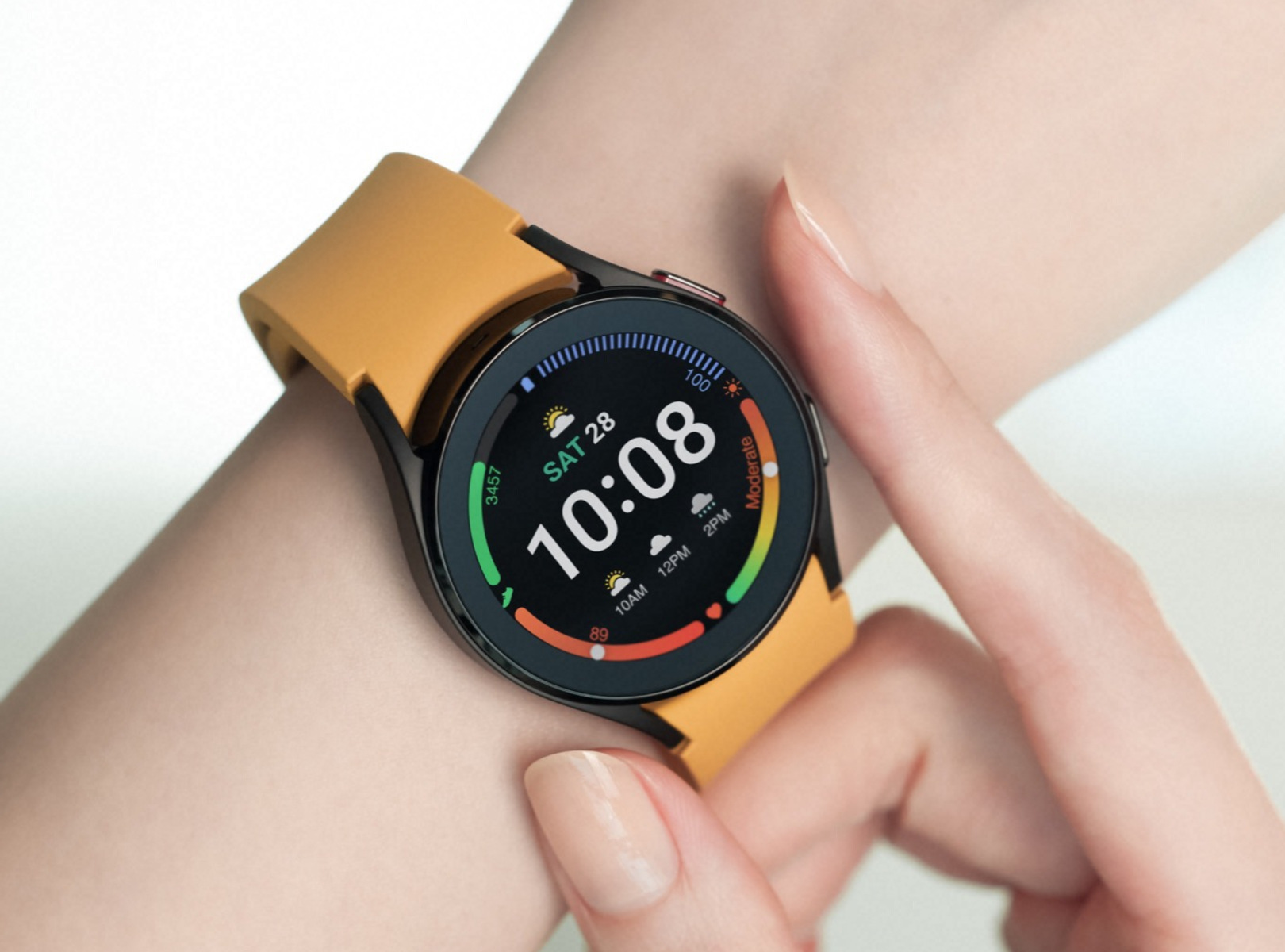
Any watch running Wear OS 3, 4, or 5, including the Samsung Galaxy Watch 4, 5, 6, and the Google Pixel Watch series, enforces a mandatory account sign-in during the phone pairing wizard. When you open the Galaxy Wearable or Pixel Watch app on your phone, the setup flow will present a screen that demands a Google account (for the Pixel Watch) or both a Samsung account and a Google account (for the Galaxy Watch). There is no “skip” or “later” button. If you try to back out, the app closes, and the watch remains in an unpaired, factory-fresh state. The watch cannot download any apps from the Play Store, receive notifications, or even sync health data without that account. This is a hard block coded into the operating system’s initial configuration process.
The limited workaround on older Tizen watches
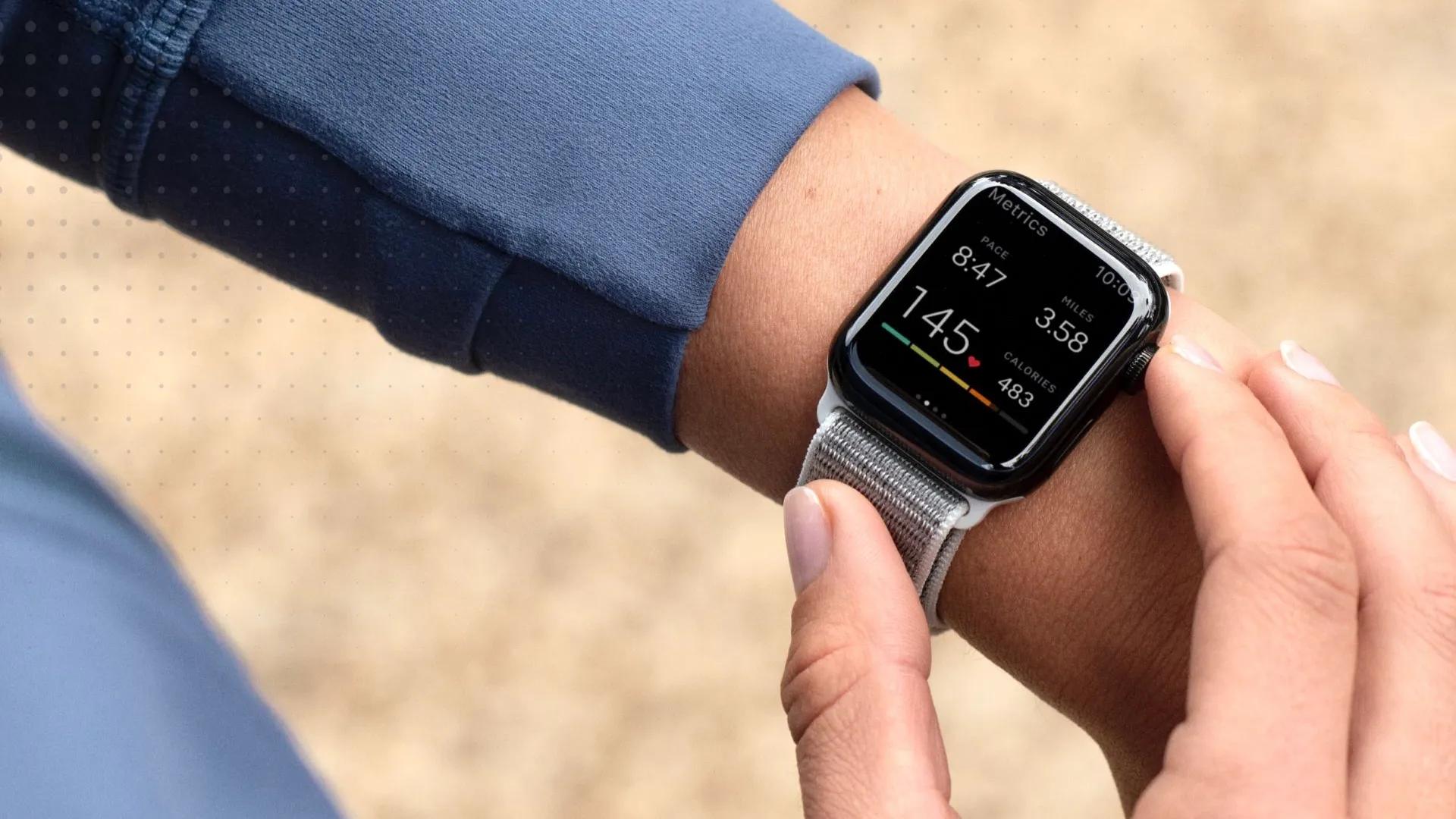
Some older Galaxy Watch models, such as the original Galaxy Watch (2018) and Galaxy Watch Active (2019), run Tizen OS instead of Wear OS. On these devices, during the smartwatch setup, you could technically tap a small “skip” link on the Samsung account login screen. However, doing so immediately locked you out of nearly every feature. Without a Samsung account, you could not download any watch faces, install apps from the Galaxy Store, or use Samsung Health features beyond basic step counting and heart rate monitoring. The watch became a basic timekeeper and step counter, with no ability to check messages or control music. For comparison, this is roughly the same limitation you would face if you tried to set up an Apple watch without an iPhone: you would get time and basic fitness tracking, but no app store or connectivity.
What happens if you try to use a temporary account
Some privacy-conscious users attempt to bypass the requirement by creating a “burner” Google or Samsung account. This introduces several practical risks. First, any watch faces, apps, or health data you purchase or generate are tied to that temporary account. If you lose access to the burner email or password, you permanently lose those assets and subscriptions. Second, Samsung Health and Google Fit backups are encrypted to the account; a lost account means lost health history. Third, and most critically, if you ever factory reset the watch, Factory Reset Protection (FRP) activates. The watch will lock itself to the last account used during setup. Without the burner account credentials, the watch becomes an unusable brick, you cannot even pair it with a new phone. This is a permanent lock, not a temporary inconvenience. Burner accounts undermine that stability entirely.
Unlike a traditional timepiece, every modern smartwatch running Wear OS 3 or later is permanently locked to a cloud identity during the smartwatch setup, and a factory reset without that exact account credential will brick the device forever. For a deeper look into the full process, including device compatibility and troubleshooting, the broader topic of smartwatch setup and pairing covers everything you need to know.