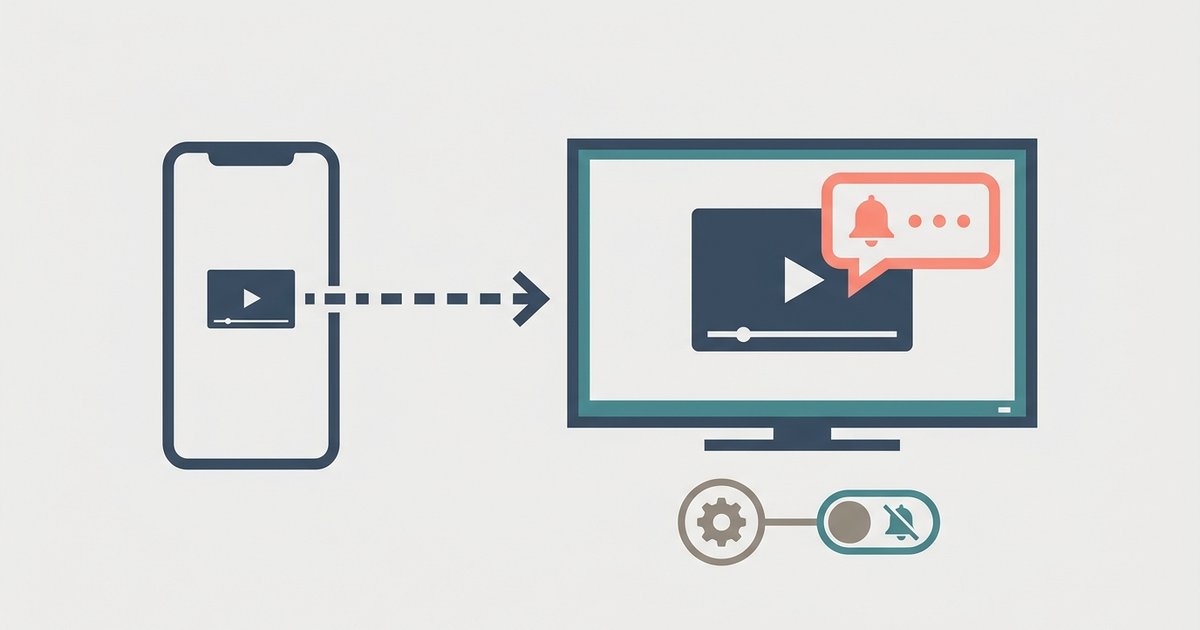
Do Not Disturb (DND) on a smartwatch is a mode that mutes calls, notifications, and other alerts while preventing the watch screen from lighting up, giving you control over when your wrist stays quiet. You’d want dnd on smartwatch for moments when you need fewer disruptions, like in a meeting, during study time, or while sleeping, without having to turn the watch off or adjust each app’s notification settings individually.
What is dnd on a smartwatch?
Do Not Disturb is a built-in feature on most smartwatches that silences incoming alerts, calls, messages, app notifications, and stops the screen from waking when those alerts arrive. Instead of muting everything permanently, DND gives you a temporary, one-tap way to create a quiet window. Common use cases include focusing during work meetings, getting uninterrupted sleep, or enjoying a meal without your wrist buzzing every few seconds. The key is that DND doesn’t turn off your watch; it simply holds back the noise until you’re ready to be reached again.
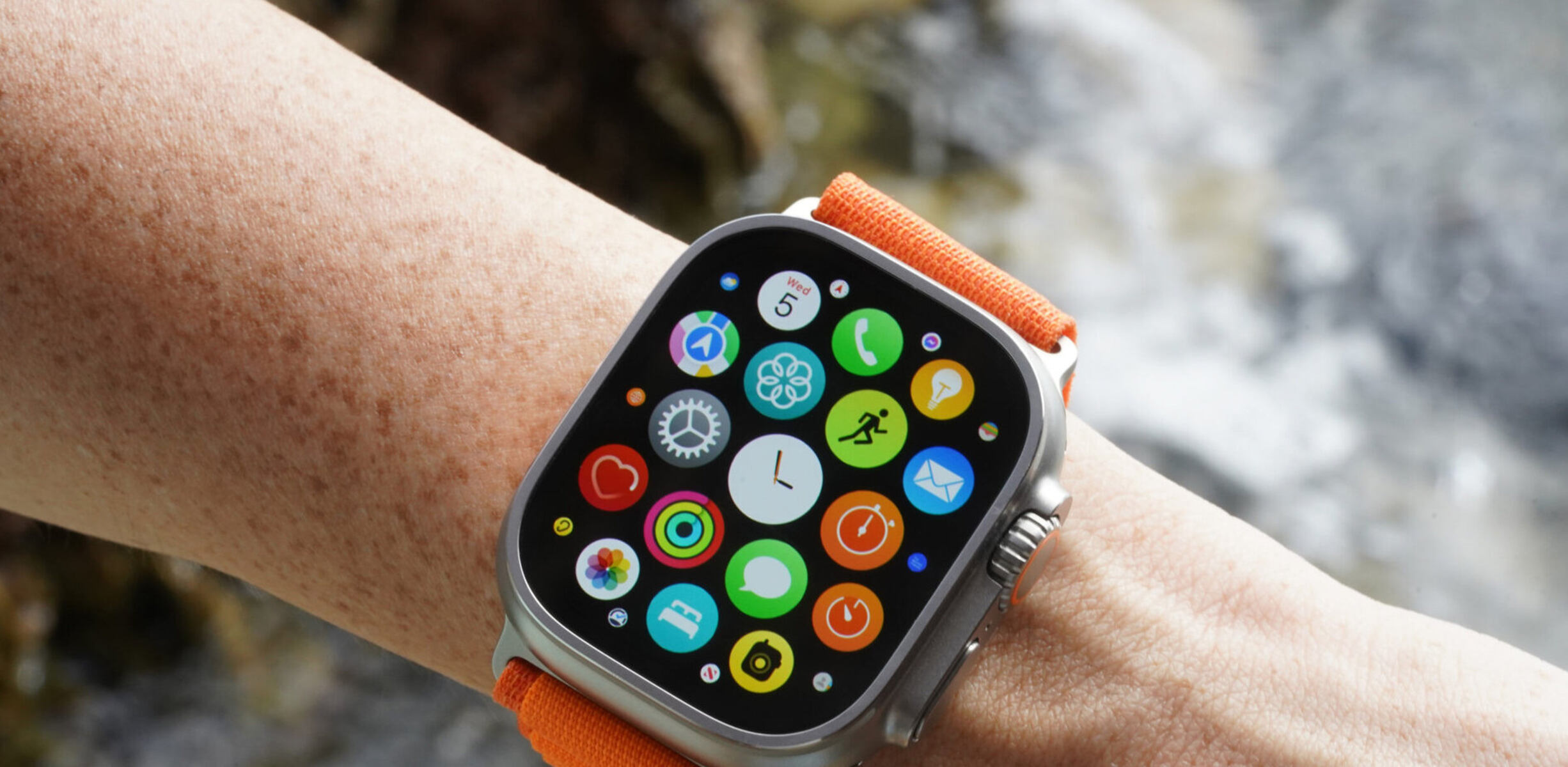
How to turn on dnd on an Apple Watch
On an Apple Watch, DND is tied to the Focus system, and you can activate it in a couple of taps. Here’s the quickest way:
- Press the Side Button (the long button below the Digital Crown) to open Control Center.
- Tap the Focus icon, a crescent moon shape.
- Tap “Do Not Disturb,” then choose a duration like “On for 1 hour” or “On until I leave.”
That’s it. Your watch will stop surfacing non-urgent alerts for the selected period. You can also mirror your iPhone’s Focus settings if you’ve set them up there, but the watch-side control works independently when you need it.
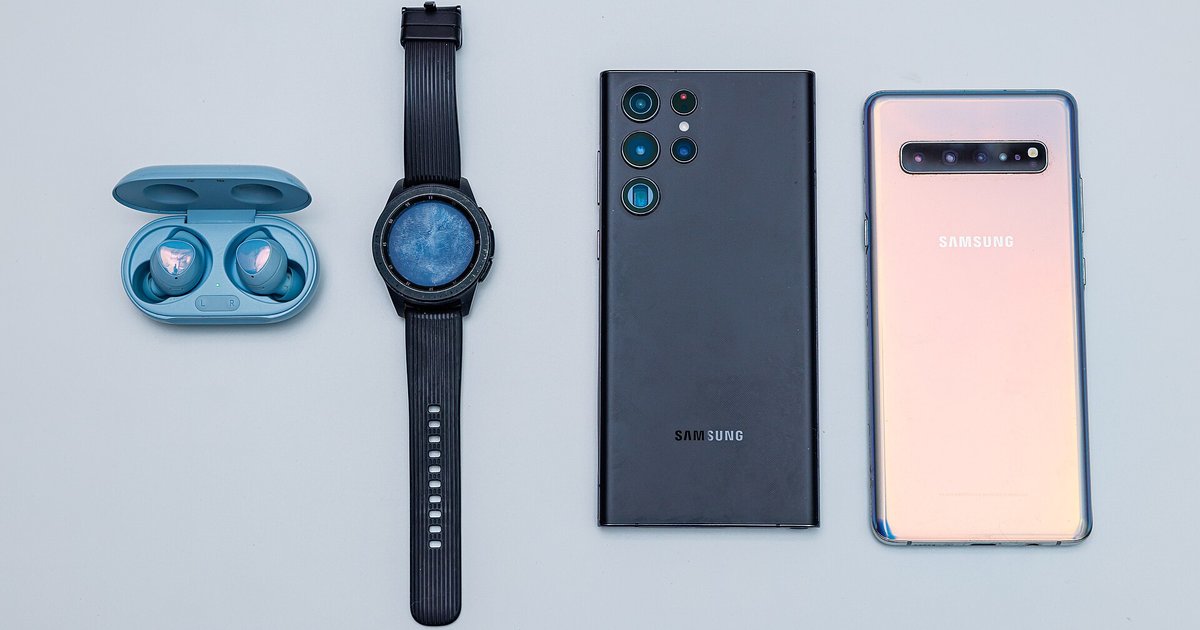
How to turn on dnd on a Samsung Galaxy Watch
Samsung Galaxy Watch offers two straightforward ways to enable DND, depending on whether you prefer speed or digging into menus.
Quick method via Quick Panel
- Swipe down from the top of the watch screen to open the Quick Panel.
- Tap the Do Not Disturb icon (a bell with a slash).
That toggles it on immediately. If you want to set a schedule or adjust exceptions, you’ll need the longer route.
Full method via Settings
- Swipe up on the watch screen to open the apps list.
- Go to Settings > Notifications > Do not disturb.
From here, you can turn DND on, schedule it for specific hours, or allow certain apps to bypass the silence. If you also use a Galaxy phone, you can sync DND between the two devices: open the Wearable app on your phone, then go to Watch settings > Notifications > Sync Do not disturb with phone. That way, enabling DND on one device automatically quiets the other.
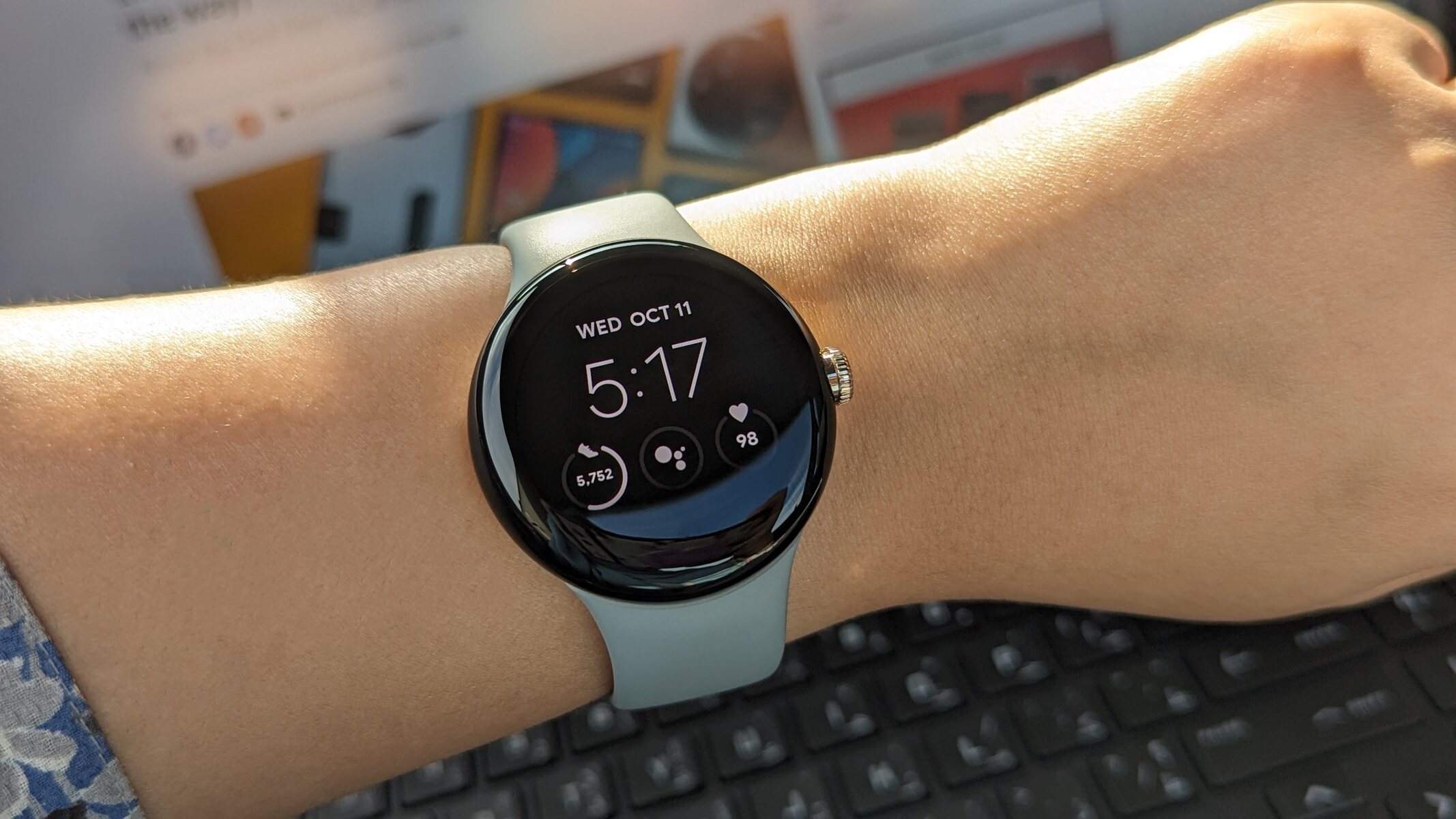
How to turn on dnd on a Google Pixel Watch
Pixel Watch runs Wear OS, so the process is similar to other Android smartwatches but with its own layout.
Quick method via quick control panel
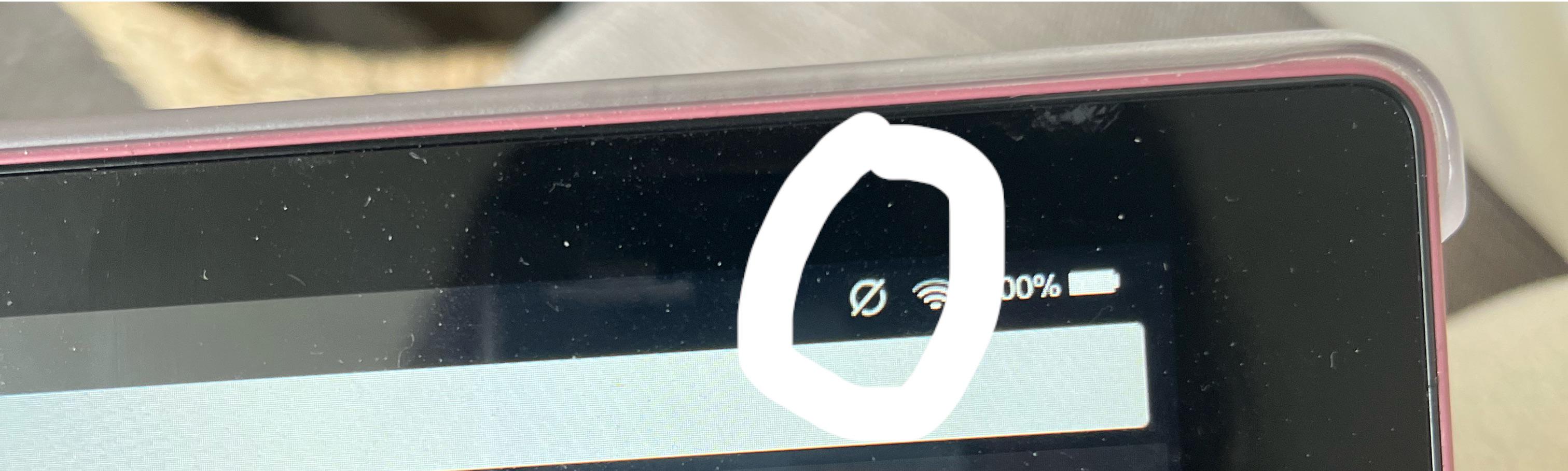
- Tap the Do Not Disturb icon, a circle with a line through it.
That’s the fastest way to silence everything on the spot. The icon will highlight when active, so you know it’s on.
Alternate method via Settings app
- Press the Crown button to open the apps screen.
- Navigate to Settings > Apps & notifications > Do not disturb.
Here you can toggle DND manually or set a schedule. Unlike some other watches, Pixel Watch also lets you sync DND with your paired phone, so if you put your phone on DND, the watch follows automatically, and vice versa.
Key things to know about smartwatch dnd
Regardless of which watch you own, a few facts hold true across devices. First, alarms typically still sound even when DND is active, so your morning wake-up call won’t get swallowed. Second, you can usually set exceptions for specific contacts, like a spouse or a boss, whose calls or messages will still come through. Third, DND can extend battery life because the watch isn’t waking the screen or vibrating for every alert, which means fewer charging cycles during the day. Finally, DND is not a permanent state; it’s a temporary tool you can toggle on for an hour, until a certain time, or until you manually turn it off.
Common misconceptions about dnd on smartwatches
One myth is that DND blocks all notifications entirely. In reality, you can customize it to allow urgent calls or priority contacts through, so it’s more of a filter than a total blackout. Another misconception is that DND is only for sleep, while it’s great for bedtime, it’s equally useful during meetings, workouts, or any focused task. Some people also worry that using DND is impolite, as if ignoring someone on purpose. But DND is a proactive way to manage your attention; it signals that you’re engaged elsewhere, not that you’re avoiding anyone. And despite the belief that setting it up is complicated, every major smartwatch, Apple, Samsung, Pixel, makes it a simple toggle or two away. In short, DND is a customizable focus tool, not a wall you hide behind.
\nRelated reading: Decoding Symbols: Understanding Icons On Your Fitbit, Smartwatch Setup: A Step-by-Step Guide, and What Is The Circle With A Line Through It On My Fire Tablet.