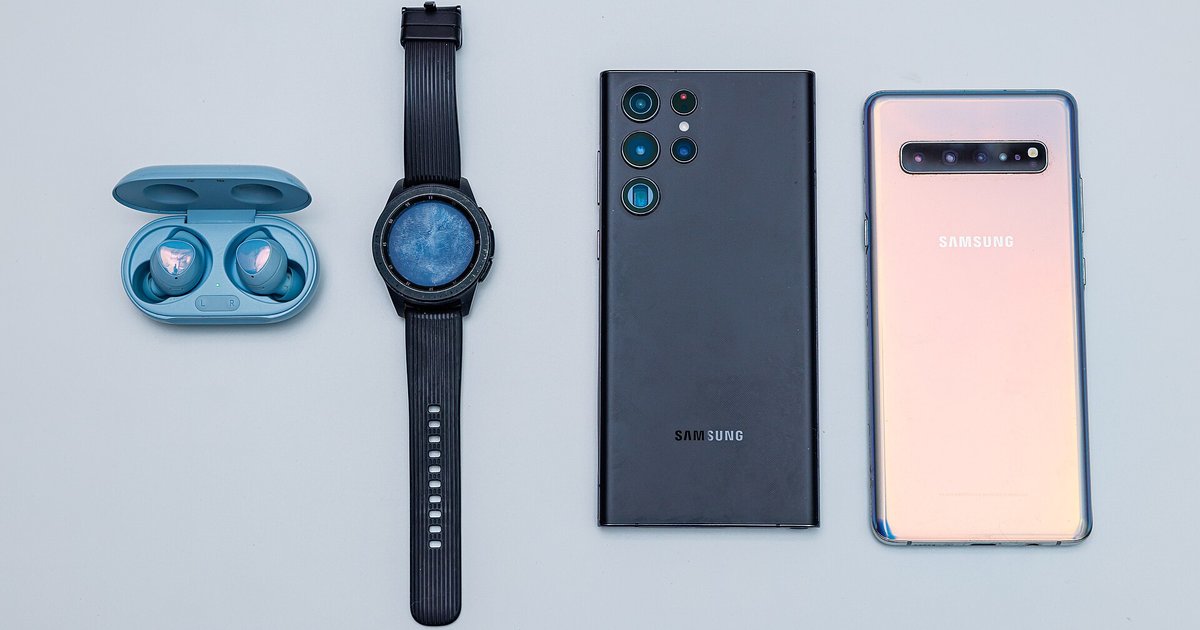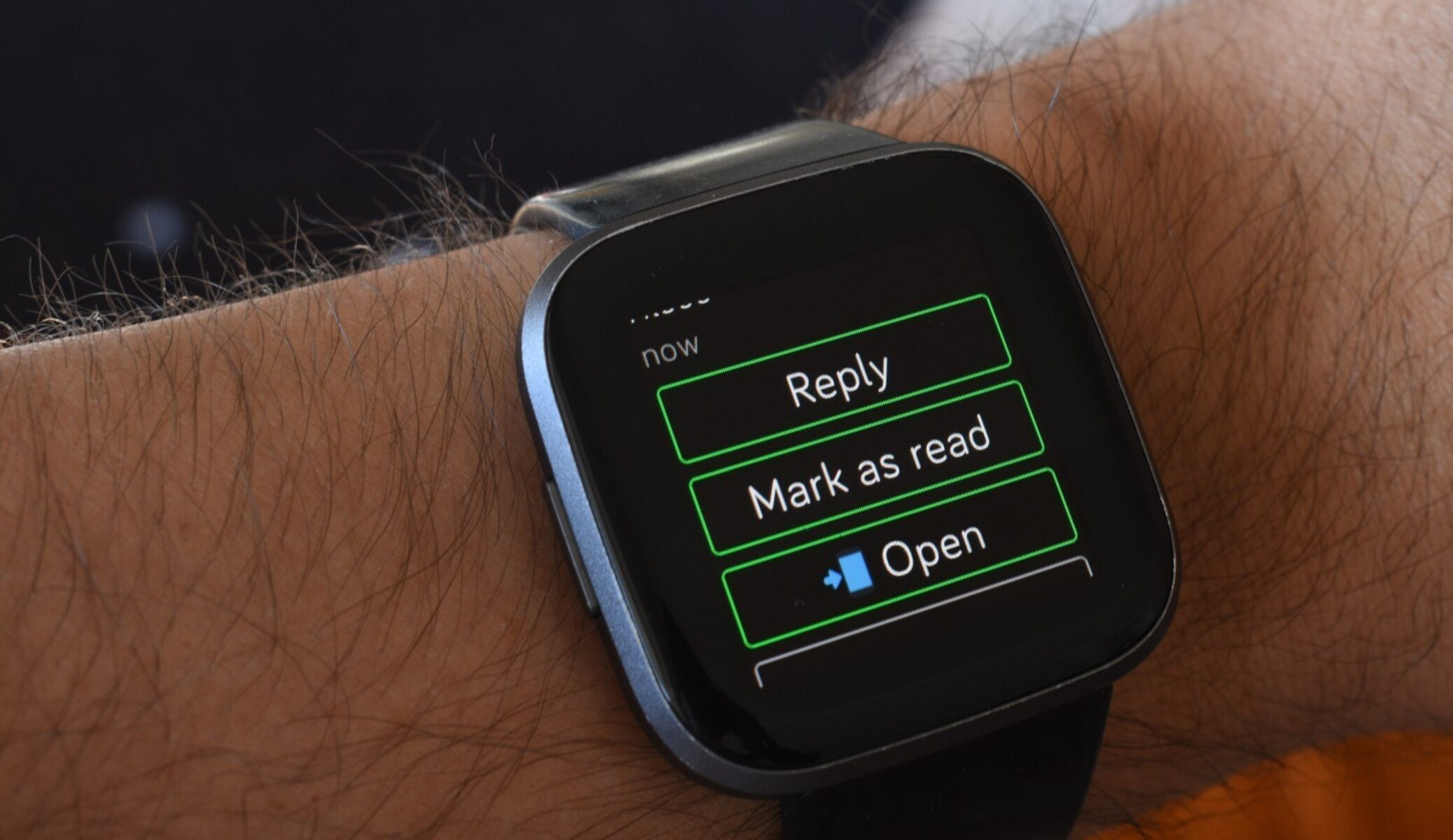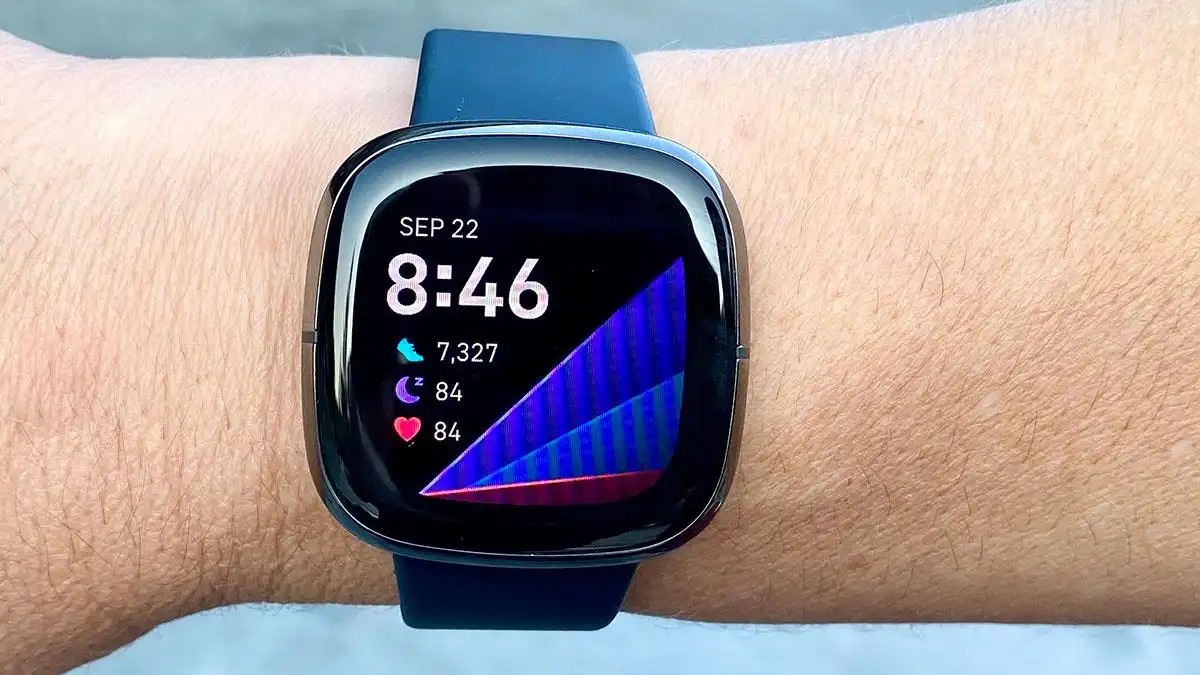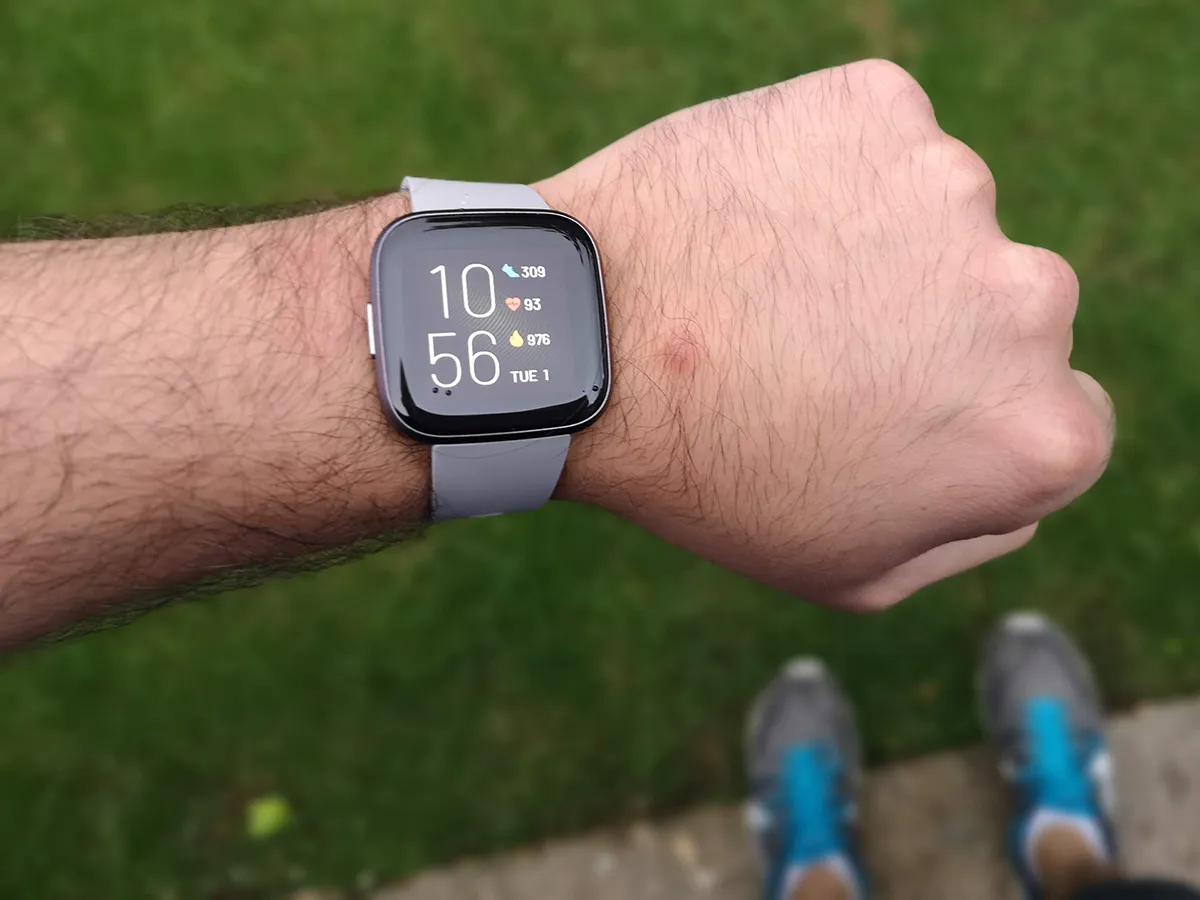
Fitbit Versa 4 compatibility extends to most modern Samsung phones and Huawei phones that have Google Mobile Services (GMS), but it will not sync with newer Huawei devices that rely solely on Huawei Mobile Services (HMS) or the AppGallery. If you own a Samsung Galaxy S21 or a Huawei P30 Pro, you are likely fine; if you own a Huawei Mate 40 Pro or P40 Pro, you will hit a wall.
The official Fitbit Versa 4 compatibility requirements
The Fitbit Versa 4 requires Android 11 or later for the current Fitbit app, but that is only half the story. The non-negotiable requirement is a fully functional installation of Google Play Services. This is the technical line that divides compatible and incompatible devices. Without Google Play Services, the Fitbit app cannot authenticate your account, process firmware updates, or sync step data. Even if your phone reports Android 11 in its settings, if Google Play Services is absent or disabled, the Versa 4 will refuse to complete setup. Samsung phones running One UI 4 or later all ship with Google Play Services pre-installed and active, so they pass this check automatically. Huawei phones, however, are a different matter entirely.
Why many Huawei phones fail to sync
The common failure case is a Huawei phone that runs Android 10 or later but still cannot complete setup because it lacks Google Mobile Services. After the US trade ban, Huawei stopped licensing Google Play Services on models like the P40, P50, Mate 40, and Mate X2. Those phones use Huawei Mobile Services and the AppGallery instead. While the AppGallery does offer a Fitbit app, that version is crippled: it cannot sync live workout data, receive call notifications, or update the watch firmware. Users often report that the app installs but the Versa 4 never appears in the device list. The only workaround is sideloading Google Play Services via third-party tools, which is unsupported, voids warranty, and often breaks after a system update. If you are considering a Huawei phone for pairing your Fitbit, you must confirm it was released before mid-2019 or has an official Google Play Store preloaded.
Samsung phones and the hidden setup blocker
Samsung phones are broadly compatible, but they still have a hidden setup blocker that can ruin the first sync. Samsung’s proprietary security feature called Auto Blocker, introduced in One UI 6, silently kills background connections from apps it deems untrusted. When you first attempt to pair the Versa 4, the Fitbit app needs constant Bluetooth and network access in the background to complete the handshake. If Auto Blocker is enabled, the connection drops after 30 seconds, and the watch shows a persistent error. To fix this, locate the Auto Blocker setting in your Samsung phone's security or privacy settings and toggle it off. After that, restart both the phone and the watch. This step is rarely mentioned in the general pairing guides, but skipping it guarantees a failed setup. Additionally, when locating your Fitbit's serial number for warranty or account registration, you can find it on the back of the watch case or in the Settings > About menu on the device itself. If you ever see an unexplained sync failure, check the watch face for a red X icon, which typically indicates a lost Bluetooth connection, something Auto Blocker can cause, learn the meaning of the red x on Fitbit versa to quickly identify the specific connection issue. Finally, if you are replacing an older tracker, remember that deleting old and adding new devices to your Fitbit account is done through the app’s device settings, and the Versa 4 will not appear until the old device is fully removed. For a deeper look at Fitbit setup and syncing, this article covers the broader topic of Fitbit Setup, Syncing and Troubleshooting.