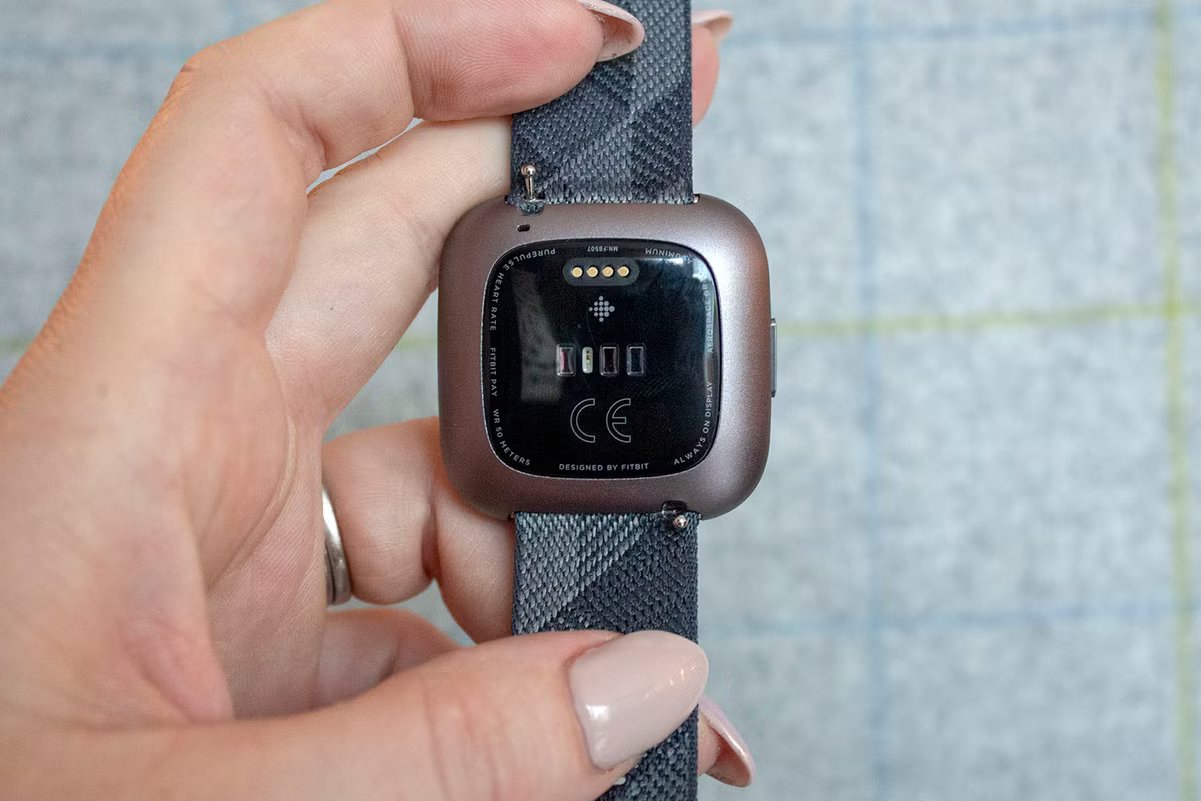
Your Fitbit serial number is a unique identifier laser-etched onto the device body or printed on its packaging, and knowing where to find it is essential for warranty validation, technical support, and device registration. Whether you need to report a lost device or verify authenticity for a resale, having your Fitbit serial number on hand streamlines every support interaction, and you can quickly grab it from the app after pairing your Fitbit.
Why you need your Fitbit serial number
Your device's serial number unlocks several key functions:
- Warranty validation: Proves your ownership and eligibility for warranty service or replacement.
- Technical support: Lets support teams access your specific device details to provide accurate troubleshooting.
- Device registration: Links your Fitbit to your account for updates, notifications, and personalized recommendations.
- Theft or loss reporting: Provides a unique identifier to authorities or Fitbit support to help recover or deactivate the device.
Find the serial number on the original packaging
The quickest way to locate your serial number is on the box your Fitbit came in. Check the outer box for a printed label or a sticker inside the packaging. For Fitbit Ace LTE users, the 14-digit manufacture code, also shown as SN: XXXXXXXXXXXXXX, is on the label affixed to the side of the packaging. Keep this label intact if you plan to store the box for future reference.
Locate the serial number on your Fitbit device
If you no longer have the packaging, the serial number is laser-etched directly onto the device body. For many Fitbit models, you may need to remove the bottom band to clearly see the serial number, which is located inside the device near where the band connects, a process detailed in a step-by-step guide on changing your Fitbit band. Follow these steps to access it safely:
- Turn over your tracker so the back faces up.
- Find the band latches on the underside near the band connection points.
- Use a fingernail to press the flat button toward the band to release the latch.
- Gently pull the band away from the device body.
- Look for the engraved serial number on the exposed interior surface near the band slot.
Check the serial number in the Fitbit app or website
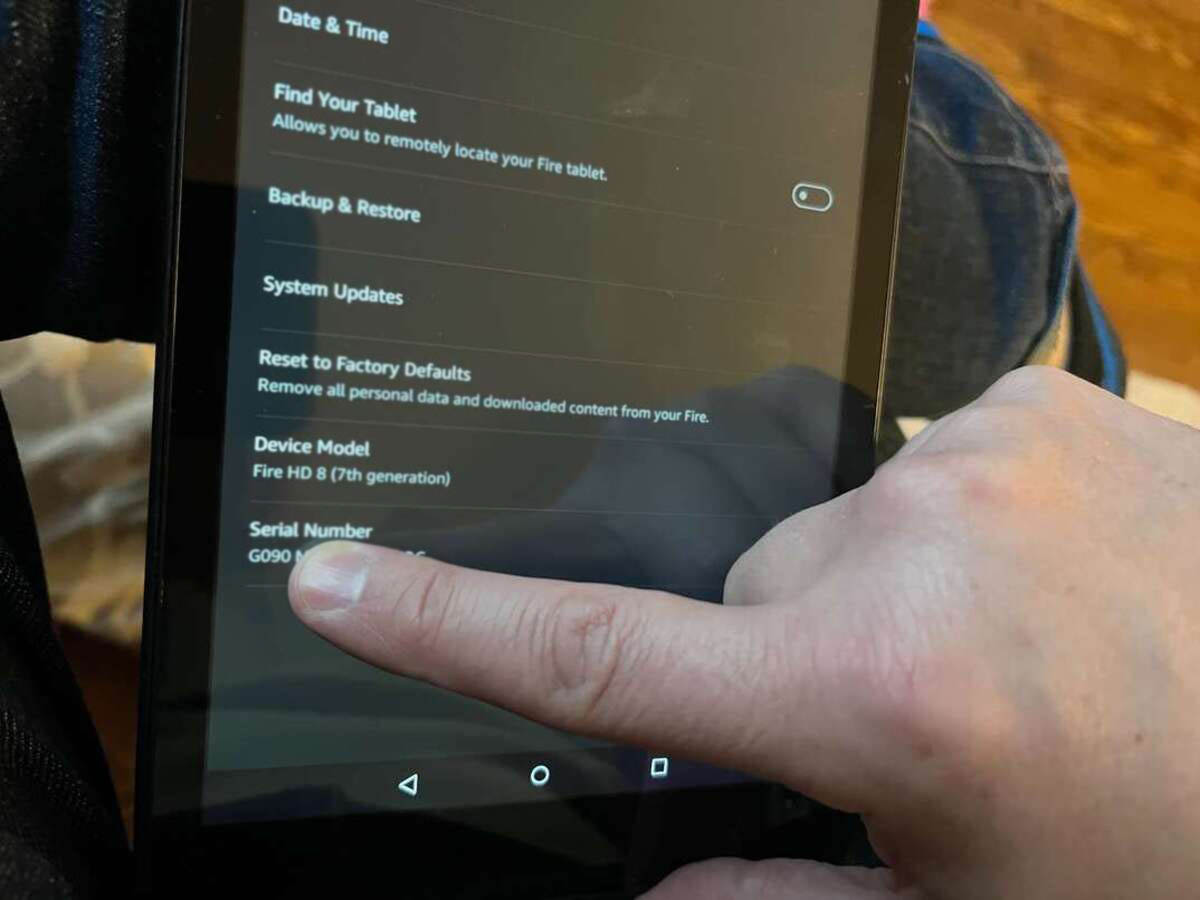
If you prefer a digital method, you can view the serial number without handling the device. On the Fitbit website, log into your account and go to the device management or settings dashboard to see the serial number for each connected device. This approach is especially useful if you need the number for Fitbit setup and syncing, as you can copy it directly from the app or website without removing bands or hunting for packaging.