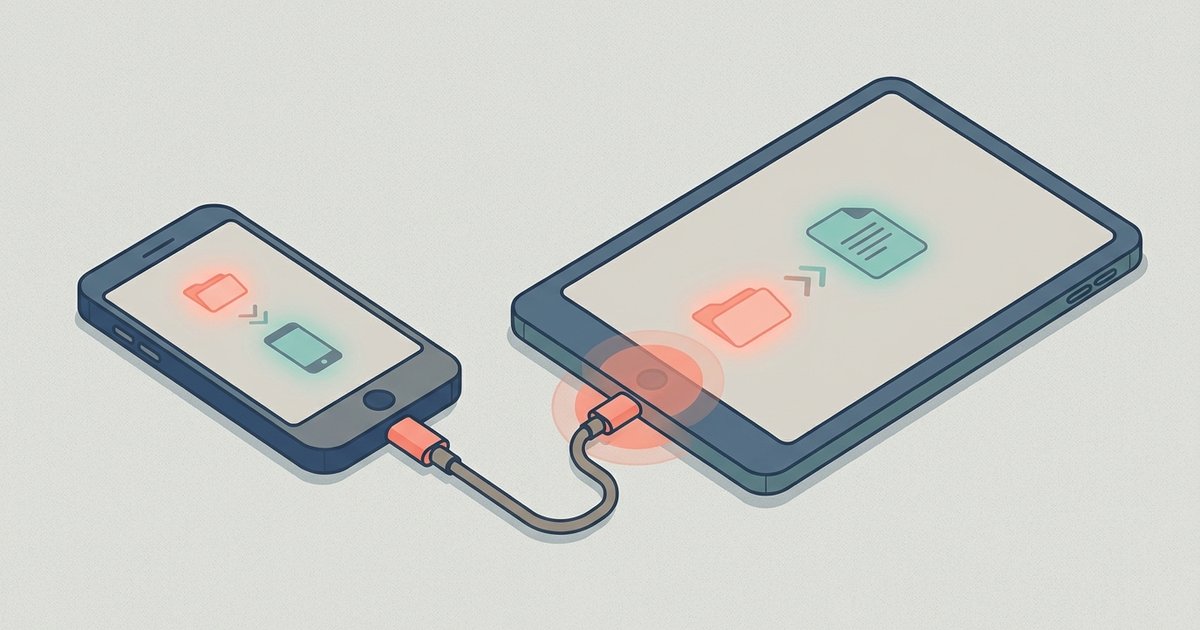
The short answer You can move files from your phone to your computer without a cable using cloud storage you already have, built-in wireless transfer tools, email, messaging apps, or...
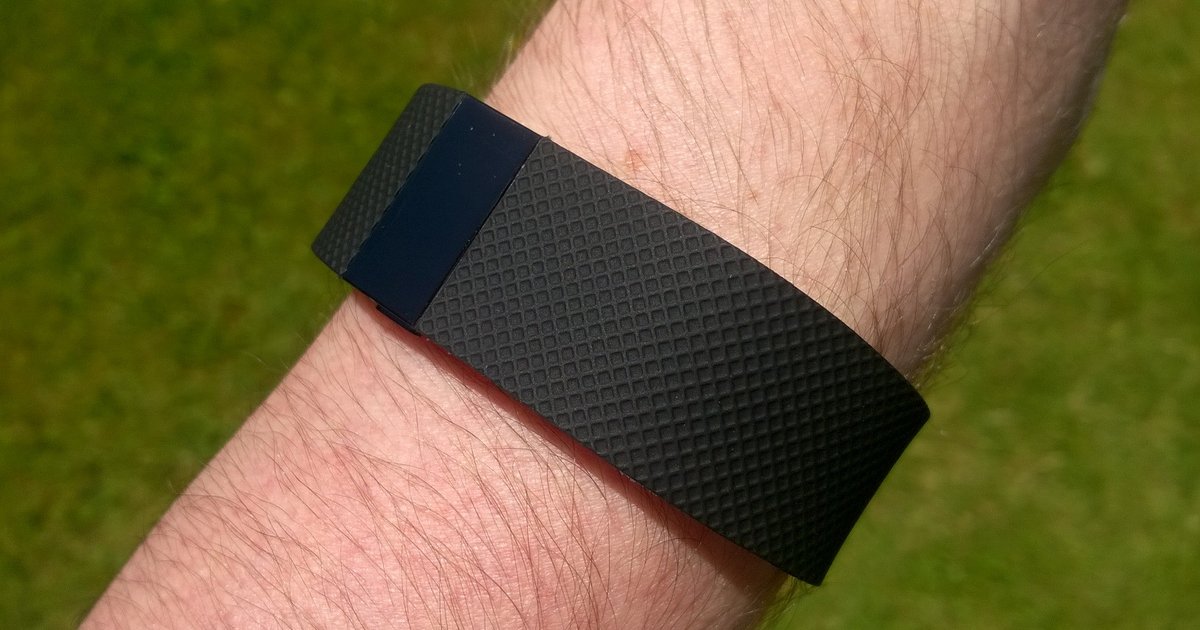
Getting started with your Fitbit setup For a smooth Fitbit setup, take two minutes to check for updates before unboxing. Open your phone's system configuration and install any pending update....
Before you start: connect phone to tablet basics and prerequisites Learning how to connect a phone to a tablet is the first step before you try to move a single...
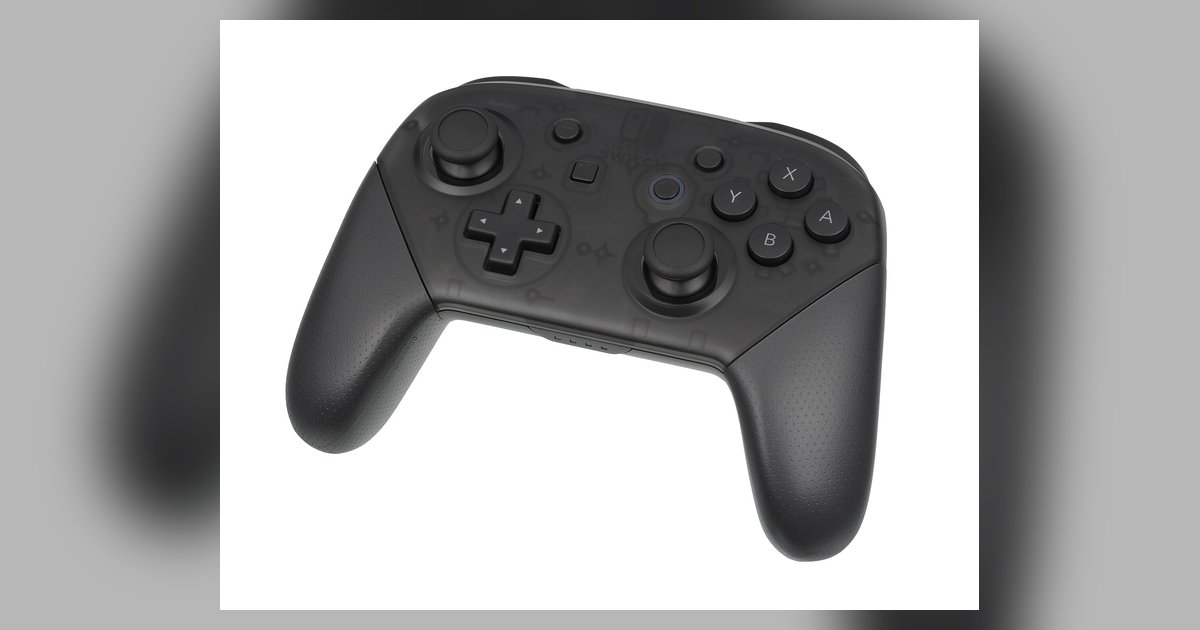
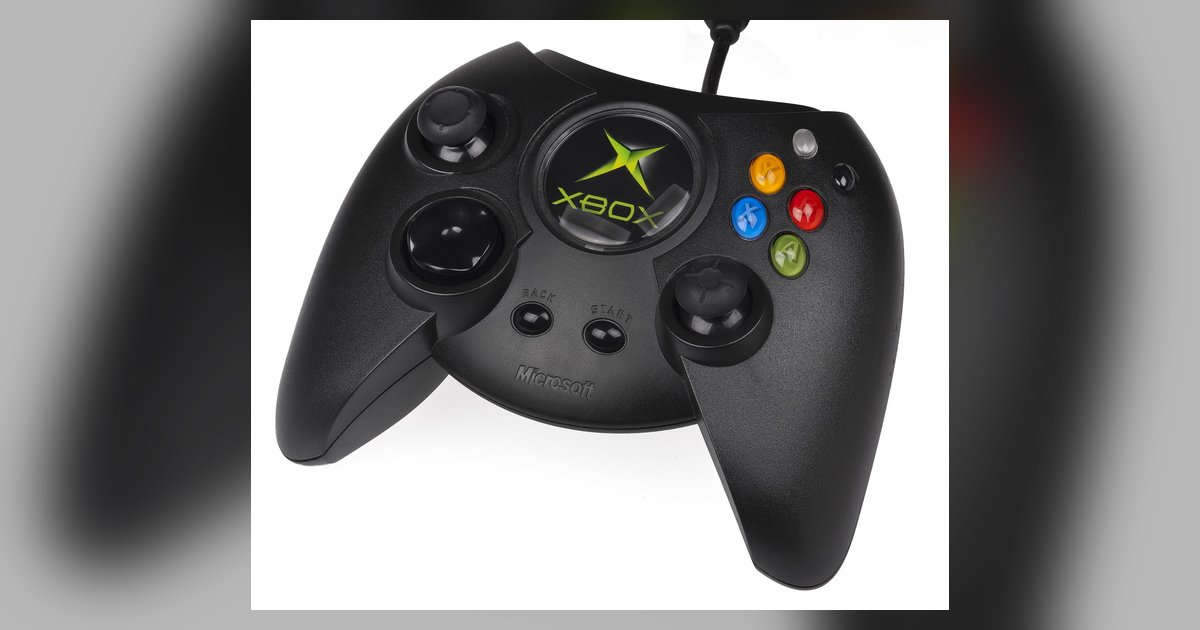
Get your controller ready to connect To connect a game controller to any device, first make sure it has enough charge, as most wireless controllers need at least a partial...
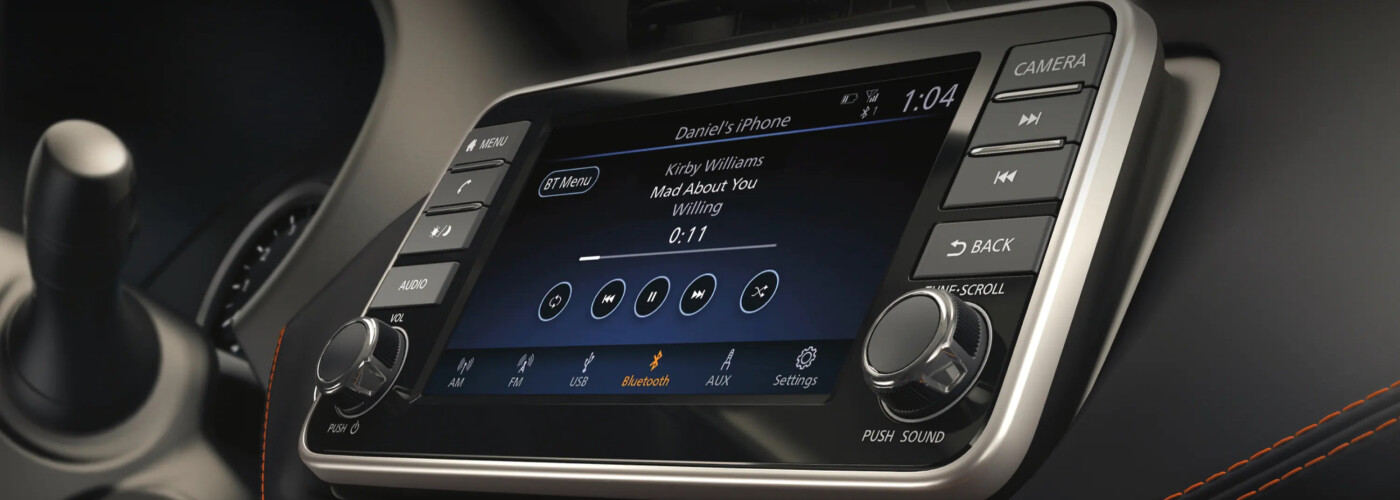
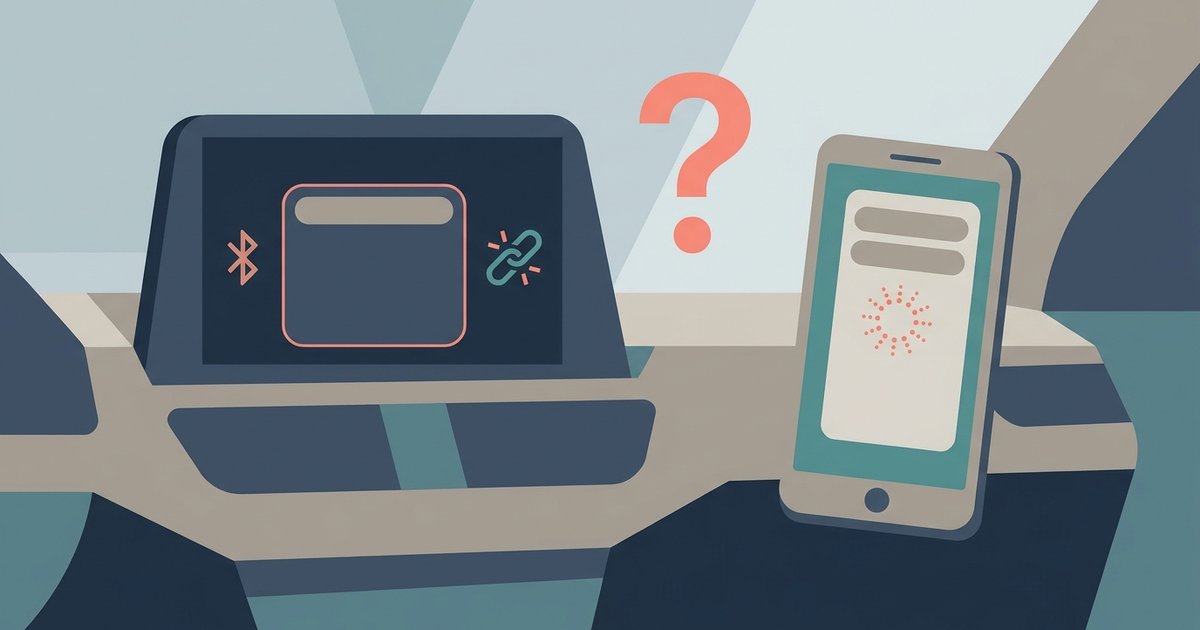
Your Nissan Bluetooth is not finding your phone because it's likely already paired under a different name or the system's memory is full. Delete your phone from the car's device...
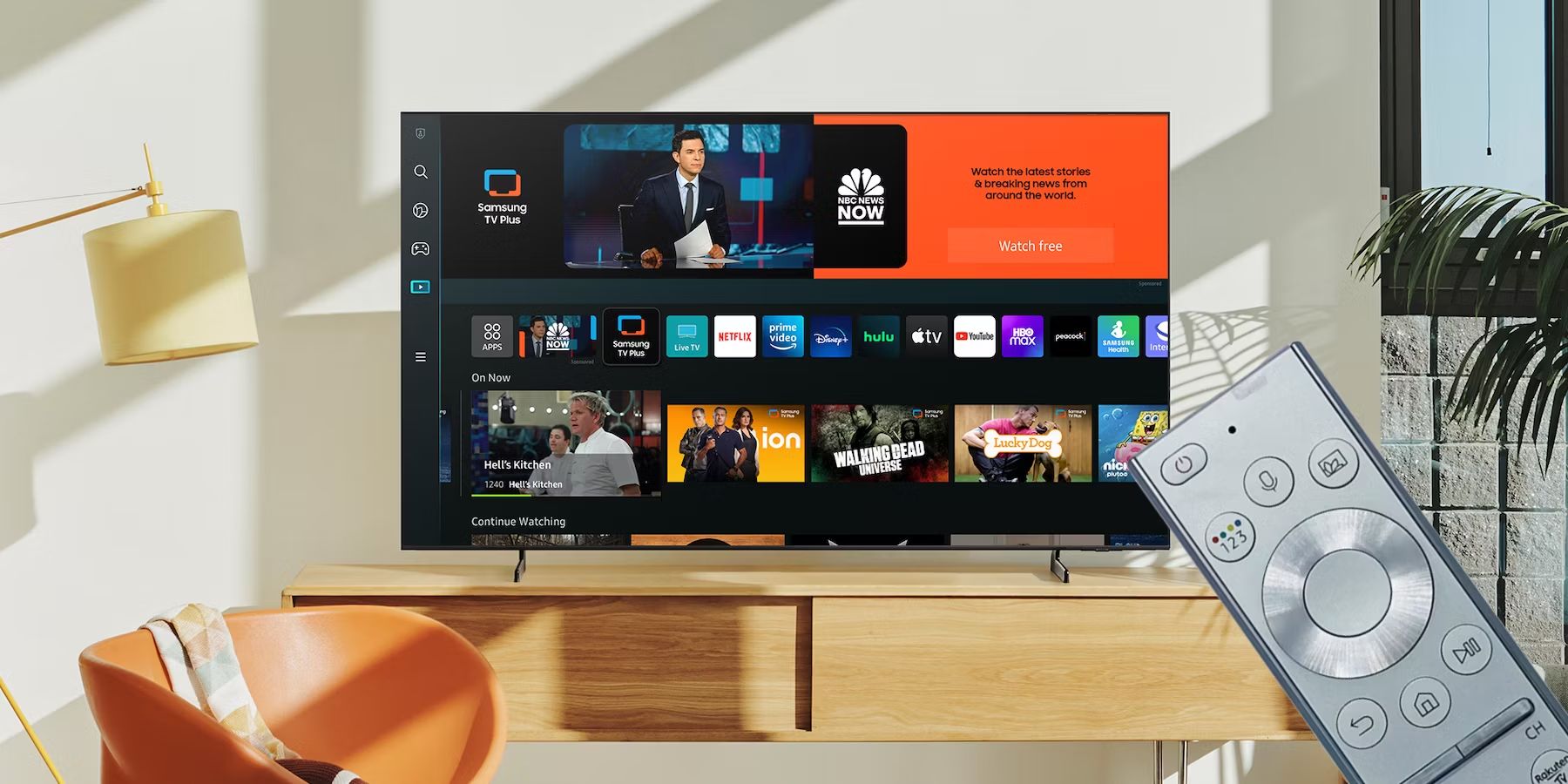
Check if your TV has Bluetooth connectivity If you want to connect Bluetooth to TV, the first step is to check your model's specifications, as not every television sold in...
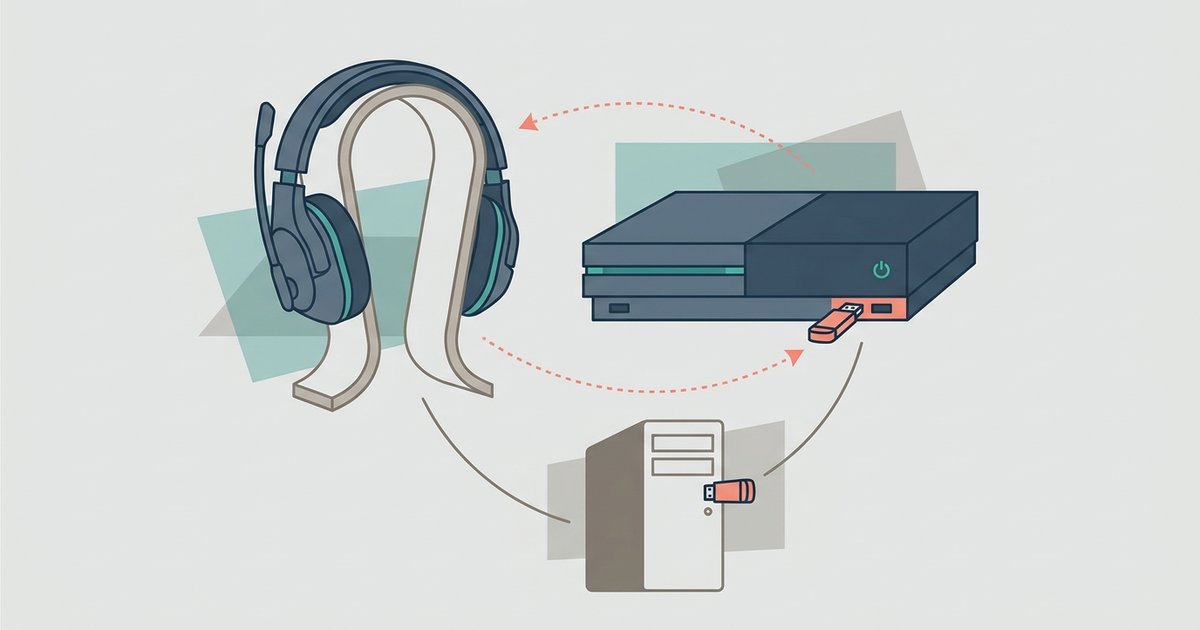
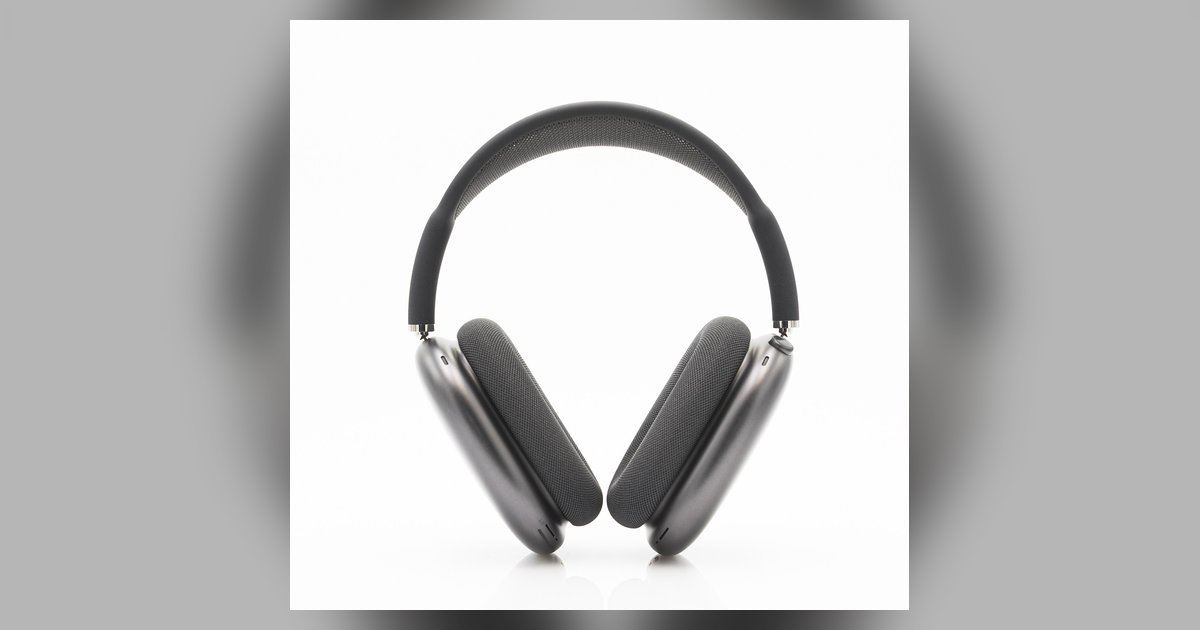
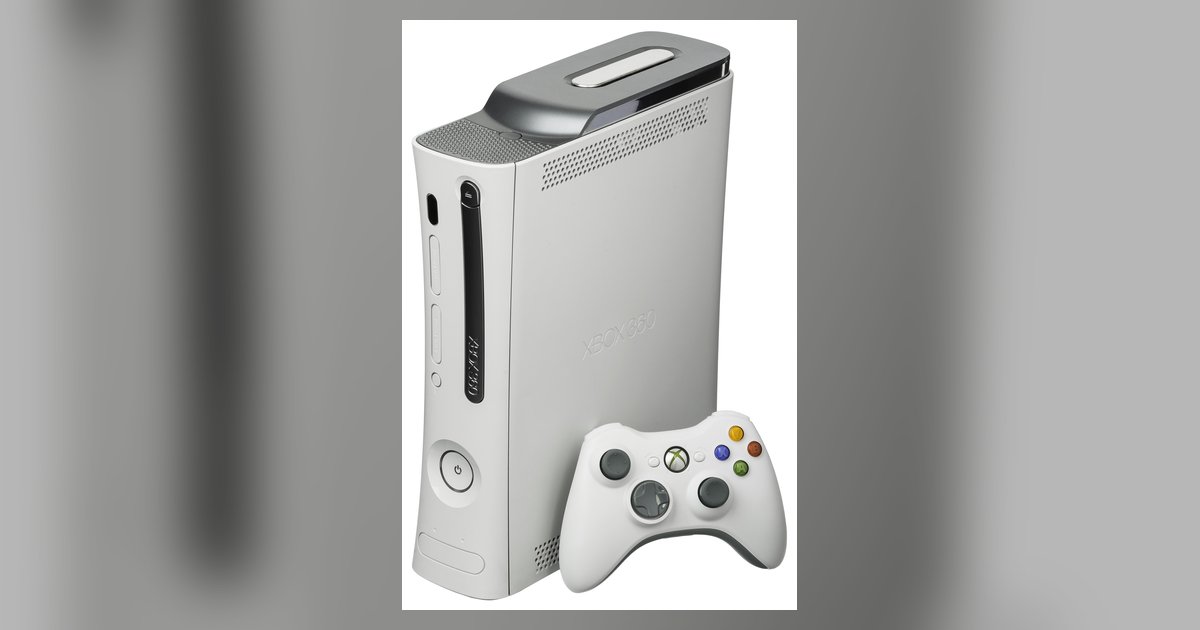
First, understand what your console actually supports for headset connection Before you try to connect a headset to console or PC, check what your hardware actually supports. On Xbox, the...
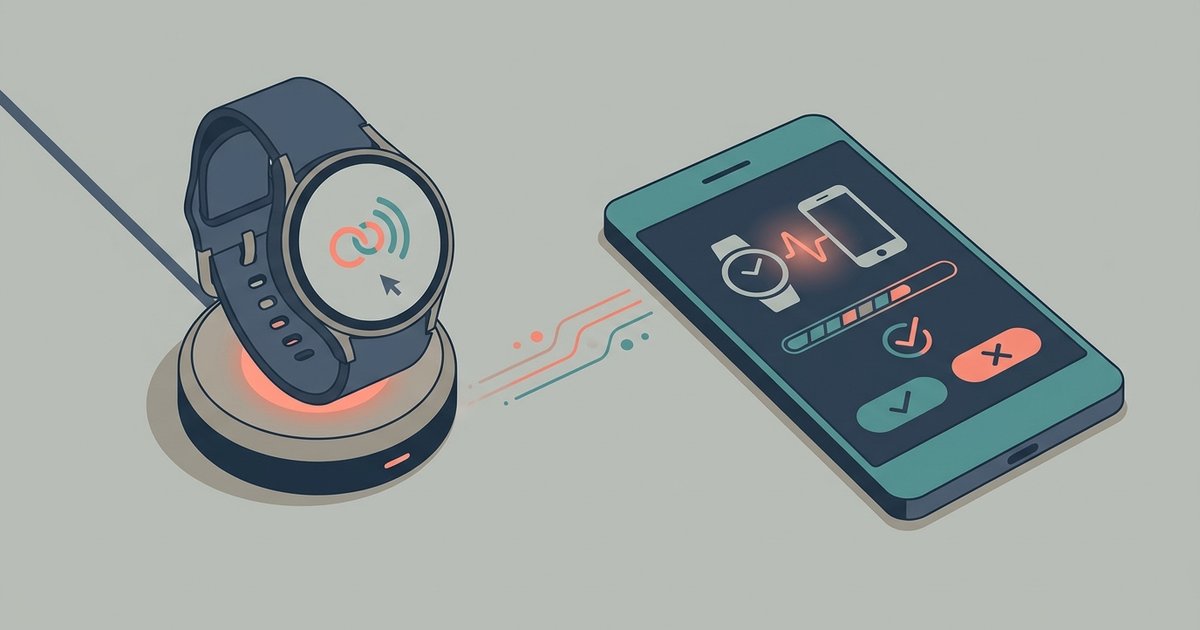
Before you start: identify your device and its limits for smartwatch setup Before you begin smartwatch setup, first confirm exactly which model you are holding. The quickest way is to...
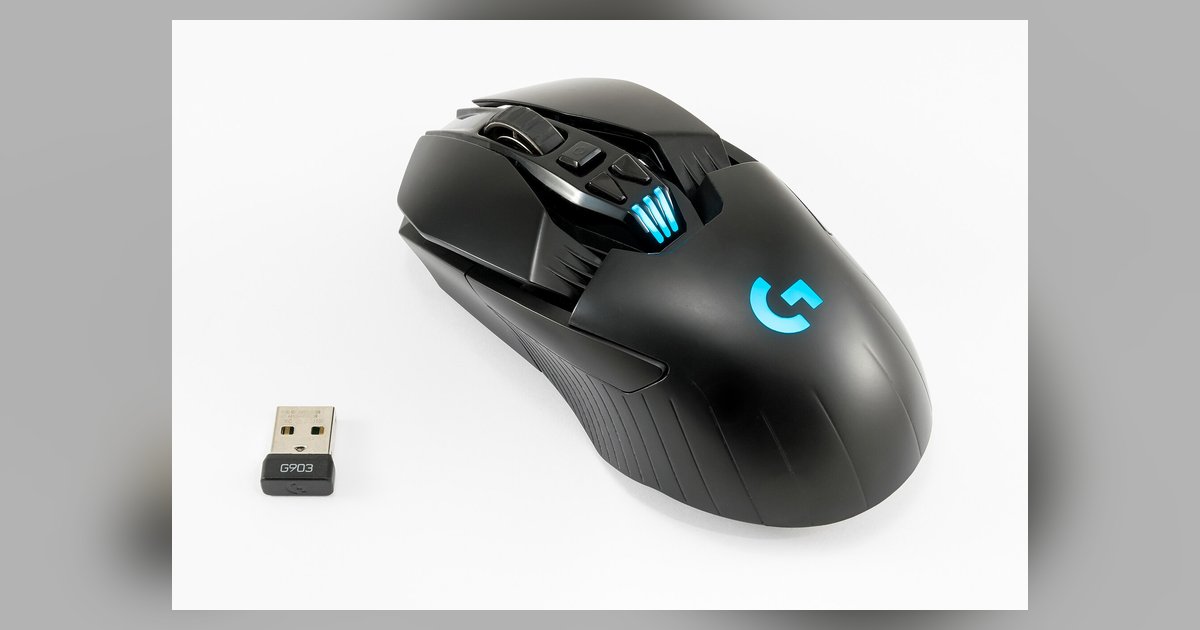
First-time setup and pairing for your Logitech mouse To connect Logitech mouse devices correctly, first check the bottom of your mouse for a small sticker that reveals its receiver type....
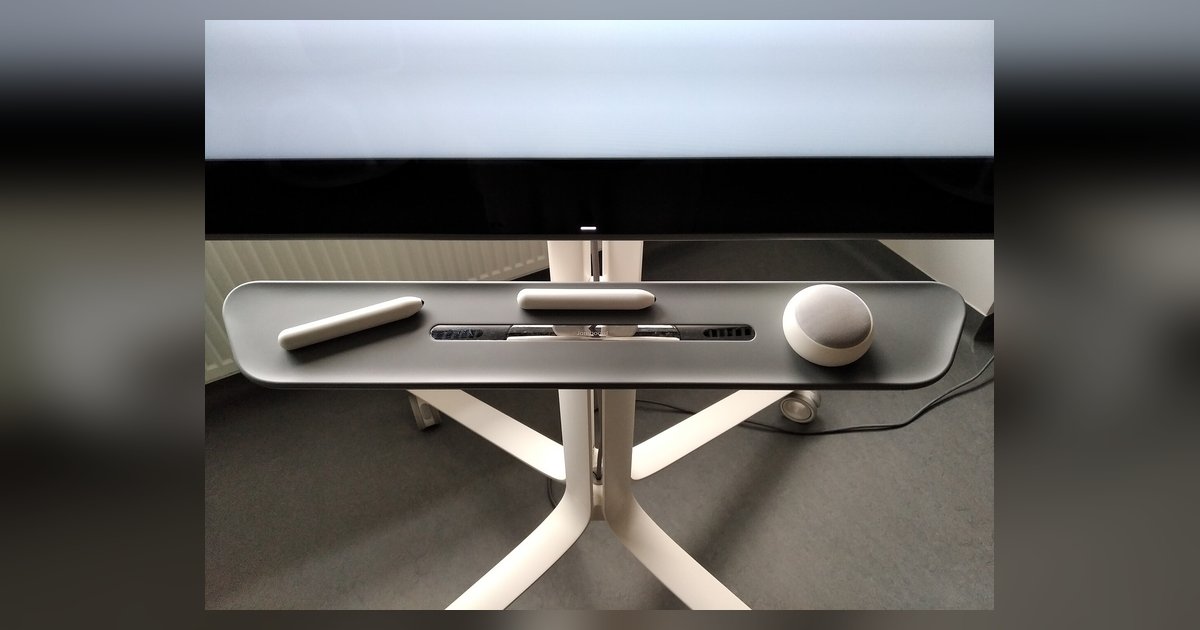
First things to know about your stylus pen connection Before attempting any stylus pen connection, understand what you are actually holding. A passive stylus is simply a conductive nub, often...
Connect and set up your controller To set up a game controller on Windows, plug it into a USB port or pair it over Bluetooth if it supports wireless connections....
A sudden voltage drop during vibration can starve the controller's wireless chip, causing an instant disconnect. This usually means the battery can't supply enough peak current, or there's a weak...
This website uses cookies so that we can provide you with the best user experience possible. Cookie information is stored in your browser and performs functions such as recognising you when you return to our website and helping our team to understand which sections of the website you find most interesting and useful.
Strictly Necessary Cookies
Strictly Necessary Cookie should be enabled at all times so that we can save your preferences for cookie settings.
If you disable this cookie, we will not be able to save your preferences. This means that every time you visit this website you will need to enable or disable cookies again.