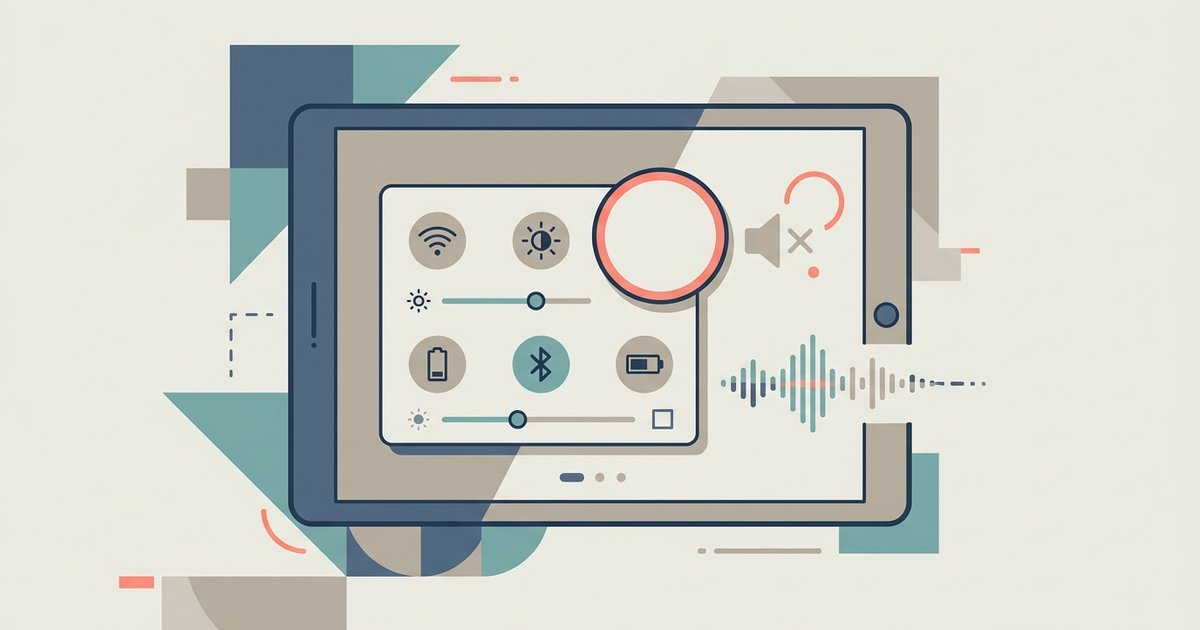
When the tablet speaker icon is missing, your tablet sees only one audio output or a stuck connection. Swipe down twice to fully expand the panel. Use the media player...
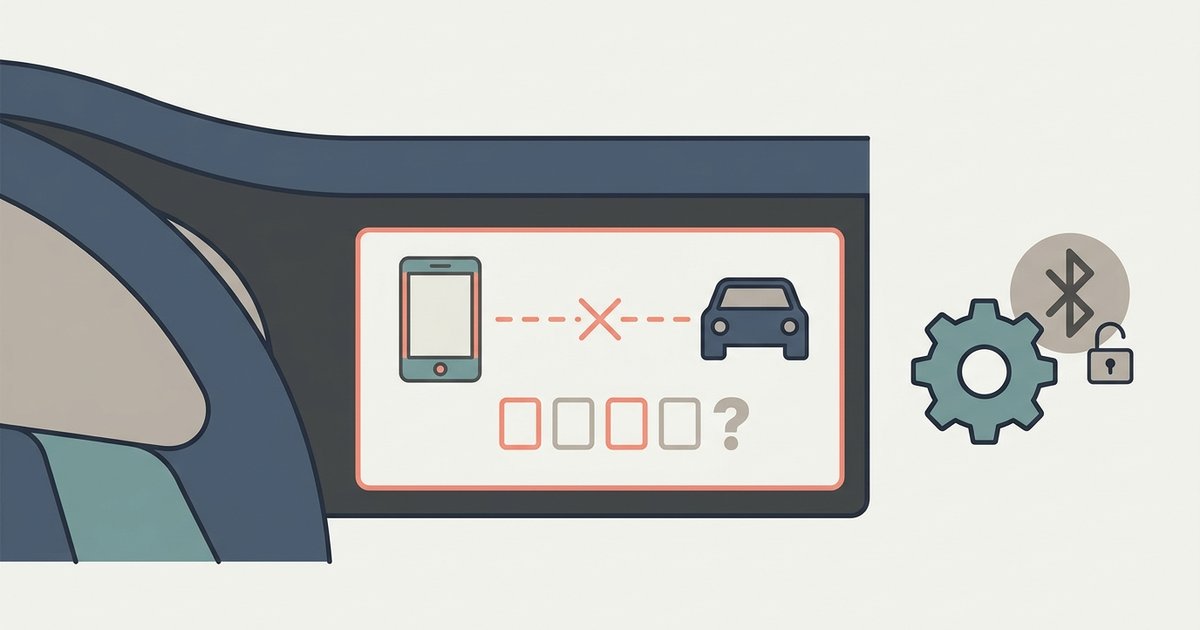
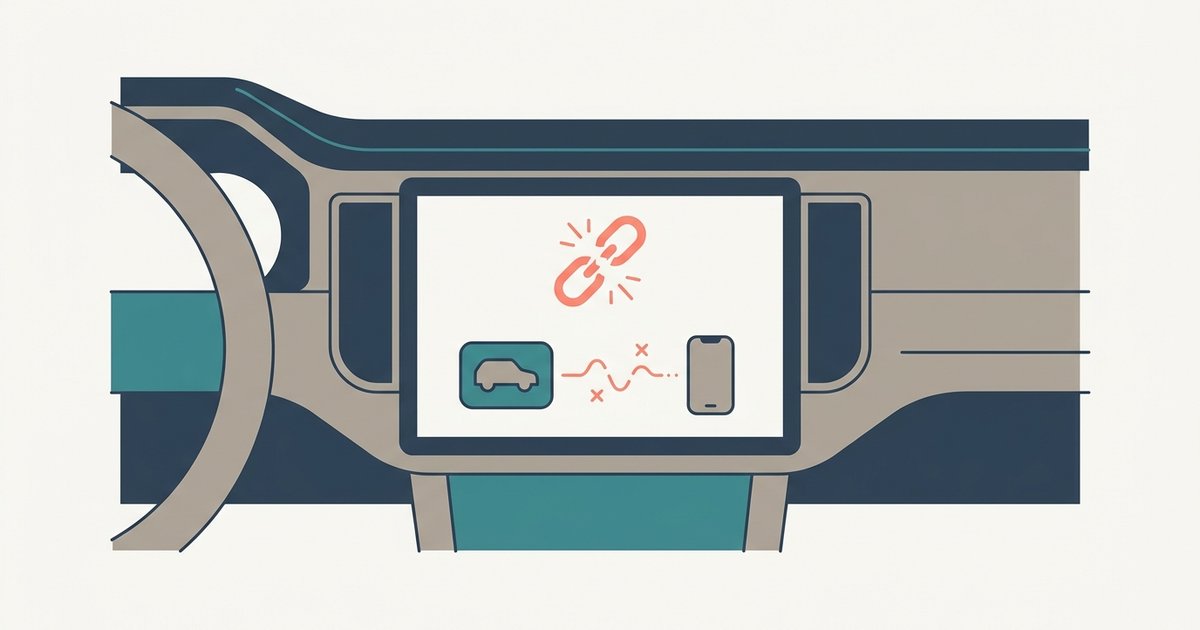
The default PIN is 1234, but the pairing will fail if your phone is asking for a code before the car displays one. Clear the failed pairing from both devices,...
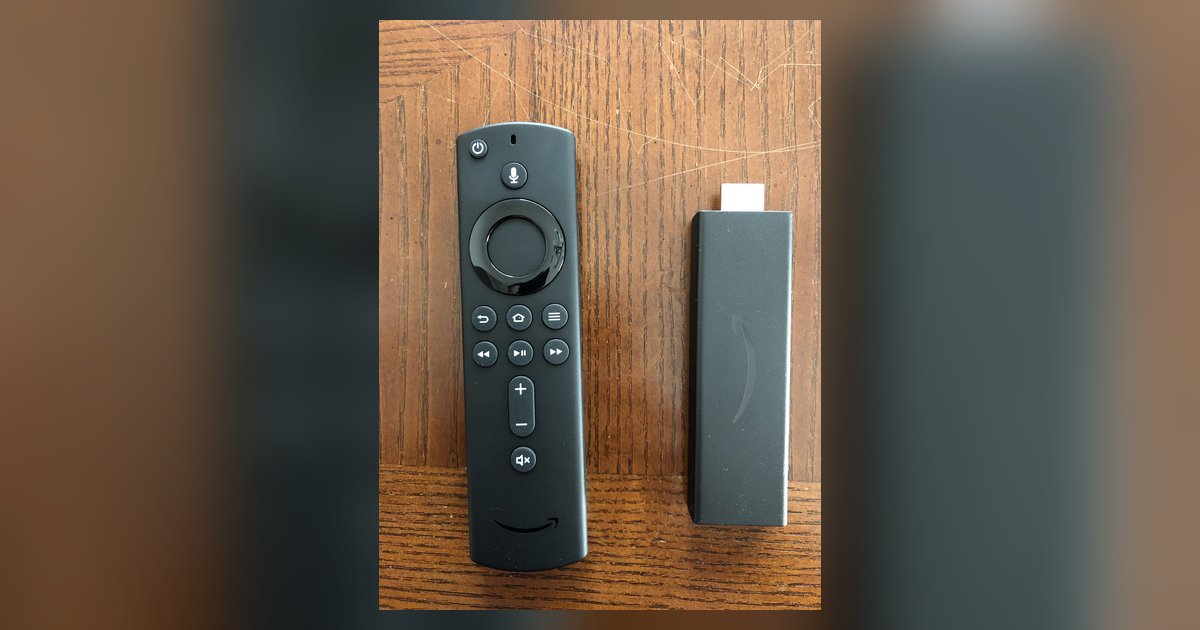
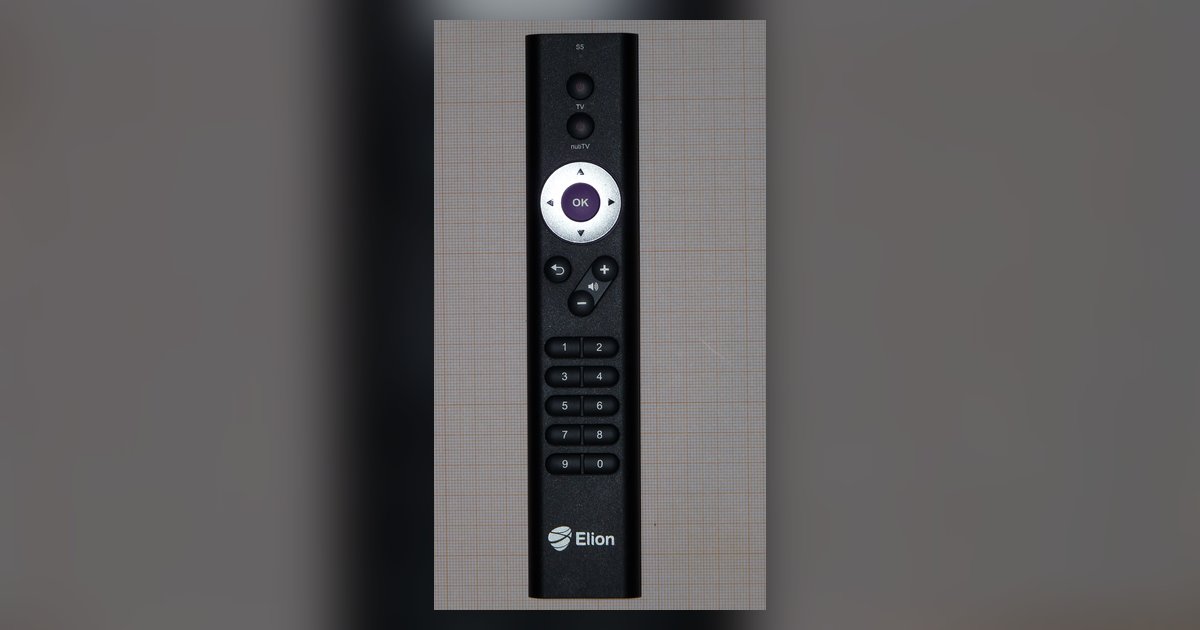
Your remote likely needs to be re-paired by holding the Home button for 10 seconds, and the volume issue specifically requires you to run the 'Equipment Control' setup again under...
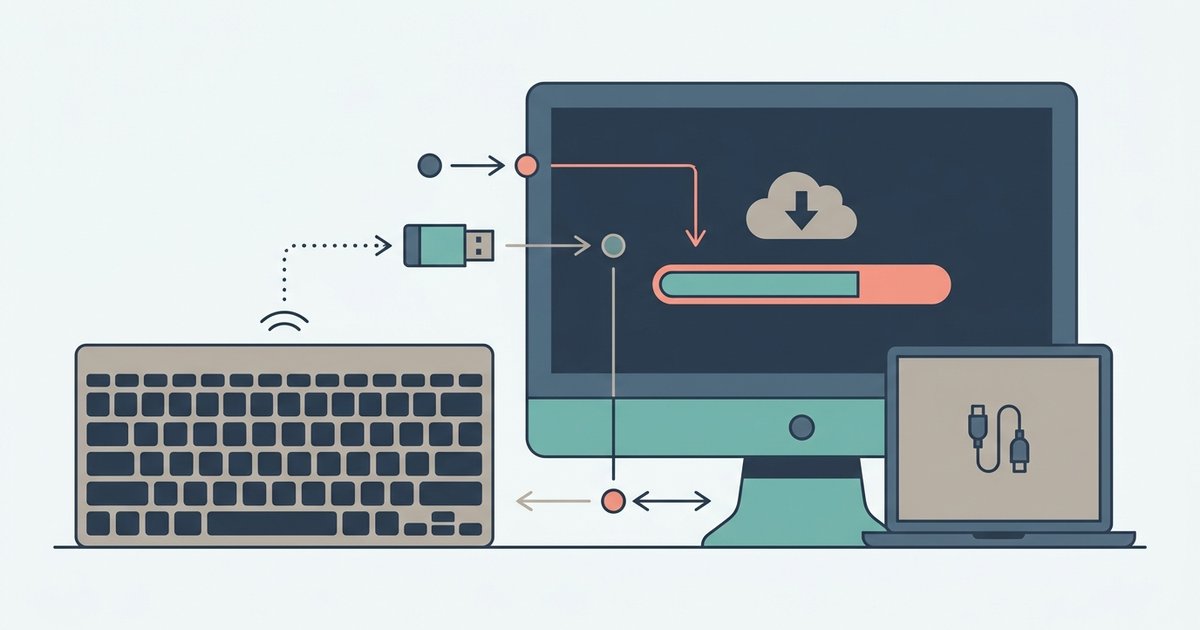
The Logitech Connection Utility is officially available on Logitech's support site under 'Downloads' for your specific keyboard model, but it only works on Windows 7, 8, and 10. If you're...
The Poly USB adapter (BT700) is designed for low-latency wireless connectivity compared to built-in Bluetooth when both are using the same codec, which is imperceptible in conversation. However, the adapter...
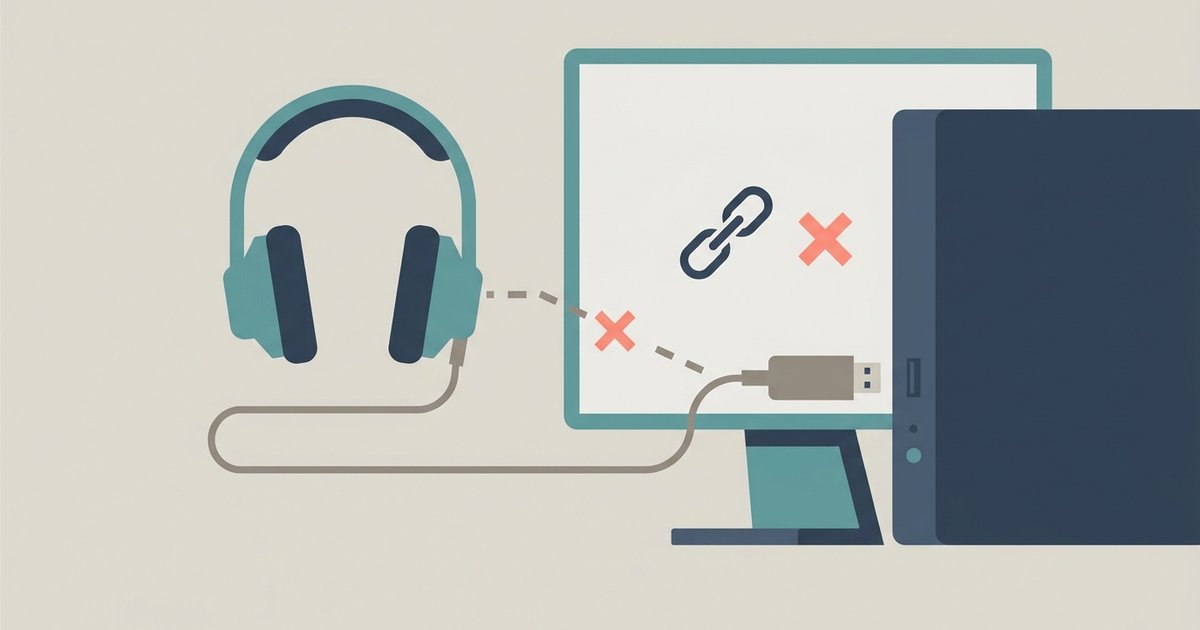
The USB adapter likely needs a forced re-pairing to the headset because it lost its factory link, or Windows is defaulting to the wrong playback device. Hold the adapter's button...
Frequent Bluetooth disconnections in a paired Nissan are usually caused by a contact list sync bug, an overloaded Bluetooth memory slot, or Wi-Fi interference—not a faulty pairing. Delete the car...
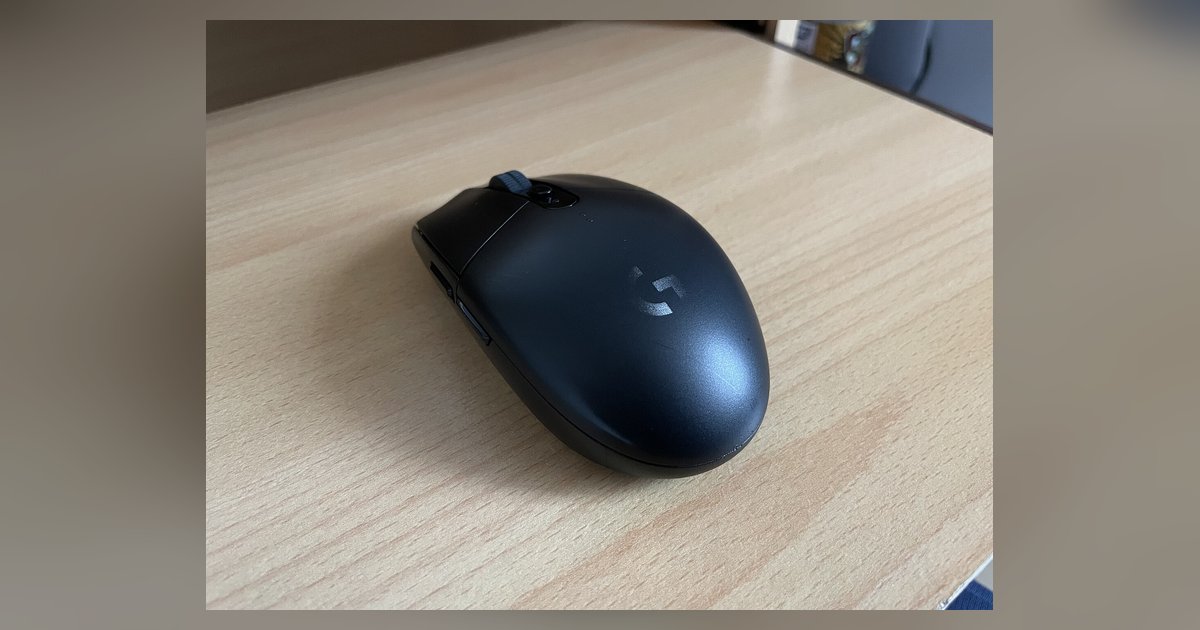
The G305 is a Lightspeed-only mouse and has no Bluetooth radio; the button on top is a DPI cycle button, not a Bluetooth connect button, so it will never enter...
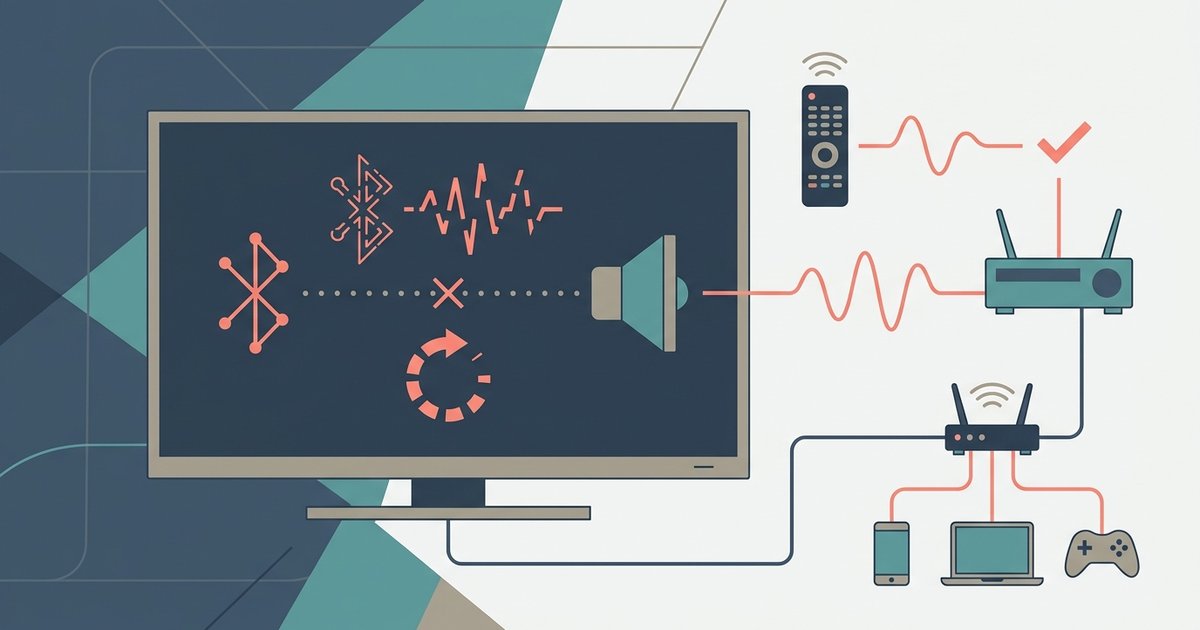
Bluetooth audio stuttering on a smart TV is almost always caused by wireless signal interference or bandwidth congestion, not a faulty pairing. Physically clear the space around your TV and...
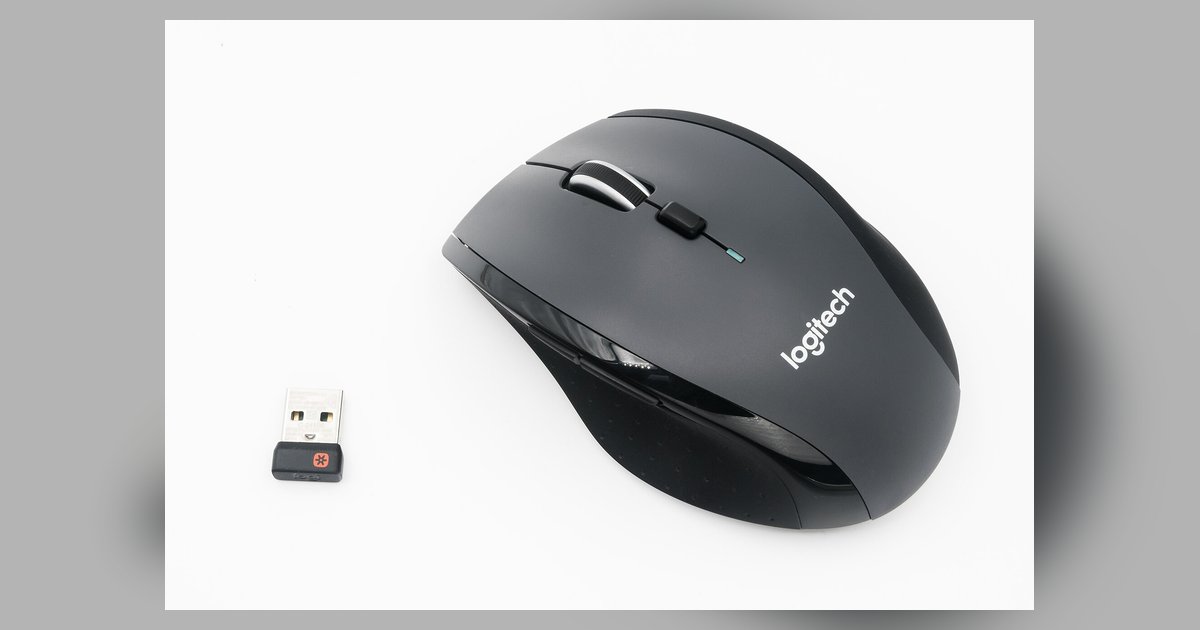
One Unifying receiver can pair a maximum of six devices. If you try to connect a seventh, the software will either reject the pairing or silently overwrite the oldest connection....
The transfer likely failed because the connection dropped or the app was pushed out of memory mid‑stream, leaving an incomplete file that the receiving device can’t recognize. You can often...
Usually yes. A factory reset wipes the TV's internal settings, and for most smart TVs with Bluetooth or "smart" remotes, the pairing is typically lost and you will need to...
This website uses cookies so that we can provide you with the best user experience possible. Cookie information is stored in your browser and performs functions such as recognising you when you return to our website and helping our team to understand which sections of the website you find most interesting and useful.
Strictly Necessary Cookies
Strictly Necessary Cookie should be enabled at all times so that we can save your preferences for cookie settings.
If you disable this cookie, we will not be able to save your preferences. This means that every time you visit this website you will need to enable or disable cookies again.