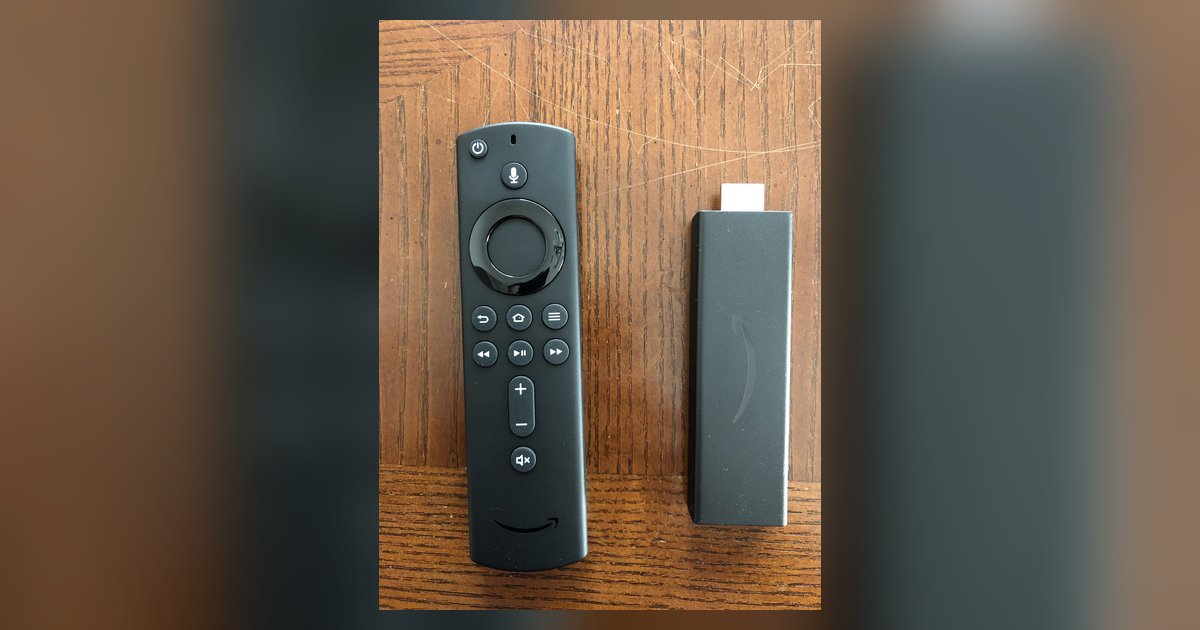
Your remote likely needs to be re-paired by holding the Home button for 10 seconds, and the volume issue specifically requires you to run the 'Equipment Control' setup again under Settings because the Firestick lost its IR profile for your specific TV brand.
The difference between Bluetooth pairing and Firestick remote volume control
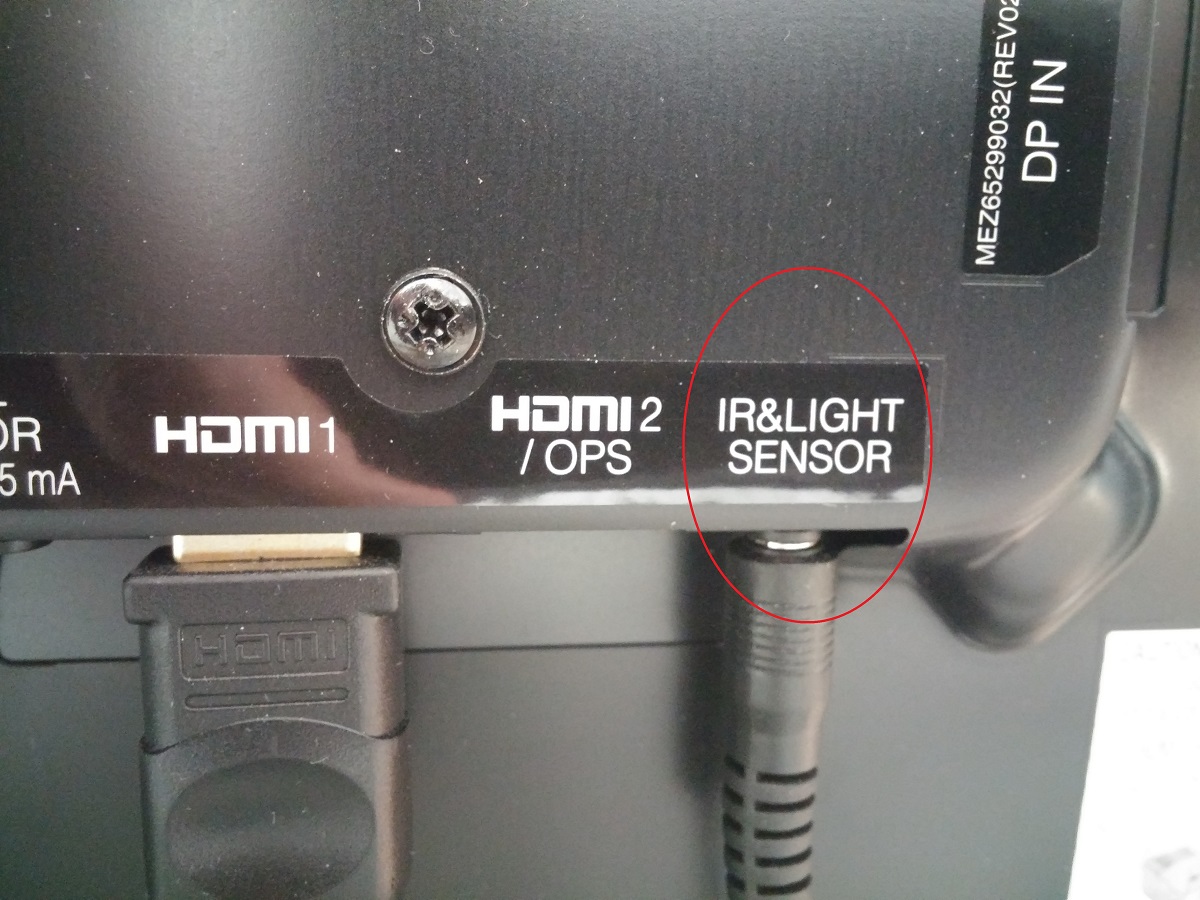
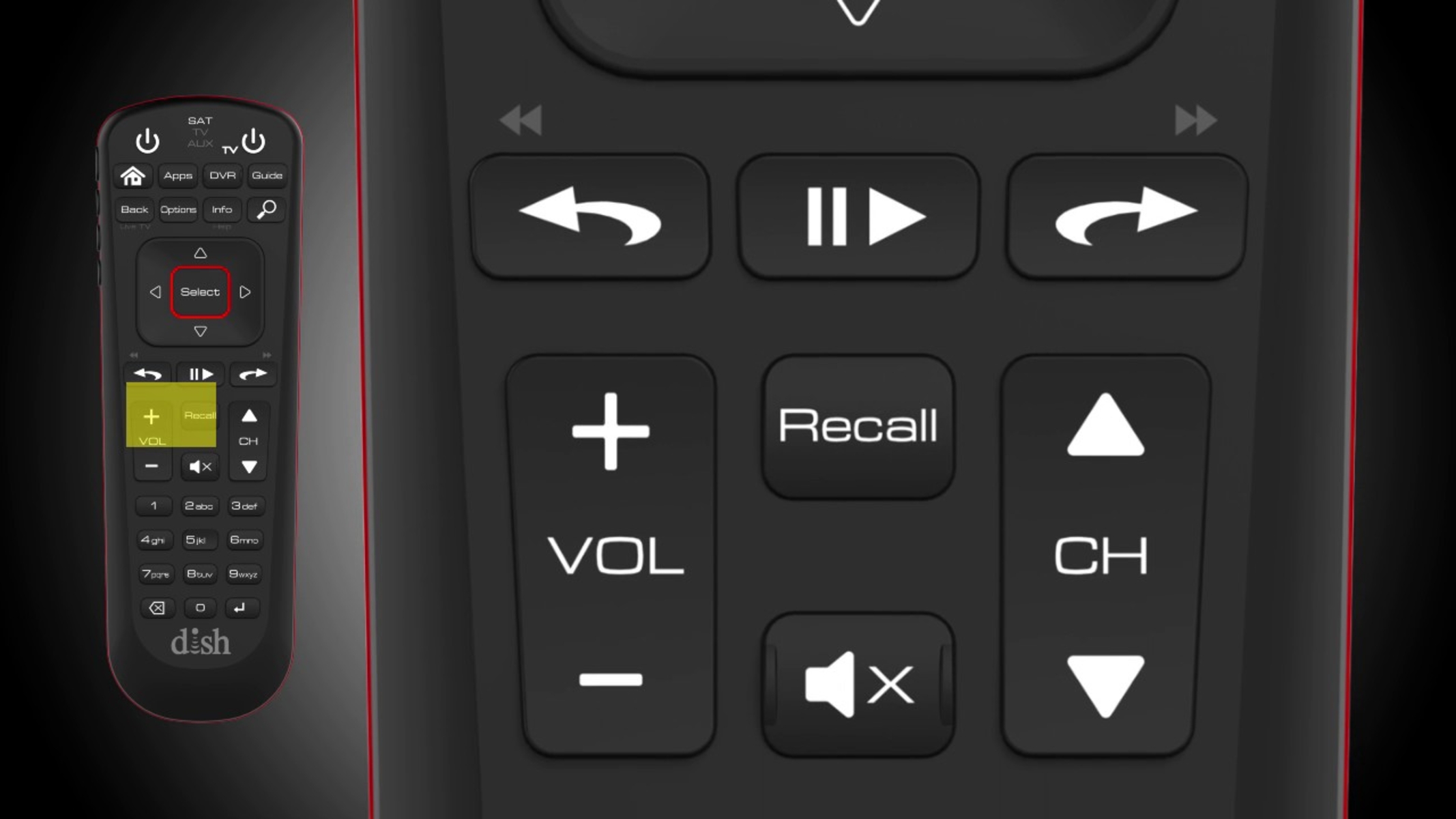
Many owners confuse the remote’s two separate radios. The remote uses Bluetooth to navigate the Firestick interface, send play/pause commands, and wake the device. But volume and power commands travel over infrared (IR), the same invisible light your old TV remote uses. This means a remote can be fully paired via Bluetooth, showing a solid connection in Settings > Controllers & Bluetooth Devices, yet still fail to adjust sound if the Firestick lost its stored IR codes. The IR profile is a lookup table that tells the remote which infrared signal to blast for your TV brand. If that table gets erased during a power surge, firmware update, or HDMI-CEC conflict, the remote’s IR blaster sends nothing your TV recognizes. You can test this: point the remote at your TV and press Volume Up. If the TV’s IR receiver has no reaction, you may have a broken IR profile, not a dead remote.
When the remote is flashing but won't connect
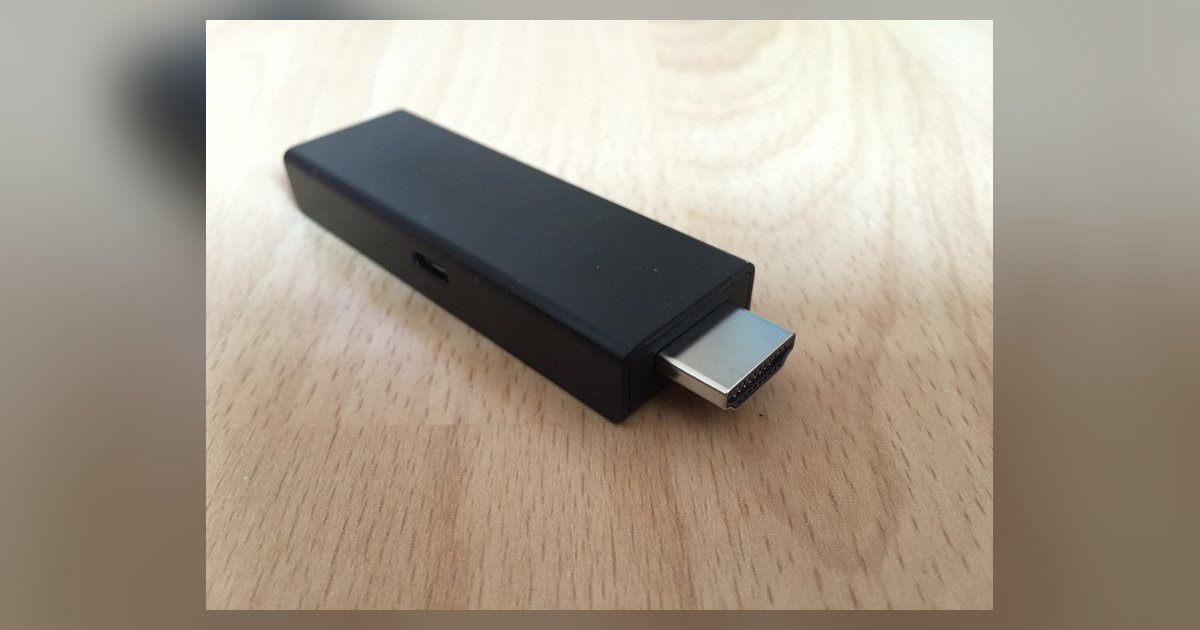
If you see an orange or blue blinking light but the remote never pairs, the remote is stuck in discovery mode and the Firestick’s Bluetooth radio is not responding. A simple restart from the device menu often fails because the Firestick’s Bluetooth controller remains in a hung state. The fix is a hard power reset: unplug the Firestick from the wall outlet or the TV’s USB port for 60 seconds, not just from the TV. Plugging it into a smart TV’s USB port can cause the TV to supply standby power even when the TV is off, preventing a proper reset. After reconnecting, press and hold the Home button for 10 seconds to attempt pairing. The remote should pair within a few seconds. If it still flashes, remove the batteries, press every button for 2 seconds to drain residual charge, reinsert batteries, and repeat the Home button hold. This clears any phantom pairing data on the remote’s side. For a Firestick on a smart TV, the TV’s own internal Bluetooth can sometimes interfere, so temporarily disabling the TV’s Bluetooth in its settings during pairing can help.
Resetting the equipment control for volume and power
After re-pairing, if the Home button method fails to restore volume control, the infrared codes have been corrupted or never correctly assigned, so you must manually re-select your TV brand in the Equipment Control menu to fix the sound. When re-pairing the remote fixes navigation but not volume, the IR profile is wrong. Go to Settings > Equipment Control to re-select your TV brand. The automatic setup often selects a generic code that works for some brands but not your specific model. You must manually select your TV brand from the list. If your brand is absent, you may need to manually test available codes until one works. The Firestick will store whichever code makes the volume change. If you cannot find any working code, you may need to consult your remote's manual for any IR learning capabilities. This teaches the Firestick remote the exact IR pattern. For advanced troubleshooting, you may need to explore additional solutions, though this is rare. Keep in mind the difference between Fire TV and smart TV: a Fire TV has the OS built into the TV, so its IR codes are fixed by the manufacturer; a Firestick on a standard smart TV must learn the TV’s IR language separately. If you ever need to install a custom IR app, you must first allow Firestick to download from unknown sources in Settings > My Fire TV > Developer Options, though this is not a standard troubleshooting step. Once the volume works, test Power Toggle to confirm the IR profile is fully correct. For a complete walkthrough on setting up a Firestick, including pairing and volume control, see the full setup guide.