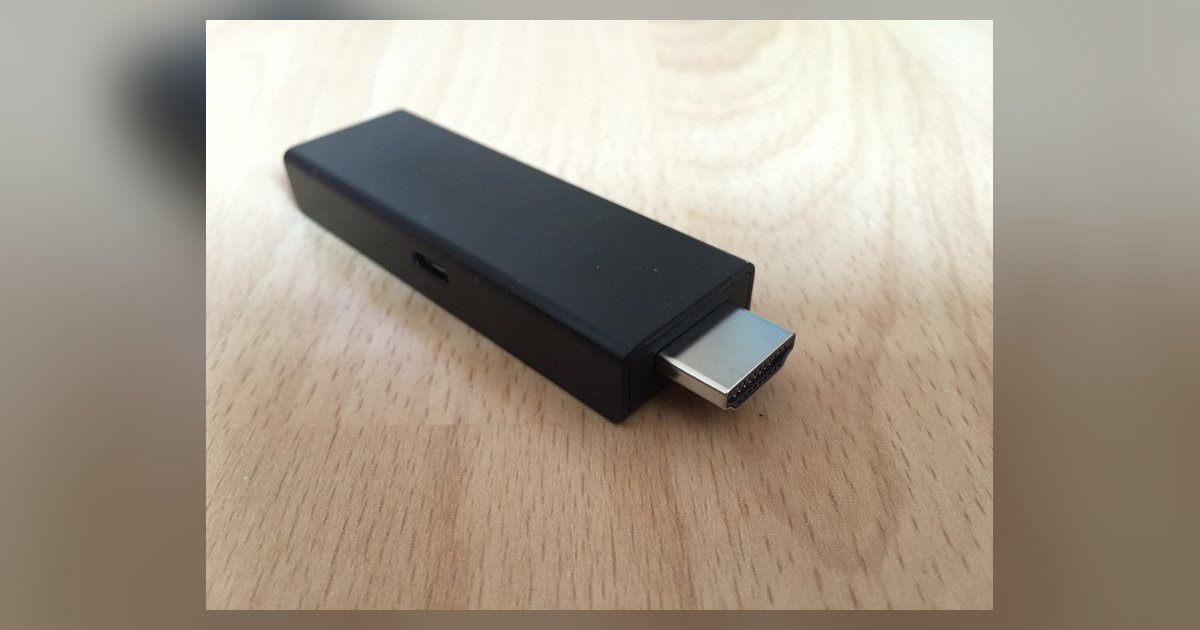
A Firestick cannot electrically damage an older TV through HDMI, but it can absolutely cause HDMI-CEC conflicts that hijack input switching and break control of your existing smart system.
Why a Firestick old TV setup has no electrical damage risk
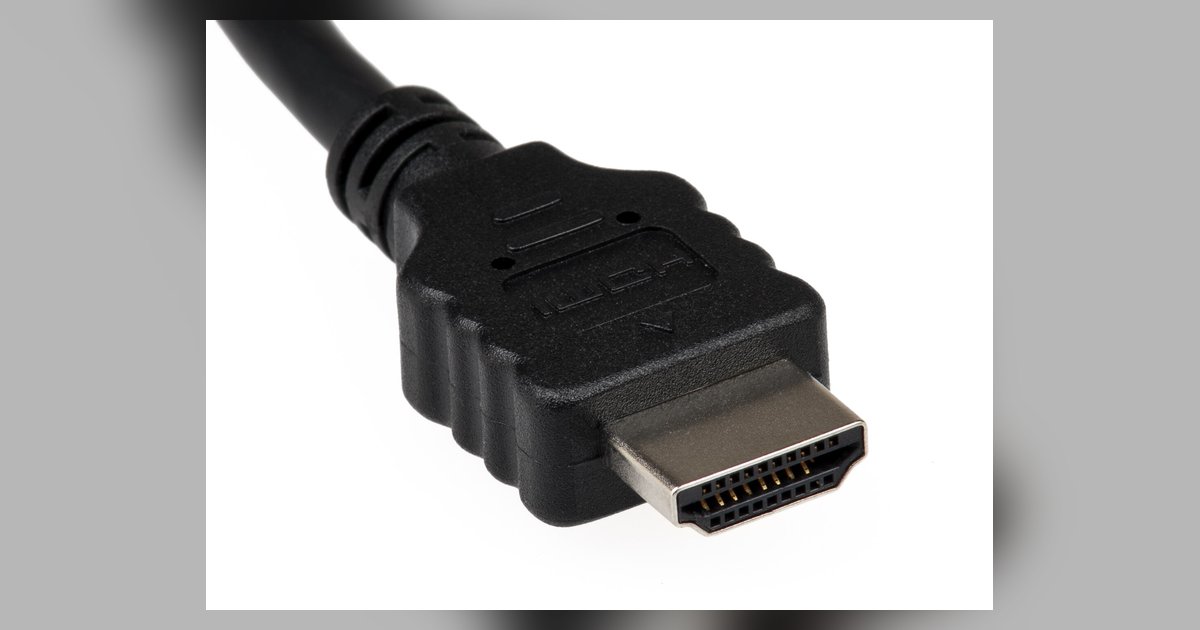
The HDMI specification includes current limits on the +5V pin, and a source device like a Firestick is designed to operate within those limits. That pin supplies 5 volts, and the Firestick's own power regulator steps it down for its internal circuits. Older TVs with HDMI 1.1 or 1.2 ports still follow this same power delivery standard. Plugging a Firestick into a 2008 plasma or a 2010 LCD will not overload the port. Even if you use a passive adapter to convert HDMI to DVI for a monitor that lacks audio, the Firestick still sees a valid HDMI handshake and pulls only its rated current. The TV’s HDMI controller chip might be slower or lack HDCP 2.2 support, but that causes a no-signal error, not a short or a blown fuse. No electrical damage occurs because the Firestick is designed to be backward-compatible with any HDMI port that provides the required 5V rail.
The real problem: CEC control conflicts
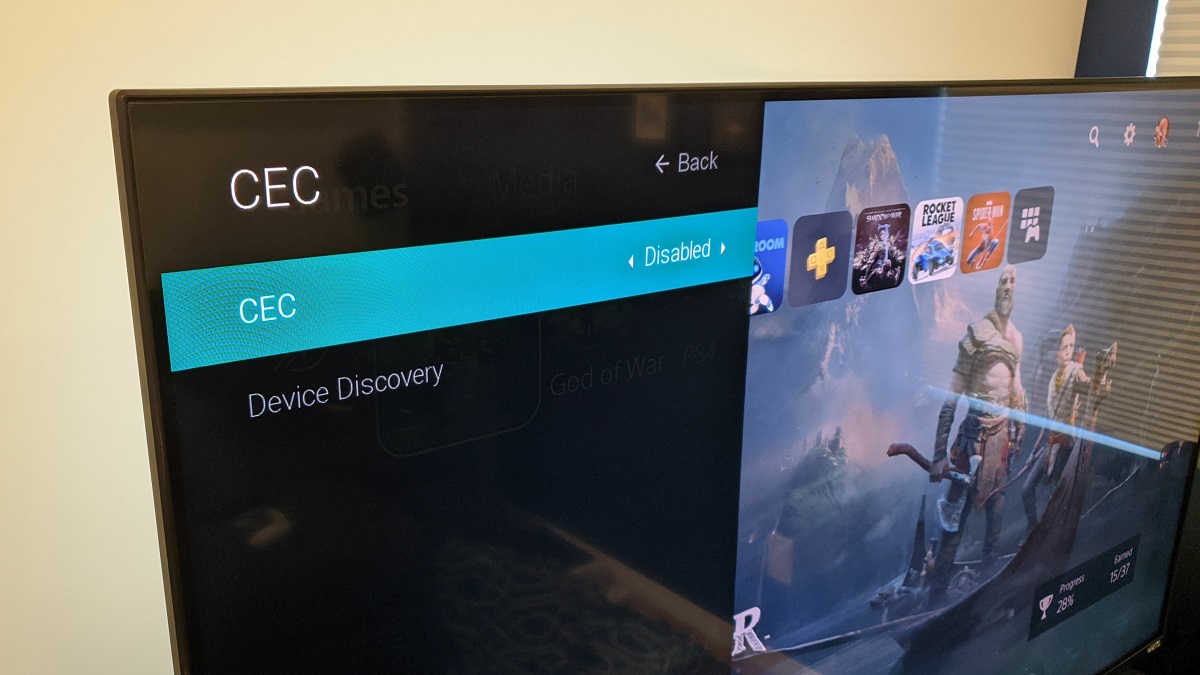
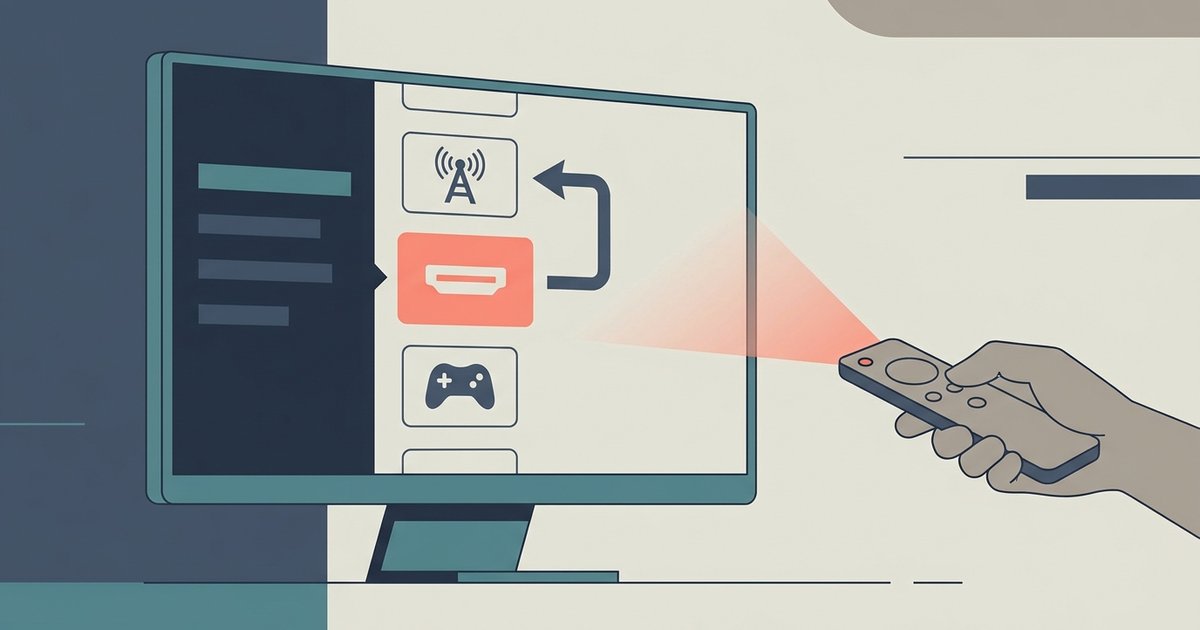
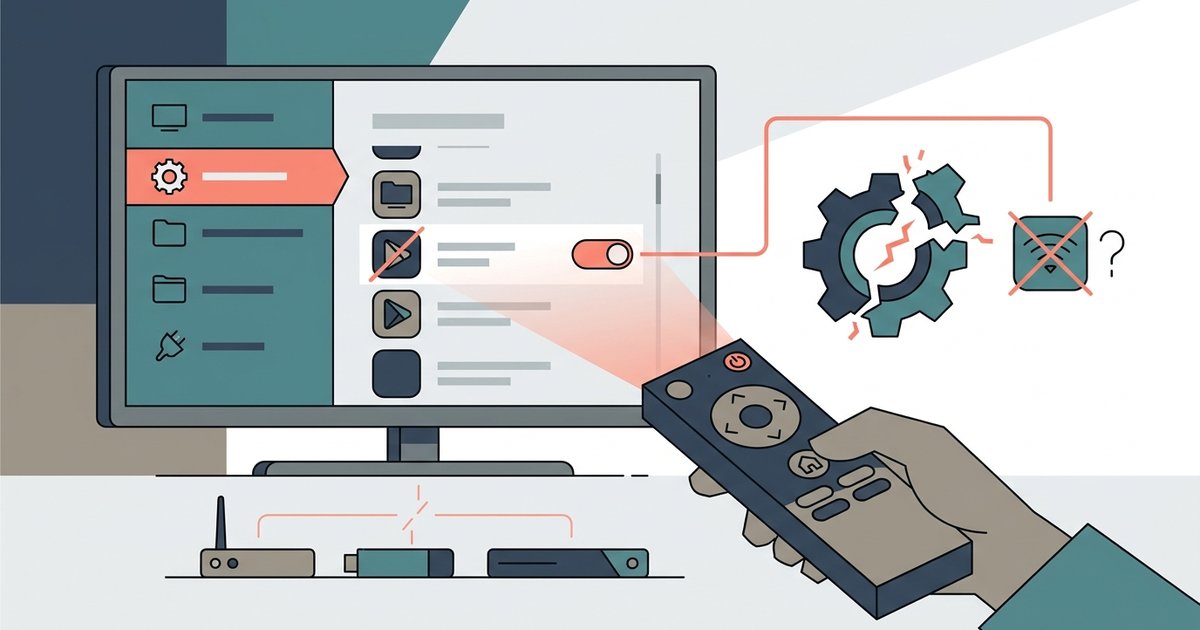
The actual failure is HDMI-CEC, the consumer electronics control protocol that lets devices talk to each other over the HDMI cable. A Firestick uses CEC commands, which can affect input focus and volume or power sync with an existing smart TV system. This is the failure most people don’t anticipate. When you plug a Firestick into an older TV that already has a separate smart system, the Firestick may send CEC commands that affect input selection. This forces the TV to switch to the Firestick’s input, even if you were watching something on the smart system. The Firestick may also use CEC to handle volume control, which could interfere with sound control through the existing smart box. The conflict stems from how the Firestick implements CEC control. To fix it, you may need to disable CEC in your TV's menu, which could turn off other HDMI control features.
When the answer is no: setups that stay stable
There are specific conditions where no conflict occurs, and your existing smart system remains untouched. If you plug the Firestick into an HDMI port on an older TV that never supported CEC, the Firestick cannot send or receive CEC commands. Similarly, using a non-CEC adapter may prevent the Firestick from sending CEC commands to control the TV. An HDMI splitter that strips CEC from the signal may also work. In these cases, the Firestick behaves like a dumb display device that shows video and audio without interrupting your smart system’s input or hijacking your remote. If you have already configured your setup to use a separate smart TV hub and your older TV is just a monitor, then plugging in a Firestick will not cause control conflicts. The key is to ensure the HDMI path is CEC-free from end to end.
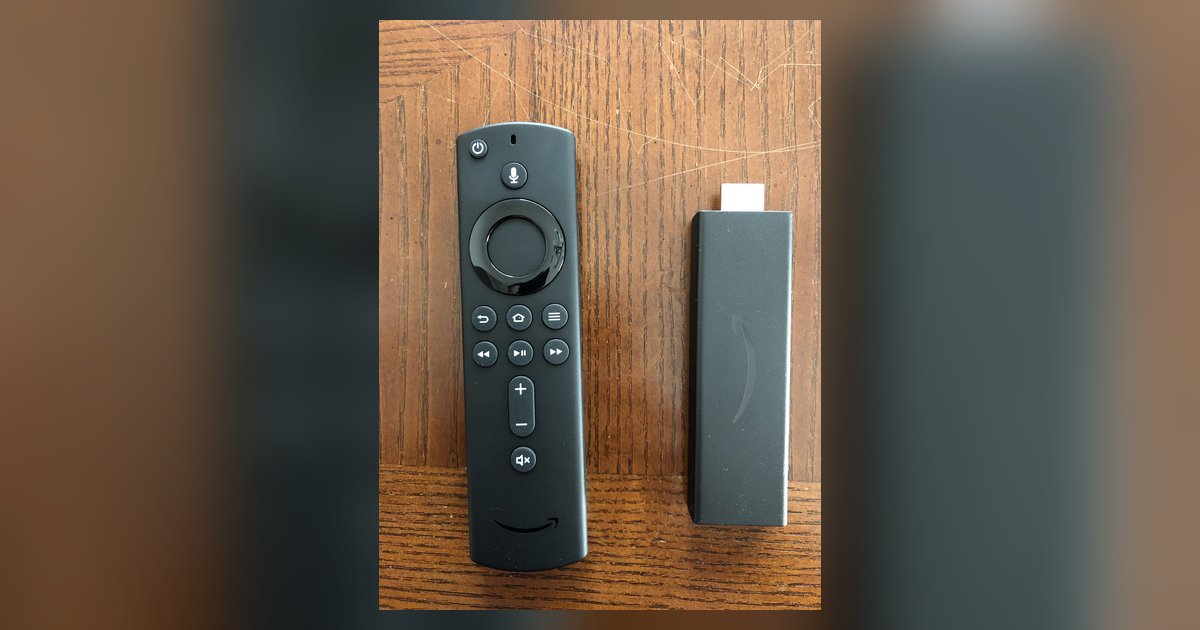
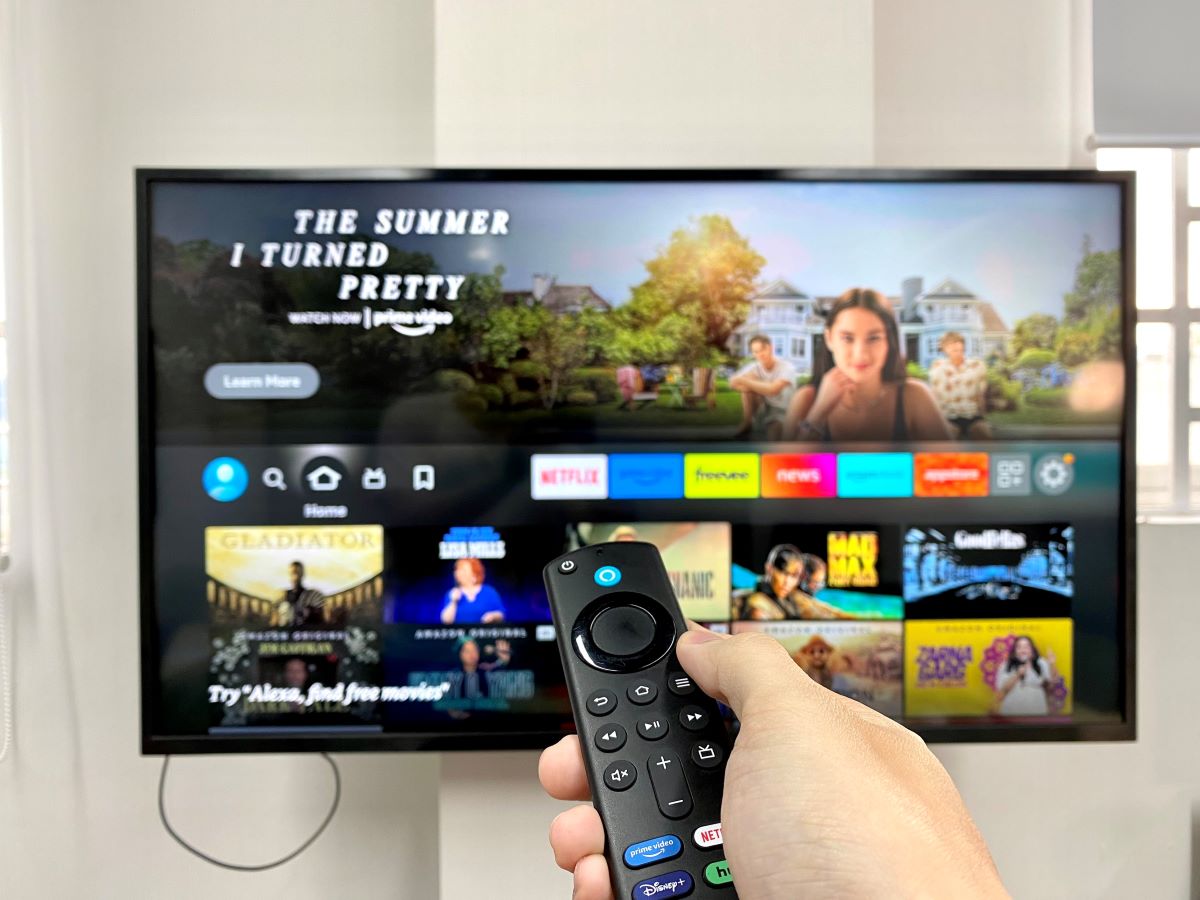
For example, if you want to know how to use a Firestick on a smart TV without breaking its existing controls, you must first check whether the TV’s HDMI port supports CEC. If you ever need to test the Firestick on a different screen, do not try to connect it to a laptop with HDMI because laptop HDMI ports are outputs, not inputs, and it will not work. Understanding the difference between Fire TV and smart TV helps here: Fire TV is Amazon’s operating system built into some TVs, while a smart TV is any TV with its own streaming platform. A Firestick adds Fire OS to any HDMI TV.
The real danger is not to your hardware, but to your carefully configured control setup. For a deeper dive into avoiding these pitfalls and ensuring a smooth experience, our guide on setting up a Firestick covers the broader topic of How to Set Up and Use a Firestick.