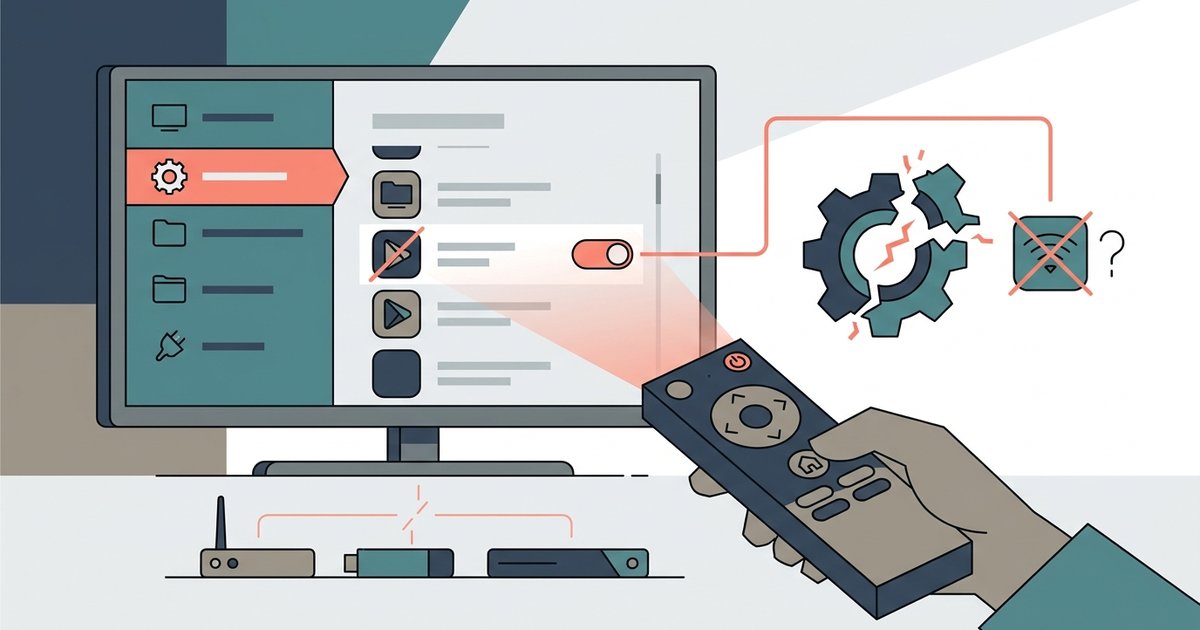
Yes, disabling preloaded apps can sometimes break system-level features like voice search, screen mirroring, or HDMI-CEC if those functions rely on the app’s background services. However, most standalone streaming apps can be safely disabled without affecting core TV operation. If you have already force-stopped or disabled YouTube and now notice your remote’s voice button no longer pulls up search results, or your phone won’t cast to the TV, the culprit is likely a hidden dependency, not a hardware failure.
Why disabling preloaded apps can still cause problems
Preloaded apps on smart TVs are not isolated programs. They often run shared background services that other system functions depend on. For example, YouTube’s background service might handle the voice search engine for the entire TV. It could also manage the casting protocol that your phone uses to send video to the screen. When you disable or force-stop the app, Android TV or the manufacturer’s operating system may also kill those shared services, thinking the app is no longer needed. This creates hidden dependencies. You might successfully remove YouTube from your smart TV only to find that the universal search bar now returns no results, because the search provider was bundled with that app. Similarly, disabling a preloaded weather or news app could break the ambient screen’s data feed, making your TV show a blank panel instead of the forecast.
Features most likely to fail
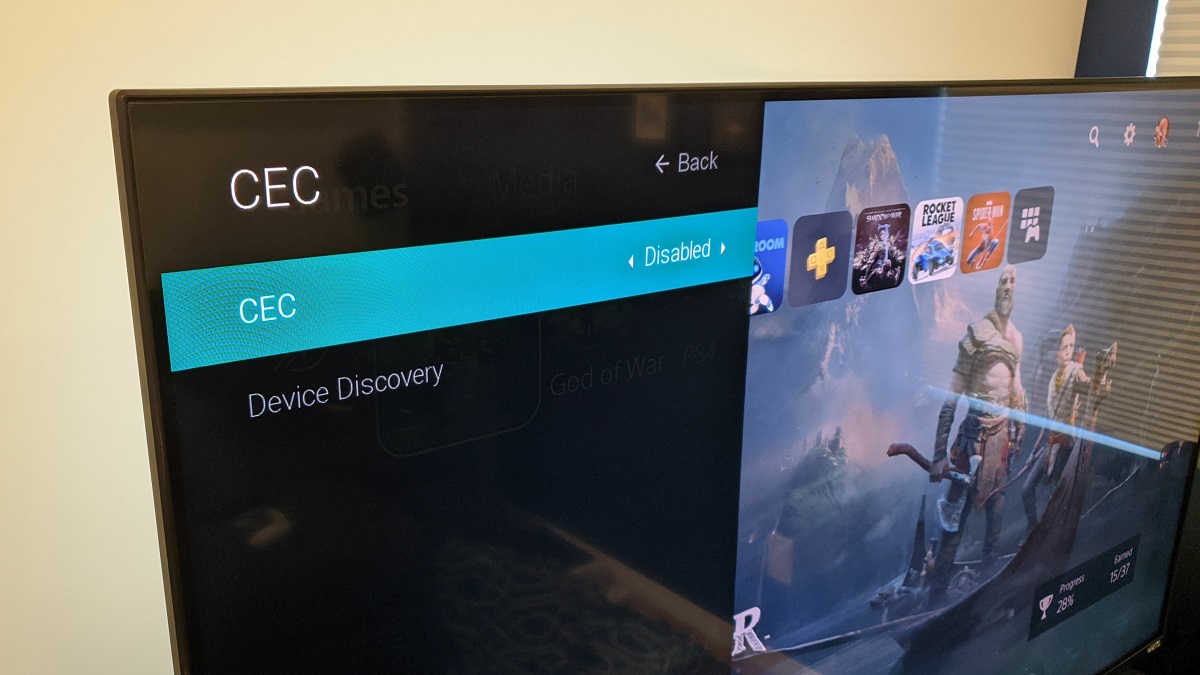
The specific TV functions that commonly break after disabling apps include voice assistants, casting protocols, and universal search. On LG sets, for instance, the built-in voice assistant often relies on the preloaded Google Assistant or Alexa app. Disabling that app can silence your remote’s microphone entirely. Screen mirroring (Miracast or AirPlay) may fail if its underlying service was tied to a disabled media app like YouTube or Netflix. HDMI-CEC, which lets you control other devices with one remote, can stop working if a preloaded system app that manages CEC commands is disabled. Another frequent casualty is the “live TV” guide. If you disable a preloaded channel scanner app, the electronic program guide may show empty slots. In short, if you want to get rid of LG smart TV banner ads by disabling the app that serves them, you might also lose the ability to change inputs via voice.
Test safely before you fully disable an app
Before you commit to a full disable, use force-stop and permission stripping as a reversible test. On most Android-based TVs, go to Settings, then Apps, select the app, and tap “Force stop.” Then, in the same menu, revoke permissions like “microphone,” “storage,” or “network.” This stops the app from running without removing its background services from the system. Leave the TV in this state for a full day. Test voice search, screen mirroring, and HDMI-CEC. If everything works, return to the app menu and select “Disable” or “Uninstall updates.” If something fails, simply restart the TV. The app will reload, and the broken feature will return. This method is essential when you plan to uninstall preloaded apps on a Hisense smart TV, because Hisense models often tie their “VIDAA” voice assistant to a specific streaming app’s service. A force-stop test catches failures without locking you out of the TV’s settings menu.
When the answer is no
The common misconception that disabling any preloaded app will brick the TV is largely unfounded. Most bloatware removal is actually low-risk. The core operating system, the kernel, the launcher, and the HDMI input handler run independently from third-party apps. Disabling a standalone streaming app like Hulu, Prime Video, or even YouTube will not corrupt the firmware or prevent the TV from turning on. The real danger is only when the app you disable hosts a system service that the TV’s own menus rely on. For example, if you remove YouTube from a smart TV using a third-party tool that also deletes the system’s “com.google.android.youtube” package, you might lose the voice search engine. The TV will still boot, play HDMI sources, and change channels. To stay safe, never disable apps labeled “System” or “System UI” in the settings menu. Only target obvious bloatware like games, shopping apps, or duplicate streaming services. With that caution, most users can safely reduce clutter without breaking anything essential.
Unlike generic app-removal advice, this guide identifies the exact hidden dependency chain where YouTube’s background service doubles as the voice search engine, meaning you can lose universal search even when the app icon still appears disabled.
For the wider picture, see removing apps from a smart TV.