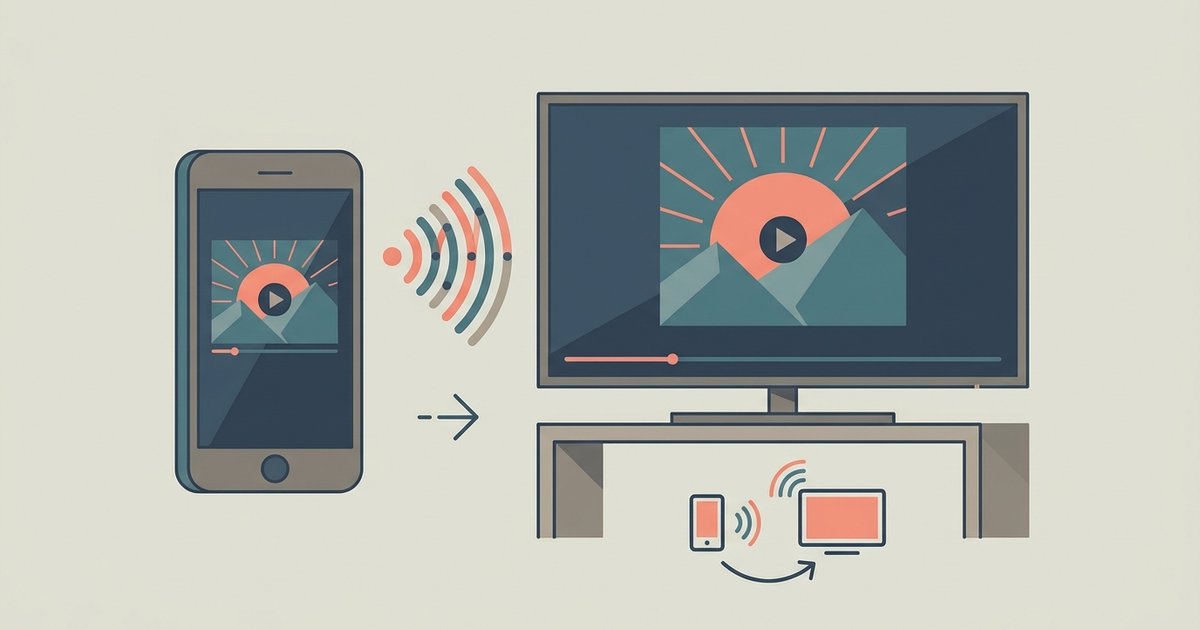
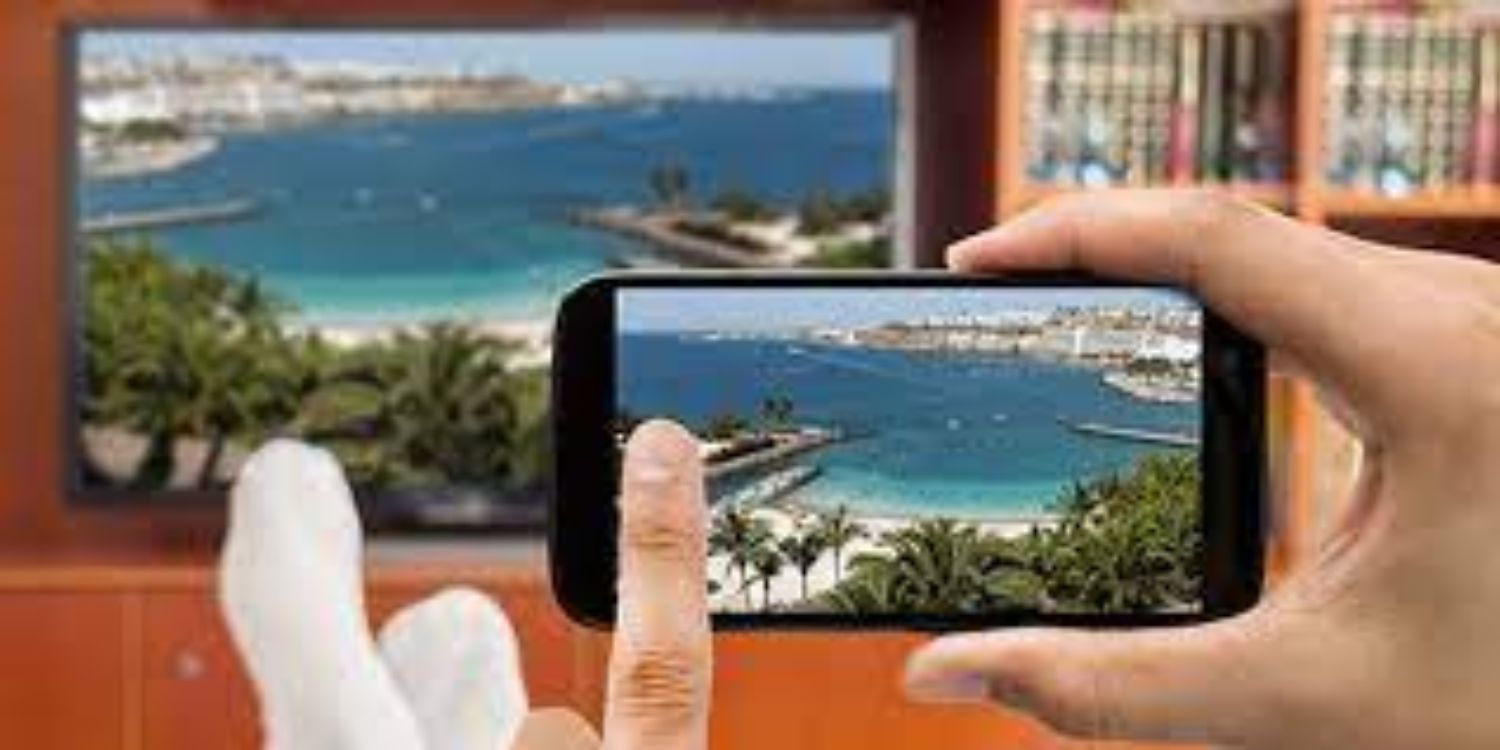
Before you start: mirroring vs. casting Screen mirroring turns your TV into a live duplicate of your phone's display, showing every swipe, notification, and app in real time. Before you...
No, you cannot use a laptop's HDMI port as a video input without a capture card, but you can use the laptop screen as a second monitor wirelessly through software...
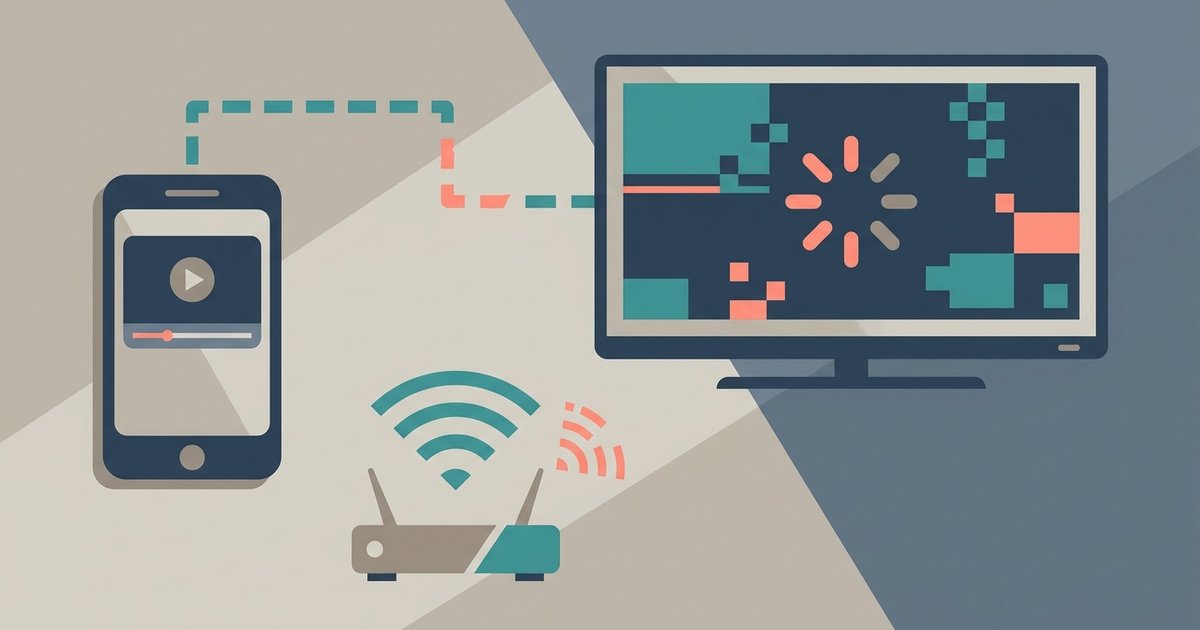
Screen mirroring stutters because real-time video encoding overwhelms your phone’s processor or your Wi-Fi network can’t handle the sustained burst of data, which is different from just having a 'connected'...
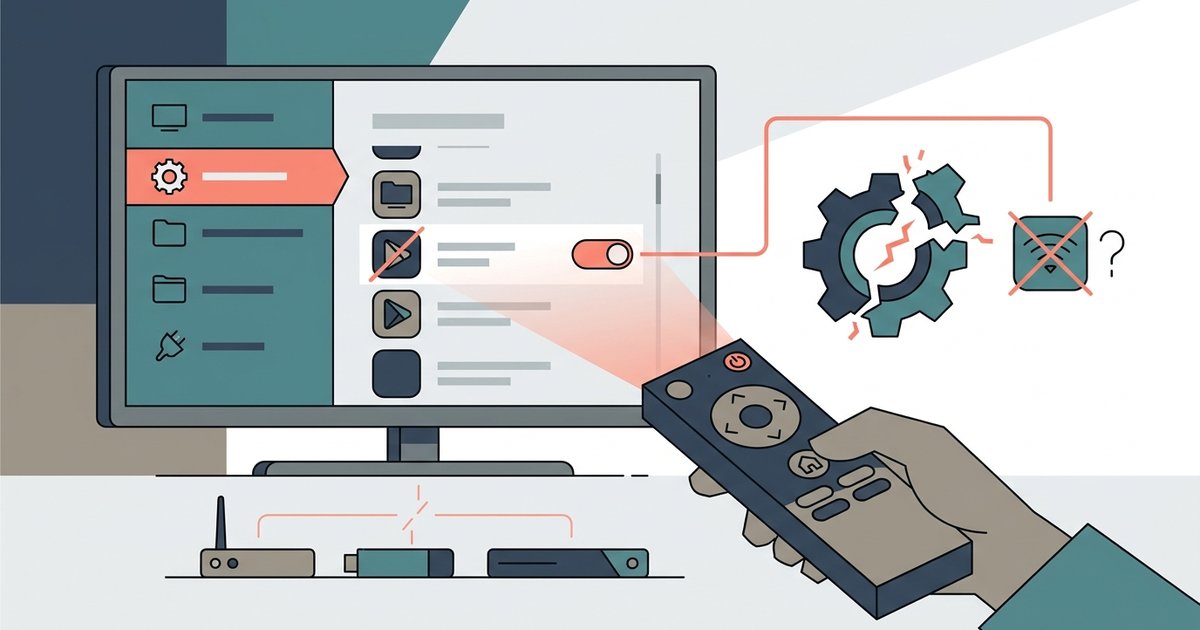
Yes, disabling preloaded apps can sometimes break system-level features like voice search, screen mirroring, or HDMI-CEC if those functions rely on the app’s background services. However, most standalone streaming apps...
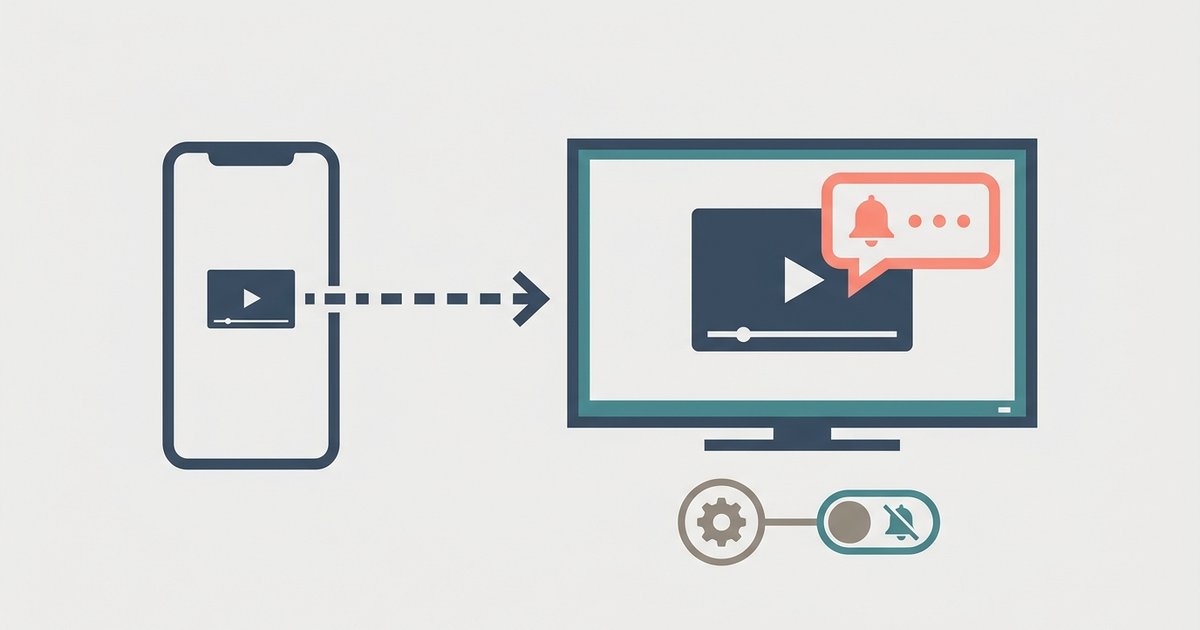
Enable 'Do Not Disturb' or 'Focus Mode' on your phone before connecting; screen mirroring shows your exact phone screen, so blocking notifications at the system level prevents them from appearing...
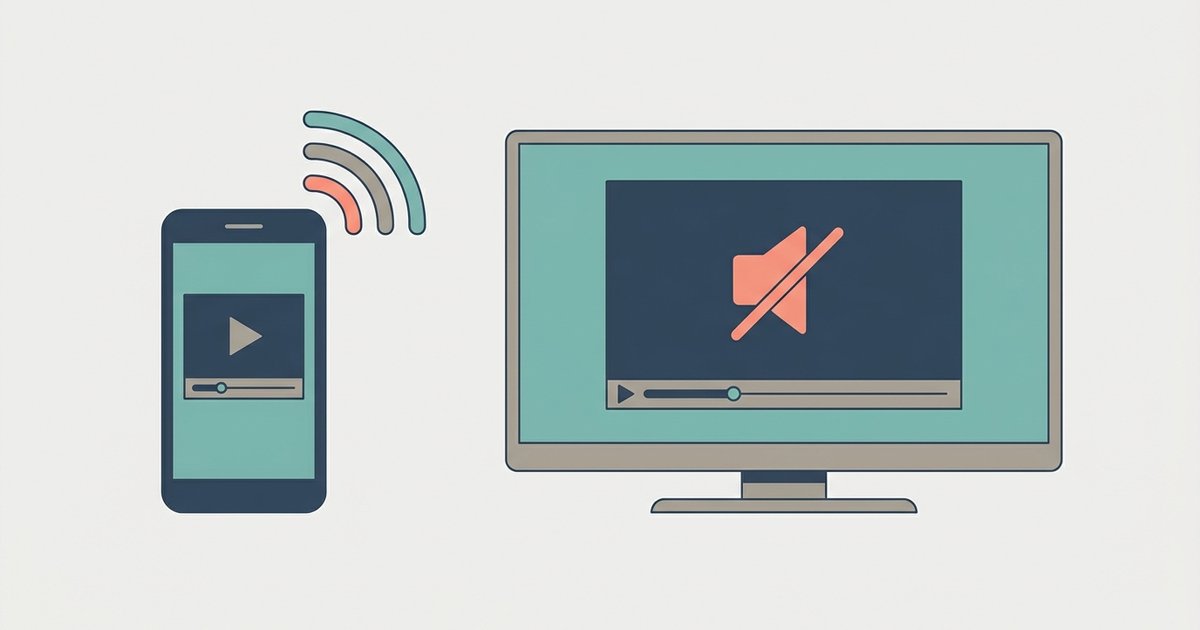
Your TV likely lacks support for the specific audio codec your phone is sending, or the mirroring protocol is routing audio to the phone by default. Switch to a casting...
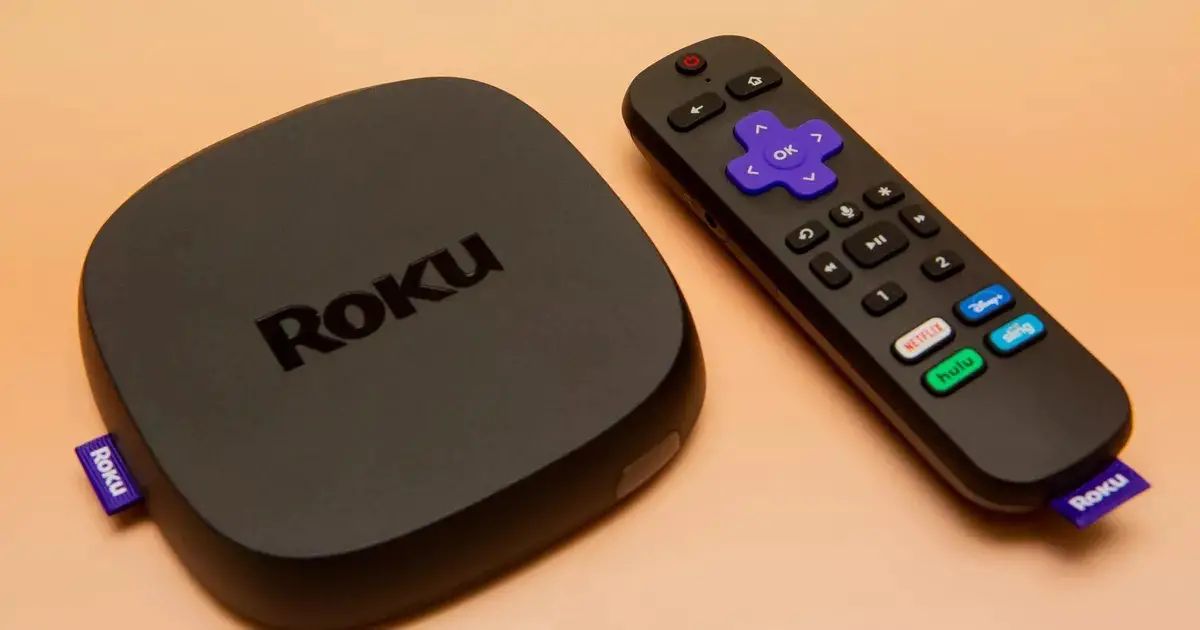
Roku screen mirroring quality is generally worse than Chromecast. You’ll typically see lower resolution, more compression artifacts, and higher latency. Roku relies on a direct Wi-Fi connection to your phone...
To cast from Firefox to Chromecast, install the fx_cast Firefox extension and its companion bridge application. This combination is the only reliable way to cast video and audio directly from...
Getting a web browser on Roku TV is not possible through a direct installation, as Roku devices do not support Chrome, Firefox, or Safari and lack a built-in web browser....
To connect phone to TV without wifi, the only reliable method is a direct wired connection using an HDMI cable or adapter. This guide covers everything you need to physically...
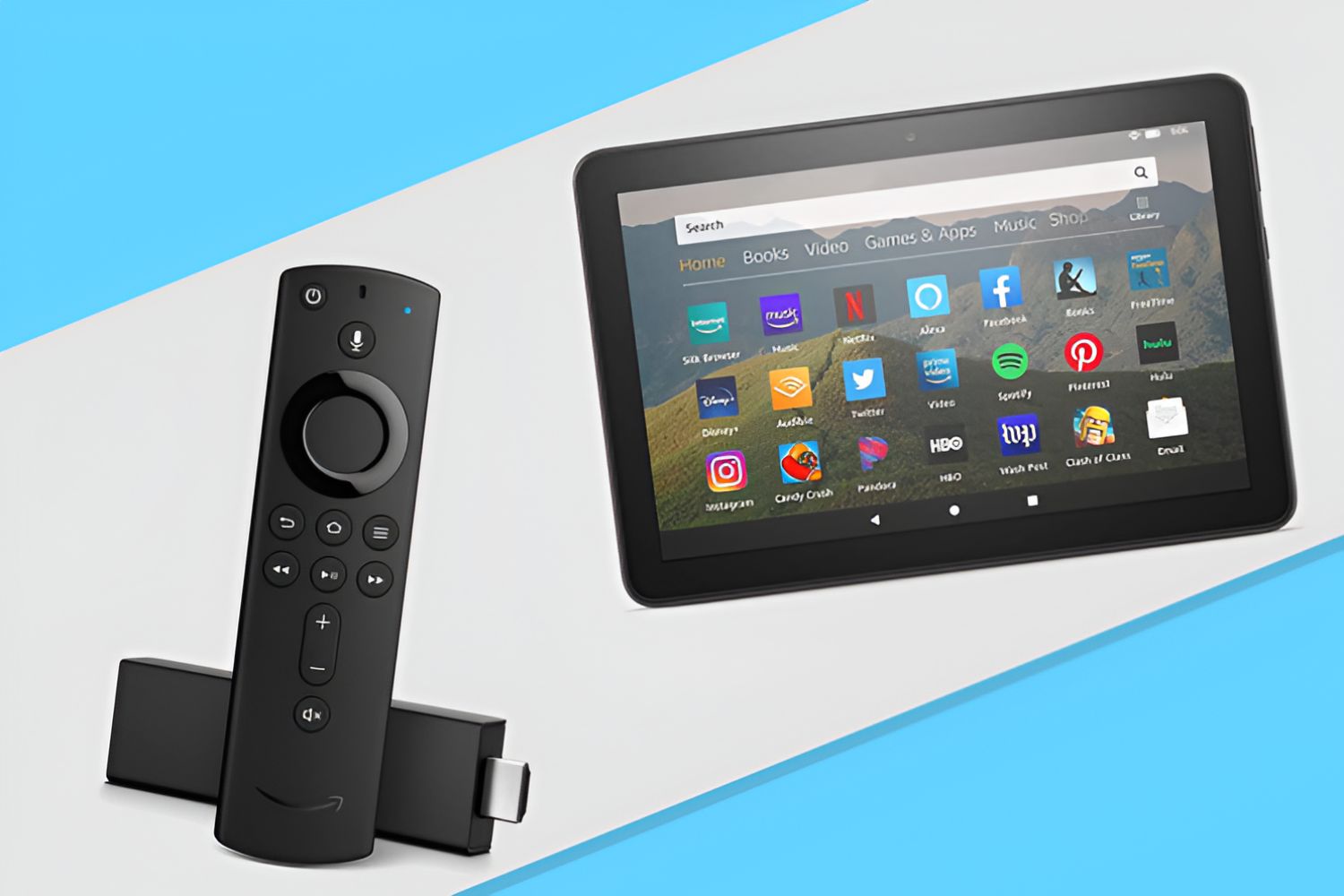
To mirror Fire Tablet to Fire Stick, enable display mirroring on your Fire Stick, open screen mirroring on your Fire Tablet, and select your Fire Stick from the list. This...
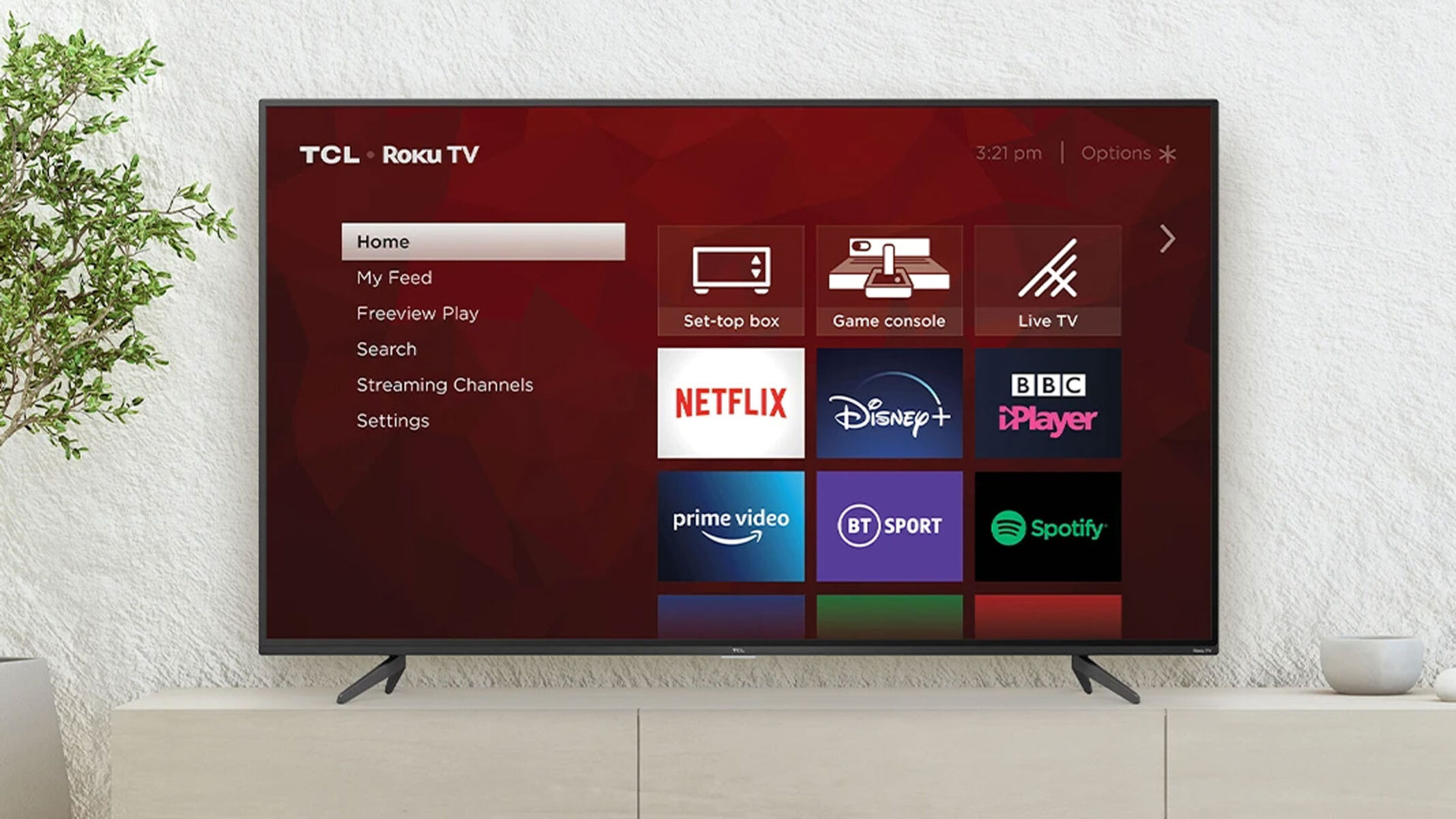
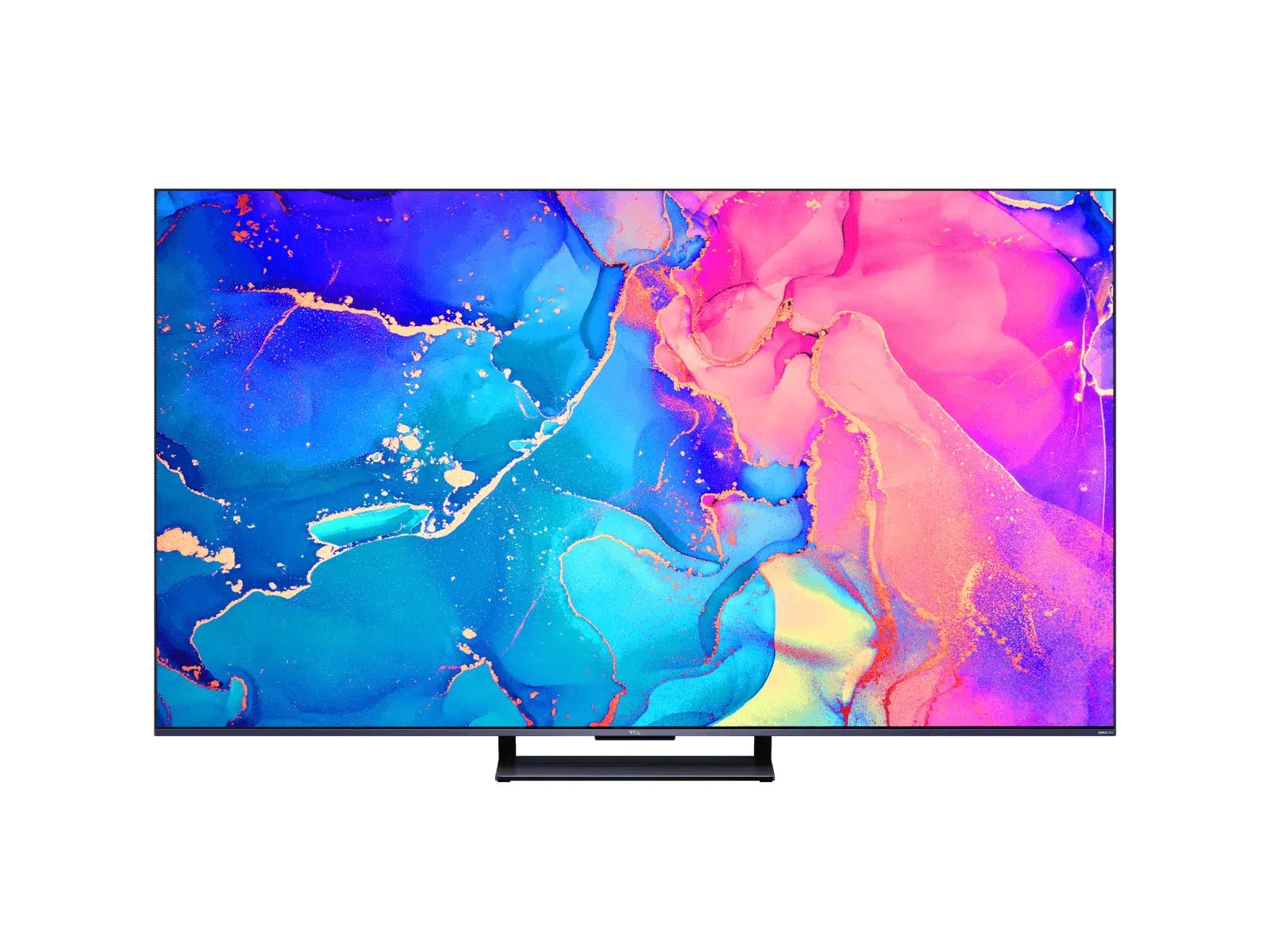
To screen mirror iPhone to TCL TV, both devices must support Apple's AirPlay 2 and be on the same Wi-Fi network. You can start mirroring from your iPhone's Control Center...
This website uses cookies so that we can provide you with the best user experience possible. Cookie information is stored in your browser and performs functions such as recognising you when you return to our website and helping our team to understand which sections of the website you find most interesting and useful.
Strictly Necessary Cookies
Strictly Necessary Cookie should be enabled at all times so that we can save your preferences for cookie settings.
If you disable this cookie, we will not be able to save your preferences. This means that every time you visit this website you will need to enable or disable cookies again.