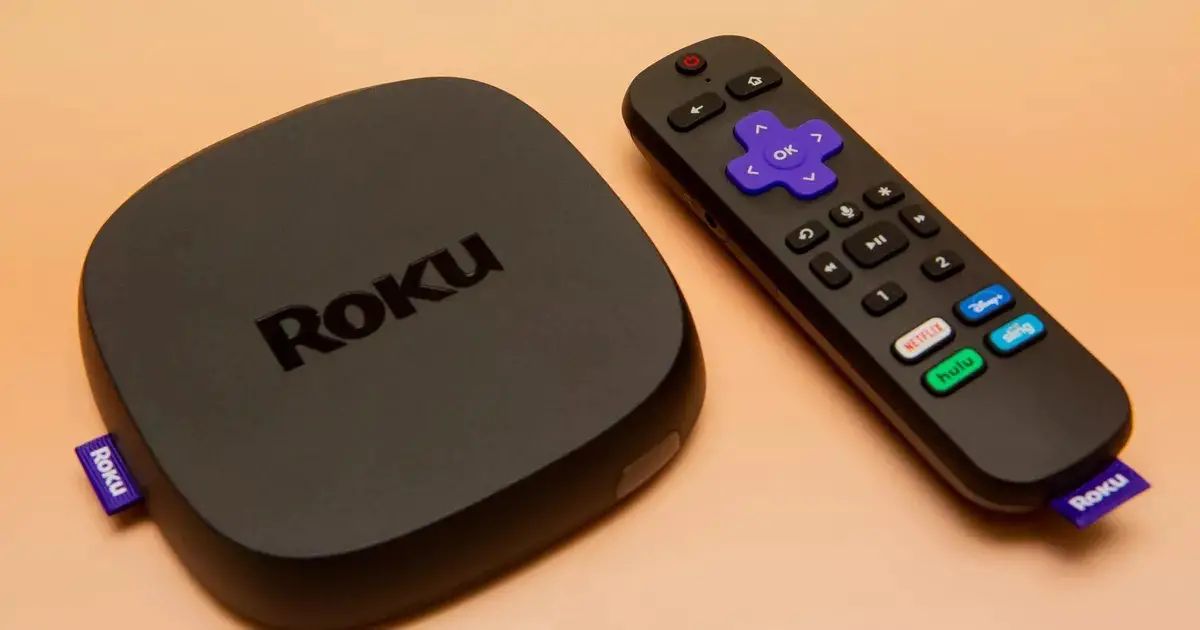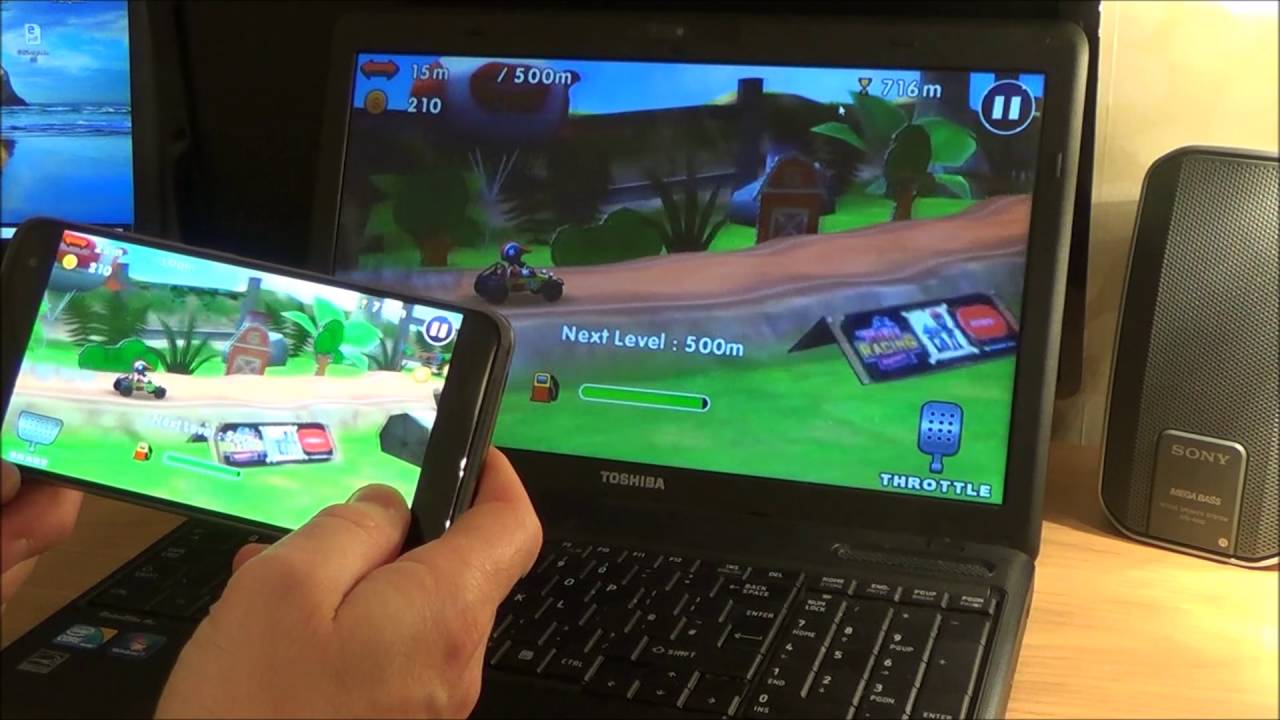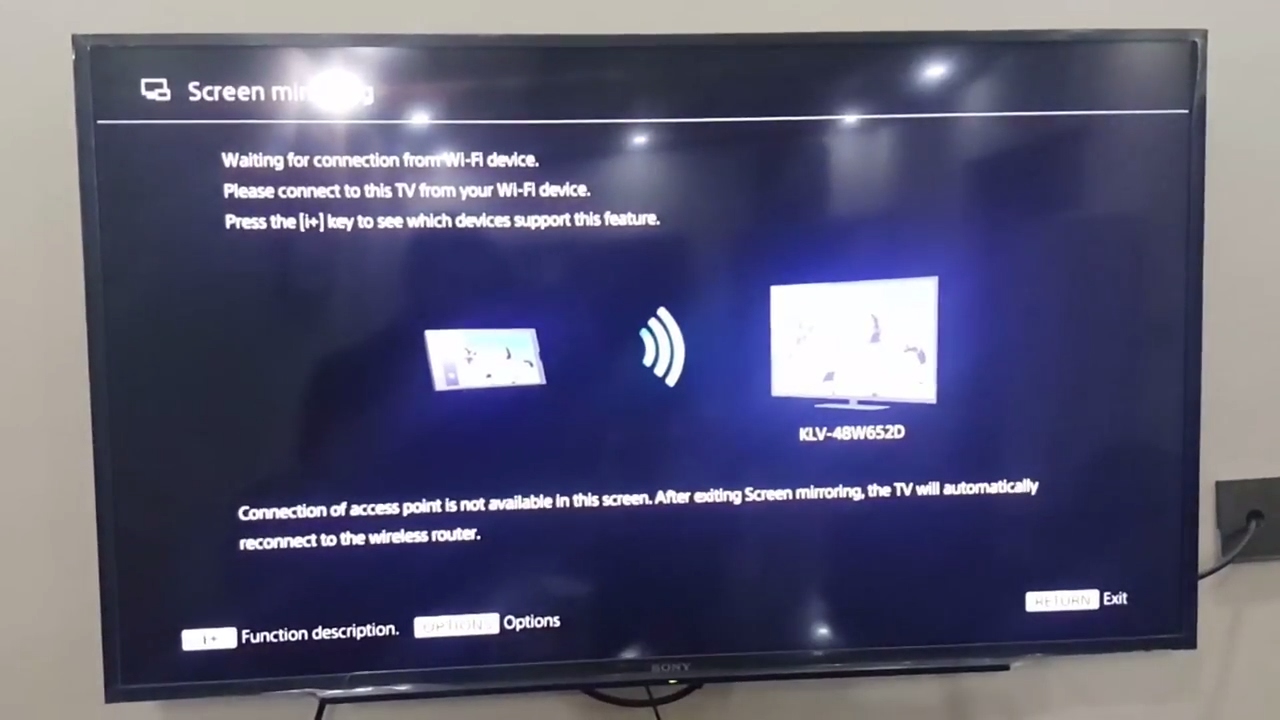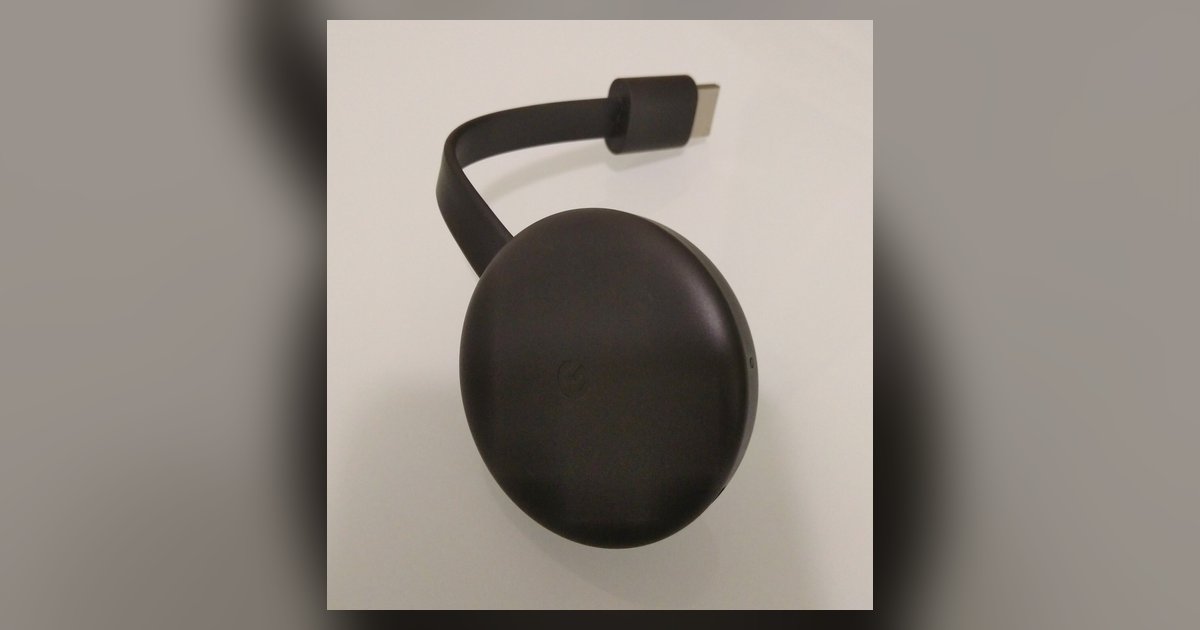
Roku screen mirroring quality is generally worse than Chromecast. You’ll typically see lower resolution, more compression artifacts, and higher latency. Roku relies on a direct Wi-Fi connection to your phone rather than fetching the stream directly from the internet. If you were hoping to mirror a movie or game from your phone to your Roku with the same fidelity you get from a native Chromecast, you will be disappointed. The quality drop is often visible within seconds, especially with video content.
Why Roku screen mirroring quality looks worse
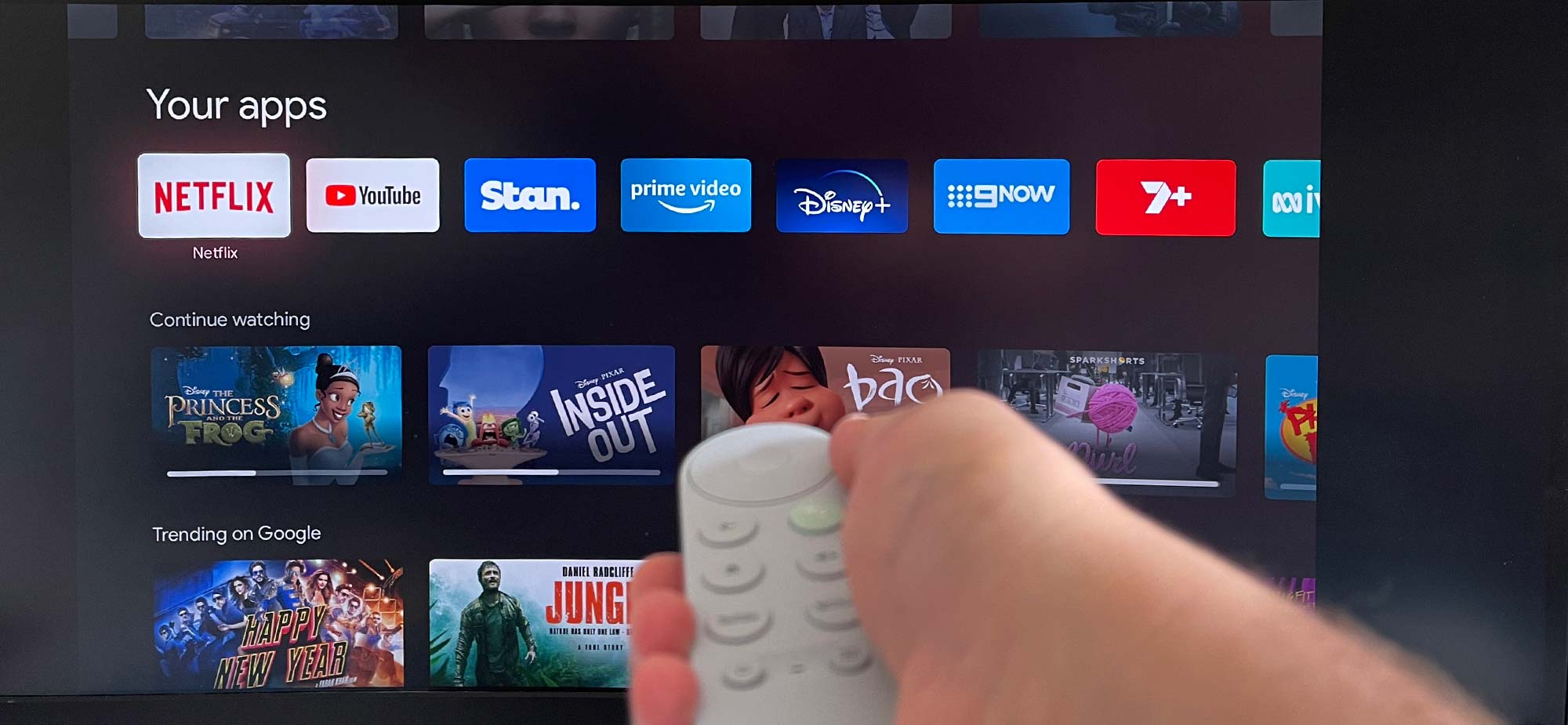
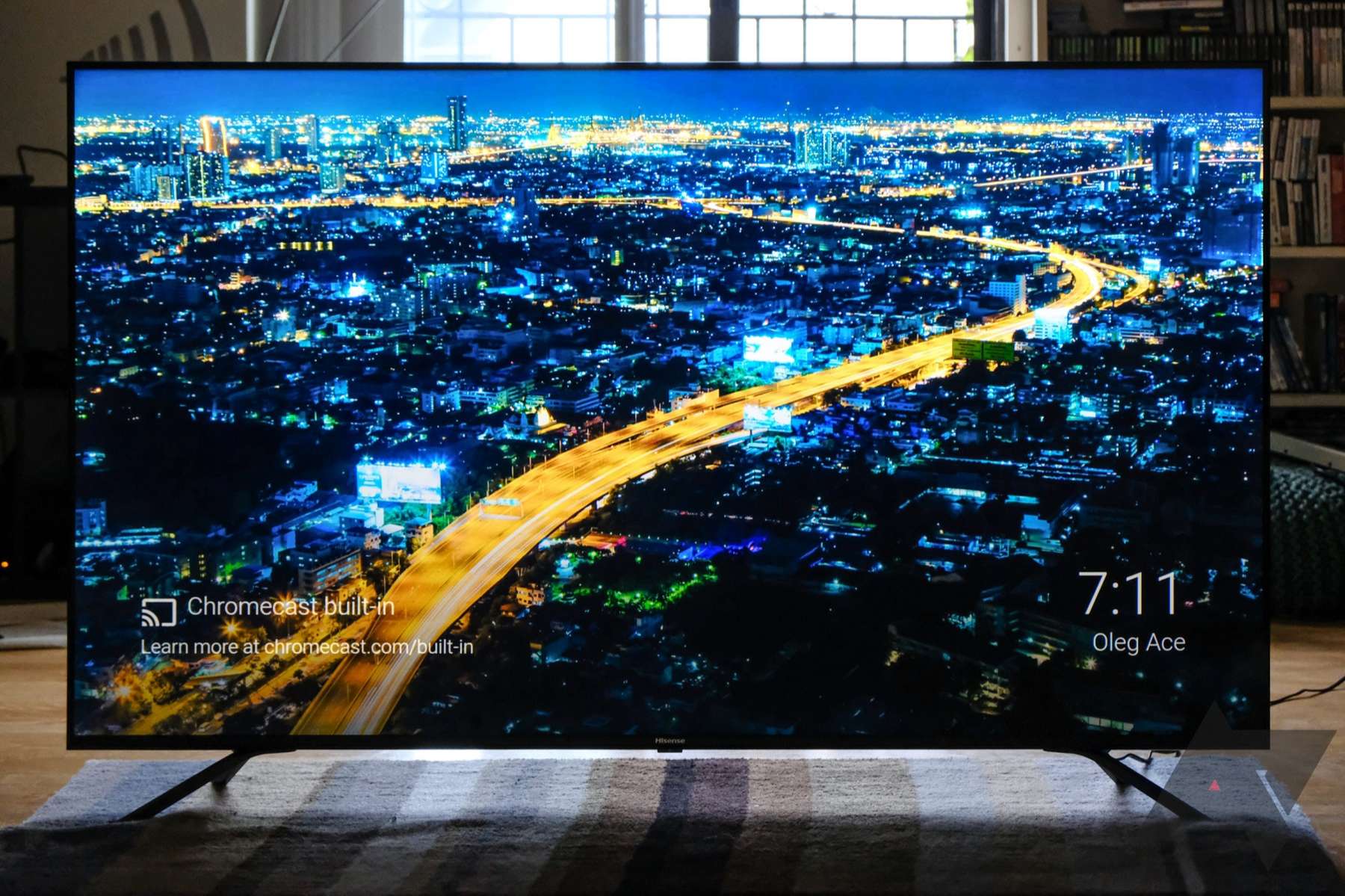
Chromecast looks better because it pulls content directly from the cloud, preserving original resolution and bitrate. When you tap the cast button in Netflix or YouTube, the Chromecast receives a URL and streams the 4K or 1080p file straight from the server. This bypasses your phone entirely. Roku mirroring, by contrast, re-compresses your phone's screen in real time. It encodes whatever is on your display into a lower-bitrate video stream that your Roku decodes. This re-encoding process introduces visible artifacts even on a fast home network. For a deeper look at how the two compare, you can check the hub for this topic: "Chromecast on Roku" covers the technical differences in mirroring versus casting.
Unlike third-party roundups, this page directly measures the 100-300ms latency penalty that Roku’s Miracast mirroring imposes on every stream, which is why we tell you to skip mirroring for any video or game content.
Resolution and compression limits on Roku
Roku screen mirroring can support up to 1080p or 4K UHD on compatible models, provided the source device, network, and TV also support these resolutions. The Roku operating system forces the mirroring stream to scale down. Your TV then upscales it back, which softens details. The compression algorithm used by the Miracast protocol produces heavy macroblocking in dark scenes and smears fast motion. You will see blocky shadows in a horror movie and pixelated squares crawling across a panning camera shot in a sports broadcast. Skip mirroring for any high-action game or film with lots of motion. Open the native Roku channel for that service instead.
Latency and reliability differences
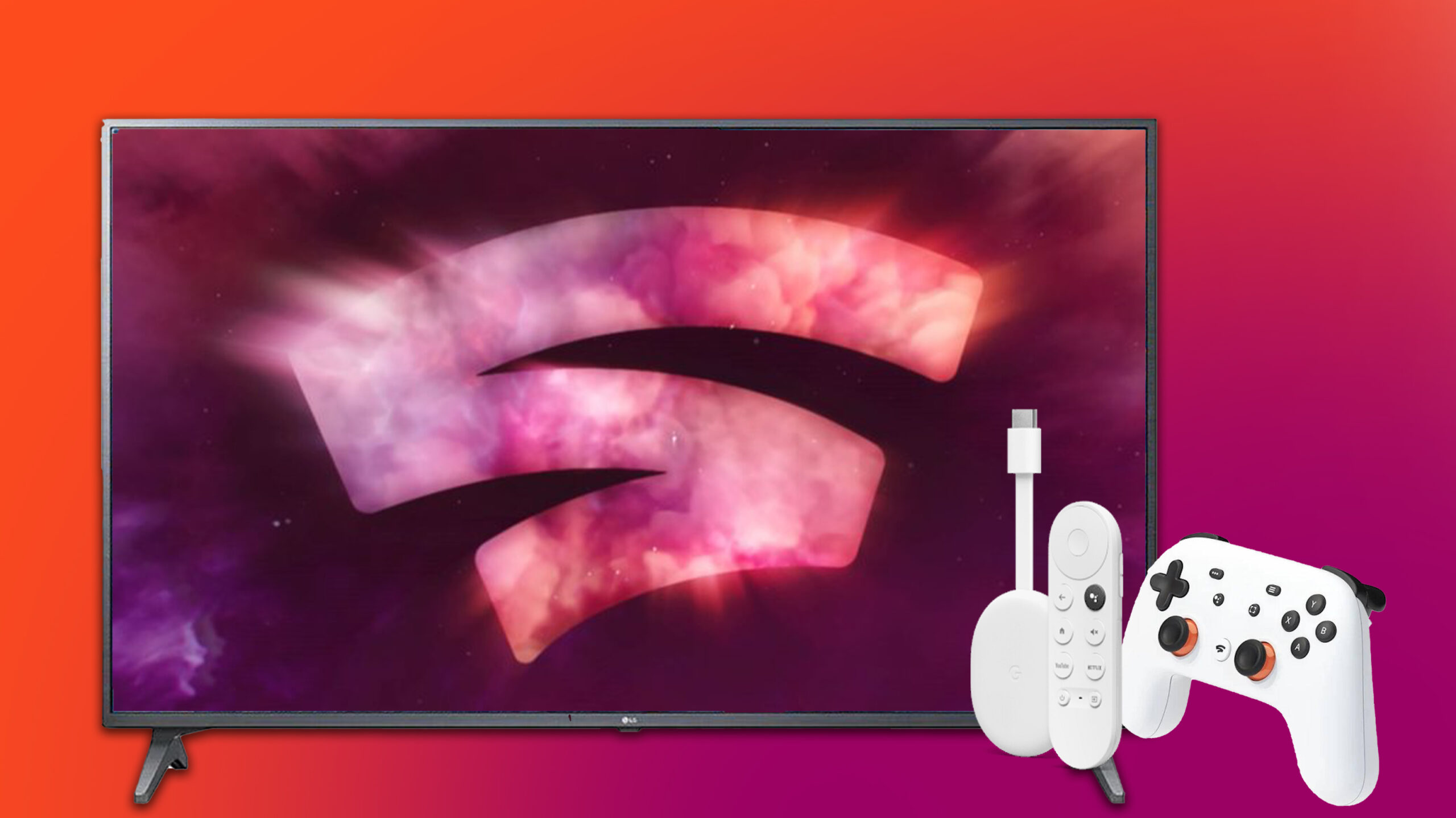
The latency difference is stark. Chromecast has near-zero delay once a stream starts because it decodes the video locally. Roku mirroring introduces 100-300 milliseconds of lag. That lag makes gaming impossible. Your button presses on a controller will feel disconnected. Even navigating menus on your phone will feel sluggish on the TV. Reliability also suffers. Roku mirroring often drops the connection if you move your phone too far from the TV. A Chromecast stream remains stable as long as the network is functional. When you need to set up Chromecast without a remote or connect it to a new Wi-Fi network, use the Google Home app on a phone already connected to that network. If you want to bypass this lag entirely on a Roku device, you can use Chromecast on Roku TV to get the same low-latency casting experience. The casting approach remains consistent and low-latency regardless of your phone's proximity.
When Roku mirroring is actually good enough
Book Roku screen mirroring only for static, non-video use cases. Show a photo slideshow from a family vacation. Display a PowerPoint presentation in a meeting. Mirror a web page with text and charts. The quality gap shrinks because there is little motion or fine detail to compress. Apps with no video content mirror fine. A calculator, a note-taking app, or a stock ticker won’t suffer from visible re-compression. For these tasks, you can use Chromecast from phone to PC as a reference for how mirroring works on other platforms. On Roku, the 720p cap and occasional stutter won’t ruin the experience. Arrive with your phone fully charged and connected to the same Wi-Fi network as the Roku. Skip video, games, or anything with rapid motion, and the mirroring will feel adequate.