

Practical, reader-tested guides for anyone who watches or creates online video content, whether you’re hunting for a new service, trying to fix a playback problem, or setting up your own broadcast. The articles are written for everyday consumers and hobbyist streamers, not industry professionals, and they focus on clear, step-by-step instructions rather than abstract theory.
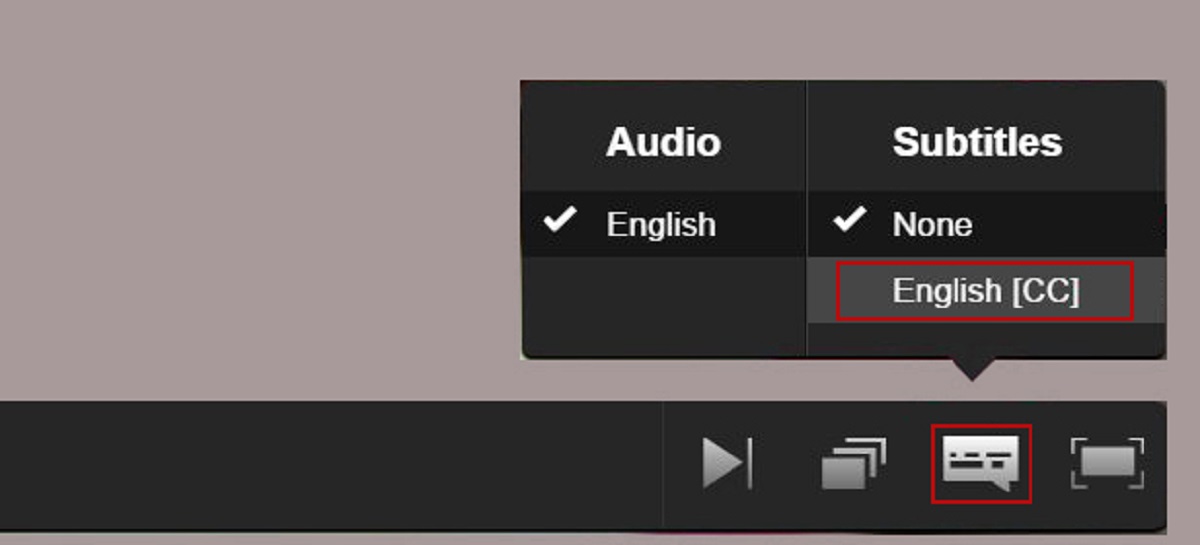
Several pieces solve the problem of finding safe, legal places to watch specific movies, shows, or genres. For example, guides cover where to watch Marvel films for free, the best legal alternatives to RARBG and Putlocker, and curated lists of free movie sites or anime platforms. Other articles tackle account and device issues, such as how many devices can use Amazon Prime, turning off subtitles on Disney Plus, or downloading movies from Netflix and HBO Max, all framed as legitimate, supported features or settings. A third group supports people who create streams themselves, including reviews of capture microphones like the Razer Seiren X, multi-streaming tools like Restream, and step-by-step guides to streaming on Discord or becoming a VTuber.
Across all three themes, the tag’s core promise is straightforward: help you watch more of what you love, manage the services you already pay for, or start sharing your own screen with confidence. The tone stays practical and neutral, and the advice sticks to what the listed articles actually cover.