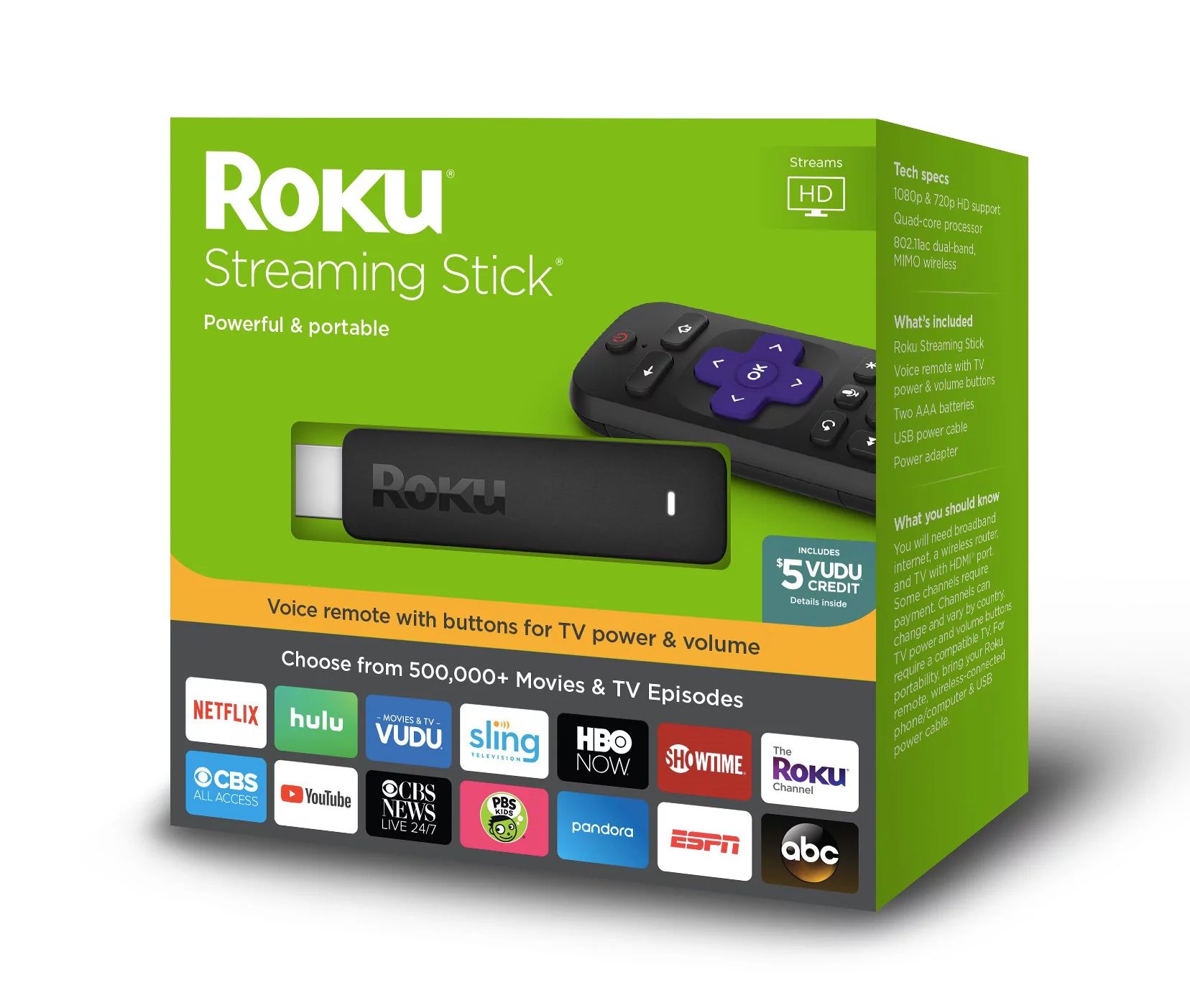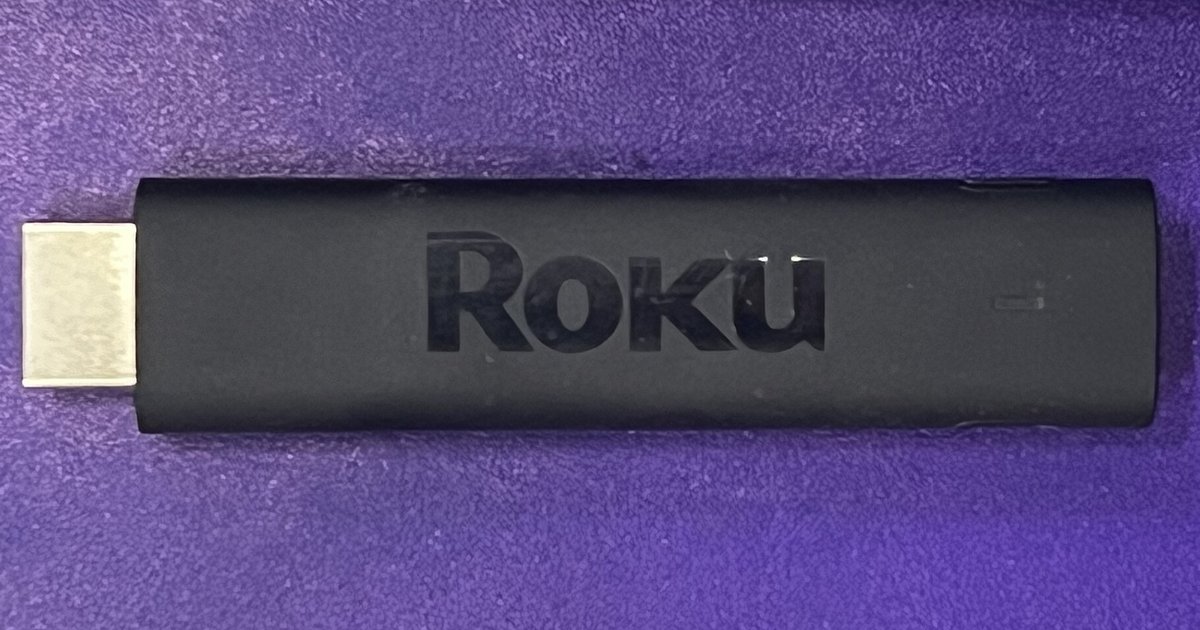
Yes, a Roku works with most computer monitors that have an HDMI port, but you will need to solve for sound separately since most monitors lack built-in speakers.
The video works on a Roku computer monitor, the audio usually doesn’t
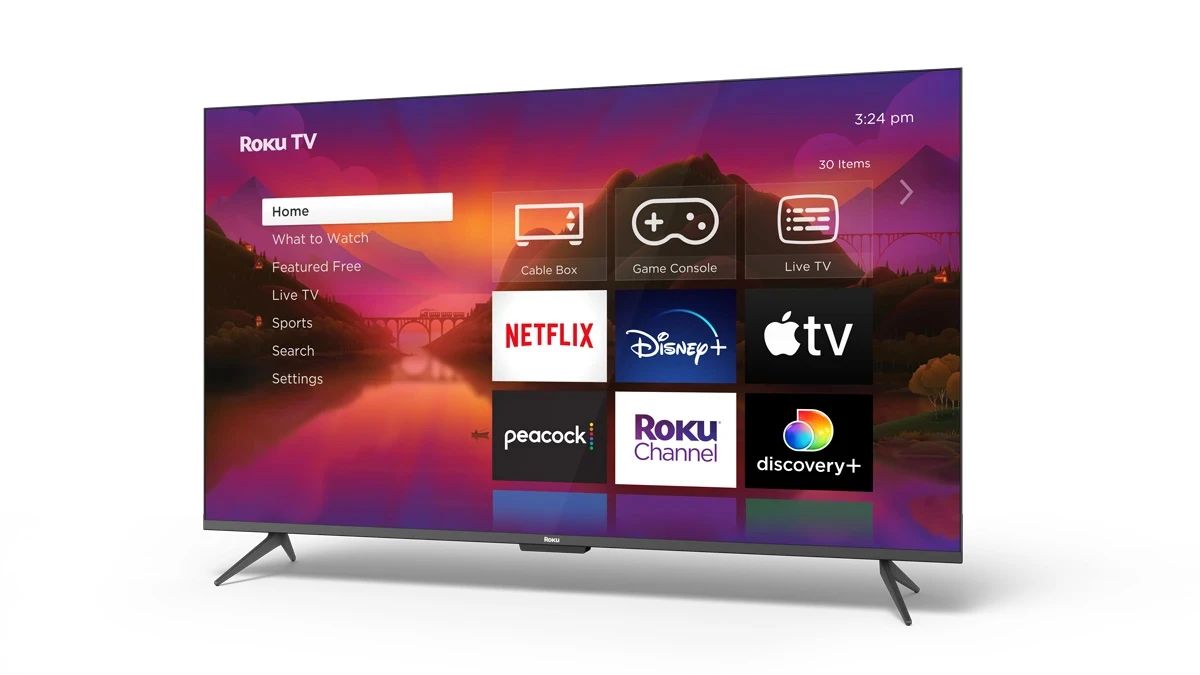
When you connect a Roku to a computer monitor via HDMI, the display will show the full Roku home screen, menus, and streaming content at the monitor’s native resolution. This is typically 1080p or 4K if the monitor supports it. HDMI carries both video and audio signals in the same cable. However, the vast majority of computer monitors lack built-in speakers or an audio amplifier. Even if your monitor has a 3.5mm headphone jack, that jack usually passes audio through from the HDMI input only if the monitor specifically includes an audio DAC and amplifier circuit. Many budget and mid-range monitors do not. As a result, you will see the picture perfectly but hear nothing unless you take additional steps to route the audio elsewhere.
What people get wrong about HDCP
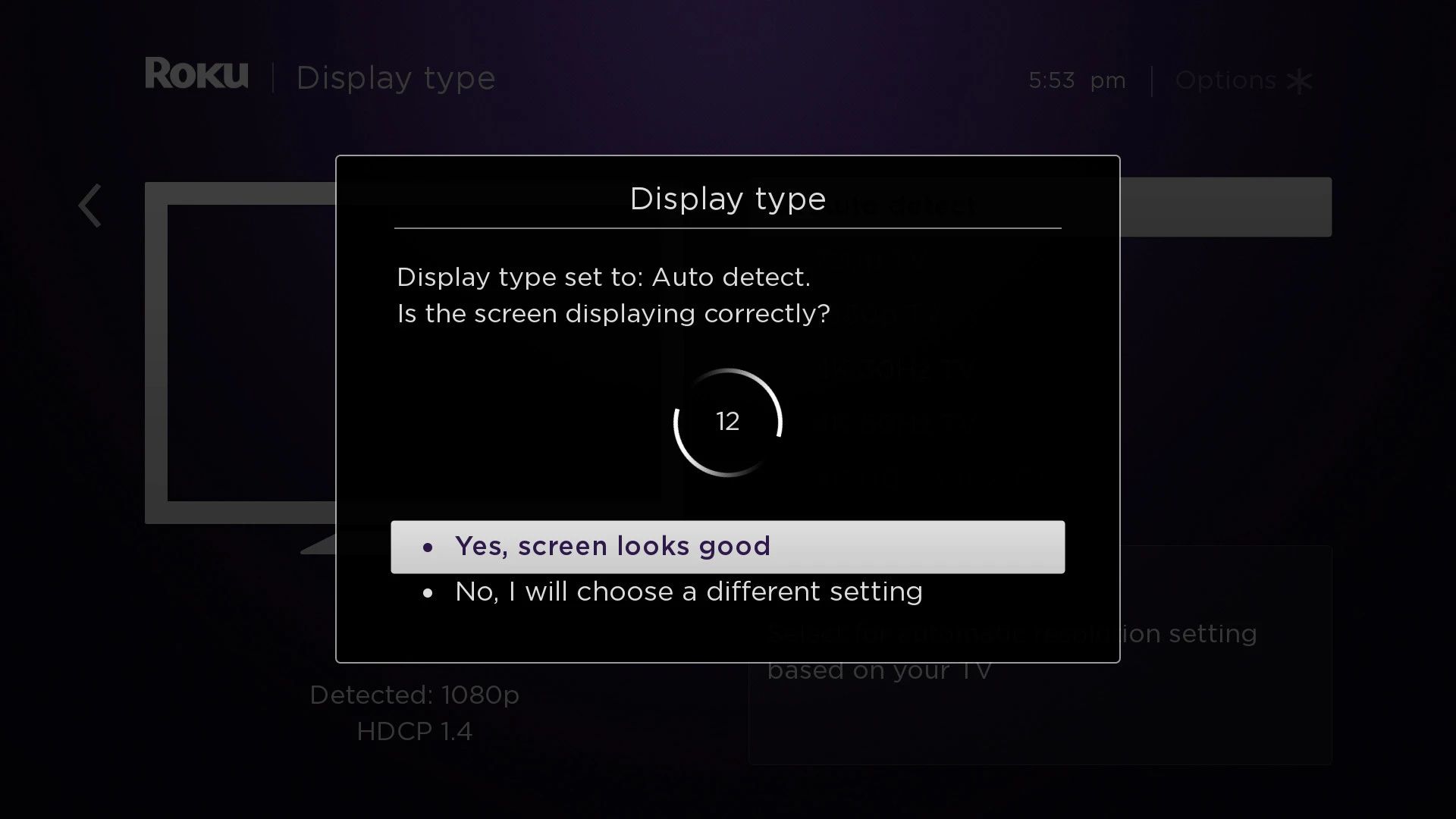
A common myth is that any monitor with an HDMI port will work with streaming services like Netflix, Hulu, or Disney+. In reality, these apps require High-bandwidth Digital Content Protection (HDCP) to play protected content. If your monitor is older or uses a DVI-to-HDMI adapter, it may not support HDCP 2.2 or even HDCP 1.4. When HDCP fails, the Roku will display an "HDCP Error Detected" message or a purple screen instead of the video. To avoid this, check your monitor’s specifications online for the phrase “HDCP compliant.” If the monitor lacks HDCP, you may need to replace the monitor. For troubleshooting steps, you can contact Roku directly through their support portal, which is the hub for resolving HDCP errors and other hardware compatibility issues.
How to actually get sound
Since most monitors lack speakers, you have three practical ways to hear audio from your Roku. First, use the Roku remote’s private listening mode. Plug any wired headphones into the 3.5mm jack on the Roku remote, for models that include one. You can also use the Roku mobile app on your phone to route audio to Bluetooth headphones. Second, if your Roku model supports Bluetooth audio, go to Settings and pair a Bluetooth speaker or headphones. This applies to select Roku models that support Bluetooth audio. Third, you can extract audio from the HDMI signal using an external device. Buy an HDMI audio extractor that splits the HDMI feed into video-out to your monitor and analog or optical audio-out to powered speakers or a stereo system. This method also solves the HDCP problem because most modern extractors pass HDCP correctly. If you want to connect an antenna for over-the-air channels, you may be able to connect TV antenna to a Roku device that has a built-in tuner. Audio from that tuner will also need the same extraction setup. For simpler installations where you just plug a Roku into a monitor without a TV tuner, you can use Roku on a non smart TV the same way, since the monitor acts exactly like a non-smart display. If your remote ever loses sync, locate the pairing button on your Roku remote to re-pair it with the player. With any of these audio solutions, your monitor becomes a fully functional Roku display.