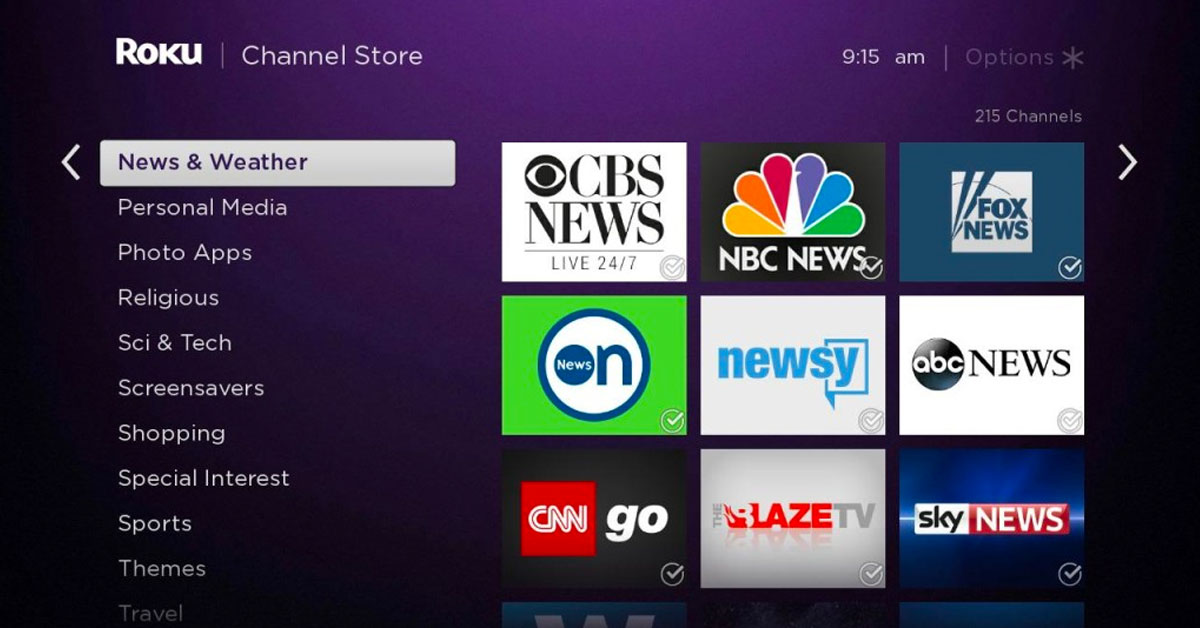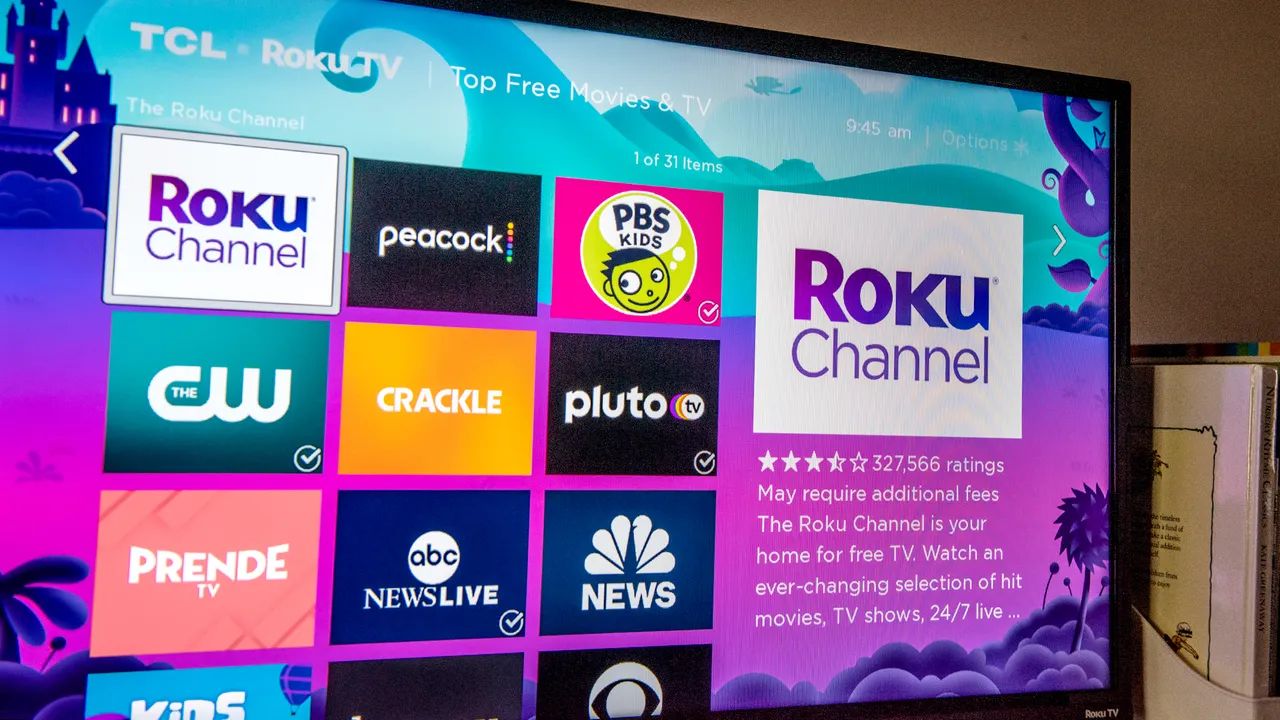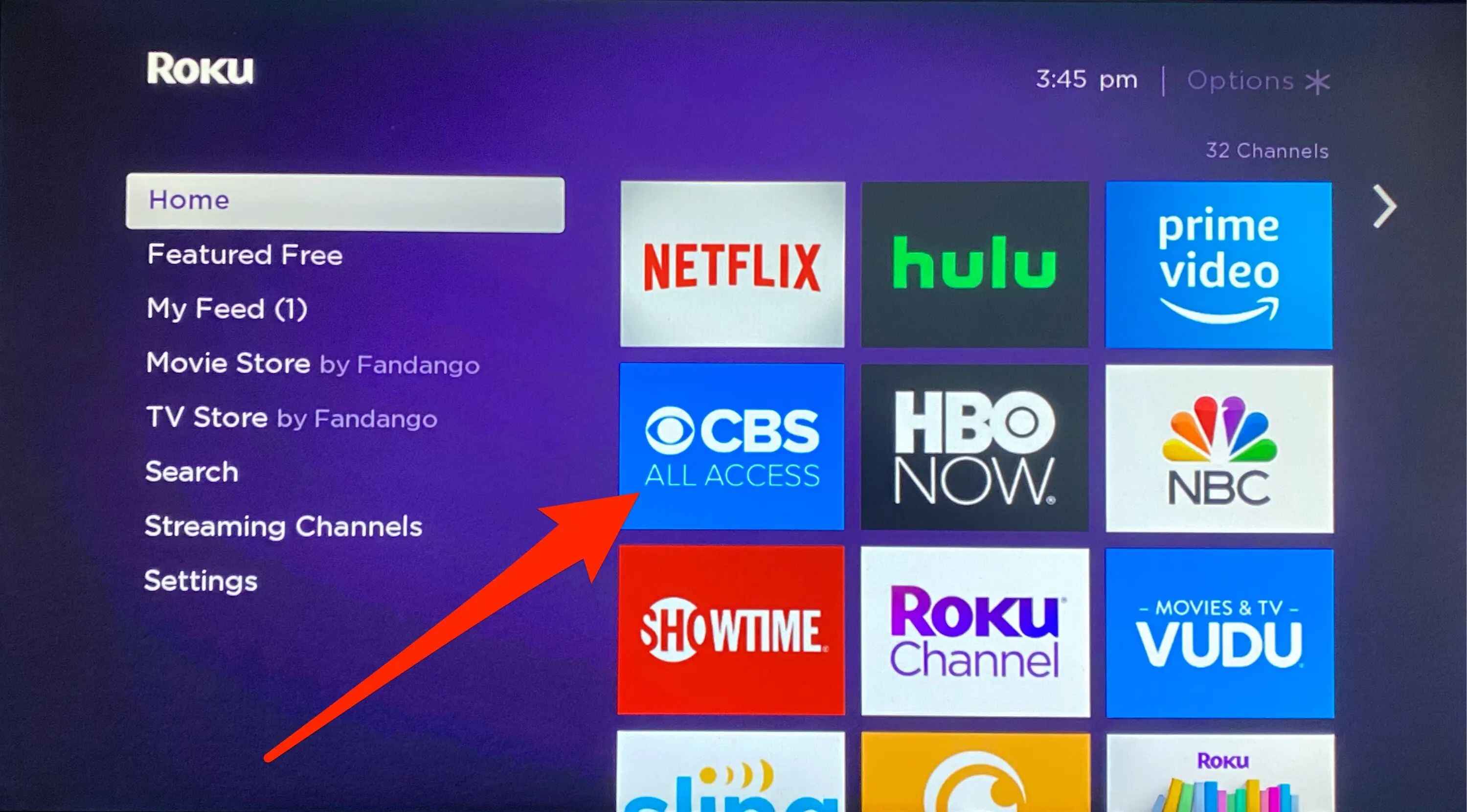
To watch CBS on Roku, you need to know that CBS content is now split between two main apps: the subscription-based Paramount+ app and the free CBS app. The old CBS All Access app has been fully replaced by Paramount+, which serves as the primary streaming destination for CBS shows, live sports, and more.
Streaming CBS on Roku with Paramount+
Paramount+ is the streaming service that replaced CBS All Access, consolidating all CBS content along with programming from BET, Comedy Central, MTV, Nickelodeon, and the Smithsonian Channel. Subscribers get access to blockbuster movies, exclusive originals, and live sports including NFL on CBS and UEFA Champions League. You can choose between two plans: the Essential plan includes ads, while the Premium plan offers ad-free viewing, access to your local live CBS station, and additional live sports coverage. This is the app you want if you are looking for the most complete CBS streaming experience on your Roku.
How to add and subscribe to Paramount+ on Roku
Follow these steps to add the Paramount+ channel and sign up directly on your Roku device:
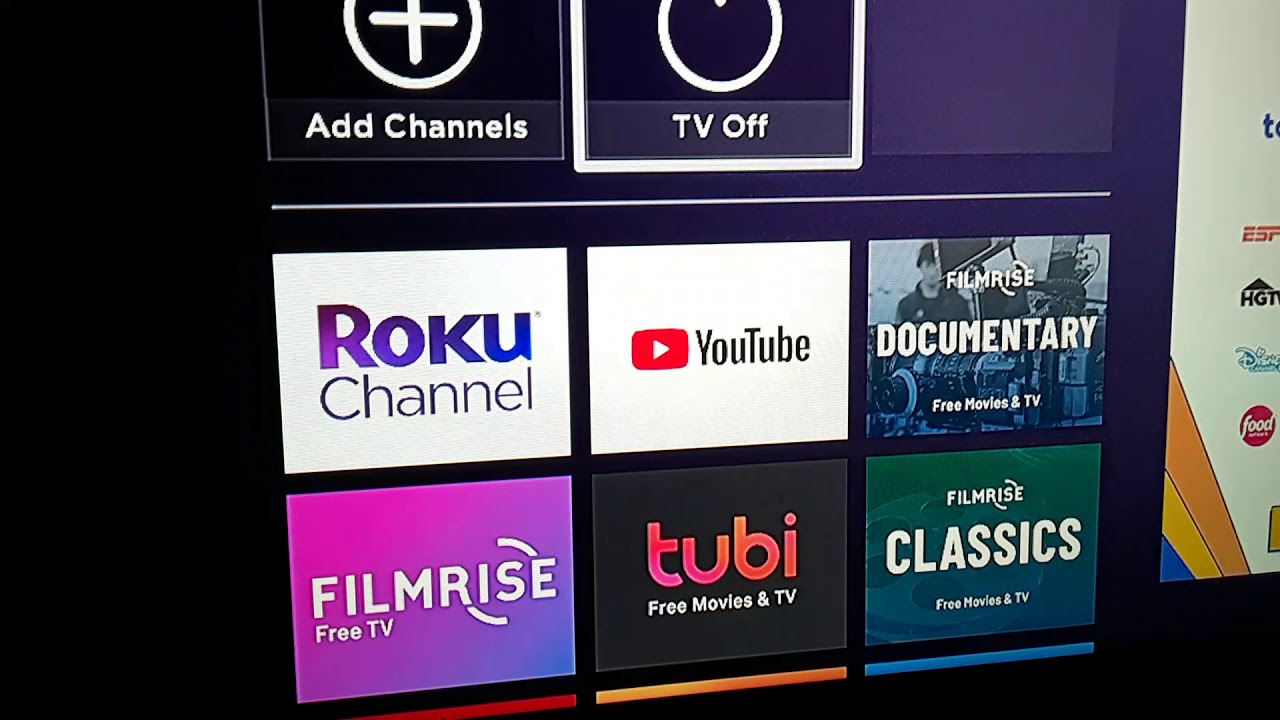
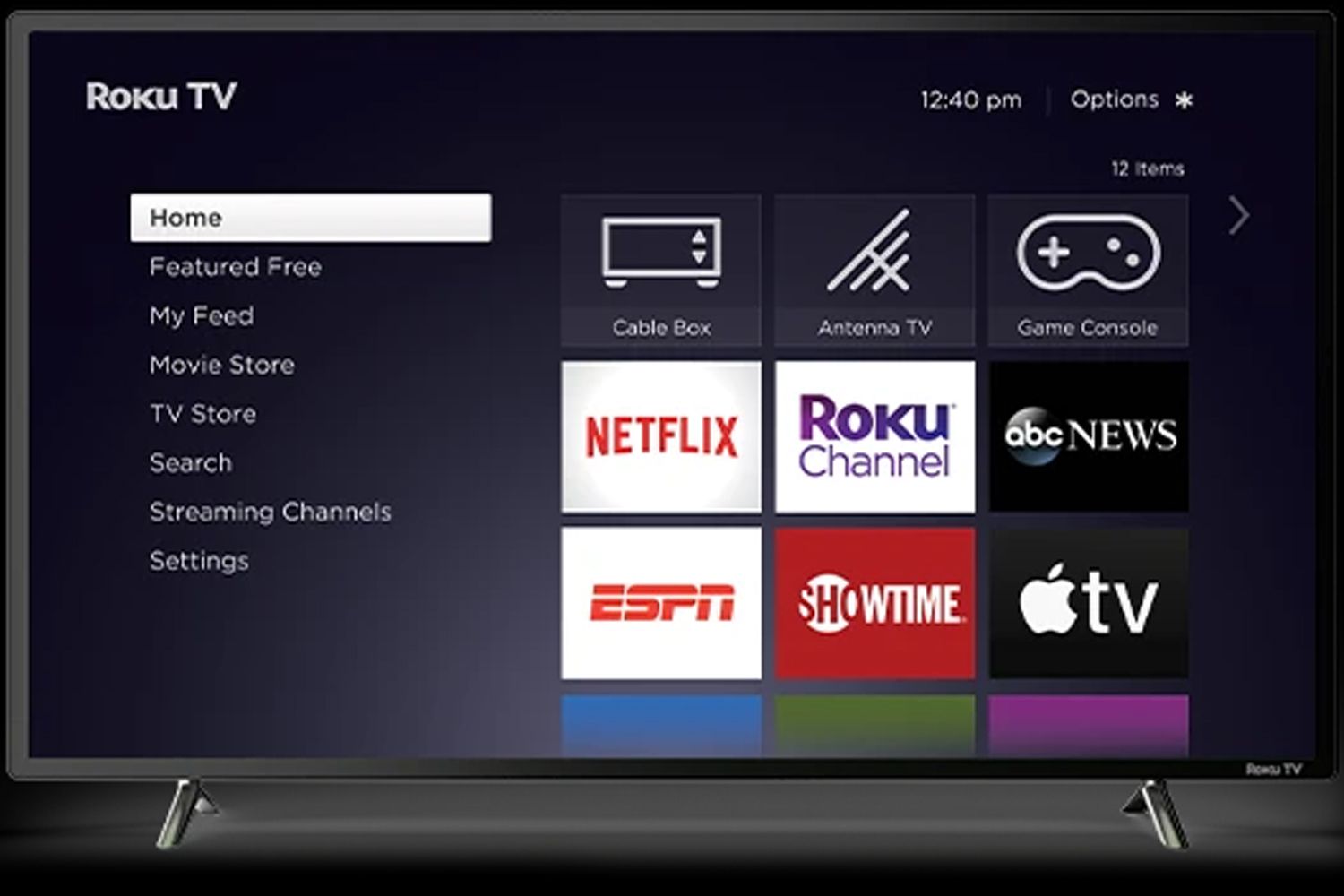
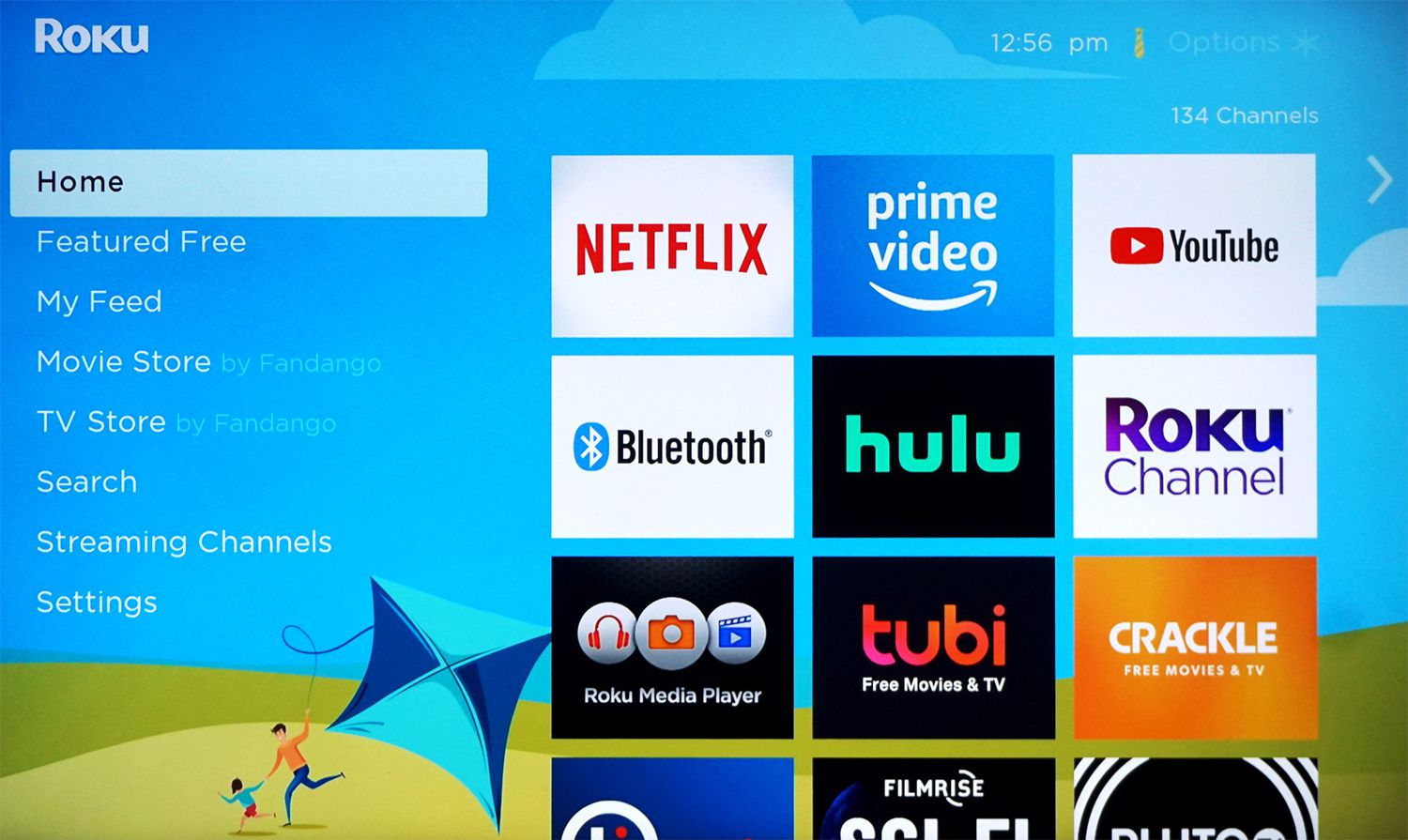
- From your Roku home screen, navigate to "Streaming Channels" to open the Roku Channel Store.
- Go to the "Movies & TV" category and search for "Paramount+."
- Select "Add channel" to install the app on your Roku.
- Launch the Paramount+ channel from your home screen and select "Sign Up."
- Create an account, enter your Roku PIN, and choose your subscription plan to complete the sign-up process.
Signing up through your Roku device is the most direct way to start streaming, as it handles billing through your Roku account.
How to sign in to an existing Paramount+ account
If you already have a Paramount+ account, you do not need to sign up again. Simply launch the app, select "Sign In With An Account," and enter the email address and password associated with your Paramount+ subscription. This allows you to pick up exactly where you left off across all your devices.
Option 2: The free CBS app for news, sports, and select shows
The separate "CBS" app on Roku provides free access to CBSN (a 24/7 live news stream), CBS Sports HQ, and select episodes of popular shows without requiring any login. For full seasons and live TV, you can sign in with a participating TV provider. This is the best option if you want to watch live CBS news and sports highlights without paying for a subscription. The "CBS News" app is also available, offering a dedicated 24/7 live news stream, full episodes, and on-demand clips from CBS news programs with no cable subscription needed.
How to manage or cancel your Paramount+ subscription
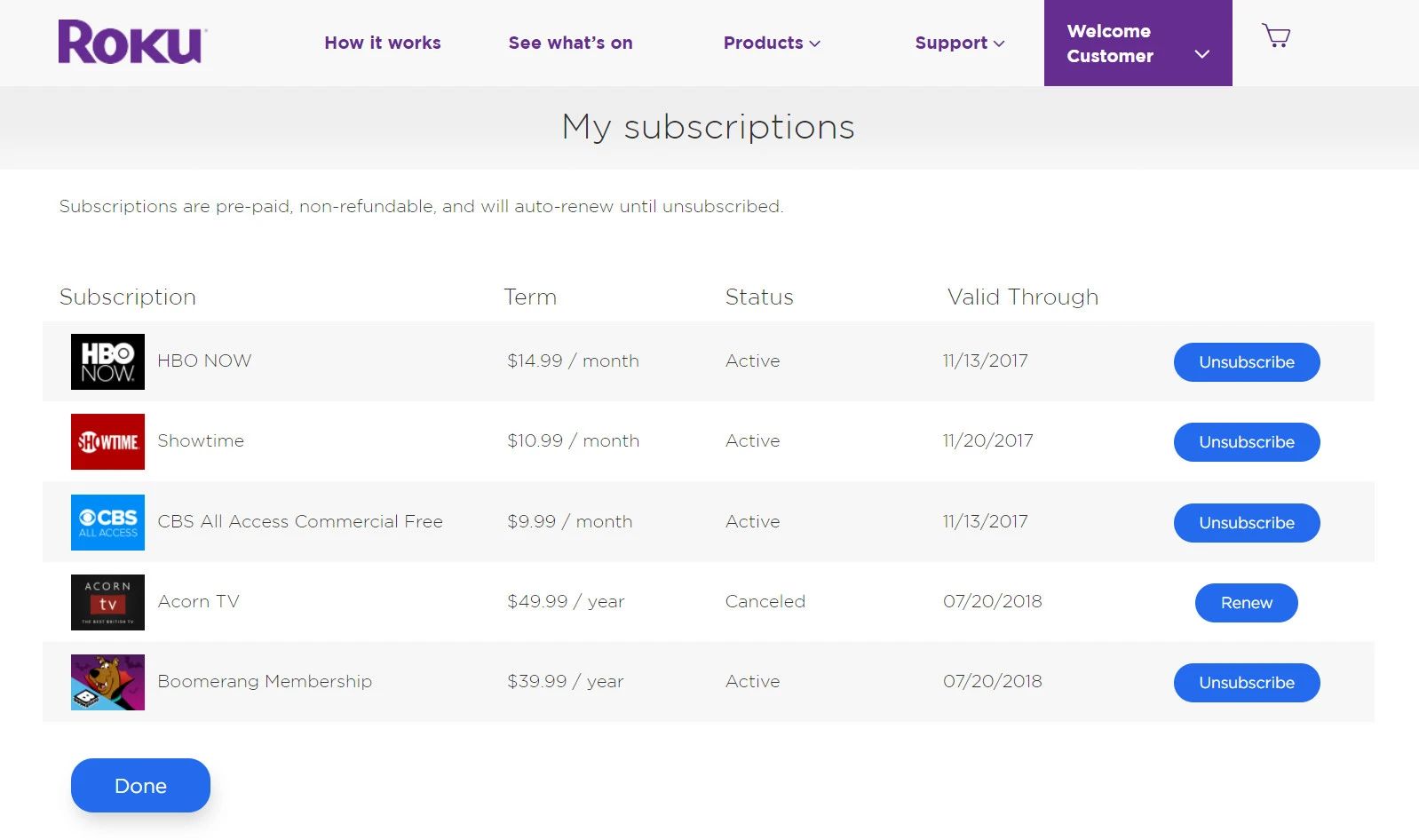
If you subscribed to Paramount+ through Roku and need to cancel, the process is handled entirely on your device. Highlight the Paramount+ app on your Roku home screen, press the Star (*) button on your remote, and select "Manage Subscription." From there, choose "Turn off auto-renew" to prevent future charges. Your access will continue until the end of the current billing period. This gives you full control over your subscription without needing to contact customer support.
\nRelated reading: How To Cancel Roku Subscription, How To Get Porn On Roku, and How To Move Apps On Roku.