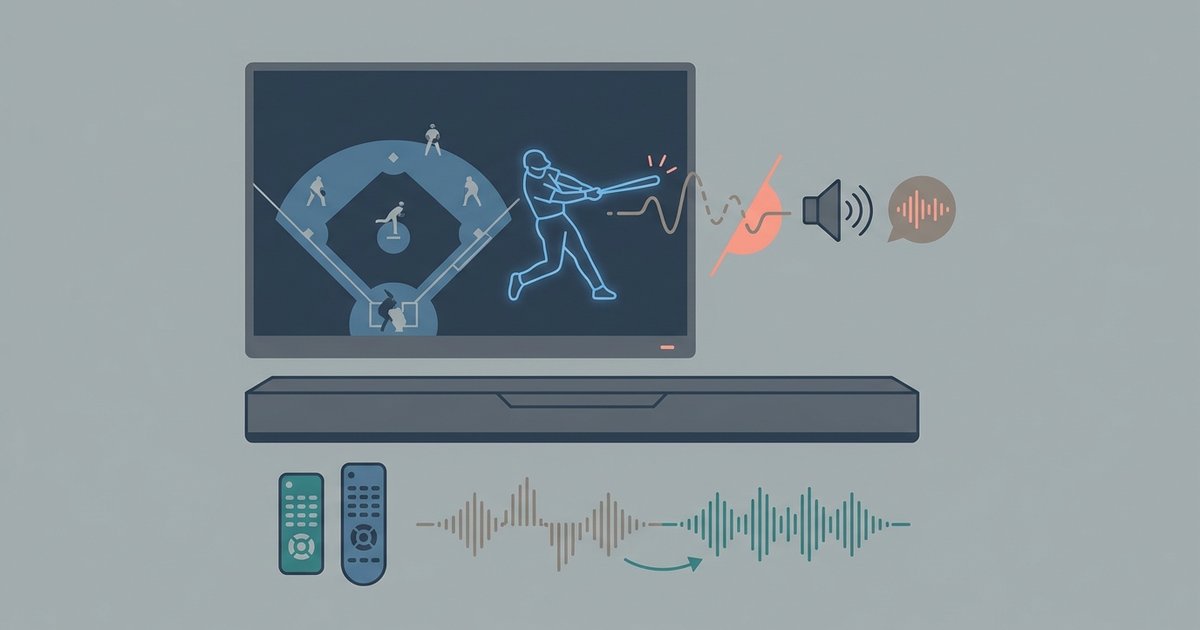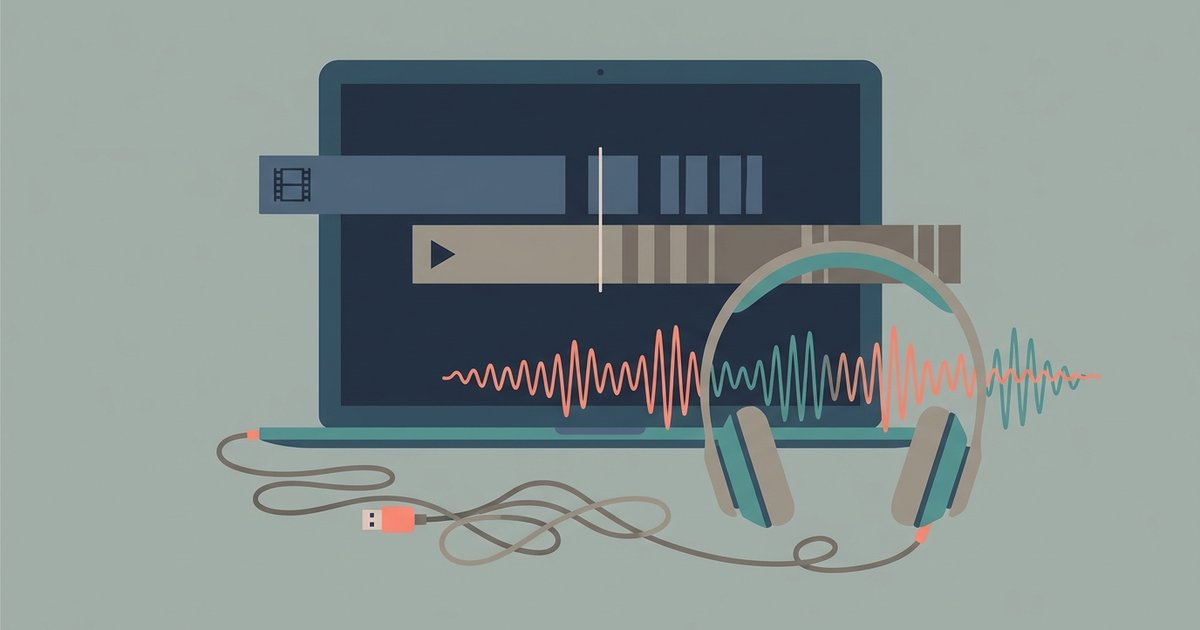
The sync drift happens because the video and audio streams have different starting timestamps and slightly different lengths, so a basic ffmpeg merge preserves that offset. Fix it by extracting and aligning the exact duration of the shortest track, then re-encoding both streams into a single container with the offset corrected.
Why a simple merge creates a drifting audio sync delay
When you use a tool like yt-dlp to grab separate 1080p streams, each file carries its own presentation timestamp (PTS) base. The video stream might start at PTS 0.000, while the audio stream starts at PTS 0.080, or vice versa. A basic ffmpeg command copies both streams verbatim, preserving their original PTS offsets. Because the streams have slightly different frame rates and sample rates, the offset does not remain constant. It accumulates, producing a growing delay that becomes obvious after 30 seconds. This is not a fixed lip-sync error you can fix with a single delay value. It is a progressive drift caused by the encoder's independent timebases.
The exact ffmpeg command to fix it
To correct the drift, you must first identify which stream is shorter and use the aresample and setpts filters to align timestamps. Run this command to extract the exact duration of each stream: ffprobe -v error -show_entries format=duration -of default=noprint_wrappers=1:nokey=1 video.mp4 and the same for audio.m4a. Then use the shorter duration as the reference. For example, if video is 0.2 seconds longer than audio, trim the video with setpts=PTS-STARTPTS and sync the audio with adelay. The full command is: ffmpeg -i video.mp4 -i audio.m4a -filter_complex "[0:v]setpts=PTS-STARTPTS,trim=start=0:duration=VIDEO_DURATION[v];[1:a]adelay=DELAY_MS|DELAY_MS[a]" -map "[v]" -map "[a]" -c:v libx264 -c:a aac -shortest output_synced.mp4. Replace VIDEO_DURATION with the shorter file's duration in seconds (e.g., 120.5) and DELAY_MS with the offset in milliseconds (e.g., 200). This re-encodes both streams, but the video is re-encoded only if you must trim it. If the video is already the shorter track, you can use -c:v copy to avoid re-encoding the video stream entirely.
When re-encoding is unavoidable
If the audio track is longer than the video or has a variable bitrate (VBR) that extends past the video's end, a stream copy will fail. ffmpeg cannot truncate a VBR stream without re-encoding. In that case, you must force a full re-encode of the audio with -c:a aac -b:a 128k and use the asetpts=PTS-STARTPTS filter to lock the audio to the video's timeline. The same principle applies when you need to download videos from sites that serve DASH streams, as the same drift occurs. The same drift occurs. In all these cases, re-encoding the audio (or both streams) is the only reliable way to produce a file where the audio stays locked to the video from start to finish. If you need a clean local copy to work with, you can download YouTube videos ss before attempting any sync repairs.
This progressive drift happens because YouTube's DASH streams are encoded independently, the video track may begin 0.2 seconds before the audio, or the audio may have a tiny silence at the start, and ffmpeg's default stream copy simply muxes those mismatched start times into one file, causing the gap to grow as playback progresses.
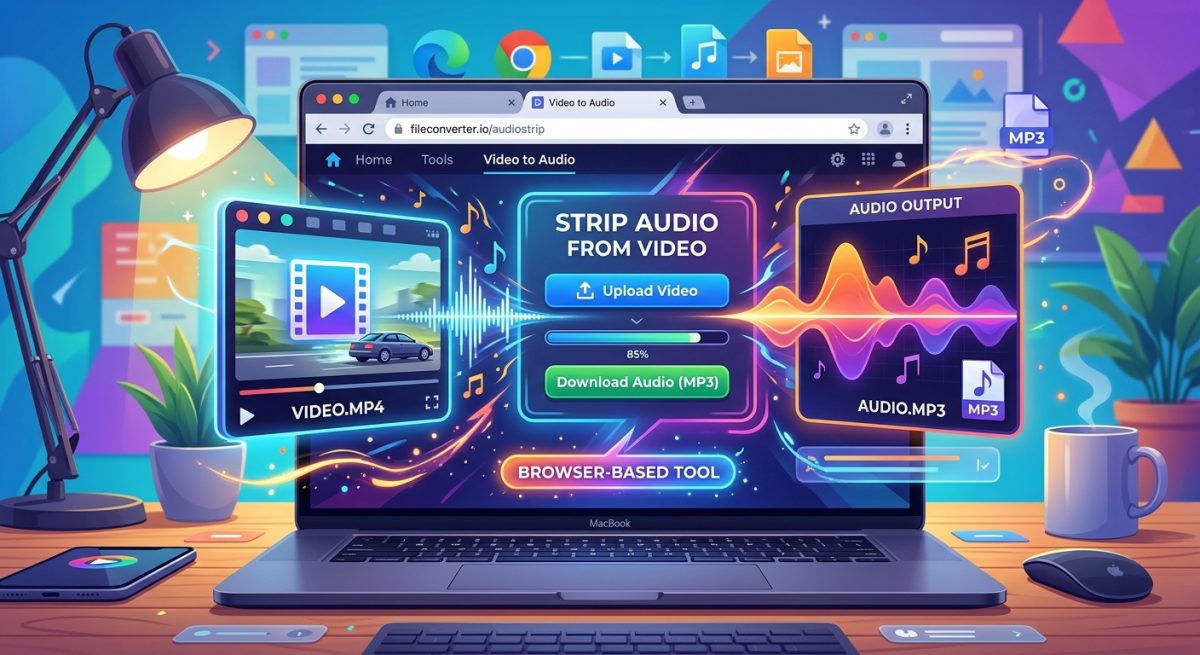
\nRelated reading: How to Strip Audio From Video Files Straight in Your Browser.