Practical, straight-ahead guides for anyone who works with video files, whether you are a casual content creator, a small business owner posting on social media, or just someone trying to fix a recording from a family event. The articles here are written for everyday users, not professionals, and they focus on clear, repeatable steps using common software and devices. If you have ever been stuck with a video that will not play, a clip that is sideways, or a file that will not leave your camera, this tag is the first place to look.
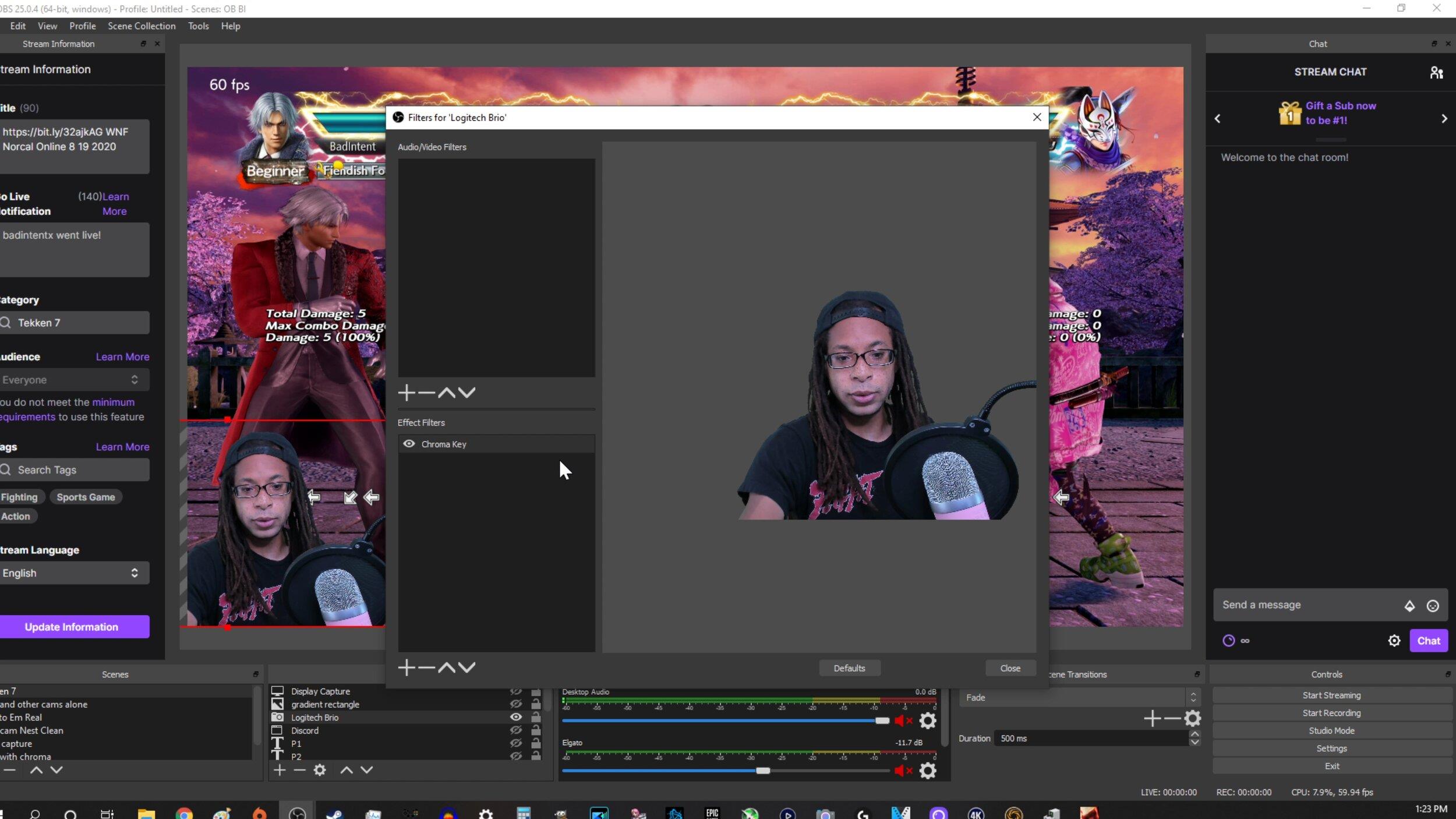
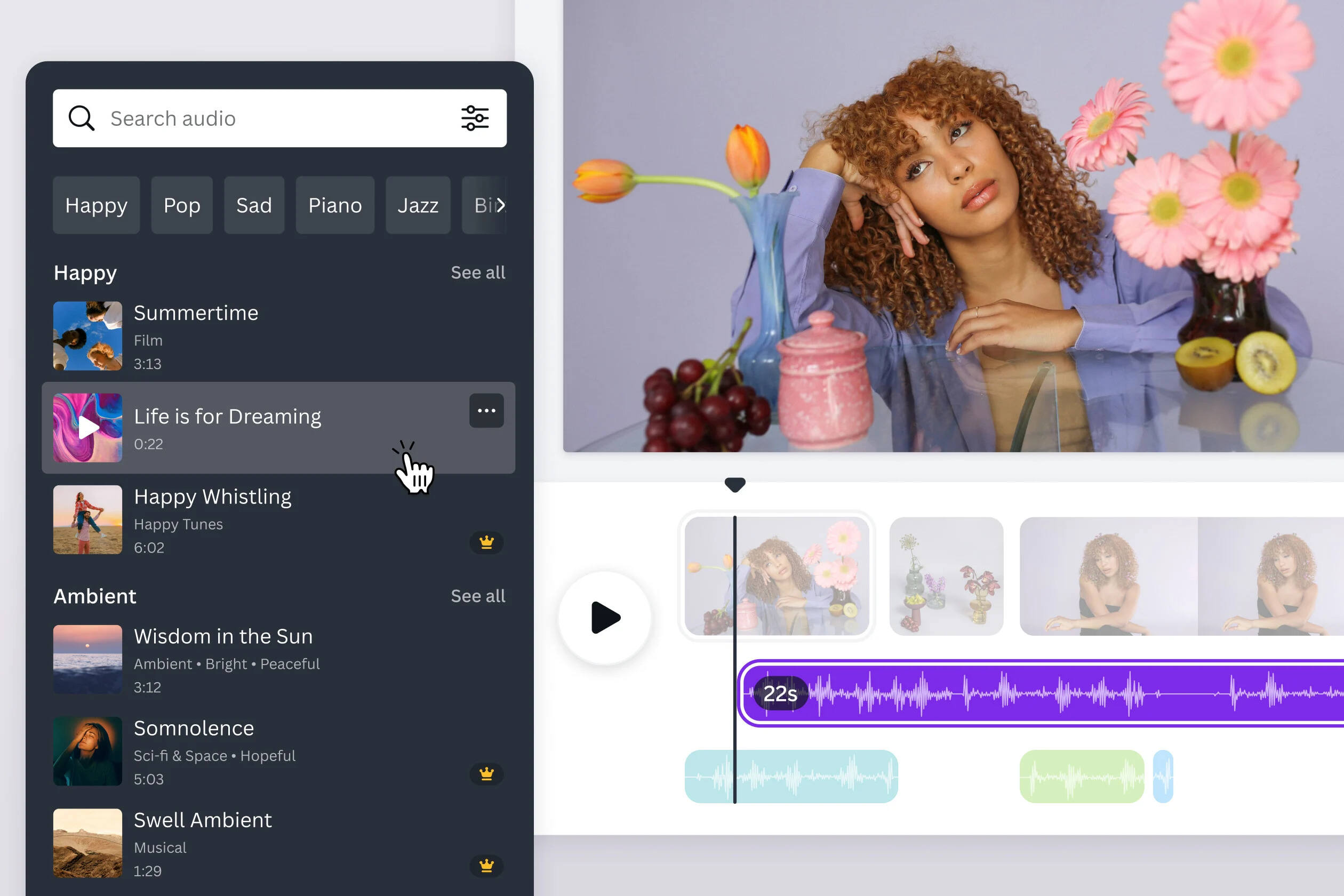
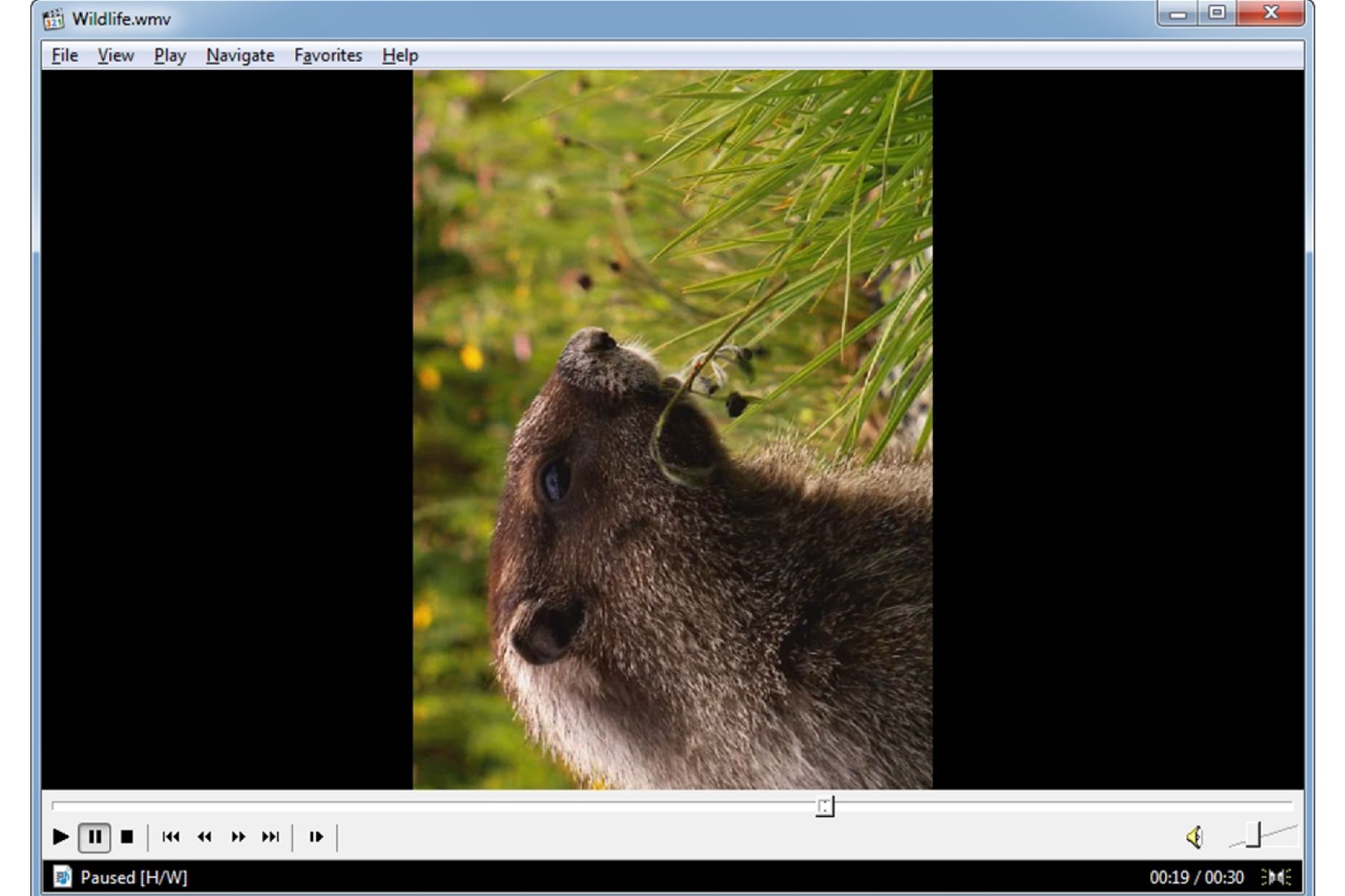
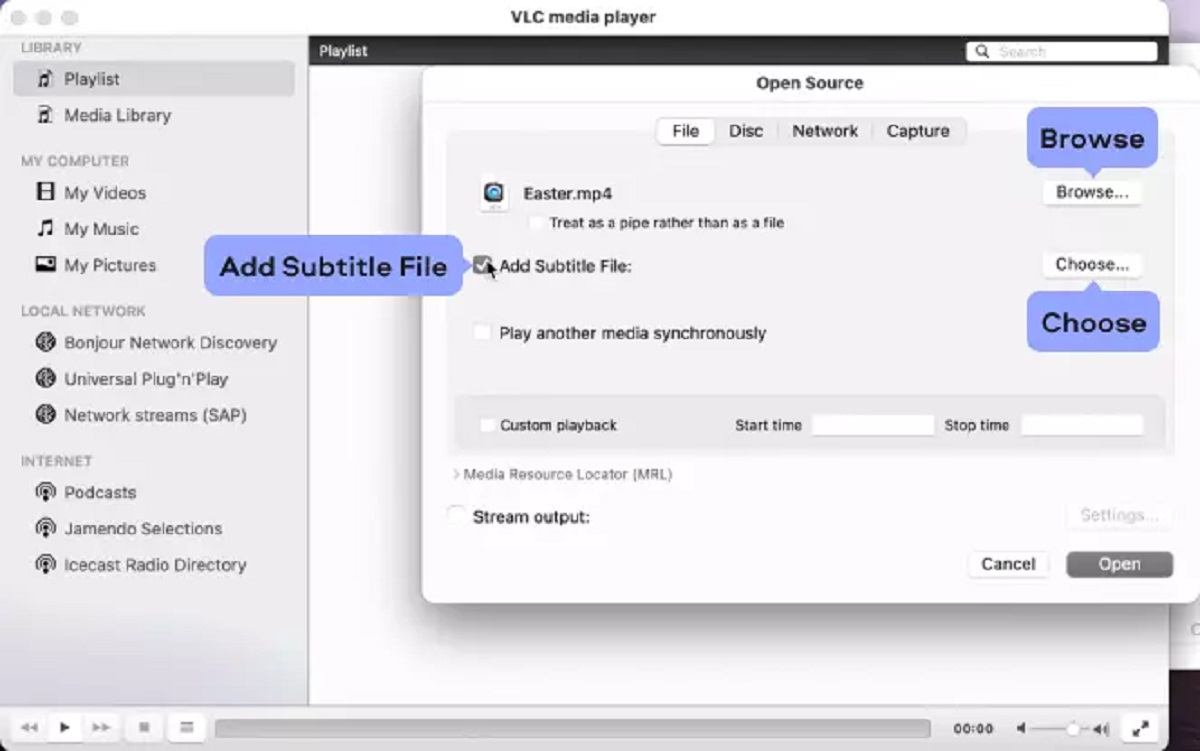
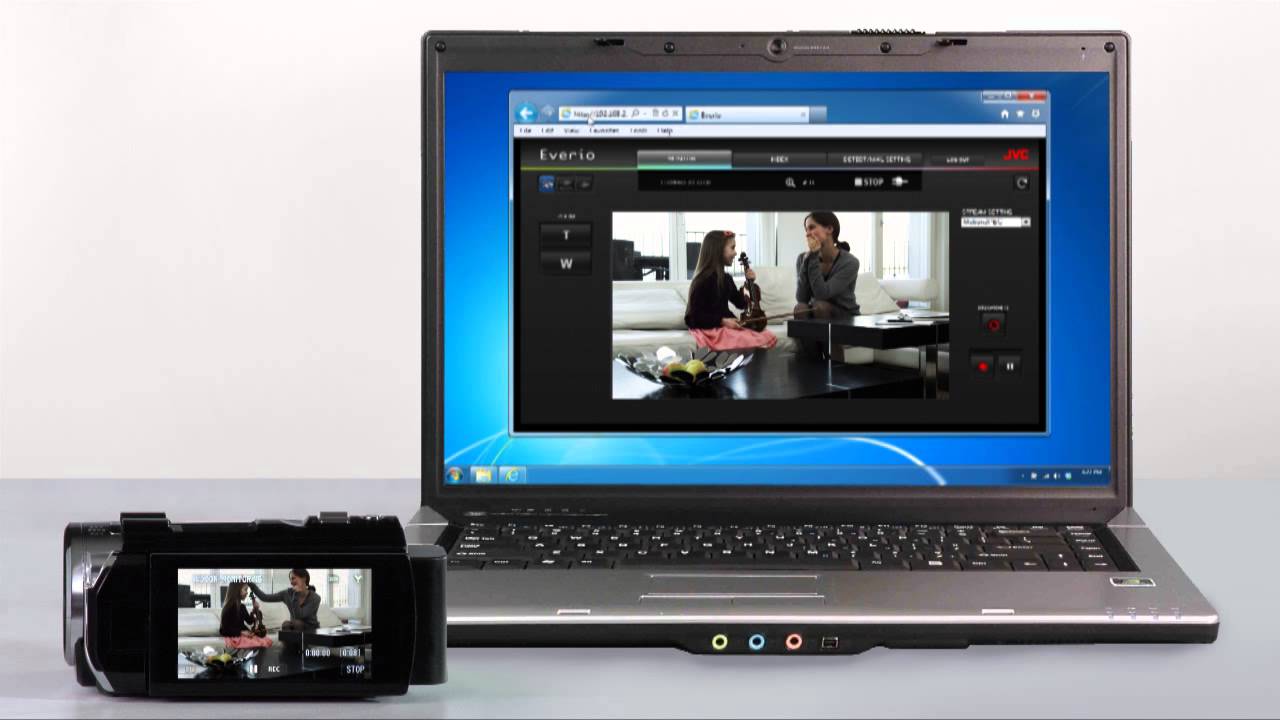
Several of the articles solve the problem of adding or fixing captions and subtitles. For example, you can learn how to turn on subtitles on TikTok, how to put subtitles on YouTube, and how to add subtitles to Instagram Reels. Another group deals with merging or repairing media, such as how to record webcam and gameplay separately using OBS, and how to fix audio and video out of sync after merging YouTube streams. A third theme covers transferring and converting video, including how to rotate video in Windows Media Player and how to transfer footage from a JVC camcorder to your computer. One article shows how to embed subtitles into a video permanently in VLC, which is a legitimate way to make your own files more accessible or portable, not a workaround for copying protected content.
Finally, the tag also includes a guide on how to download videos, but it is presented with a safety and legal-alternatives angle. The focus is on understanding your rights, using authorized sources, and avoiding risky downloads, not on bypassing protections or pirating anything. Across all the articles, the goal is to help you get your video files into the shape you need, using tools you already have or can get for free, without encouraging any shady behavior.


![7 Best AI Video Upscaling Software [Free & Paid]](https://robots.net/wp-content/uploads/2023/12/Guy-in-headphones-editing-video-with-astronauts-for-space-blog-in-professional-program.jpeg)