Yes, MLB TV multiple devices streaming is allowed at the same time. But each device must watch a different game. You cannot stream the exact same game feed on two screens at the same time under one account. This restriction is a core part of the service’s licensing agreements. It applies whether you are using a phone, a tablet, a computer, or a watch mlb TV on smart TV after you get the app installed.
The MLB TV multiple devices rule: one game per screen
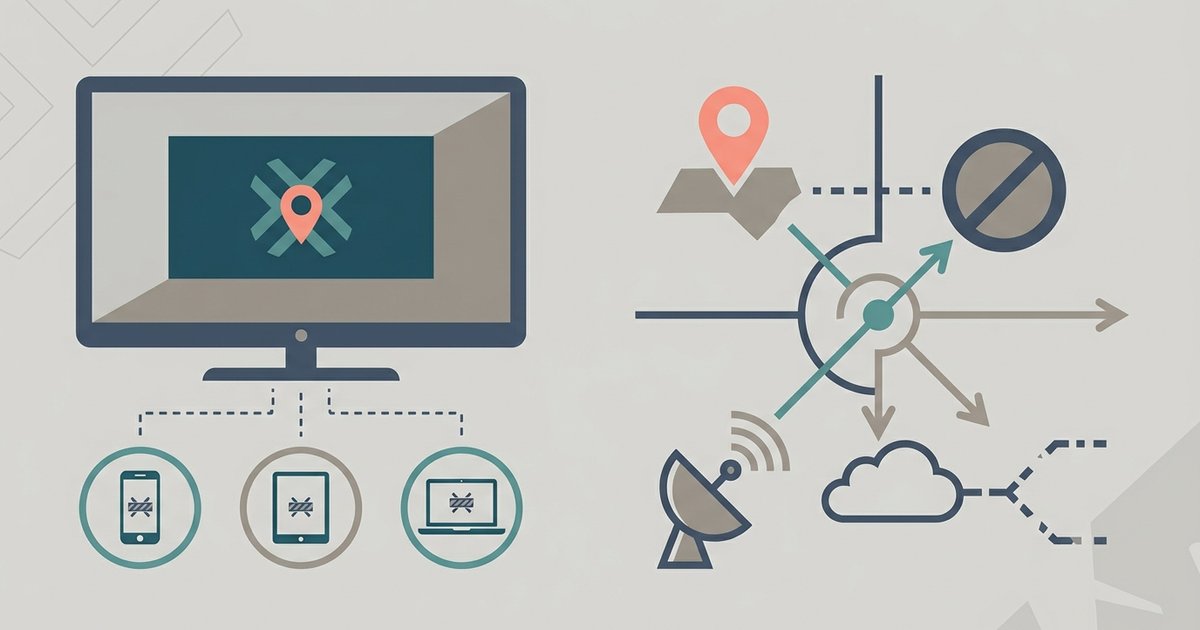
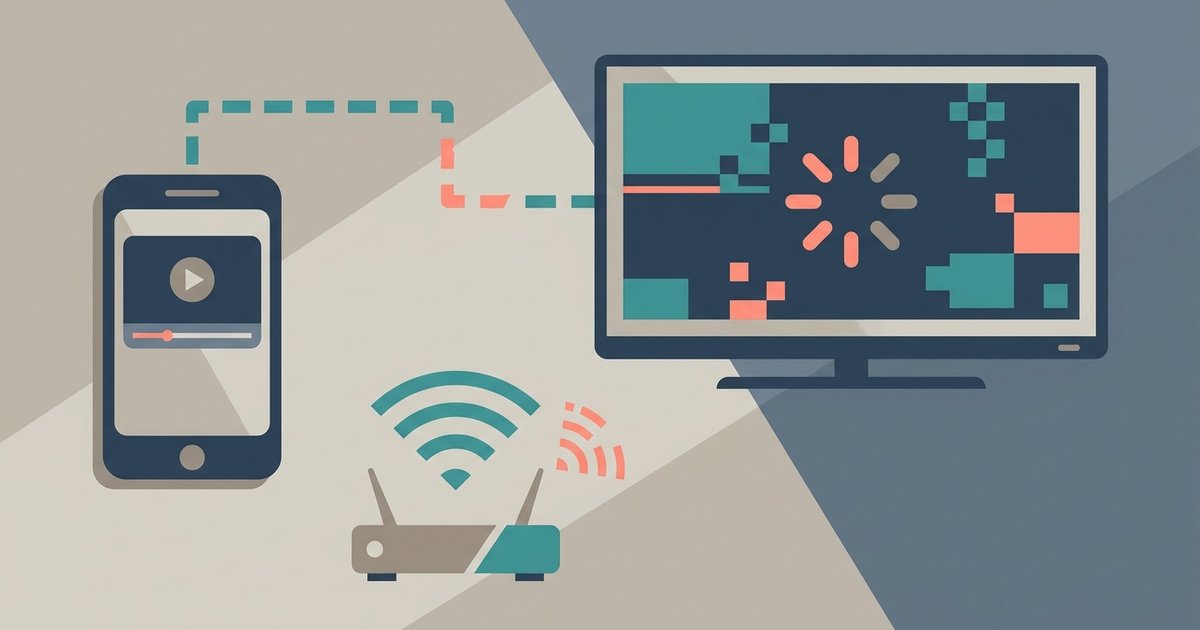
MLB.TV permits multiple devices to be registered on a single account. You can actively stream on multiple devices at once, though unofficial sources frequently report a limit of two simultaneous streams. However, the system actively blocks the same live game from playing concurrently on more than one screen. Do not try to start a second stream of the same live game. The second device will either show a black screen with an error message or the first stream will pause. The error states, “This game is currently being viewed on another device.” This is the most common frustration people hit. The limit is enforced by your account’s authentication token, not by your internet bandwidth.
What actually counts as a different stream
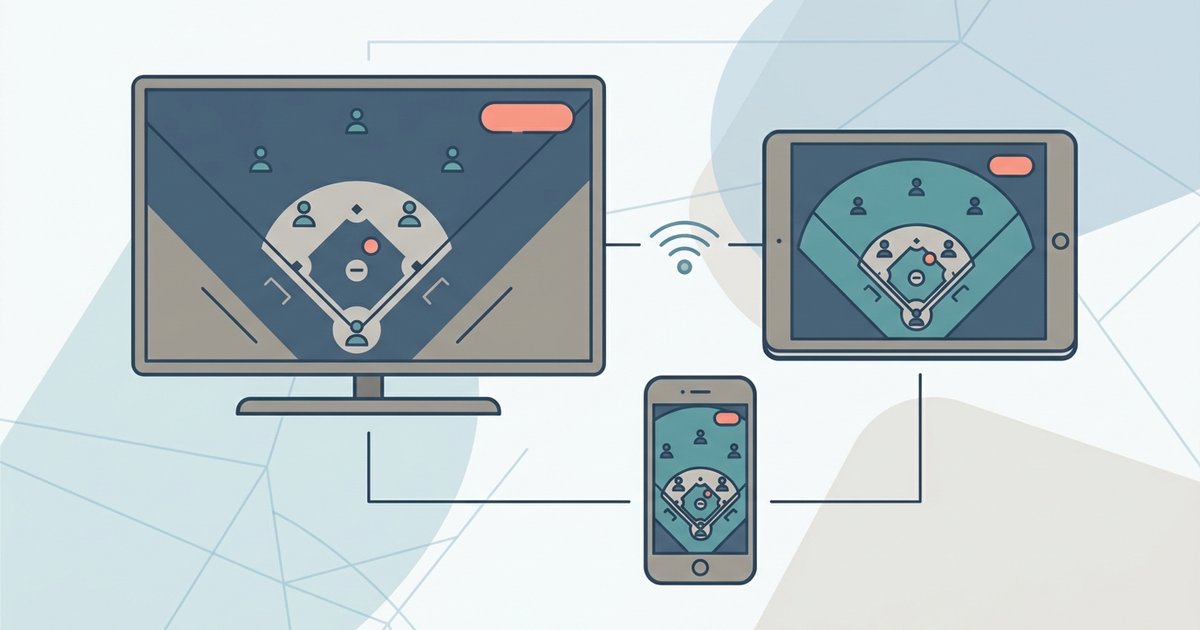
Do not assume that choosing the home broadcast on one device and the away broadcast on another counts as two separate streams. It does not. Both feeds are considered the same live game event by MLB.TV’s servers. Watching the home feed on a TV and the away feed on a tablet will trigger a blackout or pause on one device. The system sees the same game ID regardless of which audio or camera angle you select. The only way to watch multiple games at once legally is to use the multiview feature on a single device. This displays multiple games on one screen but still counts as a single stream.
When it works without issues
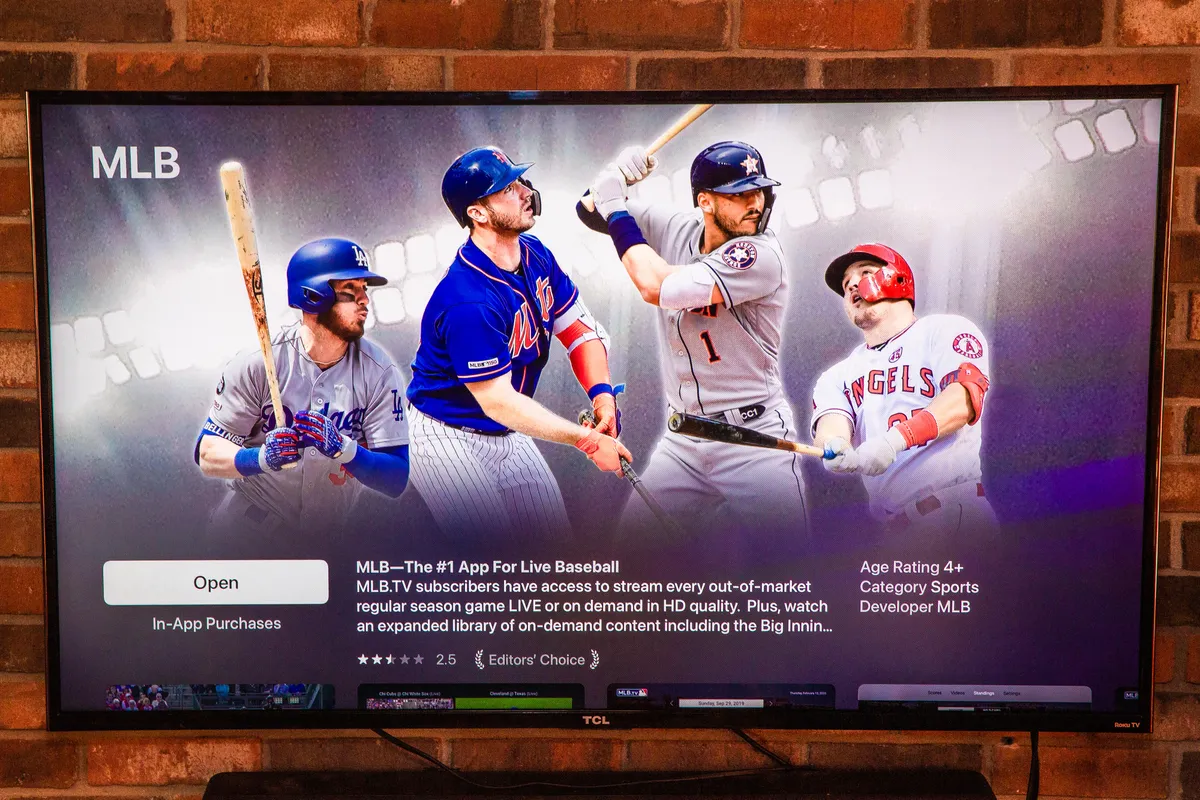
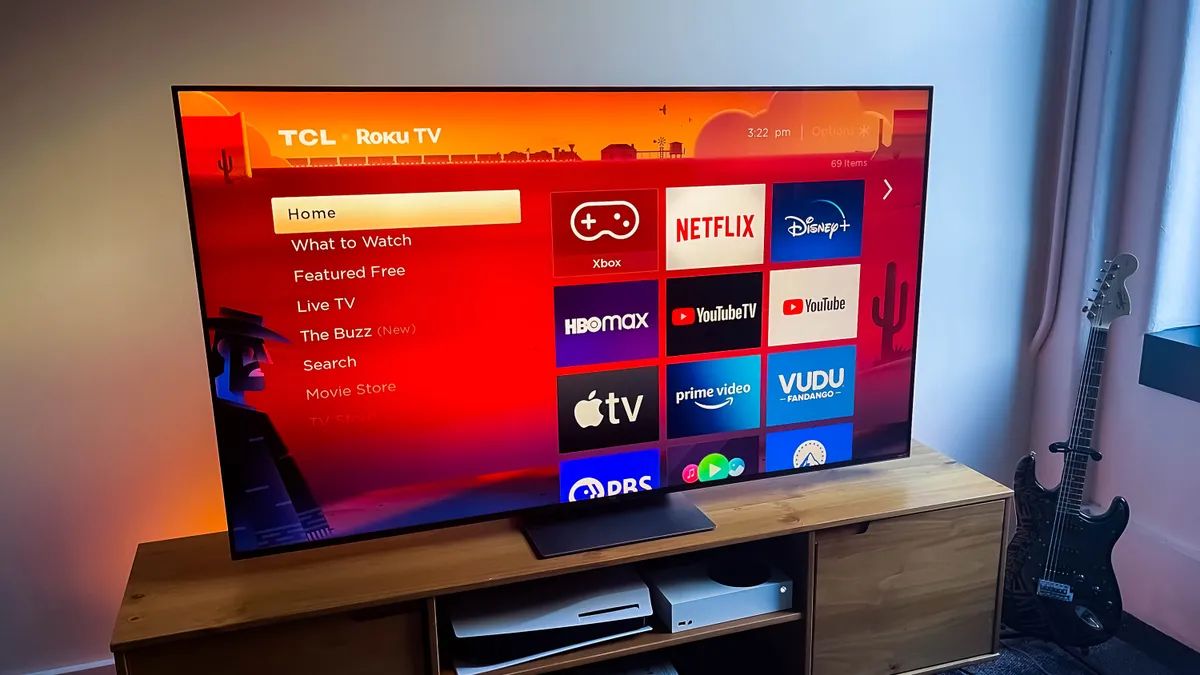
The successful scenario is straightforward. Let one person watch a live game on the smart TV while another watches a different live game or an archived game on a second device. For example, watch a live afternoon game on your TV while your child streams a different night game on a tablet. Similarly, watch a live game on the TV while a spouse watches a full archived game from earlier in the week on a phone. The service also works well if you want to watch MLB.TV on a smart TV while someone else uses the same account to watch a game from a different series or a different league. To get MLB.TV on a Vizio smart TV, open the Vizio SmartCast home screen, search for the MLB app, and log in with your account credentials. Once logged in, the same one-game-per-screen rule applies. If you have previously installed NBA League Pass on an LG smart TV, the MLB.TV setup is similar. Navigate to the LG Content Store, search for the MLB app, and install it. To get the MLB app on an LG smart TV, open the LG Content Store, search for “MLB,” select the official MLB app, and install it. In all cases, once the app is installed and you are logged in, the simultaneous streaming limit remains the same across all device types.