You can watch Ted Lasso without Apple TV by using the Apple TV+ app on a device you already own, not the Apple TV set-top box. The Apple TV+ service is available on a wide range of non-Apple hardware, so you can sign in and stream the show on your existing TV, console, or mobile device. The key is to understand that Apple TV+ is a subscription service, not a device requirement.
How to watch Ted Lasso without an Apple TV device
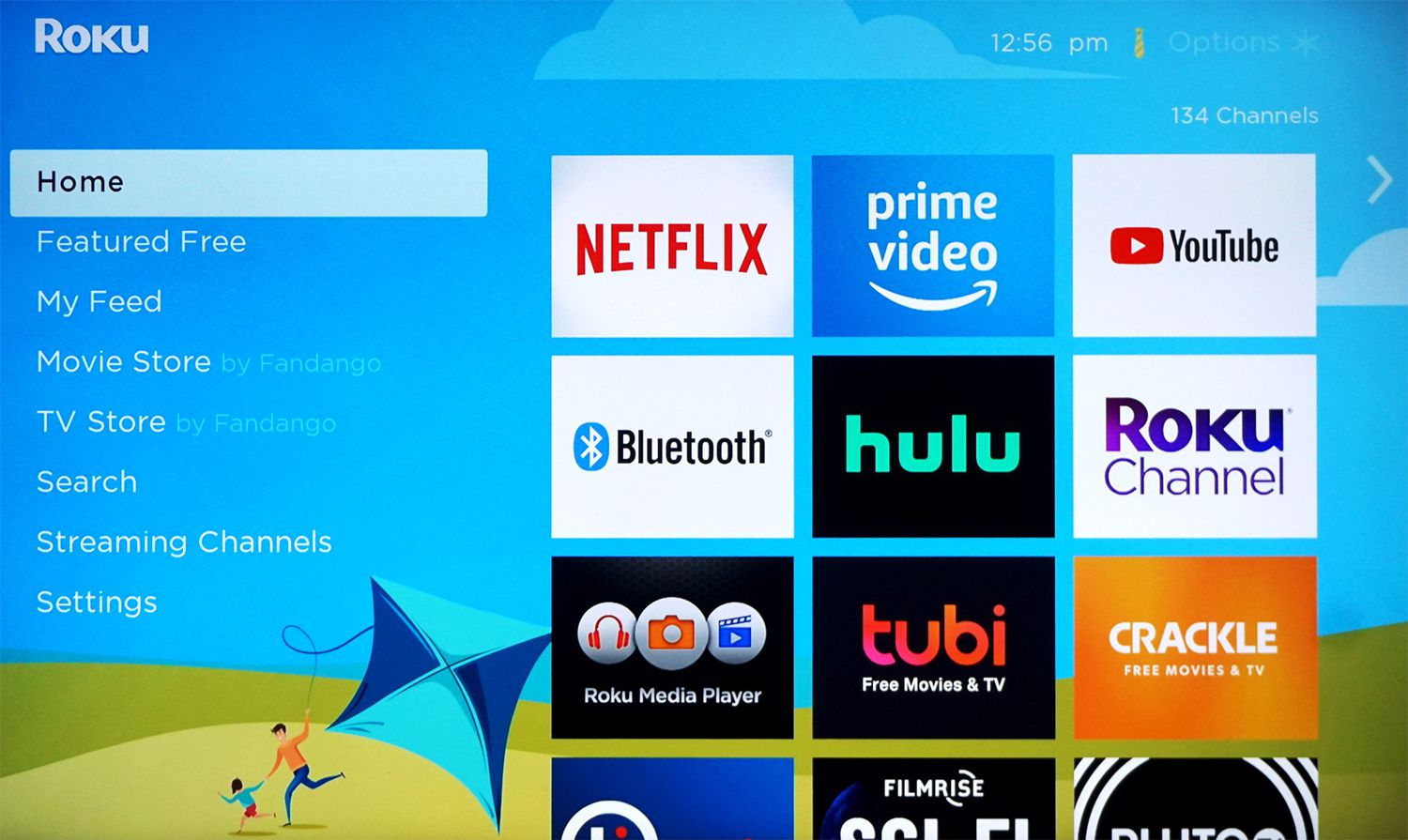
The most common misunderstanding is confusing the Apple TV hardware with the Apple TV+ streaming service. The Apple TV app is available on a wide range of non-Apple devices, including smart TVs from Samsung, LG, Sony, Vizio, Hisense, and TCL, as well as streaming devices like Roku, Amazon Fire TV, Google TV, and Chromecast. You can also watch on gaming consoles like PlayStation and Xbox. This means you can watch Ted Lasso without Apple TV hardware by simply downloading the Apple TV app on the device you already use for streaming. The Apple TV app is your gateway to the service, and it works across all these platforms, so you can start streaming in minutes.
Sign up for an Apple TV+ free trial
If you haven’t subscribed to Apple TV+ before, you can take advantage of the free trial period to watch Ted Lasso without paying anything. Here’s how to get started:
- Open the Apple TV app on your supported device, or go to the Apple TV+ website on your computer.
- Sign in with your Apple ID, or create a new one if you don’t have an account.
- Look for the free trial offer and select “Start Free Trial.” You may need to enter your payment information, but you won’t be charged if you cancel before the trial ends.
- Once you’re in, navigate to the Ted Lasso page and press play.
New subscribers can get a 7-day free trial of Apple TV. Additionally, if you’ve recently purchased a new eligible Apple device (iPhone, iPad, Mac, or Apple TV device), you may qualify for a 3-month free trial. This extended trial must be redeemed within 90 days of setting up your new device. This is a great way to binge all three seasons of Ted Lasso without spending a dime.
Watch on your computer or Android device
If you don’t own any Apple hardware, you can still watch Ted Lasso on a Windows PC or an Android phone or tablet. For computers, open a web browser and go to TV.apple.com. Sign in with your Apple ID, and you’ll have full access to the entire Apple TV+ library, including Ted Lasso. On Android, download the Apple TV app from the Google Play Store. The app is free to download, and once you sign in, you can stream the show on your mobile device.
If you run into an error signing in on the web without an Apple device, a workaround for older Apple IDs might involve signing into the Apple Music app on Android or iTunes for Windows first to unlock the account. This can help if you’re having trouble with two-factor authentication or account verification. Once you’re signed in on one of those apps, return to the web browser and try again.
Share an Apple TV+ subscription with family
If someone in your family or a close friend already has an Apple TV+ subscription, you can use Apple’s Family Sharing feature to watch Ted Lasso without paying for your own subscription. Family Sharing lets up to six people share one Apple TV+ subscription at no extra cost. To set this up, the primary account holder needs to enable Family Sharing in their Apple ID settings and invite you to join their family group. Once you accept the invitation, you’ll be able to access Apple TV+ on your own devices using your own Apple ID. This is a cost-effective way to watch the show if you know someone who’s already subscribed.
Rent or buy individual episodes
If you prefer not to commit to a subscription, you can rent or purchase individual episodes or entire seasons of Ted Lasso from digital retailers. The show is available on platforms like Amazon Prime Video and iTunes. You don’t need an Apple TV+ subscription to buy or rent, you’re just paying for the content itself. Here’s how:
- Open the digital store on your preferred platform (e.g., Amazon Prime Video, iTunes, or Google Play).
- Search for “Ted Lasso.”
- Choose whether you want to rent a single episode or buy a full season.
- Complete the transaction, and the content will be added to your library for streaming.
Renting or purchasing individual episodes gives you the flexibility to watch the show on your own schedule, without needing a subscription. It’s a great option if you only want to watch a few episodes or if you’re a completionist who wants to own the series outright.
Watch on DVD or borrow from your library
For a low-tech option, you can watch Ted Lasso on DVD. The complete series is available on DVD, and you can purchase it from online retailers or local stores. Once you have the disc, you can play it on any DVD player or computer with a disc drive. This is a great choice if you want a physical copy that you can keep forever, or if you prefer to watch without an internet connection.
If you don’t want to buy the DVD, you can borrow it from your local public library. Many libraries carry popular TV series on DVD, and Ted Lasso is likely to be in their collection. Check your library’s online catalog or visit in person to see if it’s available. Borrowing from the library is completely free, and it’s a great way to watch the show without spending any money. Just be sure to return it on time so others can enjoy it too.
\nRelated reading: What Is The Best Tv Antenna At Walmart, How To Block Apps On Roku Tv, and How To Update Hulu App On Smart TV.