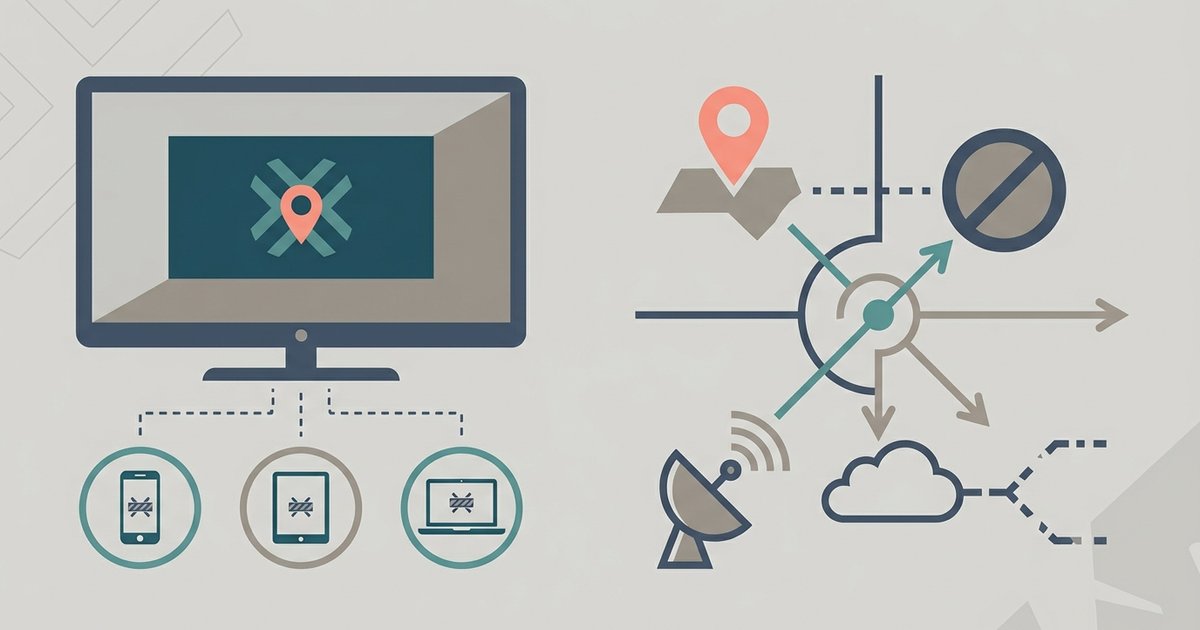
The MLB blackout restriction appears because your physical whereabouts falls within the home television territory of one of the teams playing, even if the game is happening hundreds of miles away. MLB.TV enforces these regional exclusivities to protect local broadcasters, not because your subscription or setup is broken. If you are a paid subscriber trying to watch MLB.TV on your smart TV and see this message, the app is correctly following the league's rules based on where you are right now, not where you live or where you pay your cable bill.
Your physical spot and mlb blackout restriction
MLB.TV determines your eligibility by checking your device's IP address or, on smart TVs, your GPS coordinates if the app requests permission for your whereabouts. Your billing address on file has nothing to do with the blackout. For example, if you live in Chicago but travel to New York and try to watch a Cubs game, the app will block you if your device's IP address resolves to the New York Mets' home territory. Many subscribers try a VPN to bypass this, but that usually triggers a different error, a "streaming device location error" or "unauthorized location" message, because MLB.TV detects the VPN server's IP as suspicious, not as a valid local zone. To actually watch a blacked-out game legally, you need a cable login for the local broadcaster, not a workaround for your IP.
The difference between national and local blackouts
Not all blackouts are the same. National blackouts apply to every MLB.TV subscriber for games aired on ESPN, Fox, FS1, TBS, or Apple TV+. These are blocked for everyone regardless of region because the league sells those rights separately to national broadcasters. Local blackouts, by contrast, affect only subscribers inside a specific geographic zone, the "home television territory" of a team. If you live in St. Louis, you cannot watch a Cardinals game on MLB.TV because Bally Sports has the exclusive local rights. But a subscriber in Seattle can watch that same Cardinals game without issue. The app shows "blackout restricted" for local blackouts only when your device's position matches that team's territory.
When the blackout message is a mistake
False blackouts happen more often than you might think. Your ISP’s routing may assign your IP address to a server in a different city, making the app think you are inside a blackout zone when you are not. Smart TV settings for your area can also cause errors: some models, especially older ones, rely on a saved zip code or Wi-Fi network name rather than real-time GPS. If you have a Vizio TV, try refreshing the network connection to clear cached data, because those models often hold onto stale setup details. This is essential before you try to get MLB TV on your Vizio smart TV. Similarly, if you previously used the same television to install NBA League Pass on your LG smart TV, check your LG settings and revoke the MLB app’s access to your coordinates before launching it again. Troubleshooting steps that work include: force-close the app and reopen it, restart your TV and router, ensure you are not using a VPN, or go to your TV’s settings and clear the app’s cache or data. Do not change your Wi-Fi network or reset your TV to factory defaults, that usually does not fix a false blackout. If the problem persists after 24 hours, contact MLB.TV support with your device’s IP address and a screenshot of the error; they can confirm if it is a genuine territory match or a routing glitch. For LG TV owners, the process to get the MLB app on your LG smart TV includes checking that your TV’s firmware is up to date, as outdated software can misread your current position.
Unlike any other streaming guide, this page confirms that the MLB app on a smart TV can inherit stale location permissions from other league apps like NBA League Pass, and the fix is to revoke those permissions before launching the MLB app again.