How Much Is MLB TV On Amazon Prime
The short answer is that how much MLB.TV is on Amazon Prime depends on the season and plan, since it's not included with a standard Prime membership but offered as a separate add-on channel through Prime Video Channels. Because Amazon frequently updates its pricing, the exact cost of MLB TV on Amazon Prime is best confirmed by visiting amazon.com/mlb while signed in to your Prime account, where the current monthly and annual rates are displayed live.
How Much Is MLB TV on Amazon Prime?
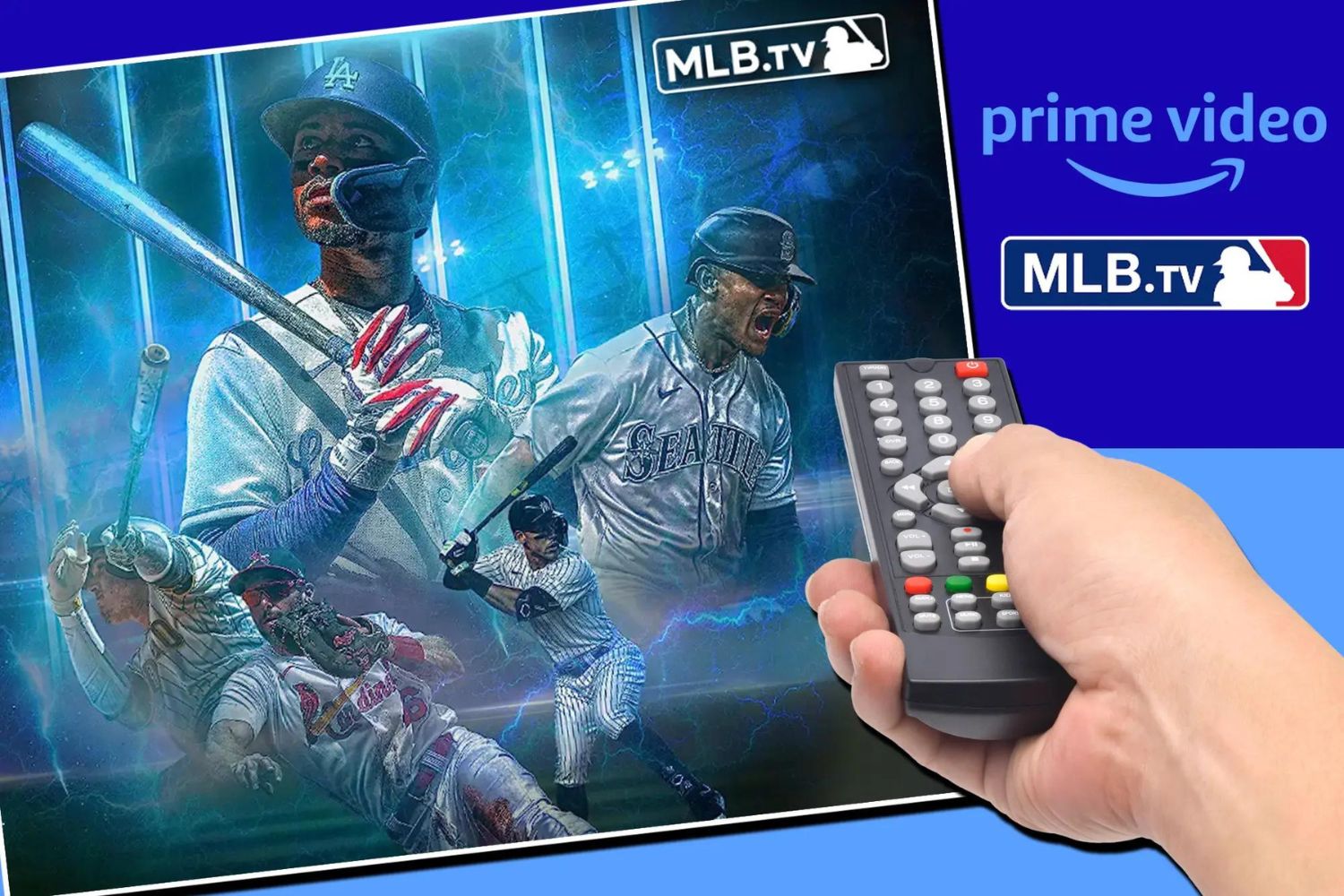
MLB.TV on Amazon Prime is an add-on subscription you purchase through Prime Video Channels. It is not part of the standard Prime membership (which includes free shipping, Prime Video base content, music, and more). The subscription fee is billed separately from your Prime membership fee.
Amazon sets its own pricing for the MLB.TV channel, and that price can change from season to season. Historically, Amazon has offered both a monthly plan and a full-season (annual) plan. The monthly plan typically costs more per month than the equivalent monthly cost of the annual plan. However, these figures are not guaranteed for the current season.
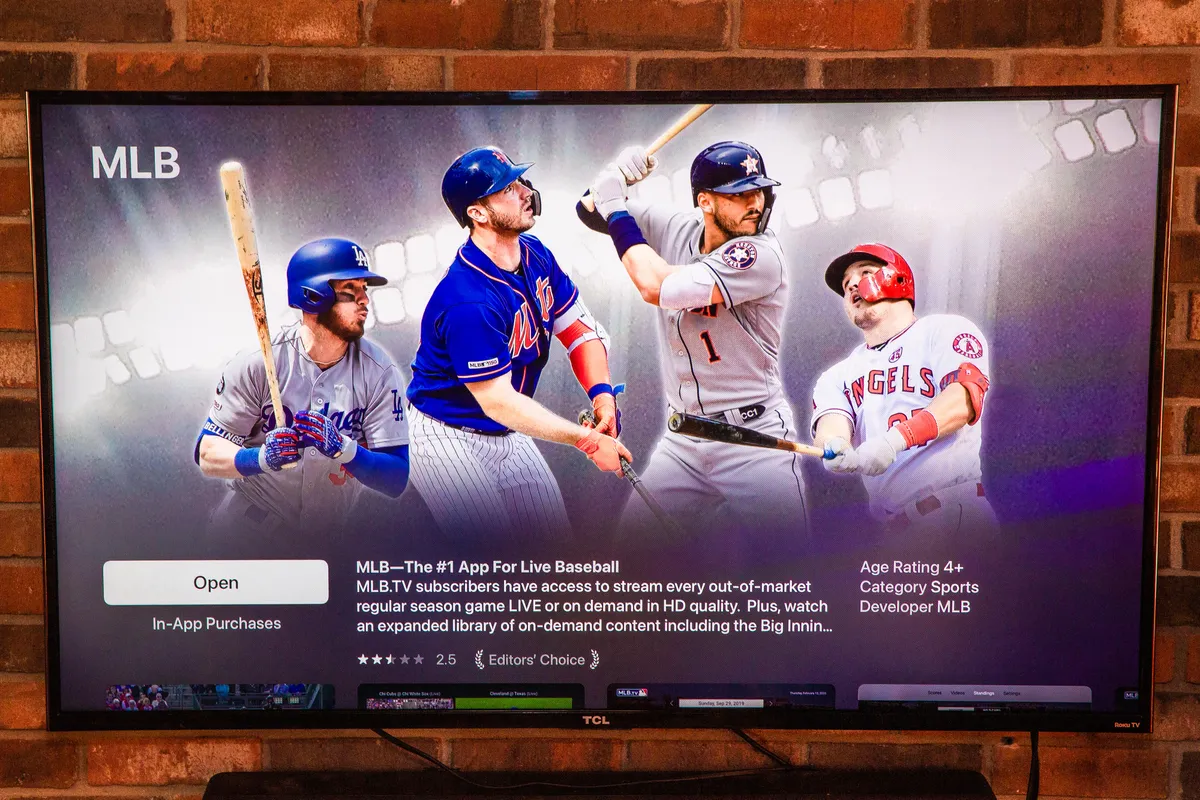
The most reliable way to get the exact price is to go to amazon.com/mlb or search “MLB.TV” in the Prime Video app. There you will see the current monthly and annual prices for your account, along with any promotional offers (such as a free trial period for new subscribers). Once subscribed, you can get mlb app on LG smart TV to watch directly on a bigger screen.
What You Actually Get with MLB.TV on Prime Video
Subscribing to MLB.TV through Prime Video Channels gives you access to live and on-demand regular-season out-of-market games. That means you can watch any team’s games that are not broadcast in your local market. You also get features like multiple camera angles, in-game highlights, real-time stats, and the “Follow Your Team” option to track a specific club all season.
However, there are important exclusions you need to know:
- Postseason games (including the Wild Card, Division Series, and League Championship Series) are NOT included.
- The World Series is NOT included.
- The All-Star Game is NOT included.
These marquee events are not available for live streaming through an MLB.TV subscription on Prime Video. You would need a separate cable, satellite, or live TV streaming service (like YouTube TV, Hulu + Live TV, or DIRECTV STREAM) to watch them.
During the off-season, your MLB.TV subscription still works for on-demand archives of the previous season’s games, so you can rewatch classics or catch up on games you missed.
The Difference Between an MLB.com and an Amazon Subscription
This is a critical distinction: an existing MLB.TV subscription purchased directly from MLB.com cannot be linked or used within Prime Video. If you already pay for MLB.TV through MLB’s website or app, you cannot log in to that account inside Prime Video to watch games. The two services are separate and do not share credentials.
To watch MLB.TV inside the Prime Video app (on your TV, phone, tablet, or computer), you must subscribe specifically through Prime Video Channels. That means canceling any existing MLB.com subscription if you want to consolidate everything into Amazon, and then signing up for the MLB.TV channel via your Prime account. You will then have a new, separate subscription billed by Amazon.
If you attempt to use your MLB.com login within Prime Video, it will not work. You must go through Amazon’s checkout process to establish the channel subscription.
How to Sign Up for MLB.TV on Amazon Prime
Signing up takes less than two minutes. Follow these steps:
- Log in to your Amazon Prime account (you must have an active Prime membership to subscribe).
- Go to amazon.com/mlb in your web browser, or open the Prime Video app on your device.
- In Prime Video, use the search bar and type “MLB.TV”.
- Select the MLB.TV result from the list of Prime Video Channels.
- Click the “Subscribe” or “Start Free Trial” button (if a trial is offered).
- Choose your billing plan (monthly or annual) and confirm your payment method.
- Once confirmed, you will see a separate charge for MLB.TV on your Amazon invoice, distinct from your Prime membership fee.
After subscribing, the MLB.TV channel will appear in your Prime Video library. You can start watching live out-of-market games immediately, and the channel will be available across all devices where you use Prime Video.
Cancellation and Refund Policy
You can cancel your MLB.TV subscription through Prime Video Channels at any time. To cancel:
- Go to Amazon.com and sign in.
- Navigate to “Your Memberships and Subscriptions” (under the Account menu).
- Find MLB.TV in your list of Prime Video Channels.
- Select “Cancel Subscription” and confirm.
If you cancel after converting from a free trial to a paid plan, Amazon offers a full refund within three days of that conversion. This means if you start a free trial, the trial ends, and you are automatically charged, you have 72 hours from the charge date to cancel and get your money back. After that three-day window, you will be charged for the remainder of the billing period, and no prorated refund will be issued.
If you cancel mid-season, you will retain access to MLB.TV until the end of the current billing period (monthly or annual). You will not receive a partial refund for unused days after the three-day refund window closes.
Understanding Blackout Restrictions
Blackout rules apply to MLB.TV on Amazon Prime just as they do to MLB.TV purchased directly from MLB.com. These restrictions are based on your physical location, not your billing address or the team you support.
Here’s what you need to know:
- Local team games: If a game is being broadcast on a local TV channel in your area (e.g., your regional sports network), that game will be blacked out for live streaming on MLB.TV. You cannot watch your local team live through the service.
- National broadcasts: Games shown on national networks (ESPN, FOX, TBS, etc.) are also blacked out for live streaming, regardless of your location.
- Archive unlock: A blacked-out game becomes available as an archived recording approximately 90 minutes after the live broadcast ends. So you can watch it on-demand later the same evening.
Blackout restrictions apply specifically to the live stream. On-demand content, including the 90-minute-delayed archives, is not subject to blackouts. This means you can still watch every game, just not always in real time.
To check which games are blacked out in your area, use the MLB Blackout Checker tool on MLB.com (which also applies to the Amazon channel). Enter your ZIP code and the team you want to watch to see availability.
It’s worth noting that blackout restrictions are the same whether you subscribe through Amazon or directly through MLB.com, the Prime Video integration does not bypass any blackout rules.
If you live outside the U.S. and its territories, blackout rules are different and generally less restrictive, but they still exist for certain international broadcasts.
In summary, MLB.TV on Amazon Prime is a convenient way to watch out-of-market regular-season baseball games, but it is a separate paid add-on, not a Prime benefit. You cannot link an existing MLB.com subscription, and you must subscribe through Amazon to watch in the Prime Video app. Always check the current price on amazon.com/mlb, and be aware of blackout restrictions and the exclusion of postseason and All-Star games before you commit.
For the wider topic, see watch mlb.TV on my smart TV.
\nRelated reading: How Much Is HBO Max Through Amazon Prime.