This tag collects all of our practical guides for getting more out of Amazon’s streaming service, whether you are troubleshooting a glitchy app on your television or trying to manage your account and downloads. It is written for everyday viewers, not IT pros, who want clear, step‑by‑step instructions for the small but frustrating problems that come up when using Prime Video on a phone, tablet, smart TV, or Firestick.
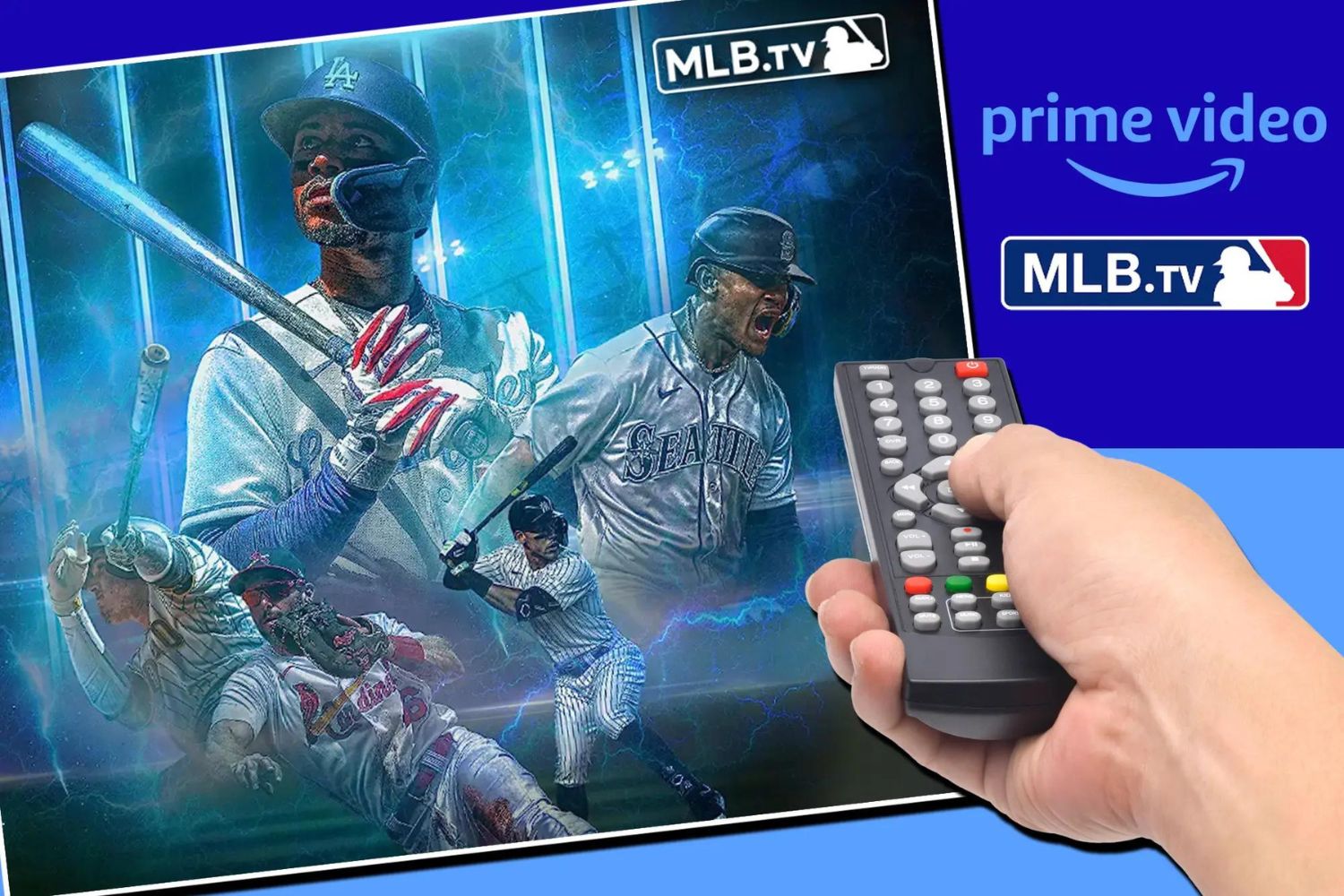
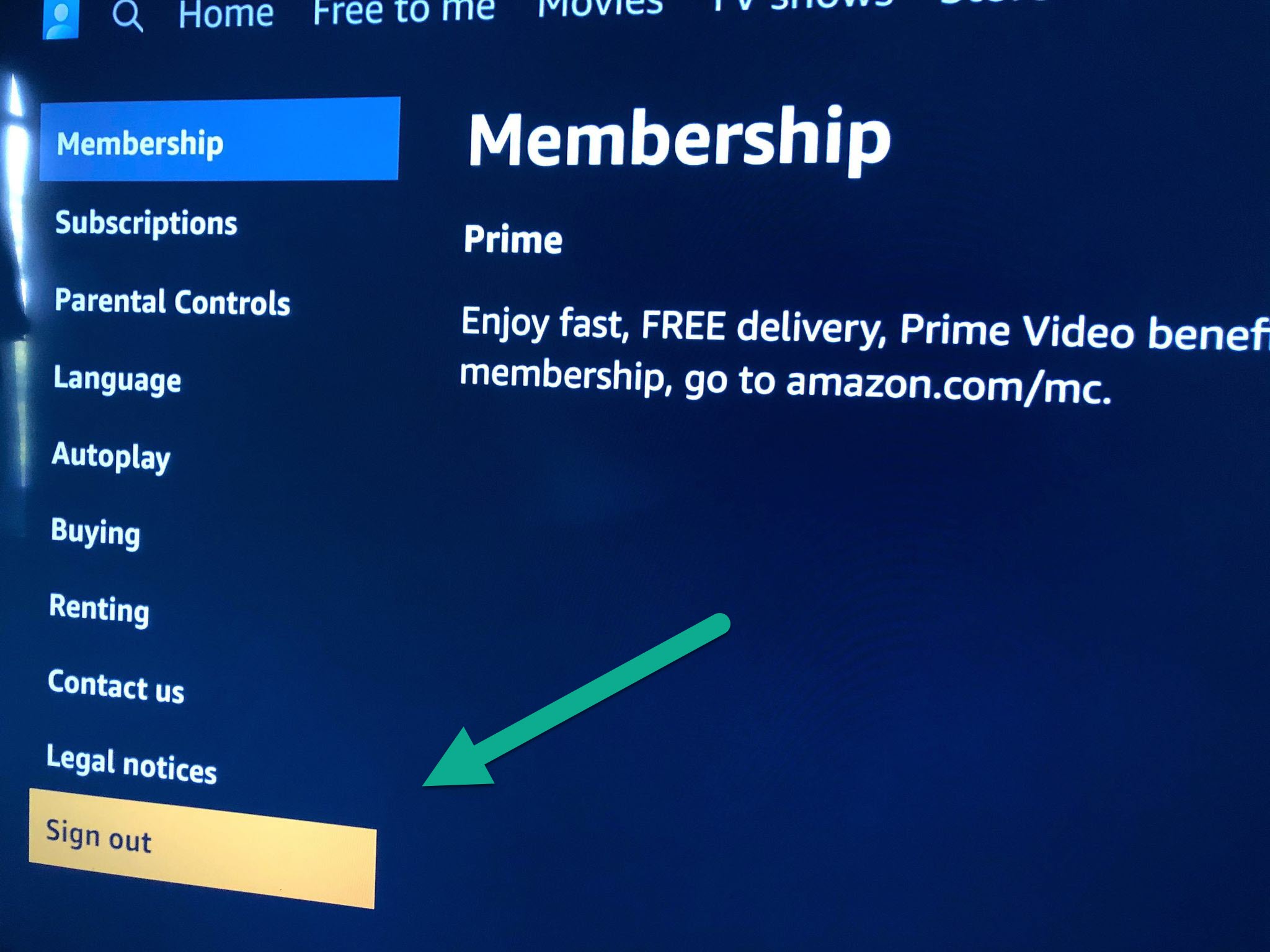
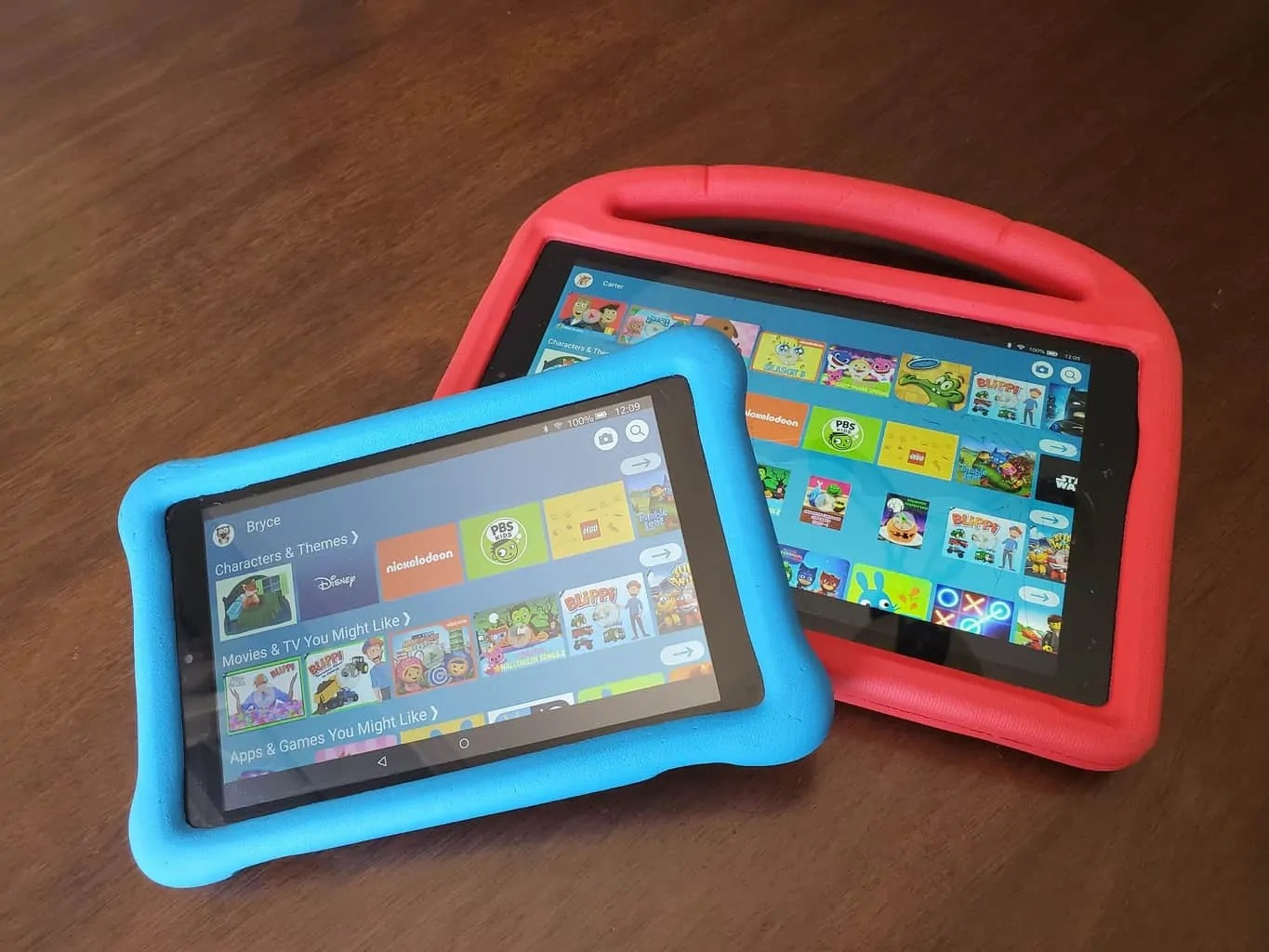
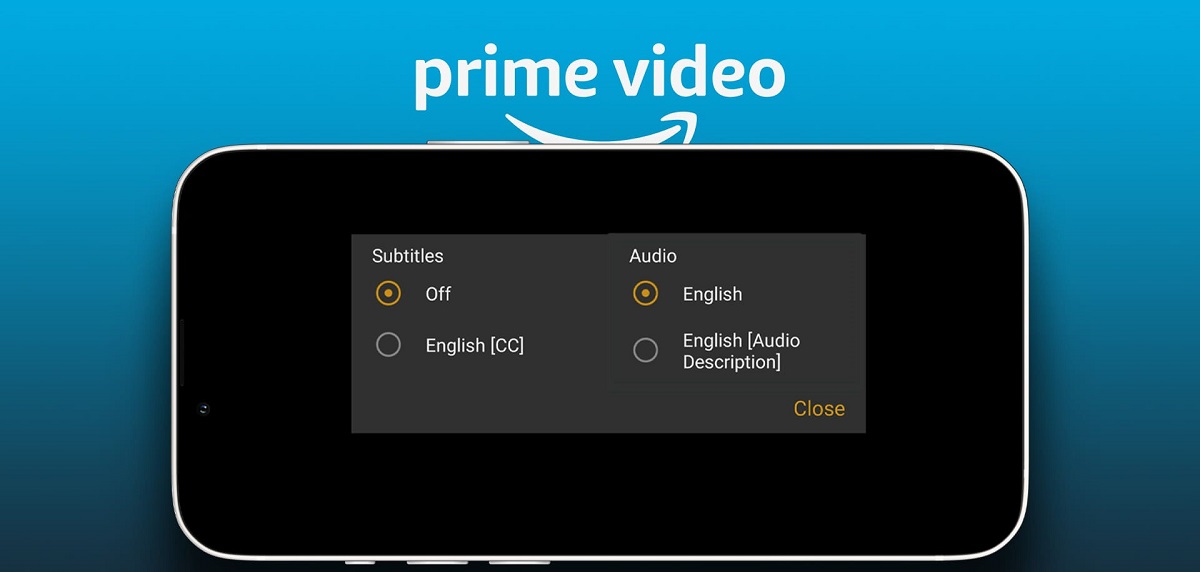
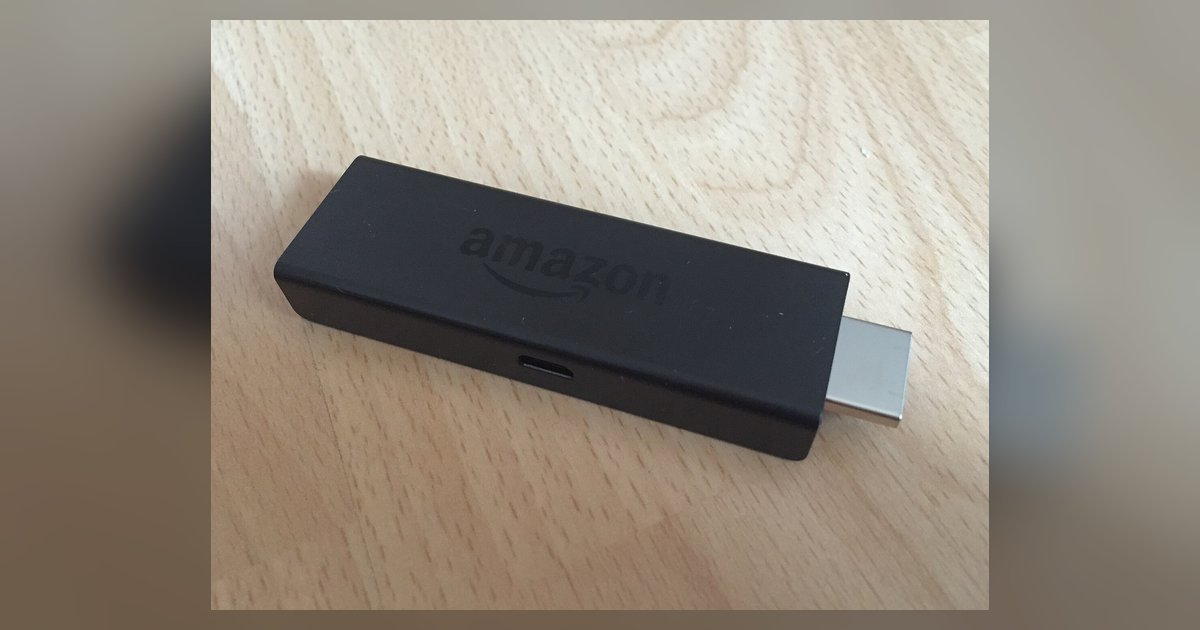
The articles here fall into two broad themes. First, there is the “make it work” group: restarting the Prime Video app on a smart TV, signing out of the app when you need to switch profiles, and setting up a Firestick from scratch. These guides help you fix frozen screens, clear stuck sessions, and get your device ready for streaming. Second, there is the “manage your content and costs” group. Here you will find explanations of why you might see a charge for Prime Video even when you already pay for Amazon Prime, a breakdown of how much MLB TV costs through the service, and straightforward instructions for turning off subtitles. The download‑related articles also live in this theme, but they are framed around legitimate, account‑authorised use: saving purchased movies for offline viewing on your own device, and loading content onto a kid’s Amazon tablet. These pieces focus on the legal, supported ways to watch without a Wi‑Fi connection, never on bypassing protections or sharing accounts.
Whether you are trying to figure out why you were billed, need to grab a film for a long flight, or simply want to log out of a shared TV, these guides give you the exact steps to do it safely and within Amazon’s rules.