To download purchased amazon movies for offline viewing, you must use the official Prime Video app on a compatible device. This is the only method Amazon provides to save your purchased movies to your phone, tablet, or computer so you can watch them without an internet connection.
How to download purchased Amazon movies using the Prime Video app
Amazon requires you to use its Prime Video app to download movies you have bought. This app is available on a wide range of devices, including Fire tablets, iOS devices, Android devices, Windows 10/11 PCs, and Macs running macOS 11.4 Big Sur or newer. Unlike streaming directly from a website, downloading through the app stores the movie file on your device, giving you reliable access when you are offline, such as on a plane or in an area with poor connectivity.
Step 1: Install and open the Prime Video app
Begin by downloading the Prime Video app from the official app store on your device. For a Fire tablet, the app is pre-installed. On iOS, use the Apple App Store; on Android, use the Google Play Store. For Windows 10/11 or a Mac running macOS 11.4 or newer, download the app from the Microsoft Store or the Mac App Store respectively. After installation, open the app and sign in using the same Amazon account you used to purchase the movies. This step is essential because your purchased content is tied directly to your account.
Step 2: Find your purchased movies in the app
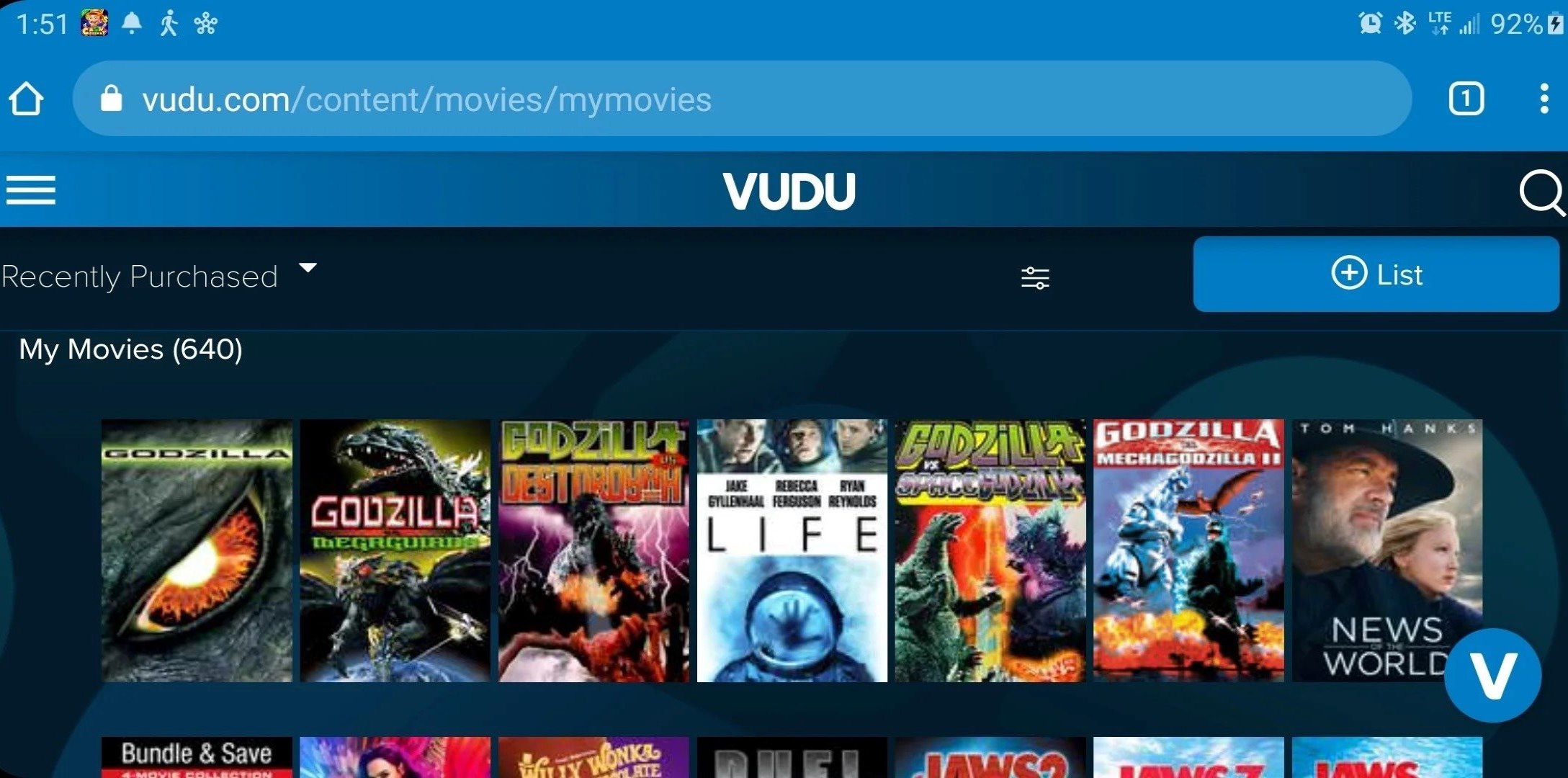
Once signed in, navigate to the section of the app that shows your owned content. This area is specifically for movies and TV shows you have bought, separating them from content available through a Prime subscription. If you want to download movies from Amazon Prime to a laptop, this is the same process: you find your purchased titles in the 'My Stuff' or 'Purchases' section of the Prime Video app on your laptop. This library lists only the titles you own, making it easy to locate the movie you want to save for offline viewing.
Step 3: Download the movie to your device
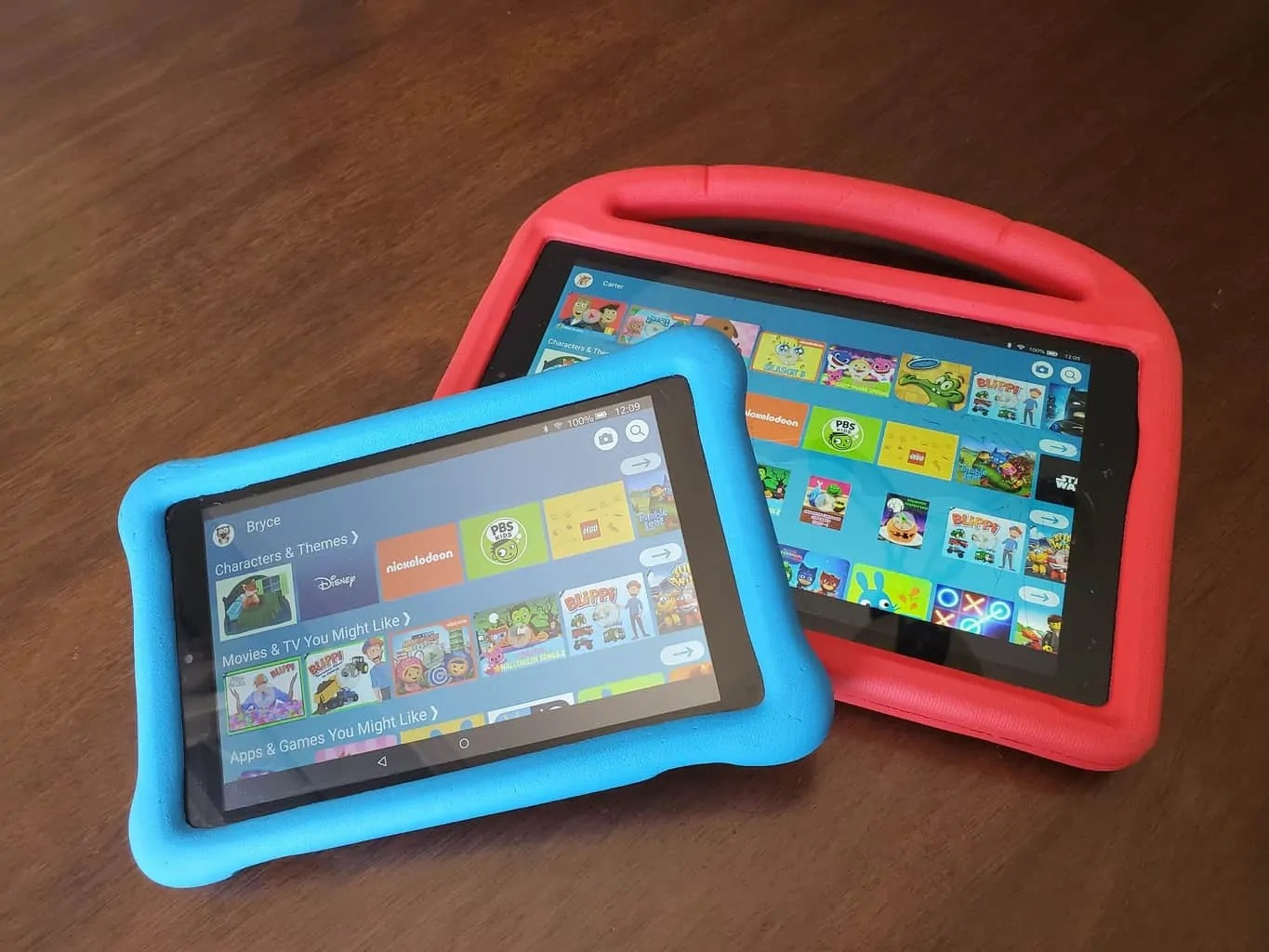
After locating the purchased movie you wish to download, tap on its title to open the details page. Look for the download icon, which is typically a downward arrow or a cloud with a downward arrow. Tap this icon to begin the download. On some devices, you may be prompted to select a video quality before the download starts. Choose your preferred quality, then wait for the download to complete. The app will show a progress bar or percentage indicator. Once finished, the movie is saved directly to your device. This is the same method used when you want to download movies on an Amazon kid tablet, as the process for downloading purchased content is identical on Amazon's child-friendly tablets.
Important limits and rules for downloaded movies
Amazon places specific restrictions on downloaded purchased movies to comply with licensing agreements. You can download a purchased movie to a maximum of four compatible devices simultaneously. Playback of downloaded content over Chromecast or AirPlay is not permitted; you must watch the movie on the device it was downloaded to. Additionally, the ability to download a specific purchased movie is subject to Amazon's licensing agreements with content suppliers, meaning some titles may not be available for download at all. A positive note is that your purchased content generally does not count towards the account-wide download limit (which applies to Prime subscription rentals), so you can store more of your owned movies without affecting your Prime video downloads.
How to watch your downloaded movie offline
To play your downloaded movie without an internet connection, open the Prime Video app and go to the 'Downloads' section. This section lists all movies and TV shows you have saved to your device. Tap the title you want to watch, and the movie will play directly from your device's storage. This allows you to enjoy your purchased movies anywhere, even when you are offline. Note that you cannot transfer these files to other storage devices; for example, you cannot download Amazon Prime movies to a USB flash drive and play them on another device, as the files are encrypted and tied to the Prime Video app and your Amazon account.
For the wider topic, see download on tubi.