How much is Max through Amazon Prime? It costs $15.99 per month for the ad-free tier. This is the only subscription option available when you add Max as a Prime Video Channel.
How much is Max through Amazon Prime?
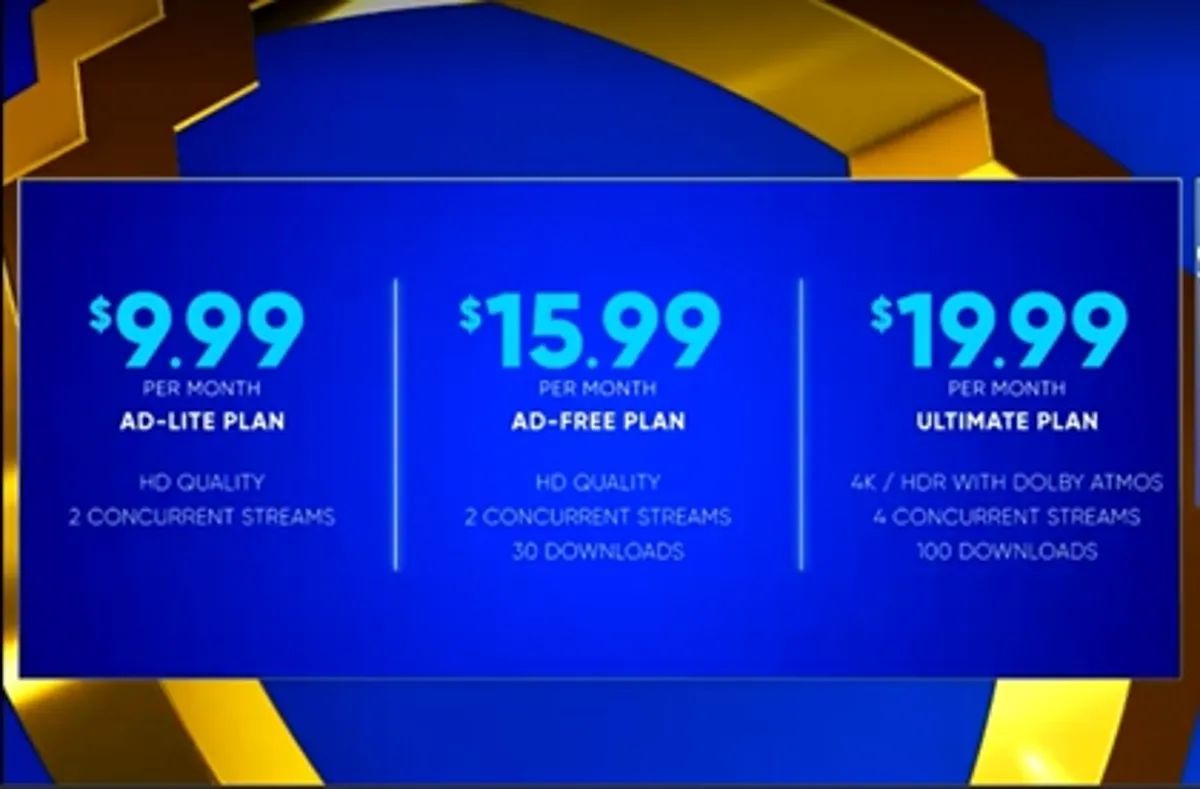
The current price for Max (formerly HBO Max) as an add-on subscription through Amazon Prime Video Channels is $15.99 per month. This price grants you access to the ad-free version of Max, meaning you can watch all available content without commercial interruptions. This is the only Max tier offered through Prime Video Channels, so there is no cheaper, ad-supported option available through this method. If you haven't subscribed yet, you can add HBO max on Amazon prime directly through your existing Amazon account.
What you get with Max on Prime Video
Subscribing to Max through Amazon Prime gives you the full ad-free experience. You gain access to the entire Max content library, which includes HBO originals like Game of Thrones and The Sopranos, Warner Bros. movies, DC films and series, content from Cartoon Network, Adult Swim, and more. You can also watch exclusive Max original programming. A key limitation to be aware of is that while you can stream up to three videos simultaneously using the same Amazon account, for third-party add-on subscriptions like Max, you can stream the same title on no more than one device at a time.
How Max works as a Prime Video Channel
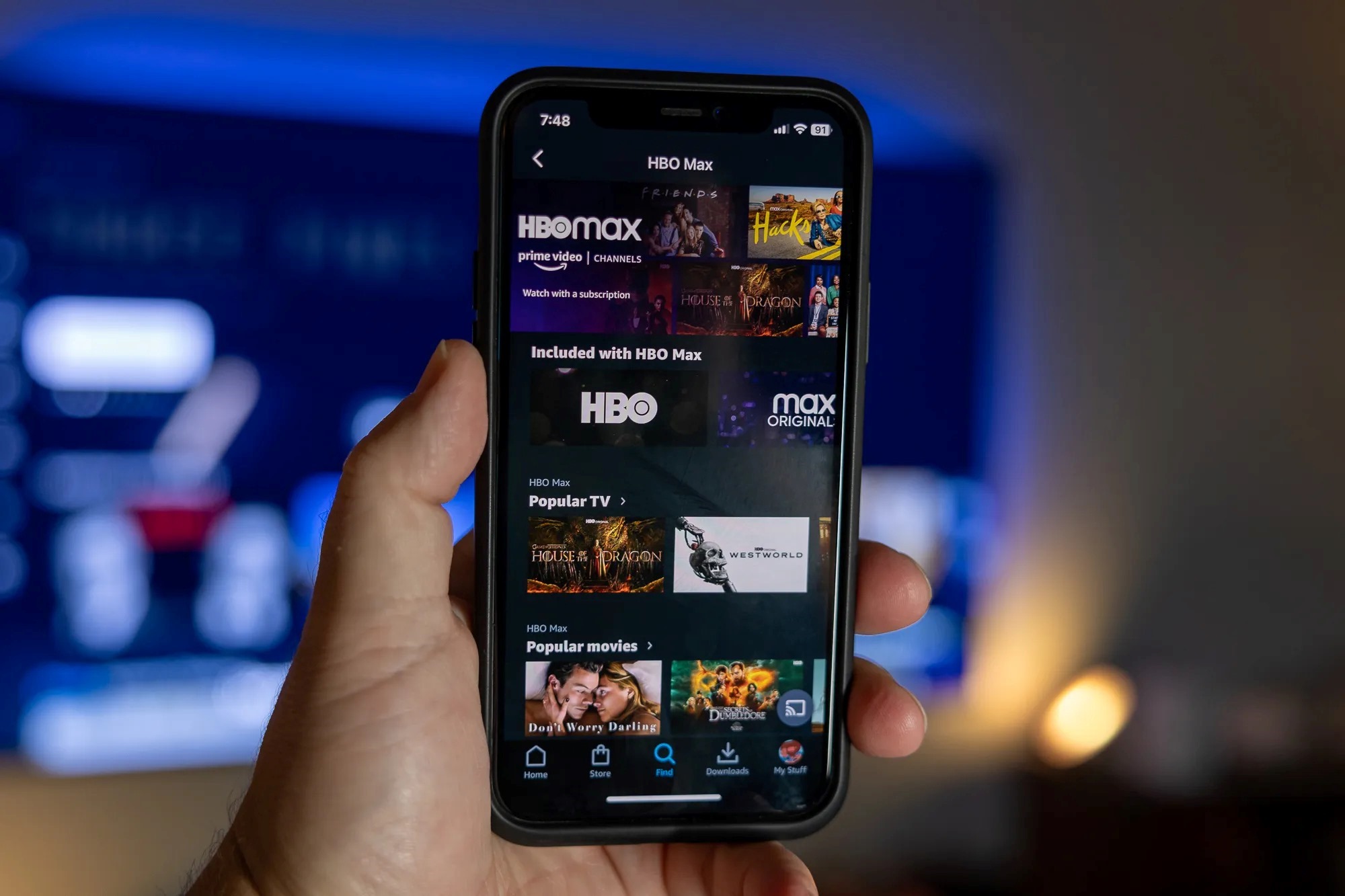
Max operates as a Prime Video Channel, which is an add-on subscription model. This means you subscribe to Max directly through your existing Amazon Prime account. Amazon handles all billing, so the $15.99 monthly charge appears on your Amazon statement. You do not need a separate Max app login; instead, you access all Max content directly within the Prime Video app or website on your compatible devices. This integration allows you to browse and watch Max shows and movies alongside your standard Prime Video library. Max is compatible with most Amazon devices, including Fire TV, Fire tablets, and many smart TVs, as well as other streaming devices, smartphones, tablets, and computers.
How to sign up for Max through Amazon Prime
Adding Max to your Amazon Prime account is a straightforward process. Follow these steps to subscribe:
- Ensure you have an active Amazon Prime membership.
- Go to the Amazon website or open the Amazon app on your mobile device.
- Navigate to the Prime Video section, then find the "Channels" or "Add-ons" area.
- Search for "Max" or "HBO Max" and select the subscription option.
- Follow the on-screen instructions to complete your subscription. You will need to confirm your payment method.
Once subscribed, Max content will appear within your Prime Video interface. You can start watching immediately by selecting any Max show or movie.
Frequently asked questions
How many simultaneous streams can I have with Max through Prime?
You can stream up to three videos at the same time across your Amazon account. However, for Max, you can only stream the same title on one device at a time.
Can I download Max content to watch offline?
Yes, with the Max app, you can download select shows and movies to watch offline. This feature is available for content that supports downloads.
How do I cancel my Max subscription through Amazon Prime?
You can cancel your Max subscription at any time through your Amazon account settings. Go to "Your Memberships and Subscriptions" and manage your Prime Video Channels to cancel Max.
What devices support Max through Prime Video?
Max is available on most Amazon devices, including Fire TV Stick and Fire tablets, as well as compatible smart TVs, smartphones, tablets, and computers. You can also get HBO max for free with at&t through specific wireless plans, which is a separate offer from this Prime Video Channel subscription.
Is there a way to watch Max on more devices?
If you subscribe directly through Max, you may have different device limits. To know how to watch HBO max through Prime Video, simply use the Prime Video app on any supported device after you have subscribed.