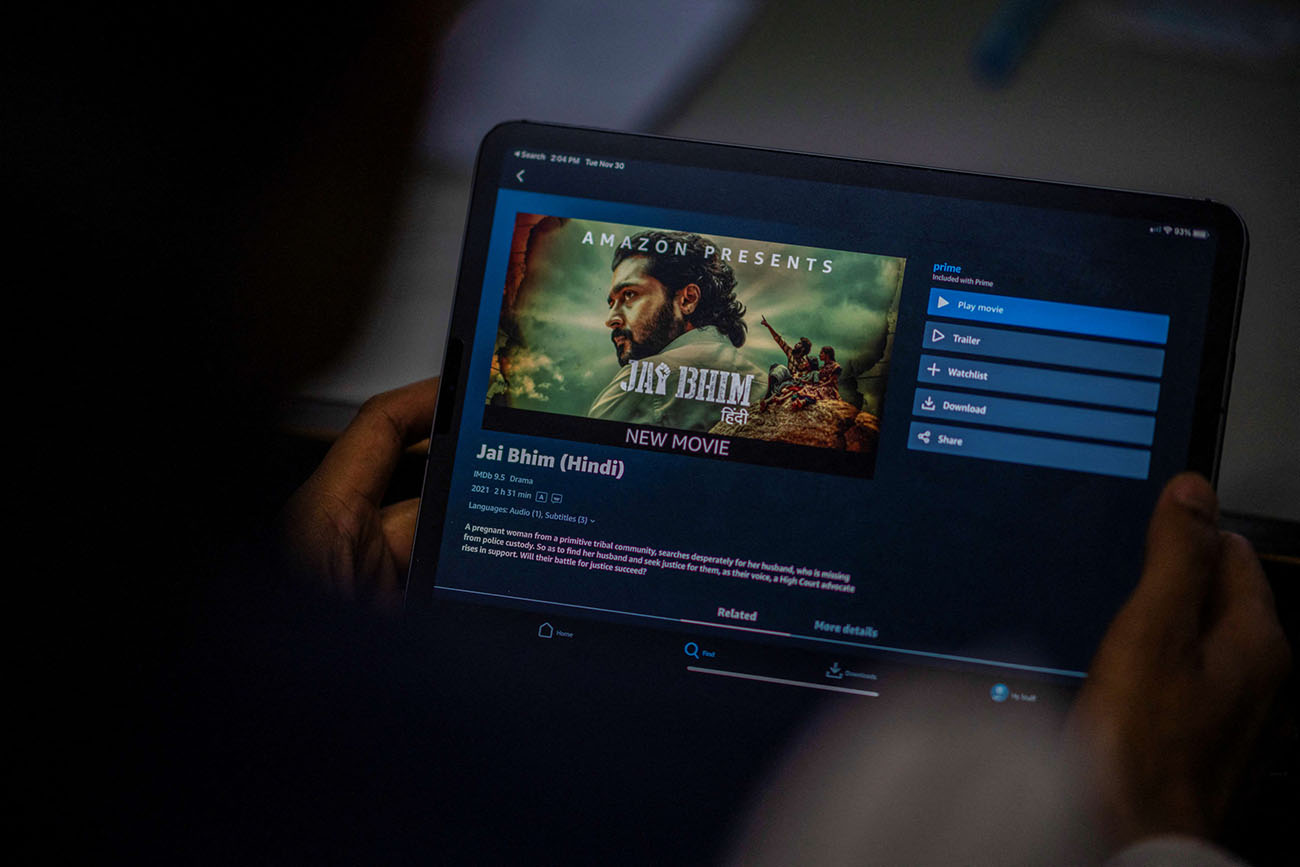
The Amazon Prime rental period consists of two distinct windows: you have 30 days from the moment you pay the rental fee to start watching, and once you begin streaming or downloading, you have 48 hours to finish. This two-part duration is the standard for every rental on the platform, directly answering the core question of how long an Amazon Prime rental lasts.
What is the Amazon Prime rental period?
The rental period on Amazon Prime Video is not a single countdown but two separate timeframes that work together. The first is a 30-day window that begins the moment you complete payment for the rental. During these 30 days, you can start watching the video at any time without penalty. The second window is a 48-hour viewing period that starts only when you actually begin playback. Once that 48-hour clock starts, you have two days to finish watching the content as many times as you like. This structure gives you flexibility to rent a title and watch it later, while also ensuring you have enough time to enjoy it once you press play.
When does the 48-hour rental timer actually start?
The 48-hour viewing window begins the moment you click "Watch Now" or "Download" on the title's detail page, not at the time of payment or when you add the rental to your library. This means that if you rent a movie today but wait until day 29 of your 30-day window to click play, the 48-hour countdown will not start until that moment. The 30-day limit to initiate playback is separate: you must begin streaming or downloading within 30 days of paying, or the rental expires without any viewing time. Understanding this distinction is crucial for planning your viewing, as you can use the full 30 days to schedule your watch time before the 48-hour period ever begins.
How long can you rent a TV show on Amazon Prime?
The same 30-day and 48-hour rule applies to TV show rentals on Amazon Prime. When you rent a season of a TV show, you have 30 days from payment to start watching the first episode, and once you begin streaming or downloading any episode, you have 48 hours to watch all episodes in that season. Each season you rent gets its own separate 30-day and 48-hour windows. For example, if you rent Season 1 and Season 2 of a series, each season has its own independent 30-day start window and its own 48-hour viewing period once you begin playback. This allows you to binge an entire season within two days, but you cannot carry over viewing time from one season to another.
Is there a difference in rental length between new releases and older titles?
There is generally no difference in rental length between new releases and older titles on Amazon Prime. The standard 30-day to start and 48-hour to finish rule applies universally to both recently released blockbusters and classic films. However, special event pricing or limited-time releases may have variations that are clearly stated on the title's detail page, much like how the Amazon Prime Day duration affects limited-time deals. Always check the rental information on the product page before renting, as any exceptions to the standard duration will be explicitly noted there. For the vast majority of rentals, you can expect the same two-part window regardless of the title's release date.
How can you check the rental length of a specific title?
To verify the rental duration for a specific title, navigate to the title's product page on the Amazon Prime Video website or app. On that page, look for the rental options section, which typically displays the rental duration directly beneath the "Rent" button. The duration is usually stated as "Rent for 48 hours" or similar wording. If the rental duration is not immediately visible, you can click the "Learn more about renting and buying" link on the website to see the full rental terms. This link provides detailed information about the rental window for that specific title, including any special conditions. Checking this before you rent ensures you know exactly how long you have to watch the content.
Can you extend the rental period or rewatch a rental?
You cannot extend the rental period on Amazon Prime. Once the 48-hour viewing window expires, the video is no longer accessible, and you would need to rent it again to watch it. However, within the active 48-hour window, you can watch and rewatch the rented video as many times as you wish, provided the overall rental period has not expired. This unlimited rewatch capability applies to streaming and downloaded copies alike. In contrast, purchased videos on Amazon Prime Video offer an indefinite viewing period, allowing you to watch them as often and for as long as you want, subject to the Amazon Prime Video Terms of Use. If you know you will need more than 48 hours to finish a title, purchasing it may be a better option, especially if you want to start watching right away with reliable Amazon Prime delivery times for physical copies.
How does Amazon Prime compare to other streaming rental platforms?
Amazon Prime's 30-day/48-hour model is a standard approach among major rental platforms, but there are differences in flexibility and total rental duration. Competitors like Vudu offer rental durations that can range from 24 hours to 30 days, allowing users to choose a rental period that fits their schedule. Apple TV typically uses a similar 30-day window to start and a 48-hour viewing period once playback begins, matching Amazon Prime's structure. The key difference is that Amazon Prime's rental period is fixed, while some platforms offer more granular control over the viewing window. For users who want to use additional Prime benefits, such as the ability to order food delivery with Grubhub, the rental service becomes part of a broader subscription package that includes free shipping, Prime Video originals, and music streaming. This bundled value often outweighs the slightly less flexible rental duration when compared to standalone rental services.