This tag collects the practical, everyday guides on Robots.net that help you get Major League Baseball streaming working on your own television and devices. It is written for cord-cutters, smart TV owners, and baseball fans who have run into a specific technical snag, whether that is figuring out which app to download, why a game will not play, or how to fix a frustrating audio delay. The articles are straightforward, device-focused, and aimed at solving one problem at a time.
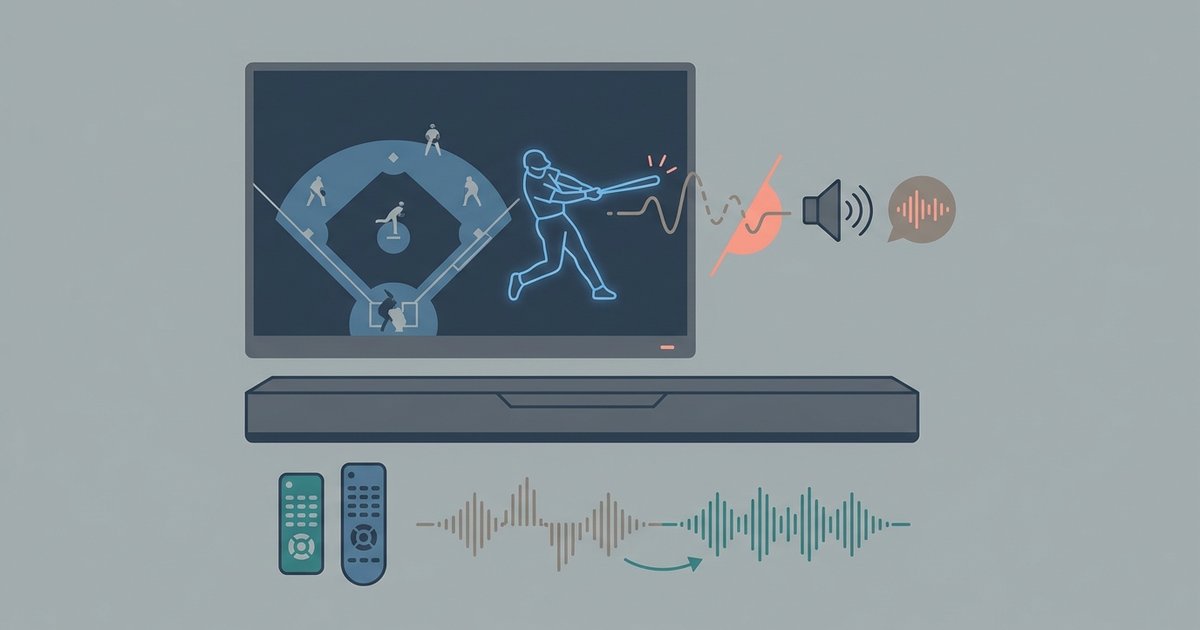
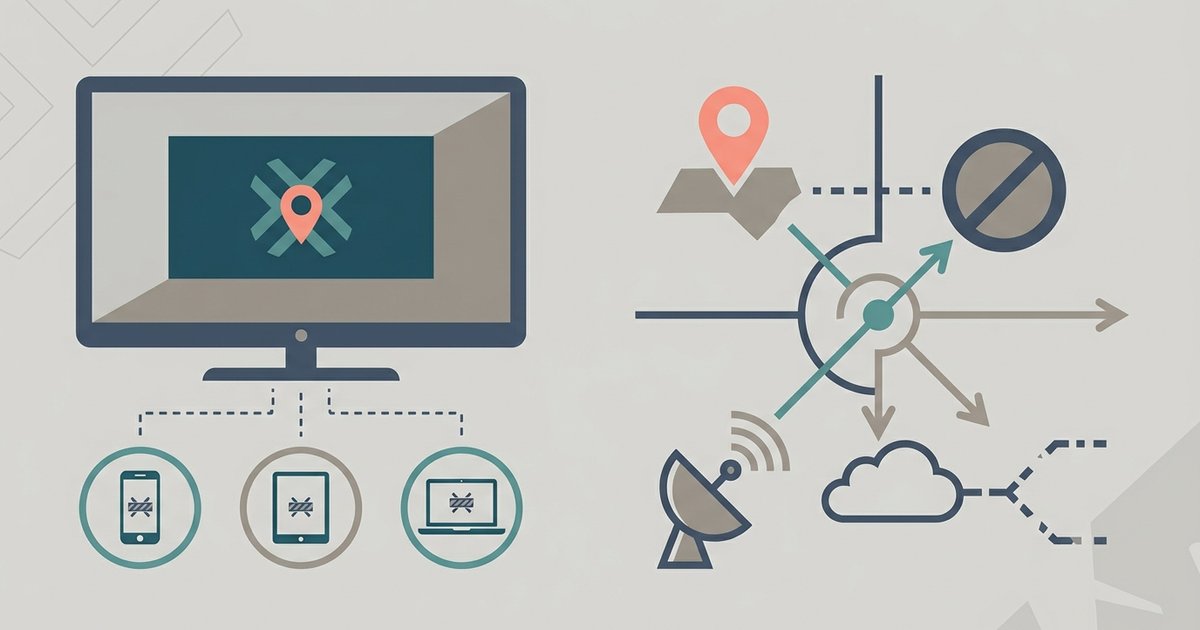
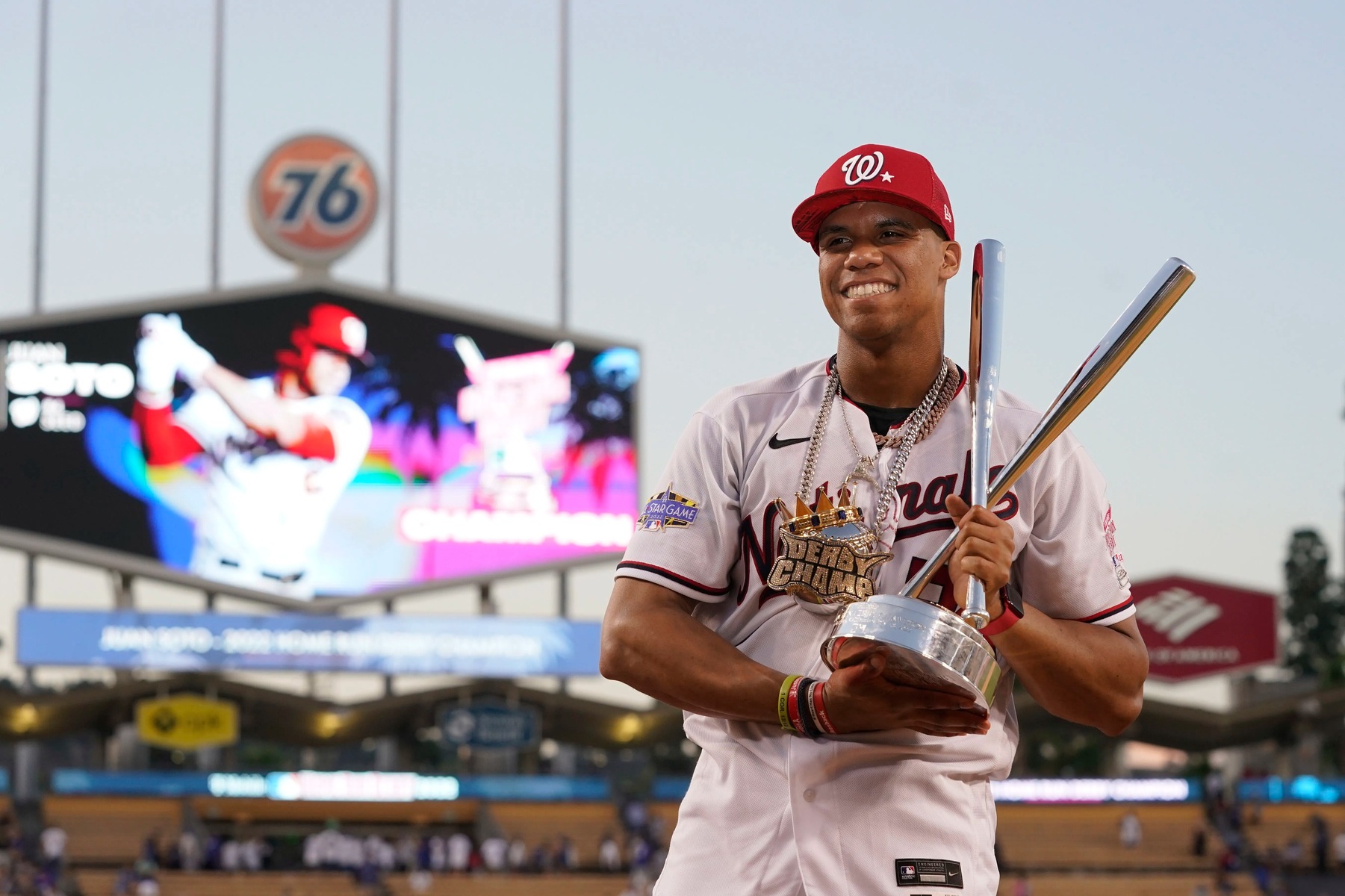
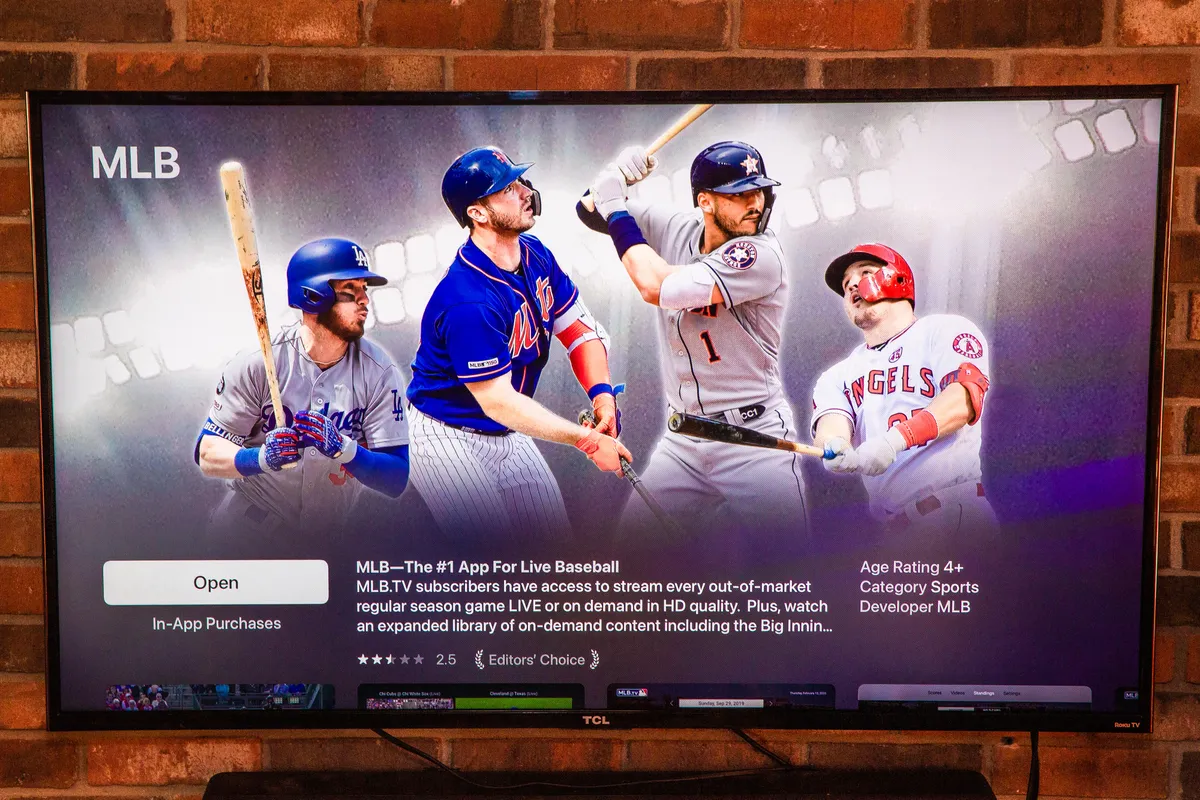
Several of the articles center on getting the MLB app onto a particular screen, such as an LG or Vizio smart TV, or understanding how MLB.TV works alongside a service like Amazon Prime. Others address playback issues, including the audio sync delay fix and the common “blackout restricted” message that appears when a local game is unavailable. A third theme is event-specific access, like the guide to watching the Home Run Derby, which explains the legitimate viewing options for that single broadcast. These pieces do not tell you how to bypass regional limits or pirate streams; instead, they explain the legal reasons behind blackouts and point you toward the correct subscription or app path.
What these articles help you do is practical and concrete: install the right app, confirm whether your TV is supported, understand why a game is blocked, and adjust settings so the picture and sound line up. They are troubleshooting aids, not workarounds. Whether you are setting up a new television or trying to figure out why a game will not load, the tag gathers the answers in one place.