Yes, subtitles do use data, but the amount is microscopic—usually just a few kilobytes for an entire movie. They will not noticeably increase your total data consumption or cause overage charges.
Why subtitles use almost no data
Subtitles are delivered as plain text files, either embedded as timed text tracks (like WebVTT or SRT) or as separate streams alongside the video. These files contain only characters, timestamps, and formatting codes, not pixels or audio. A typical SRT file for a 90-minute movie is about 30 to 60 KB. Compare that to the video stream, which at standard definition uses roughly 700 MB per hour, and at high definition uses 2 to 3 GB per hour. The subtitle data is so small that it accounts for less than 0.001% of your total data usage. Even if you stream 100 hours of content with subtitles enabled, you would add only about 3 to 6 MB, less than the cost of loading a single webpage. This holds true across all major streaming services, whether you use Netflix, Hulu, or Disney+, and you can even put subtitles on YouTube with the same negligible data impact.
The one case where subtitles can spike data
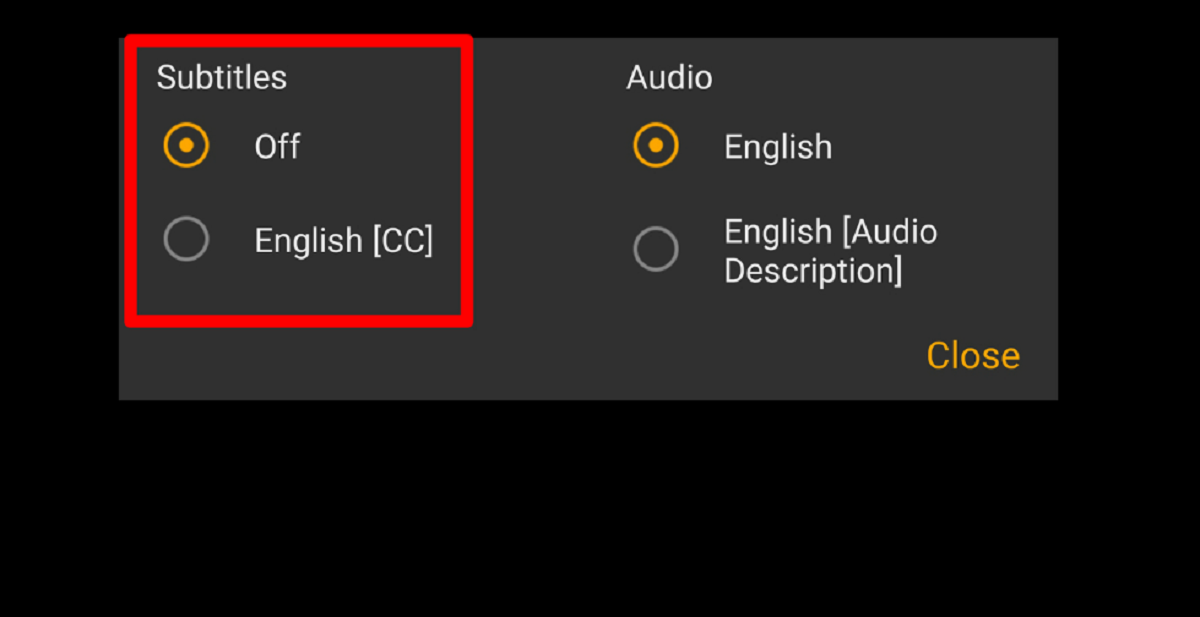
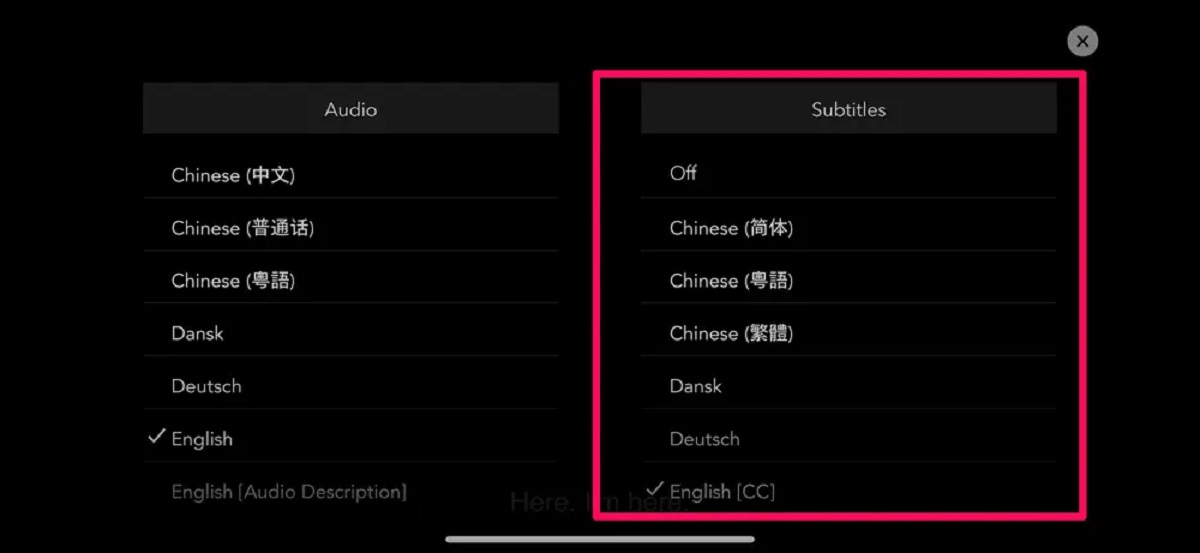
There is one scenario where subtitles can increase your data consumption: when the app or device forces “burned-in” subtitles. Burned-in subtitles are rendered directly into the video frames before the stream reaches your device, meaning the server re-encodes the video with the text baked into the image. This can increase the video bitrate by 5-10%, depending on the complexity of the subtitles and the resolution. However, this is rare on modern streaming platforms. Services like Netflix, Amazon Prime Video, and Paramount+ almost always use soft subtitles, separate text tracks that your device renders locally. To avoid burned-in subtitles, check your app’s subtitle settings. For example, if you want to turn on closed caption on Amazon prime, you should look for the subtitle options, typically found under Audio & Subtitles during playback, which uses a soft track. Likewise, if you need to turn subtitles off on Paramount plus, look for the subtitle options in the playback menu and switch them off to prevent any accidental burned-in rendering. In practice, the spike is negligible for short clips, but if you stream an entire 4K movie with burned-in subtitles, you might see an extra 200-400 MB. For most users, this is still a fraction of the video’s total size.
What actually eats your hotspot data
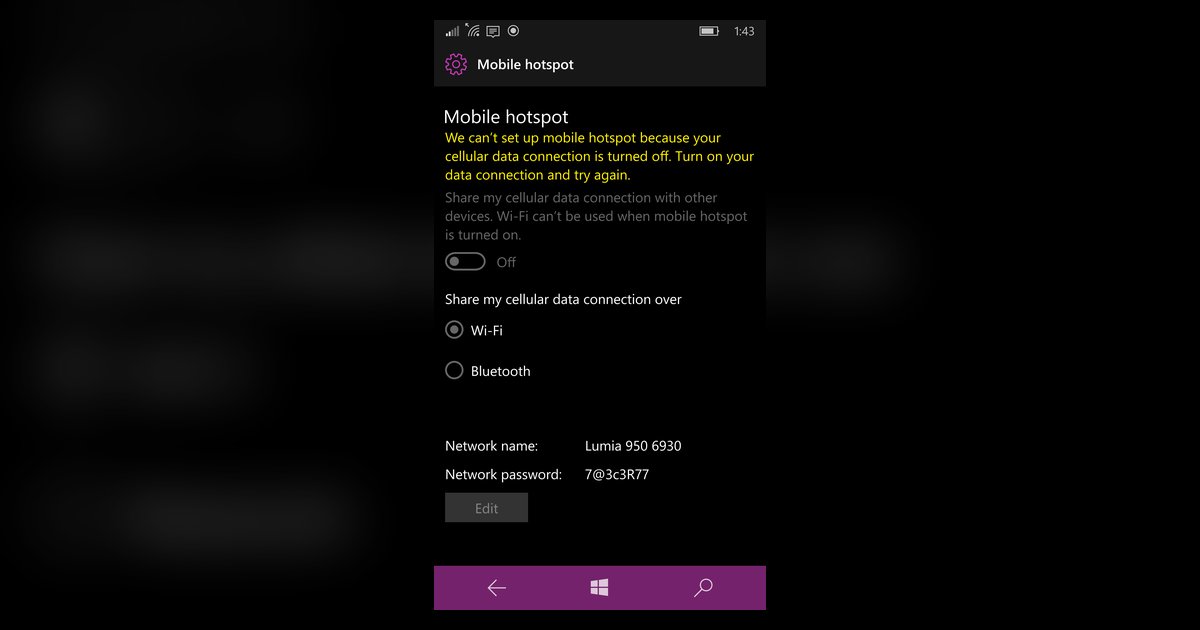
The real data hog when streaming over a mobile hotspot is video resolution, not subtitles. Streaming at 1080p uses roughly 3 GB per hour; 4K can exceed 7 GB per hour. Even standard definition (480p) uses about 700 MB per hour. If you are hotspotting to a TV or tablet, the device often defaults to the highest resolution the connection supports, which can quickly drain a limited data plan. To preserve data, lower the video quality in the app settings. For instance, you can adjust the video quality settings in the app to reduce data usage. Subtitles remain safe to use because they add no meaningful overhead. If you ever need to turn off closed caption on Amazon prime, do so from the same Audio & Subtitles menu, but there is no data-saving reason to disable them. For guidance on how to turn on subtitles across different platforms, check your app’s accessibility or playback settings. The best advice: leave subtitles on, reduce your video resolution to 720p or lower, and keep an eye on your hotspot’s data usage meter. That combination will keep your viewing comfortable without risking overage charges.