Practical, step-by-step guides for people who want to get their phones, tablets, TVs, printers, gaming consoles, and other devices online using a cellular connection. It is written for everyday users, parents setting up a kid’s tablet, travelers without reliable Wi-Fi, or anyone troubleshooting a stubborn device that won’t join a hotspot. The articles focus on the “how” of connecting, configuring, and managing mobile data connections, with an emphasis on clear instructions rather than technical jargon.
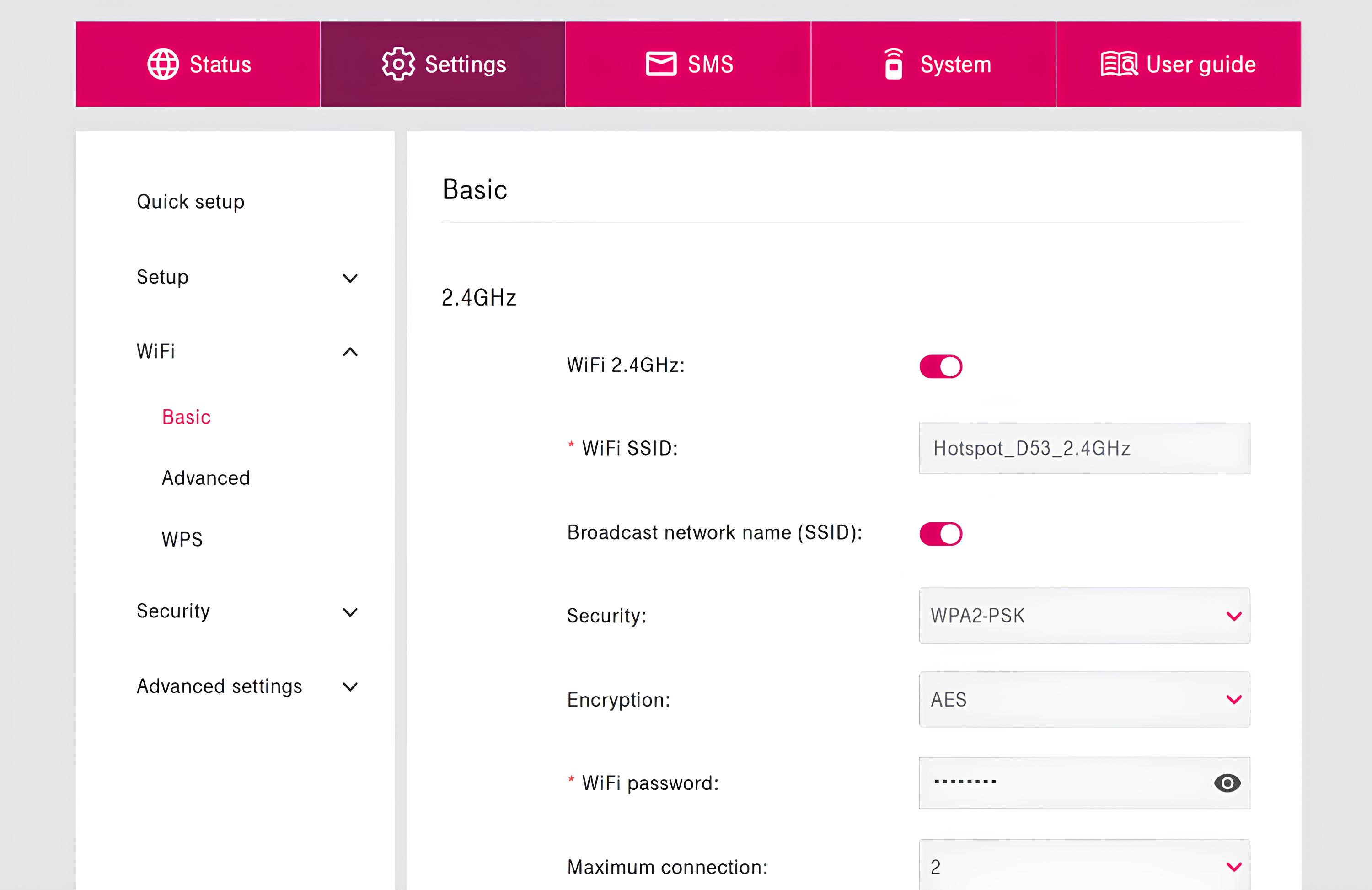
The problems these articles solve fall into two main groups. The first is device-to-hotspot setup: getting a Roku, Vizio or LG TV, a Canon or HP printer, a PS5, or a Fire Tablet to recognize and use a phone’s hotspot. The second is managing the hotspot itself, activating it on Consumer Cellular, accessing the admin page, disabling it on a child’s Android phone, or connecting it to a home router. Several pieces also address connectivity workarounds, such as connecting to the internet without Wi-Fi or without a SIM card, and one explains whether subtitles use data while streaming.
Alongside these practical guides, the tag includes articles that approach security and policy from a responsible angle. For example, the piece on hotspot password hacking is a myth-busting look at why such attempts fail and how to protect your connection, while the article on bypassing hotspot restrictions is framed as an explanation of carrier policies and legal alternatives, not a method for circumvention. Similarly, the guide to accessing free internet on any SIM card focuses on legitimate options like public Wi-Fi and carrier promotions. Together, these articles help readers connect their devices, manage their data, and understand the boundaries of fair use, all without encouraging risky behavior.