Netflix Standard with ads resolution is full 1080p Full HD, not limited to 720p like some older ad-supported tiers on other platforms. This plan delivers crisp, clear video quality for the vast majority of content. It matches the resolution of the standard ad-free plan. You will watch periodic commercials.
Netflix Standard with ads resolution confirmed
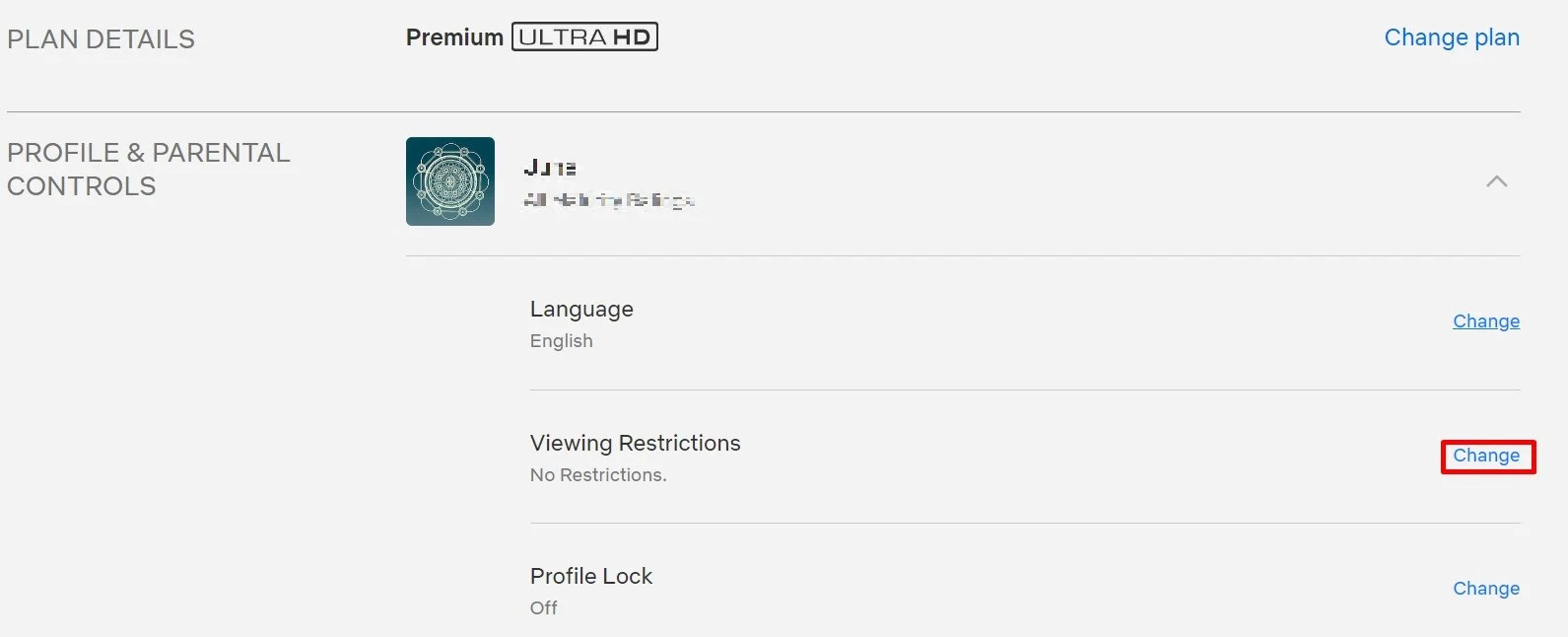
Go to your account page and click the "See all plans" button. Read the row labeled "Video and audio quality." Netflix officially lists the Standard with ads plan as supporting "Full HD (1080p)" in its plan comparison table under that section. The company updated its documentation in late 2022 when the ad-supported tier launched. It initially stated 720p as the maximum resolution, later upgrading to 1080p. The Standard with ads plan caps out at 1080p SDR. You get the same pixel count as the ad-free Standard plan. You do not get high dynamic range color or the highest bitrate available on the Premium tier. To verify your current plan details, access my Netflix account and view your subscription settings.
What people get wrong
Ignore the common misconception that the ad-supported plan is capped at 720p. That confusion likely stems from competitor platforms like Hulu or Peacock. Those services historically locked their lower-priced ad tiers to 720p or even 480p. The Standard with ads plan uses the same 1080p encoding pipeline as the standard ad-free tier, just with advertisements inserted. To verify your current stream's resolution, press the "Info" button on your remote while a show plays. On mobile, tap the "..." icon. Netflix displays the actual bitrate and resolution being delivered in that moment.
When you don't get 1080p
You will not always receive 1080p on the Standard with ads plan even when your subscription entitles you to it. Check your internet connection speed. If it drops below roughly 5 Mbps, Netflix automatically downgrades the stream to 720p or 480p to prevent buffering. On a PC web browser, Netflix caps all streams at 720p. To fix this, use the Microsoft Edge browser or install the Windows Netflix app. This bypasses legacy DRM restrictions in Chrome and Firefox. Do not expect Full HD on some older or independently produced content. Early seasons of certain reality shows or foreign films may only exist in 720p or 1080i source files. When you want to get Netflix on a new device, the app will automatically select the best resolution your connection allows. If you need to log out of Netflix to clear a resolution glitch, do so from the "Account" settings under "Sign out of all devices." That specific series streams natively in 1080p on the ad plan. If you need to switch to a different plan, go to the "Change Plan" option inside your account settings. Be aware that downgrading to the ad tier will trigger the resolution limit described here.