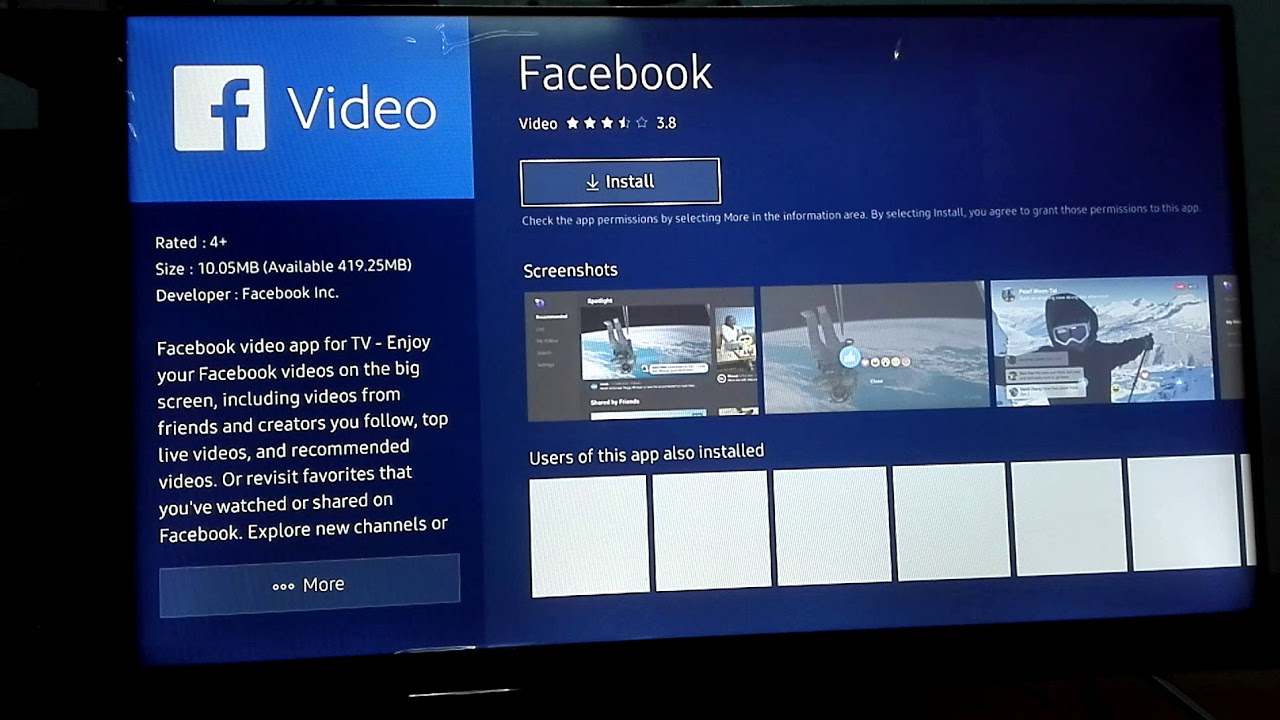
You get Facebook on a smart TV today by sending it there from another device, not by installing an app on the TV. Meta has ended service for the Facebook...
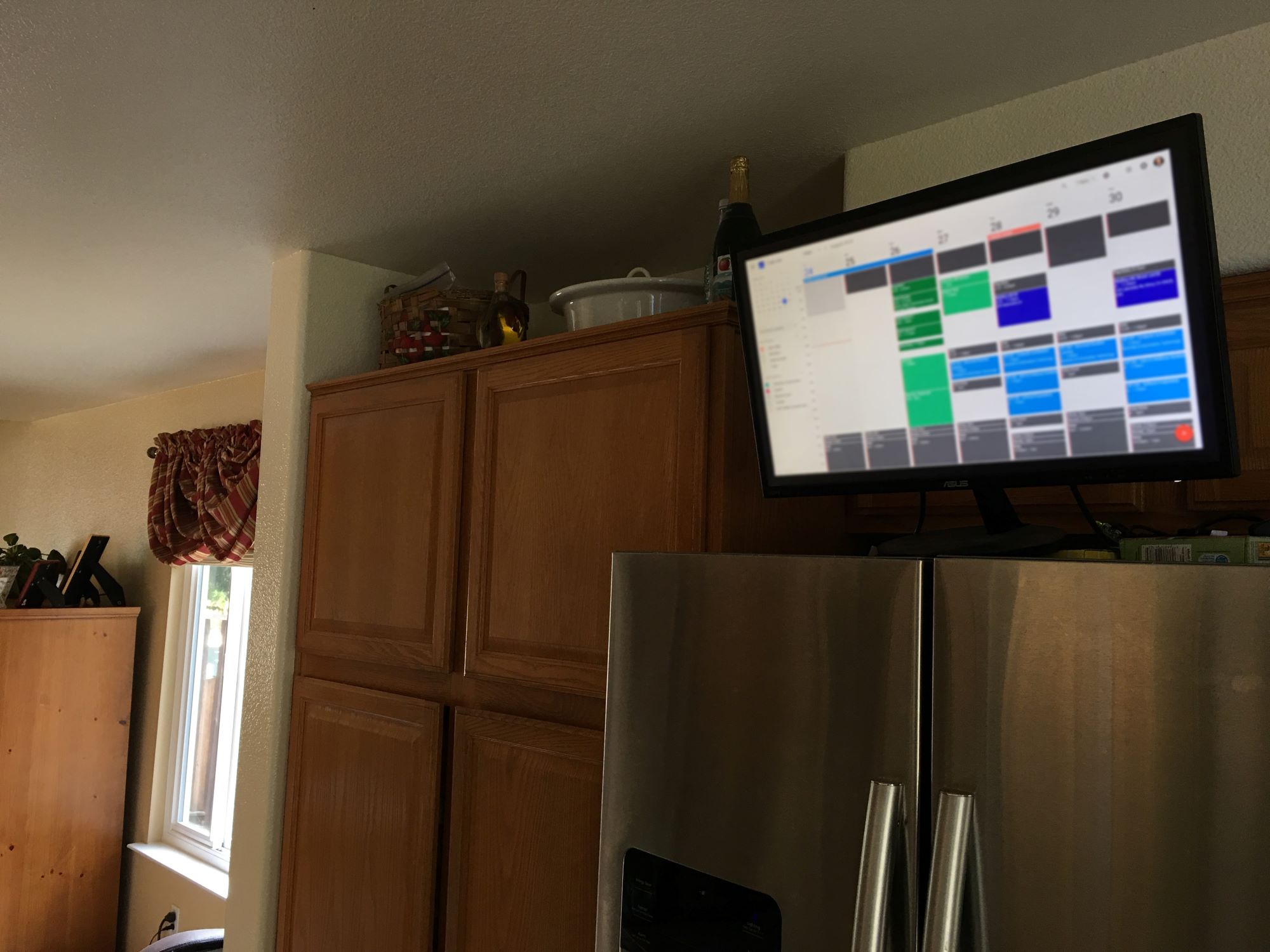
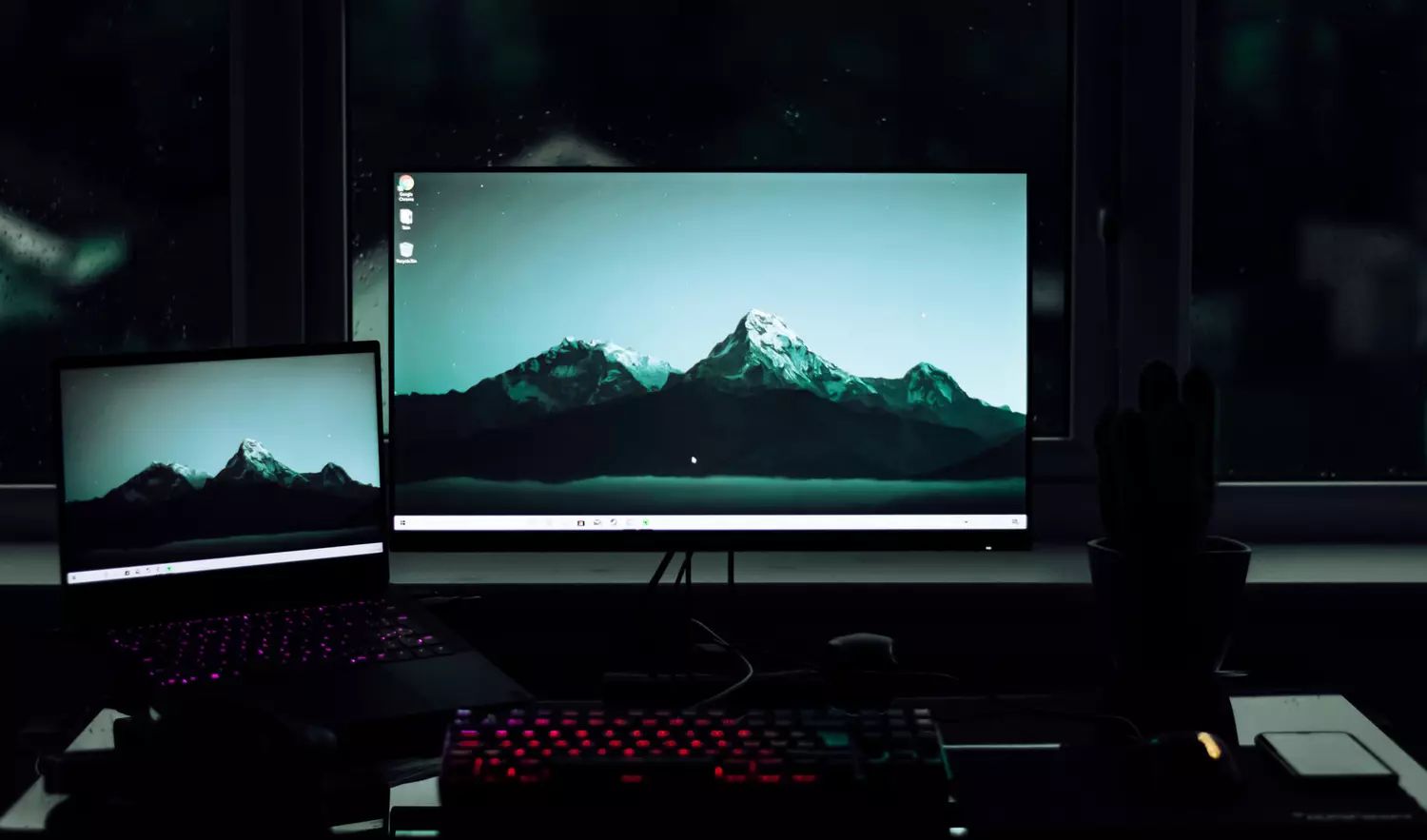
To display Google Calendar on a smart TV, you have two reliable workarounds: screen mirroring from a phone or computer, or using the TV's built-in web browser. No dedicated Google...
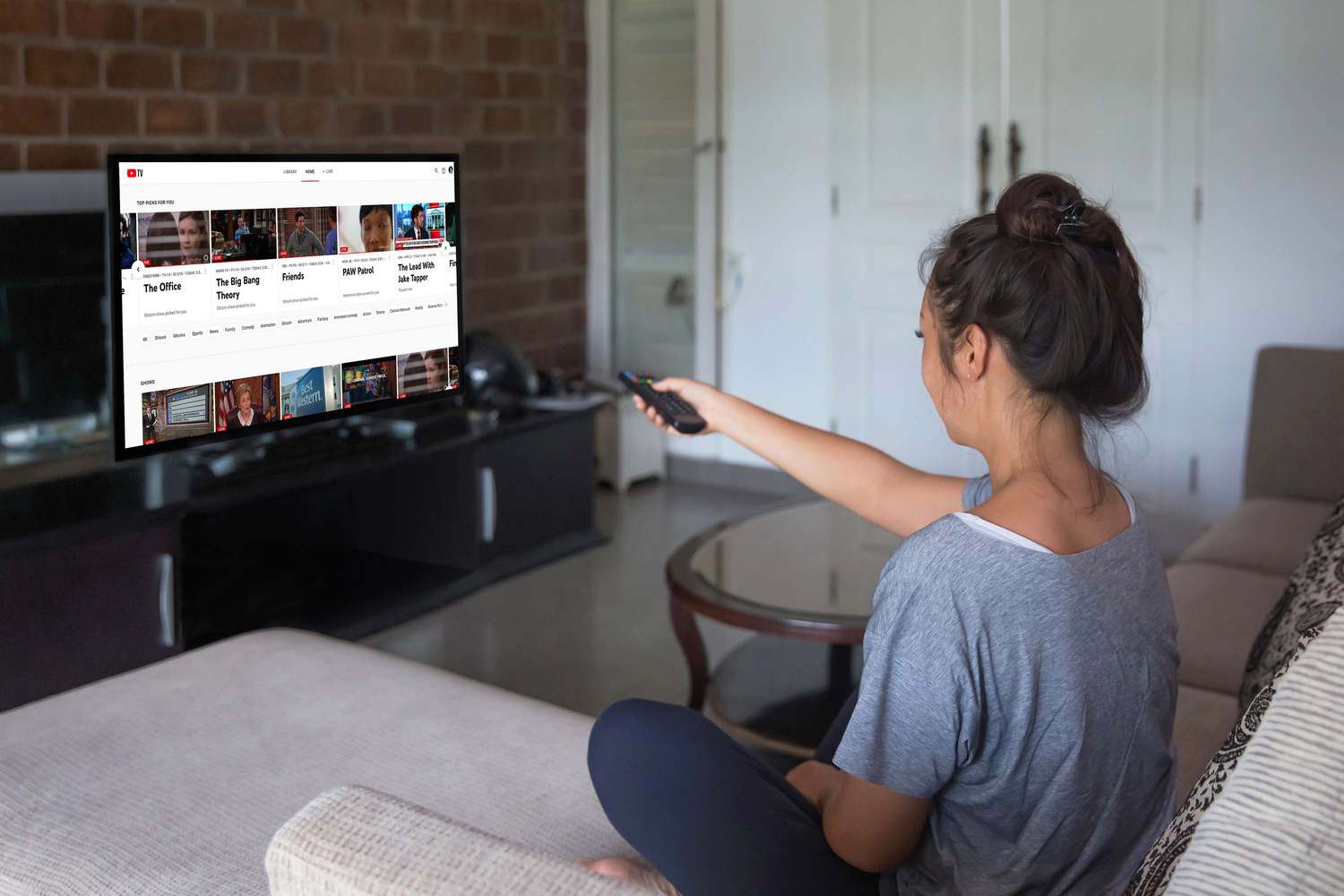
Yes, you can watch YouTube TV on a non smart TV by connecting an external device. The four main methods are using a streaming device, connecting a computer, using a...
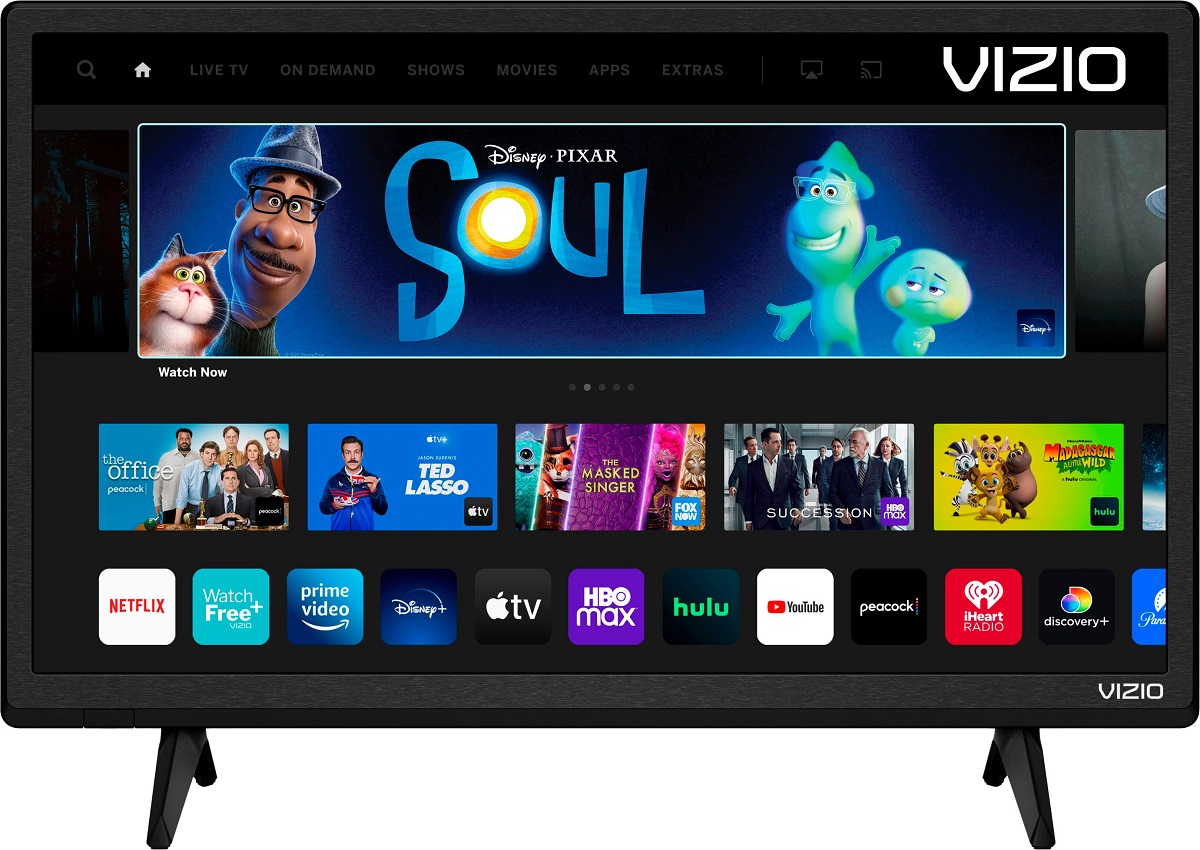
To browse internet on Vizio Smart TV, you need to know that Vizio TVs do not have a built-in web browser. Because the TV is designed for streaming apps and...
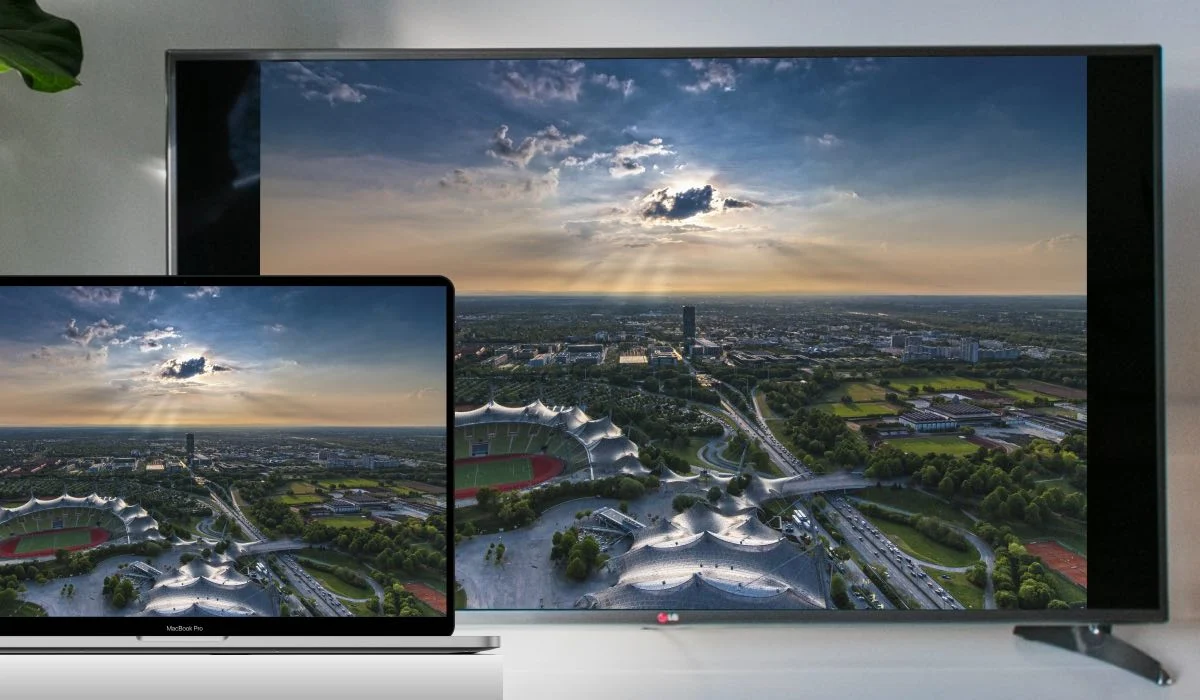
To mirror Mac to LG Smart TV, the most reliable method is using Apple's built-in AirPlay 2 feature, which allows you to wirelessly project your Mac's display onto your LG...
To play a PowerPoint presentation on a Samsung Smart TV, you have two primary wireless options: mirror your device's screen to the TV, or open the file directly on the...
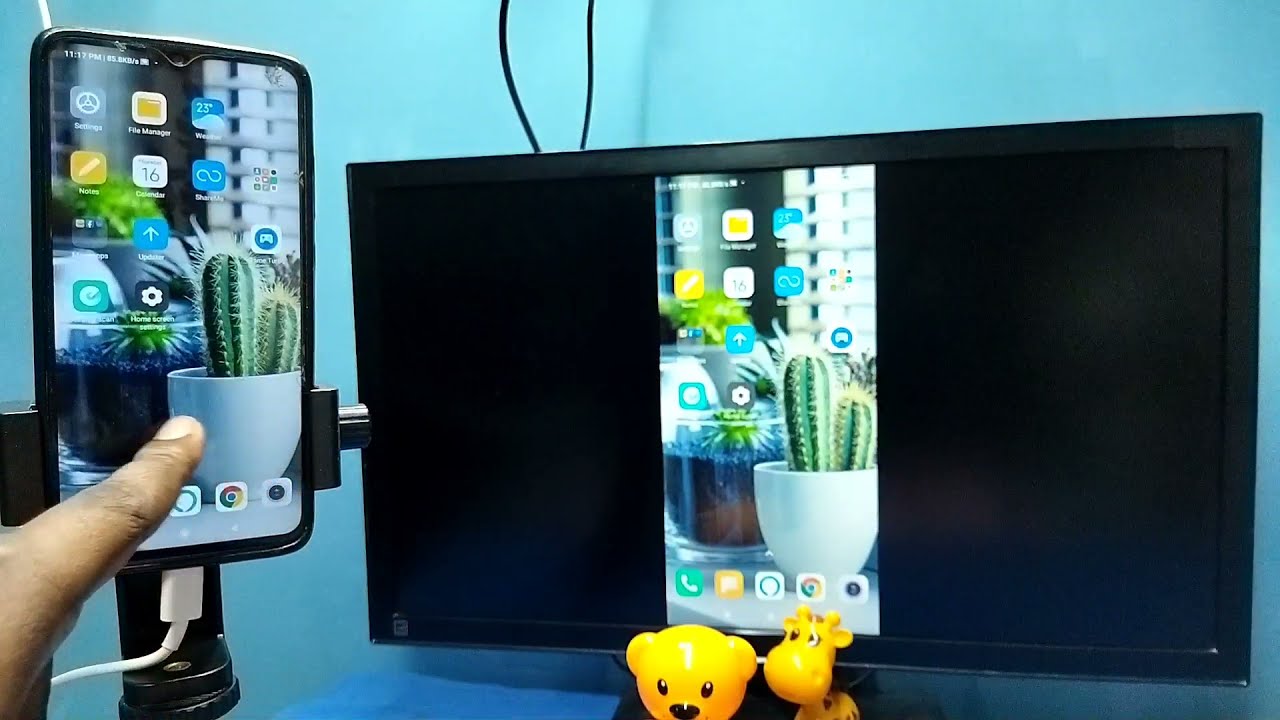
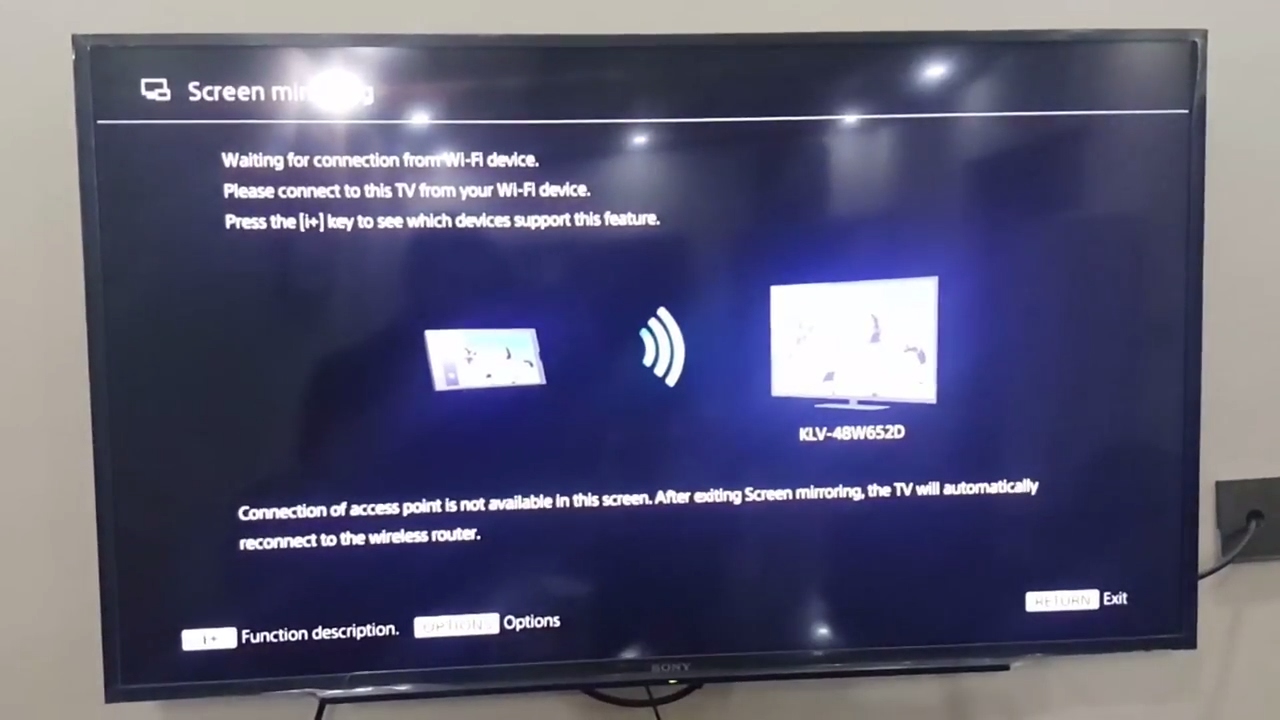
To screen share on a Philips Smart TV, you need to wirelessly project content from your smartphone, tablet, or computer onto the larger display. The method you use depends entirely...
To connect laptop to Sharp smart TV wirelessly, you need to identify your TV's operating system first, then use the matching method: Chromecast for Android/Google TV models, Miracast for Windows...
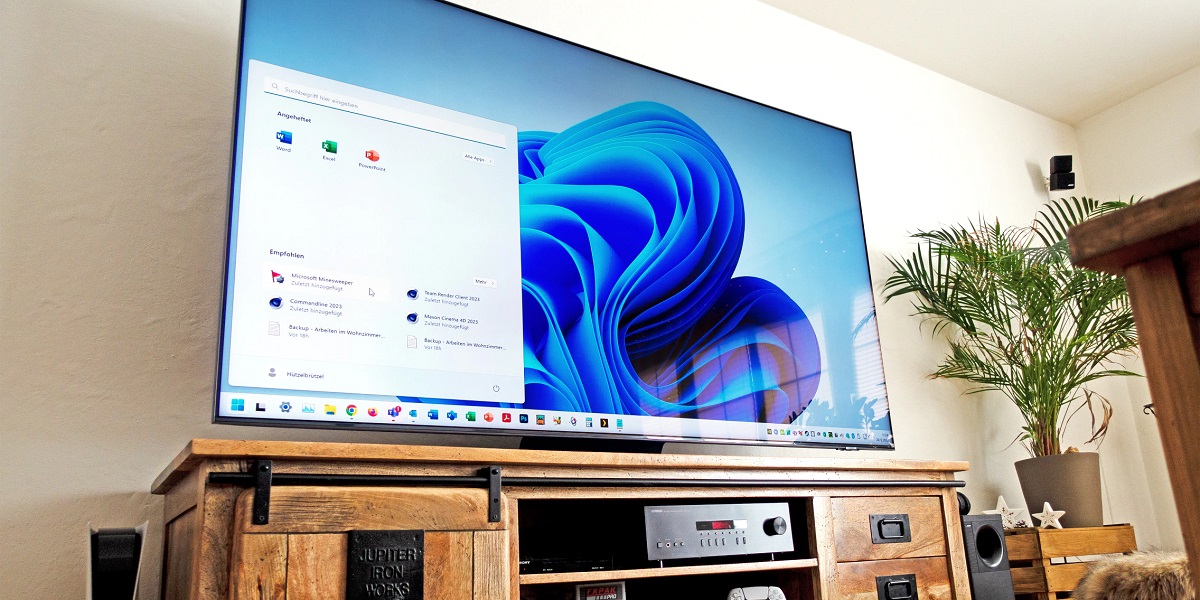
To connect computer to Samsung smart TV wireless, both devices must be on the same Wi-Fi network, if your TV isn't online yet, first connect to internet Samsung smart TV....
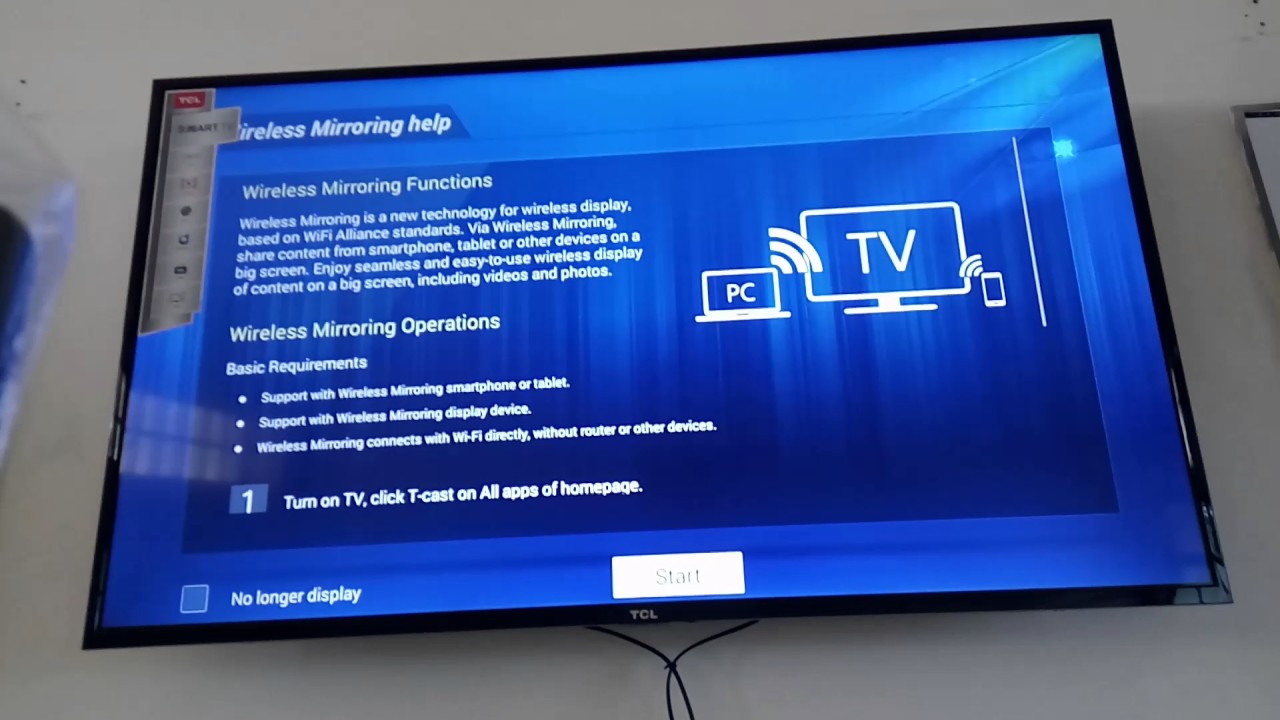
To screen mirror on a TCL Smart TV, you first need to identify your TV's platform, Google TV/Android TV or Roku TV, as the setup steps differ. Once you know...
The most reliable way to connect your laptop to TCL Smart TV is by using an HDMI cable, which delivers both high-definition video and audio through a single connection. For...
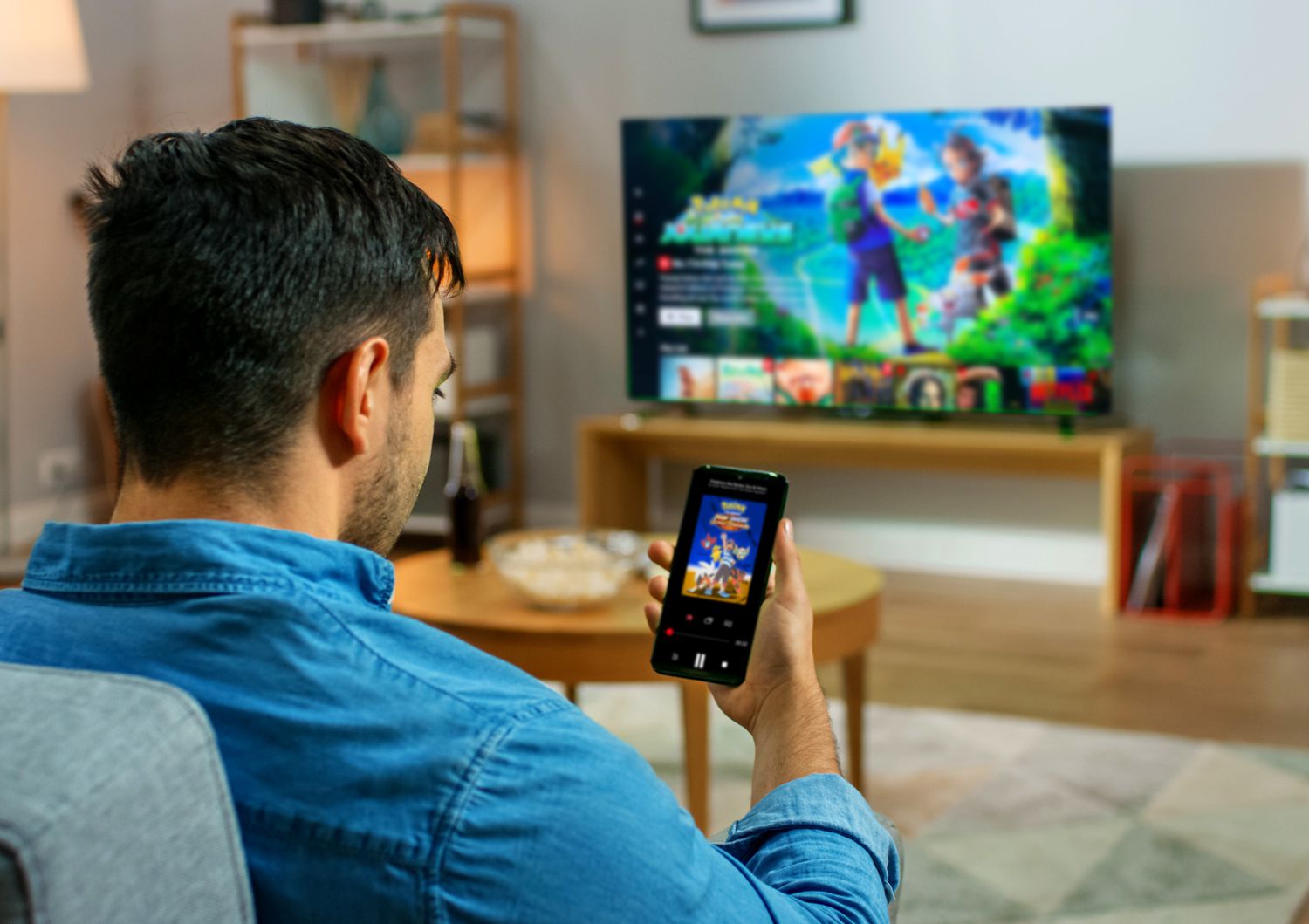
To cast Netflix from iPhone to Smart TV, open the Netflix app on your iPhone, tap the Cast icon (a small screen with Wi‑Fi lines) in the upper‑right corner, and...
This website uses cookies so that we can provide you with the best user experience possible. Cookie information is stored in your browser and performs functions such as recognising you when you return to our website and helping our team to understand which sections of the website you find most interesting and useful.
Strictly Necessary Cookies
Strictly Necessary Cookie should be enabled at all times so that we can save your preferences for cookie settings.
If you disable this cookie, we will not be able to save your preferences. This means that every time you visit this website you will need to enable or disable cookies again.