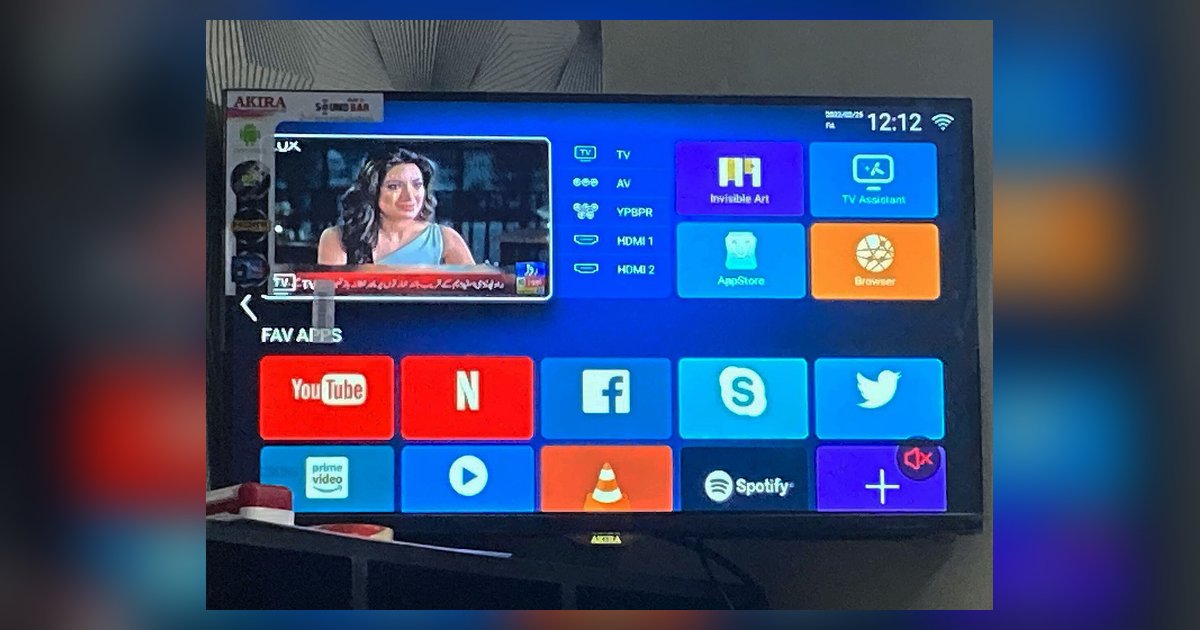
Apollo TV is a third-party sideloaded app and will never appear in official smart TV app stores like LG Content Store, Samsung Smart Hub, or Vizio's app platform. You can get it by manually sideloading it onto a compatible device like an Amazon Firestick or Android TV box, or by using M3U credentials on iPhone, iPad, Samsung, and LG Smart TVs.
Why the Apollo TV app is not showing in official app stores
Smart TV manufacturers like LG, Samsung, and Vizio operate what are called "walled gardens." These are tightly controlled app ecosystems that only list software vetted for security, licensing, and compatibility. Apollo TV is a third-party streaming tool not distributed through official channels. It violates these policies. No amount of searching, updating your firmware, or restarting your television will cause it to appear. If you are trying to download Apollo TV on smart TV from the LG Content Store, you will hit a dead end. That store only hosts apps that pass LG's certification process. The same applies to Samsung's Smart Hub and Vizio's app platform. These stores are not designed to host unapproved sideloadable software. The app is simply invisible to them.
The only devices that can actually run it
Apollo TV requires an operating system that supports manual installation from unknown sources. You need a device running Fire OS, Google TV, or Android TV. Examples include an Amazon Firestick, Fire TV Cube, Nvidia Shield, or Sony Bravia with Android TV built in. Roku uses a proprietary OS and is also a dead end. It does not allow sideloading at all. Even on an Android TV, you must first enable "Developer options" and then toggle "Install unknown apps" in the Settings menu. If you own an LG TV with webOS, you cannot directly install Apollo TV on that platform. You would need to follow a separate guide for installing third-party apps on LG smart TV webOS, which often requires a separate Android TV dongle. Similarly, you might look for official alternatives. You can download DIRECTV app on LG TV or get Spectrum TV app on LG smart TV. Both are available in the LG Content Store because they are licensed services. Before you go through the trouble of sideloading, you should confirm the apollo TV app safe and legal to install to understand the risks involved.
When you find it but still can't install
Sometimes users see an app named "Apollo TV" in the Amazon Appstore or Google Play Store but cannot install it. It may also behave differently than expected. This is almost certainly a fake or clone. The real Apollo TV is never distributed through official app stores. To confirm you have the genuine tool, you must download the APK file from a trusted third-party repository and sideload it manually. A common error occurs when you search the Amazon Appstore on a Firestick and find an app with a similar icon but a different publisher name. That is a clone designed to collect data or serve ads. Always check the package name in the device's settings under "Applications" to verify it matches the original. If your Firestick blocks sideloading, ensure "Apps from Unknown Sources" is enabled in your device settings. No official store will ever list the real Apollo TV. If you see it there, skip it and go straight to sideloading.
For more guidance on the broader topic of installing streaming apps on a smart TV, explore the correct setup process for your device.