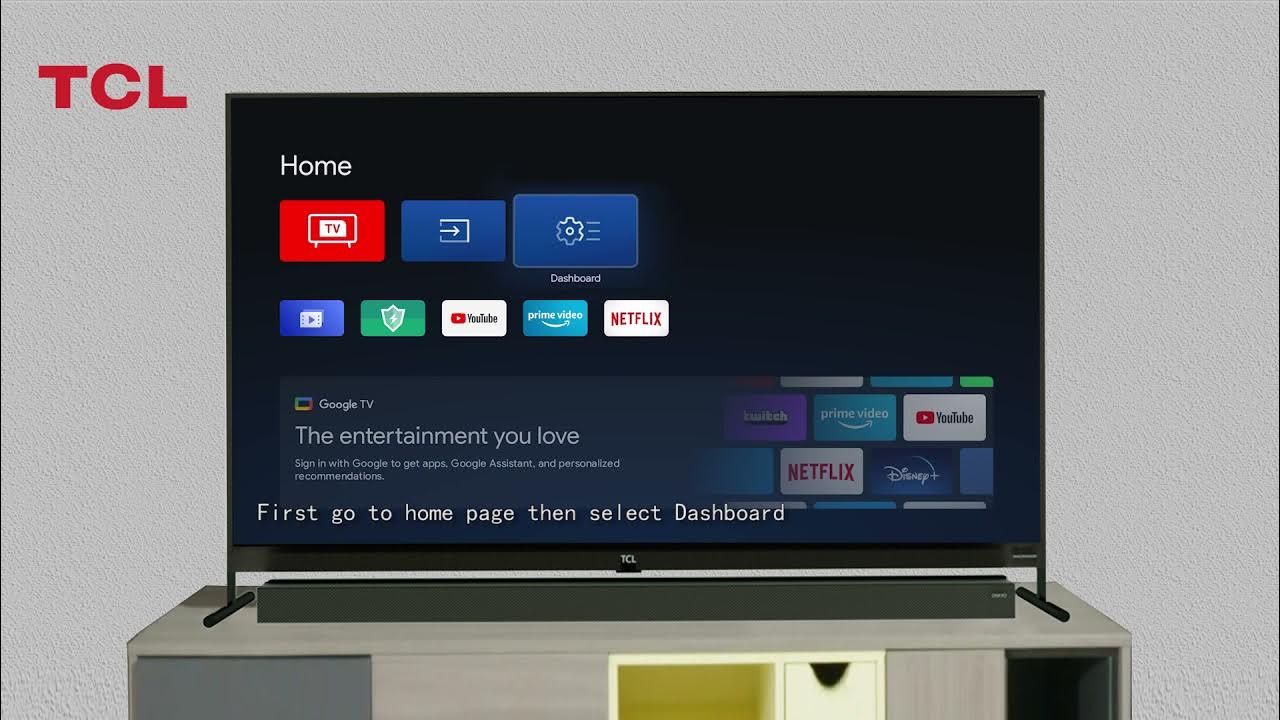
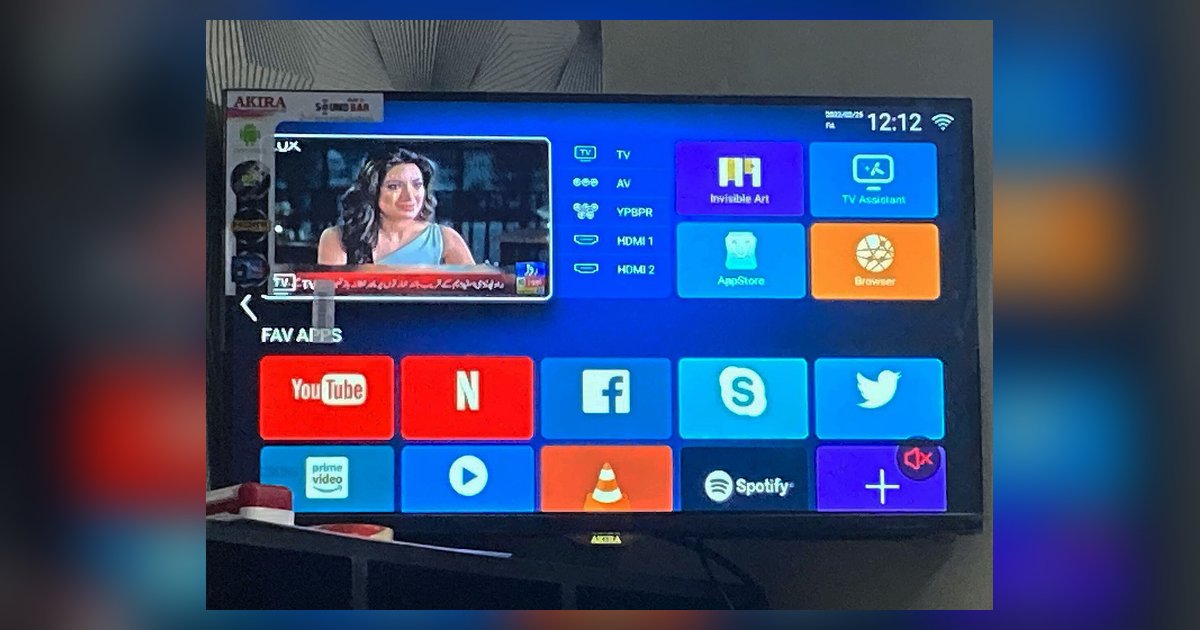
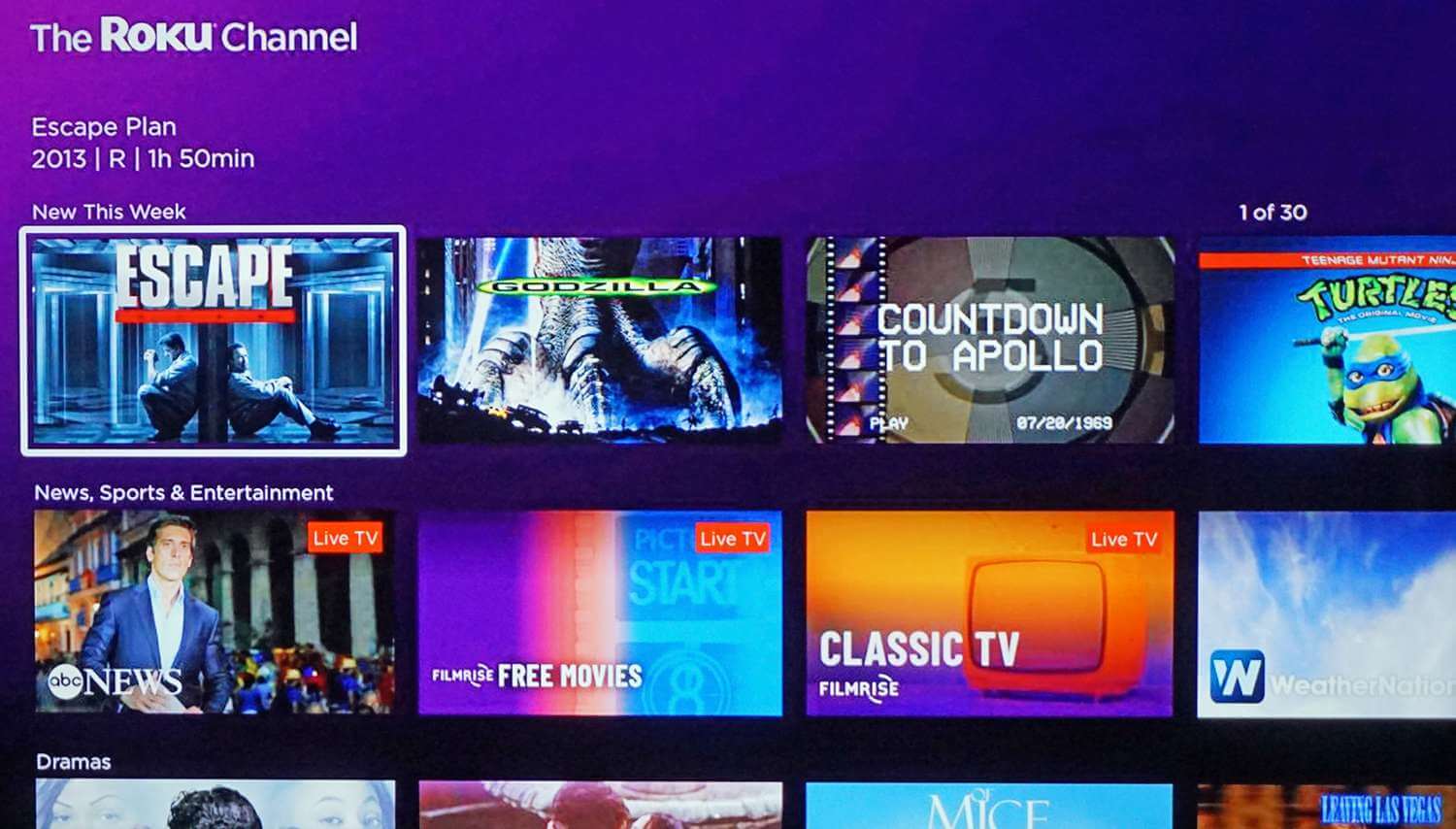
The real difference between a smart TV and a Google TV is that a Google TV is a personalized interface layer built on top of the Android TV operating system, while a generic smart TV runs on a proprietary system from its manufacturer. When comparing a smart TV to a Google TV, the key differentiator is that Google TV delivers a content-first, recommendation-driven experience that aggregates everything you want to watch in one place, rather than just showing you a grid of app icons.
Smart TV vs Google TV: what's the real difference?
A standard smart TV gives you access to core streaming apps through a manufacturer-designed interface, but each app remains isolated. Google TV changes that by placing personalized recommendations from all your subscriptions on a single "For You" home screen. This means you see movie and show suggestions from Netflix, HBO Max, Disney+, and others combined, without having to open each app separately to find something to watch.
What is a smart TV?
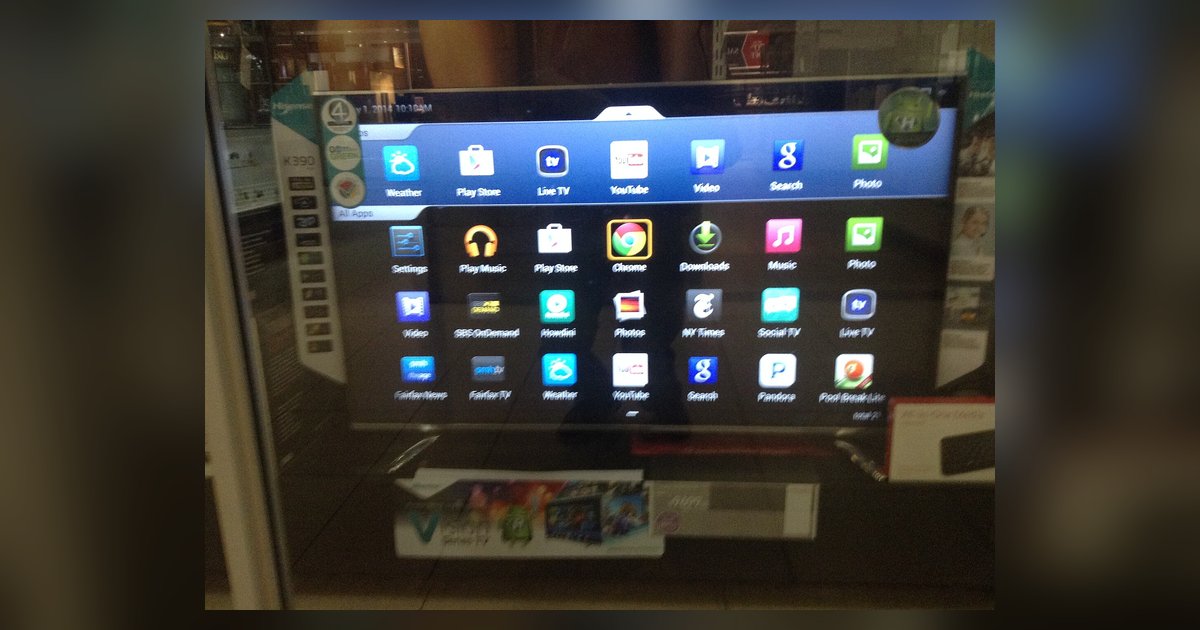
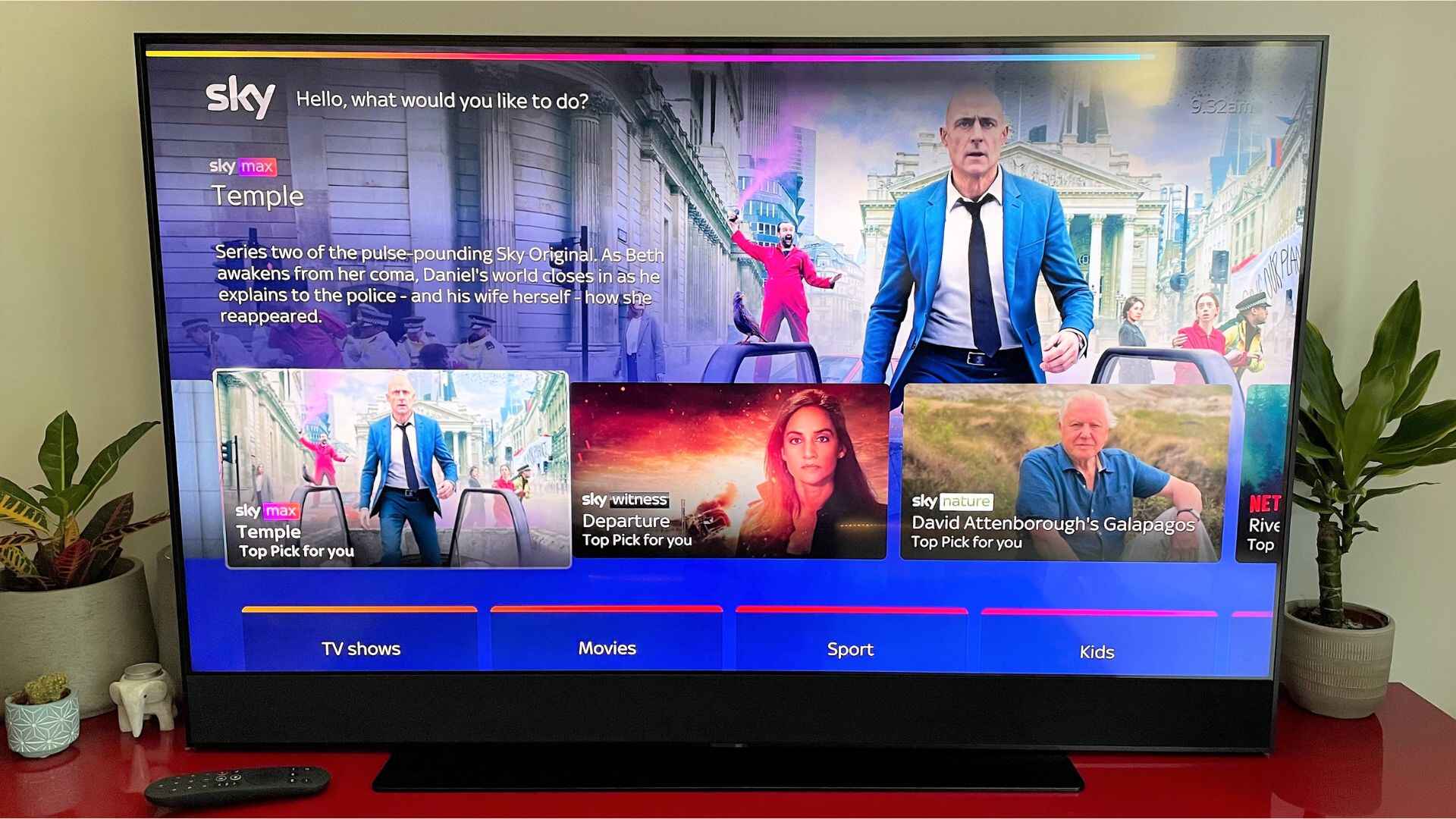
A smart TV is an internet-connected television with a proprietary operating system developed by its manufacturer. These systems provide built-in access to popular streaming services like Netflix, Hulu, and Amazon Prime Video, along with a web browser and an app store curated by the TV brand. The interface is typically app-centric, meaning you scroll through a row of app icons to launch each service independently. The experience is consistent within each app, but there is no unified view of content across different providers.
What is Google TV, exactly?
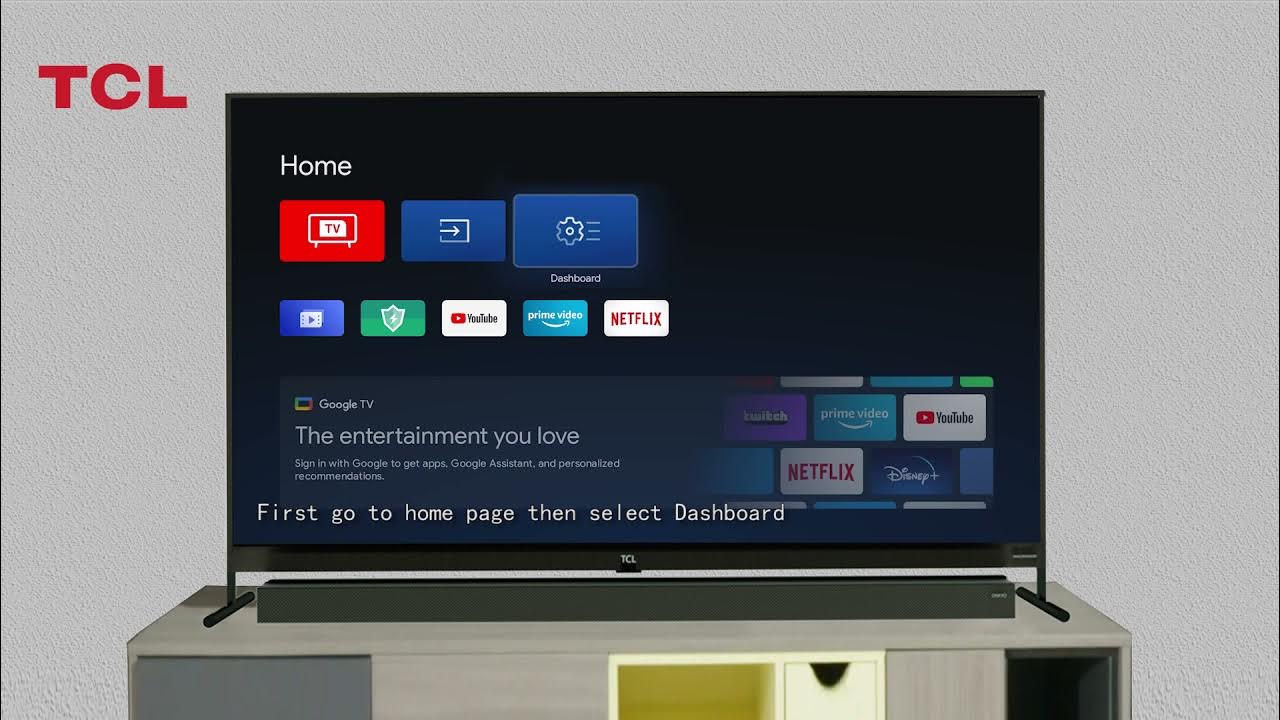
Google TV is not a separate operating system. It is an advanced interface and experience layer that runs on top of the Android TV operating system. This means the underlying OS remains Android TV, but the user interface is completely redesigned around content discovery and personalization. Google TV replaces the traditional app-grid layout with a home screen that surfaces movies, shows, and live content based on your viewing habits, subscriptions, and preferences.
The personalized 'For You' experience
The primary differentiator between Google TV and a standard smart TV is the "For You" tab. Google TV uses AI to analyze your watch history and subscription services, then recommends movies and shows from all your streaming apps in one unified feed. A standard smart TV, by contrast, shows you a grid of app icons and leaves you to browse each service individually. With Google TV, you see recommendations for what to watch next without needing to decide which app to open first. This content-first approach saves time and helps you discover titles you might otherwise miss across your various subscriptions.
Universal watchlist and cross-device sync
Google TV includes a universal watchlist that lets you save content from any streaming provider to a single list. When you add a movie or show to this watchlist, it syncs automatically across your TV, the Google TV mobile app, and even Google Search. This means you can add a title to your watchlist while browsing on your phone, then find it waiting for you on your TV later. A standard smart TV does not offer this cross-app, cross-device functionality; you must maintain separate watchlists inside each streaming app.
Google Assistant and smart home control
Google TV offers deep integration with Google Assistant for voice control that goes far beyond simple search. You can use your voice to find content across apps, adjust volume, launch apps, and control compatible smart home devices such as lights and thermostats. Standard smart TVs may include basic voice search for finding shows, but they lack this level of smart home integration and cross-app voice control.
App ecosystem and Chromecast built-in
Google TV provides access to the Google Play Store, which offers a vast library of over 10,000 apps and games designed for the TV platform. This includes every major streaming service, plus niche apps, games, and productivity tools. Additionally, every Google TV device supports Chromecast built-in, allowing you to cast movies, shows, photos, and music from your phone or tablet directly to the TV screen. A standard smart TV relies on its manufacturer's more limited app store, which typically offers fewer choices and less frequent updates. The ability to cast from any Chromecast-enabled app is also absent from most proprietary smart TV platforms.
Setup and the Google TV mobile app
Setting up a Google TV device can be streamlined using the Google Home app on an Android phone, which can automatically sign in to your Google Account and connect to your Wi-Fi network without manual entry. The Google TV mobile app, available for both Android and iOS, serves a dual purpose: it works as a virtual remote control for your TV and also lets you browse recommendations and manage your universal watchlist on the go. This means you can search for something to watch while commuting and have it ready to play when you get home. If you own a Samsung TV, you can get Google TV on Samsung smart TV to access this same convenient setup experience. Standard smart TV setup typically requires manual account sign-ins and remote entry of Wi-Fi passwords, and they lack a companion app with this level of functionality.
Which one should you choose?
Choose Google TV if you want a unified, recommendation-rich experience that surfaces content from all your subscriptions in one place, along with deep integration into the Google ecosystem including Google Assistant, smart home control, and the ability to use Google apps on a smart TV. Google TV is ideal if you subscribe to multiple streaming services and want a single interface to browse them all, if you use Google services like YouTube and Google Photos, and if you want seamless casting from your phone. Choose a standard smart TV if you prefer a potentially simpler, brand-specific interface that may be less expensive, or if you primarily use only one or two streaming apps and do not need cross-app recommendations or smart home integration. Standard smart TVs can also be a good choice if you want a specific manufacturer's display technology and are willing to trade personalization for a lower upfront cost, though you can still display Google calendar on smart TV to keep your schedule visible on the big screen.
\nRelated reading: How To Get Google On Smart TV.