Articles that help you manage the often-frustrating way your TV, soundbar, streaming stick, and remote controls talk to each other over HDMI. It is written for everyday viewers, not IT pros, who want their home entertainment gear to behave predictably without hiring a technician or buying extra cables. Whether you are dealing with a remote that controls the wrong device or a TV that switches inputs on its own, these guides focus on practical fixes you can try at home.
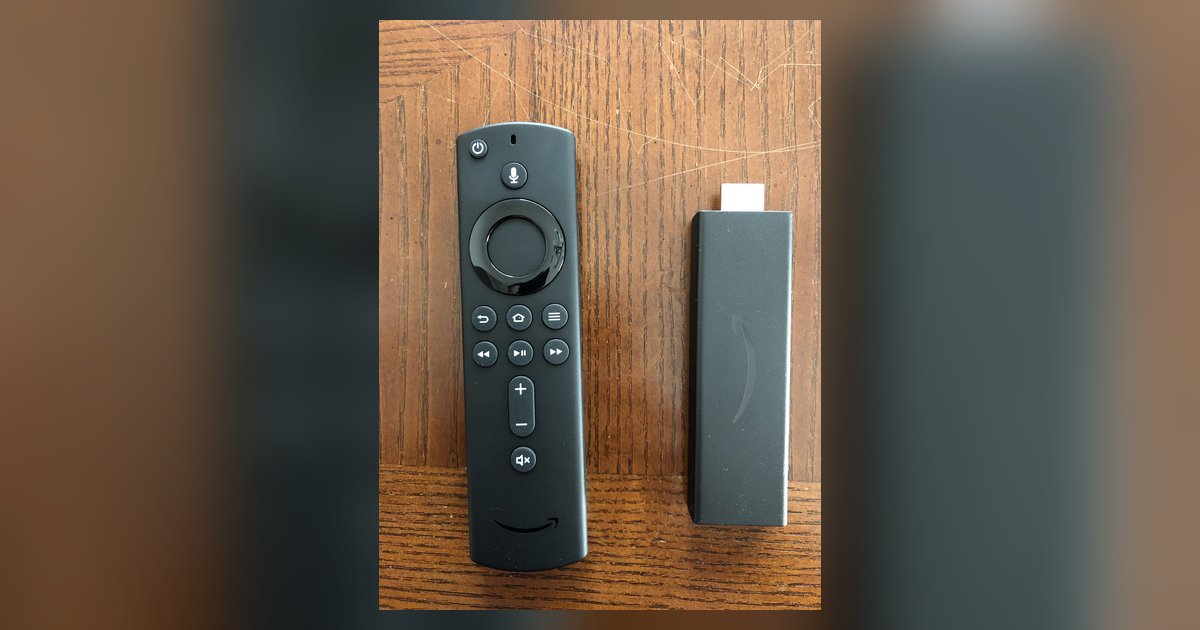
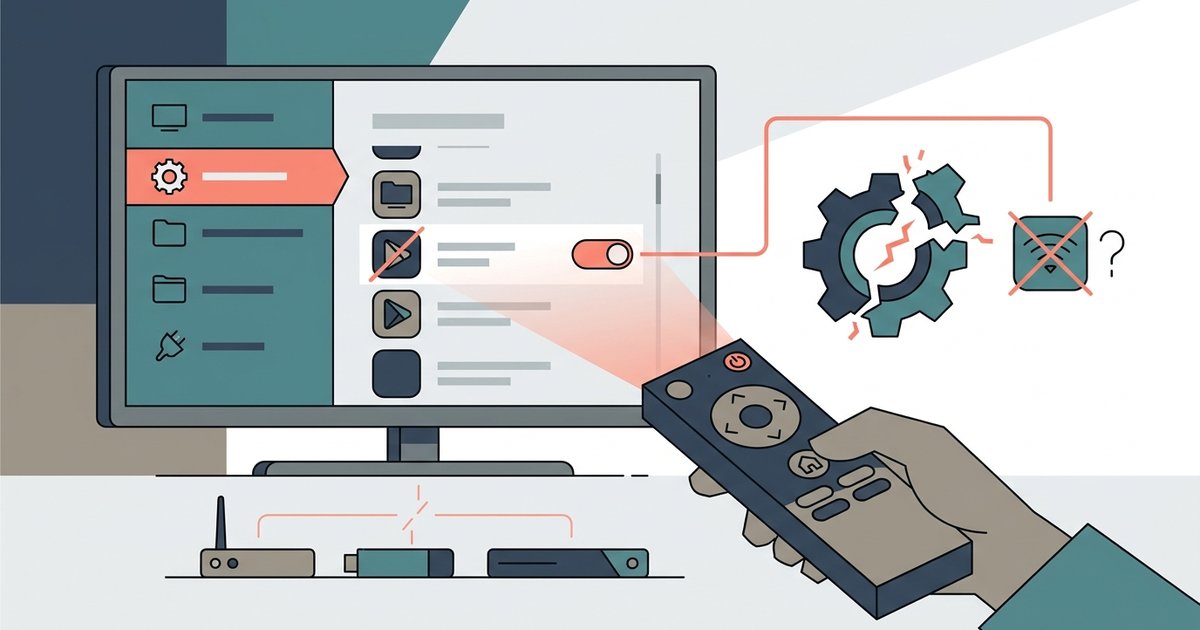
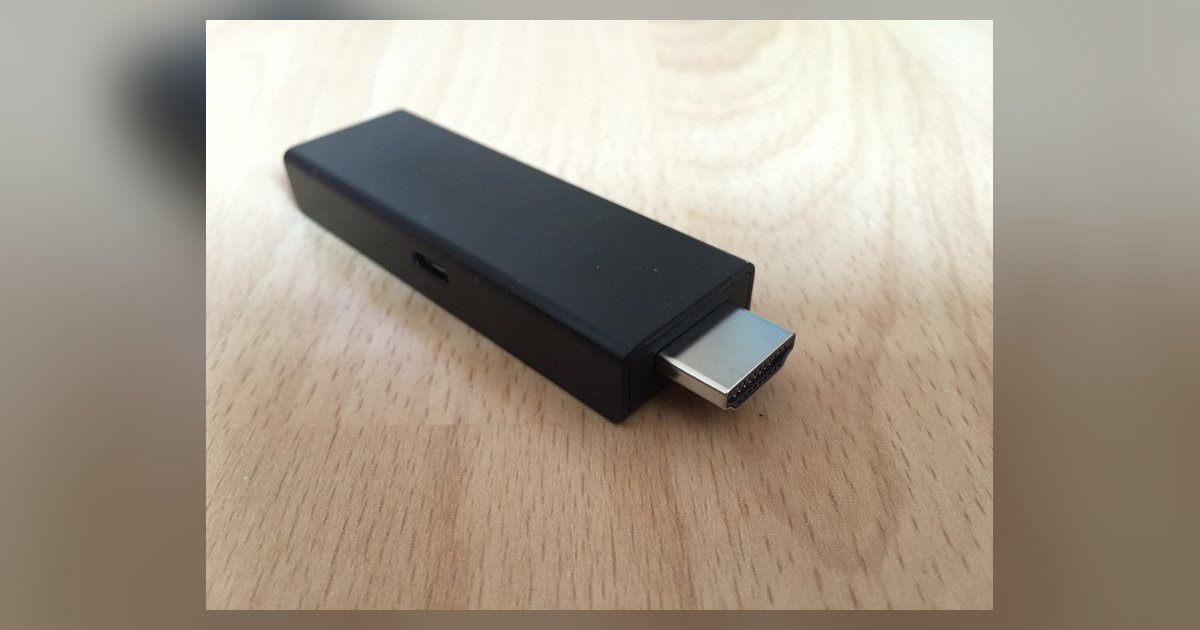
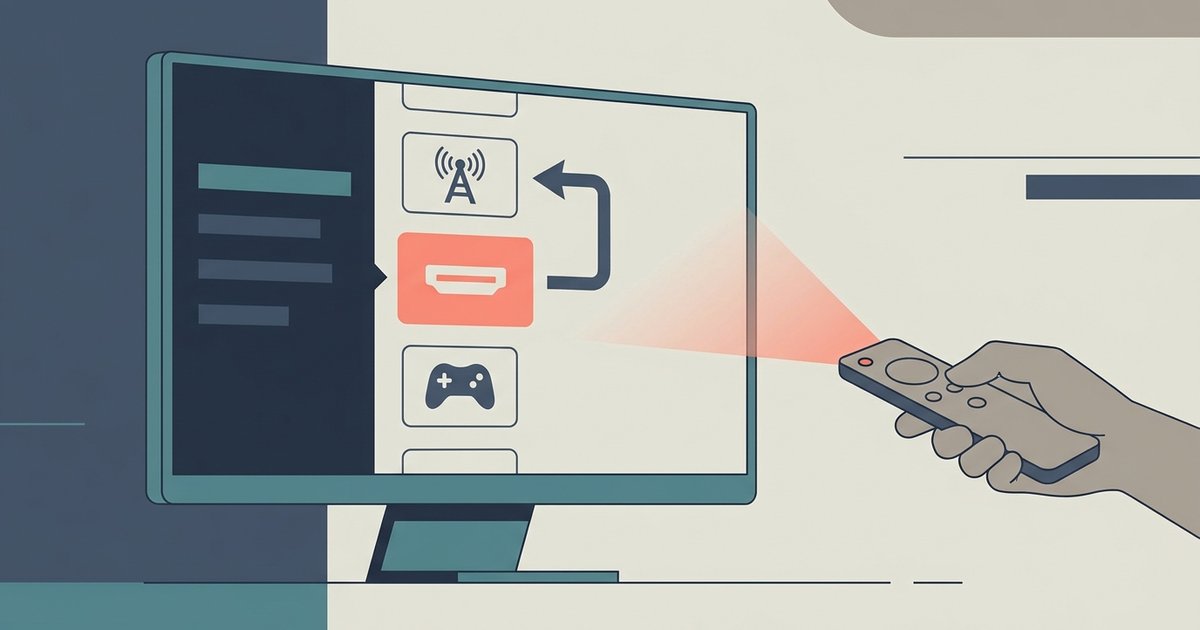
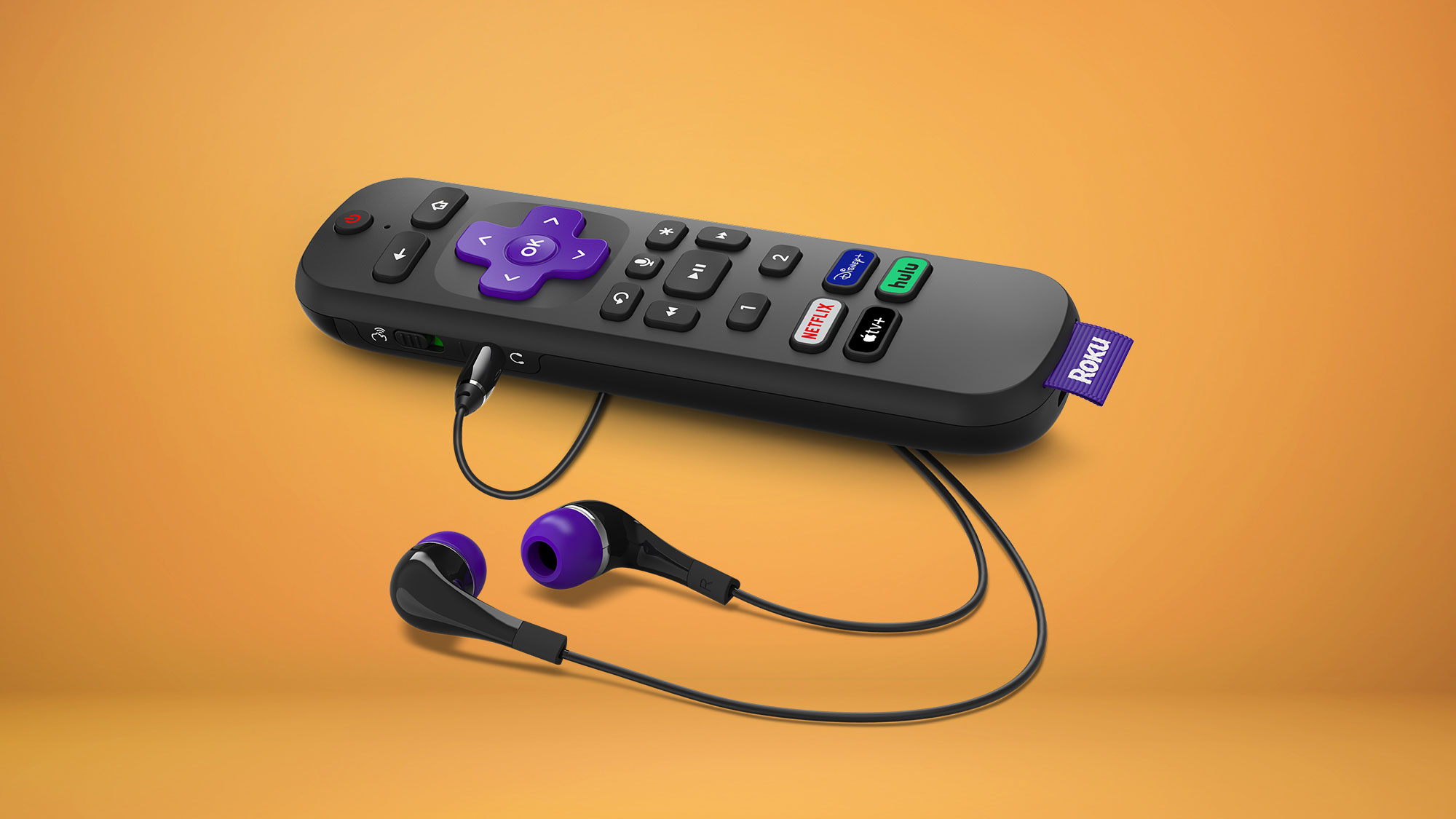
The articles cluster around two main themes. The first is remote control and pairing: you will see straightforward help for programming a Roku remote to a soundbar, connecting a TV remote to a Bose soundbar, or getting a DirecTV remote to work with your audio system. The second theme is automatic input and power behavior, why your LG TV keeps jumping back to HDMI, how to stop a Samsung TV from auto-selecting inputs, and why your smart TV turned on by itself in the middle of the night. A few pieces also address compatibility and safety, such as whether a Firestick can damage an older TV or cause HDMI-CEC conflicts with your existing smart system, and whether disabling preloaded apps could break other TV functions.
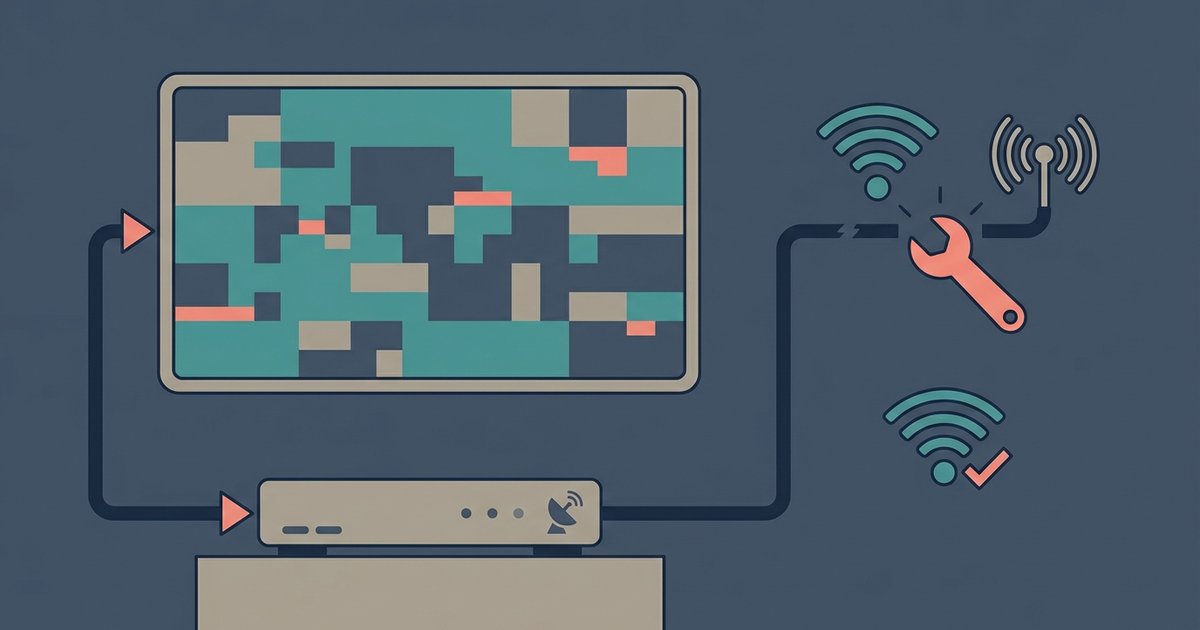
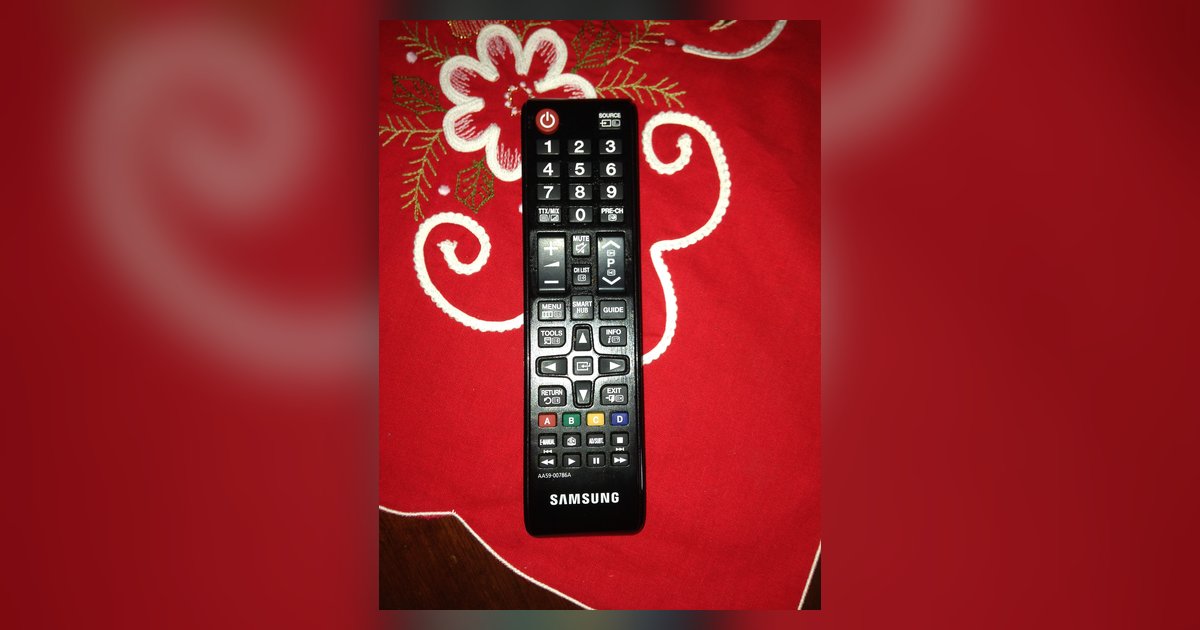
Across these topics, the tag helps you troubleshoot real-world annoyances: stopping your LG TV from switching away from HDMI, preventing your Samsung remote from controlling other devices, or fixing a Dish picture that cuts out on a smart TV. Some articles also cover workarounds that do not rely on Wi-Fi or a remote, like using an LG TV without a remote. The goal is always to restore control and predictability to your setup, never to bypass security or enable unauthorized access.