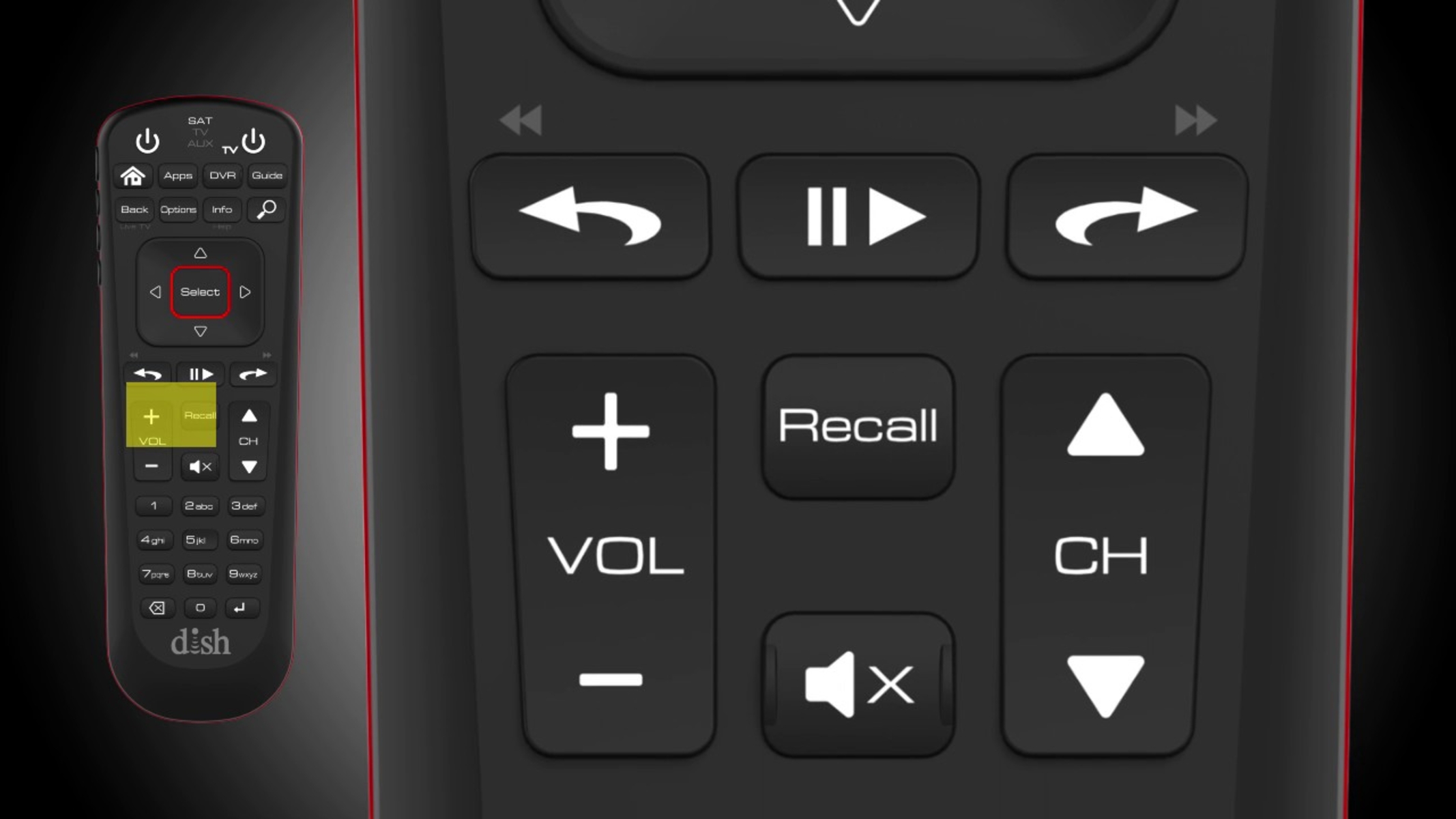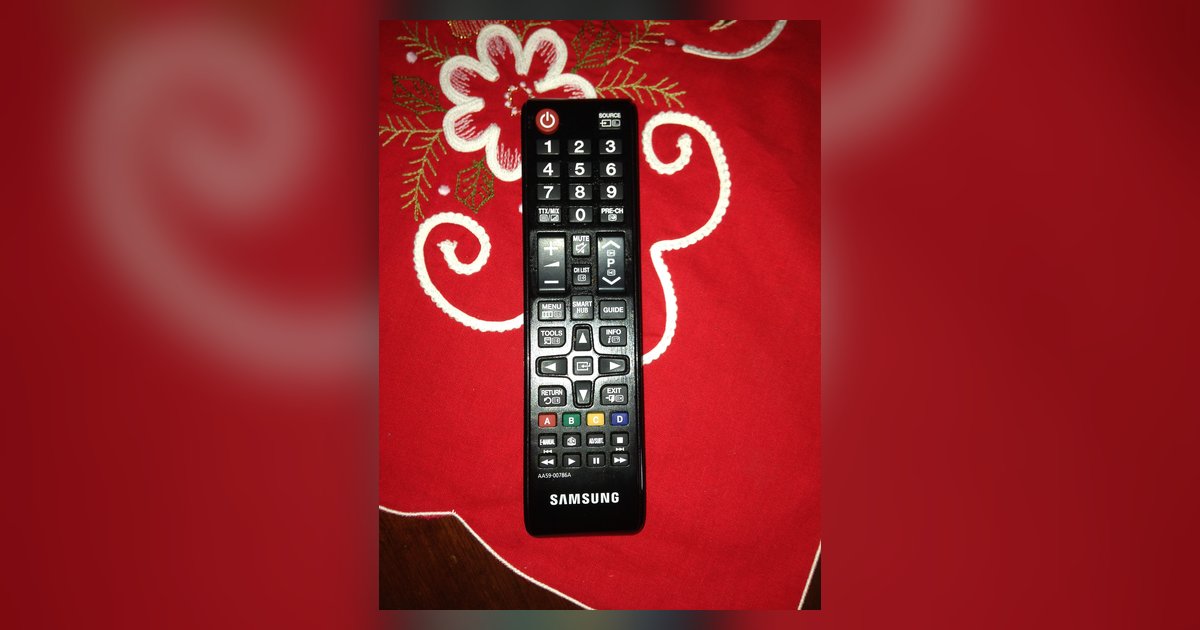
Your Samsung TV remote is hijacking other devices via HDMI-CEC (Anynet+). Disable Anynet+ (HDMI-CEC) on the TV, or if you want to keep CEC active, use the TV's Universal Remote setup to unlink the specific device from the TV's volume and power commands.
Turn off Samsung remote interference via HDMI-CEC (Anynet+)
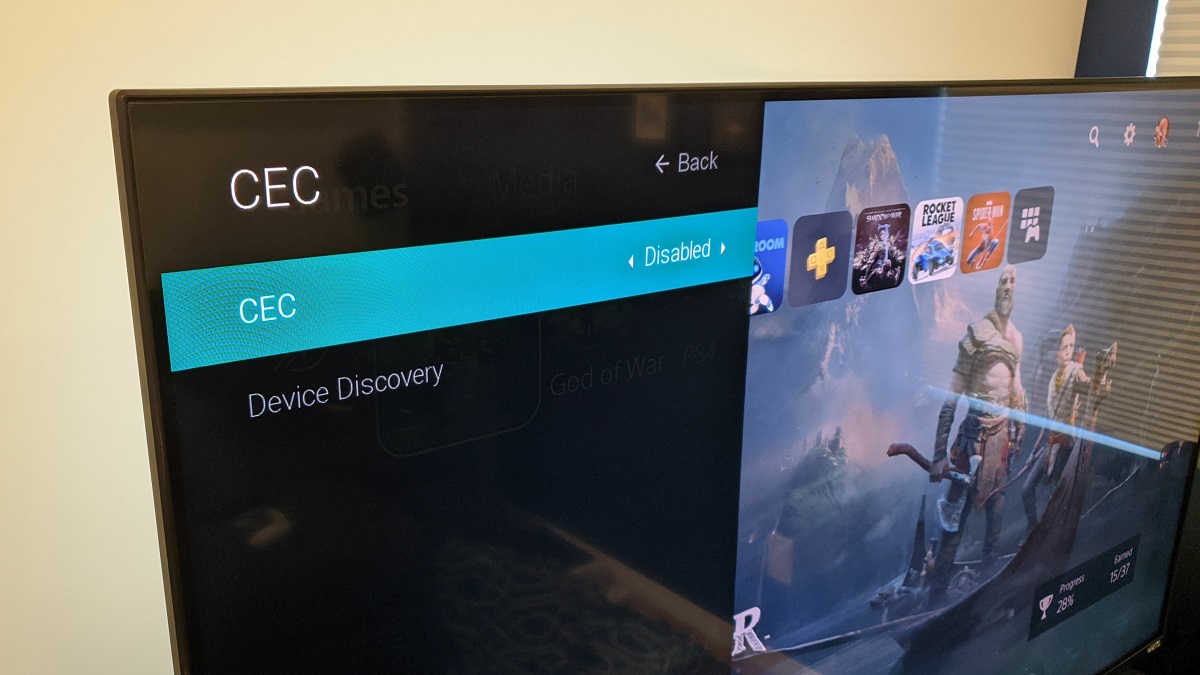
The nuclear option stops all cross-device control by disabling the feature entirely in the TV's settings menu. On your Samsung TV, press the Home button and navigate to Settings. Find External Device Manager (often under General or Connection, depending on your model). Toggle Anynet+ (HDMI-CEC) to Off. This severs the CEC handshake between your TV and every connected HDMI device. If you later need to use your Samsung smart TV remote to control a Blu-ray player or game console again, you will need to re-enable Anynet+ and re-establish each device’s CEC link manually. Turning off Anynet+ also disables automatic input switching. The TV will no longer auto-switch to that HDMI port when you press a button on your cable box.
Unlink a single device while keeping CEC on
Use the Universal Remote setup to stop the remote from controlling only the offending soundbar or cable box. This keeps CEC active for other devices like automatic input switching or power sync with a game console. Go to Home > Source > Universal Remote Setup, or navigate to Settings > General > External Device Manager and select Universal Remote Setup (menu path varies by model). Select the misbehaving device and choose “Remove” or “Unlink.” The TV will stop sending CEC volume and power commands to that specific device while leaving CEC enabled for everything else. This does not affect the soundbar’s own Bluetooth or Wi-Fi controls. You can still use its dedicated remote. If you ever need to connect a remote to your Samsung smart TV for a different device, you can add it back later through the same menu.
When the remote still won't let go
If you have turned off Anynet+ and unlinked the device but the remote still changes the soundbar’s volume or power, the problem is likely IR interference. Your Samsung remote sends infrared signals as a fallback. If the soundbar’s IR sensor is in the line of sight, it will respond even without CEC. The remote’s IR emitter is at the top front. A soundbar sitting directly below the TV can catch stray IR pulses. Block the soundbar’s IR sensor with opaque tape or move the soundbar out of the remote’s direct line of sight. If the issue persists, reset the remote. Remove the batteries and press every button for three seconds. Reinsert the batteries. Then pair a Samsung smart TV remote by holding the Return and Play/Pause buttons simultaneously for five seconds until the TV’s pairing screen appears. This clears any cached IR profiles that may have been assigned to the soundbar.
Your Samsung TV remote hijacks other devices because it sends both IR and CEC signals simultaneously, and Anynet+ automatically maps volume and power buttons to any HDMI-connected device, overriding its local controls even after a re-pair.