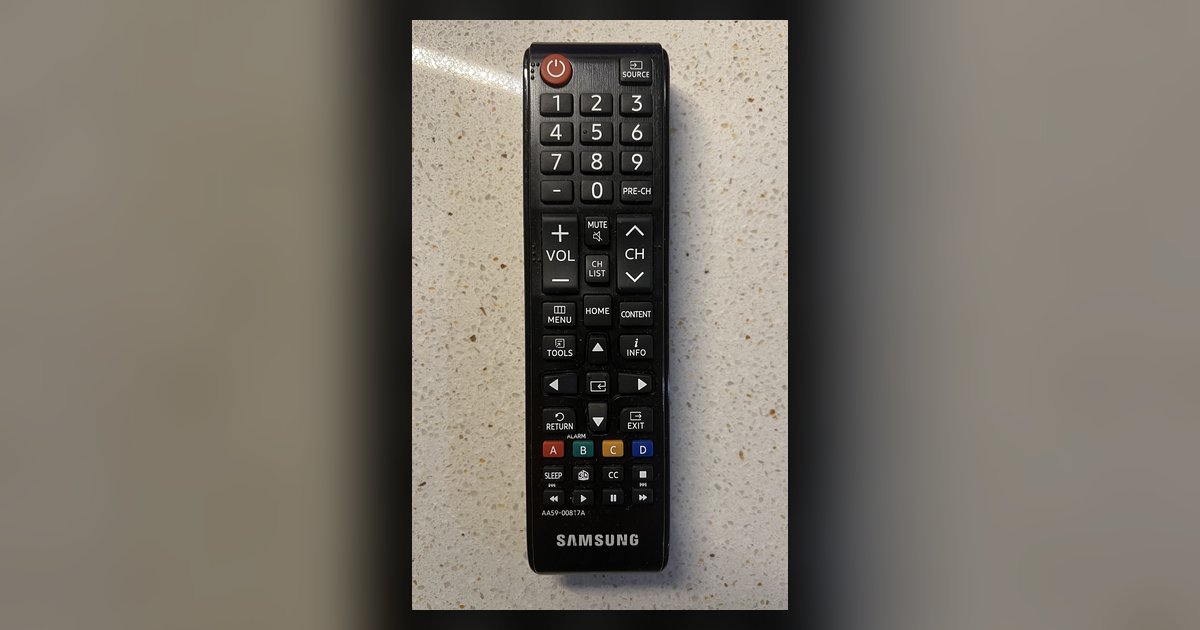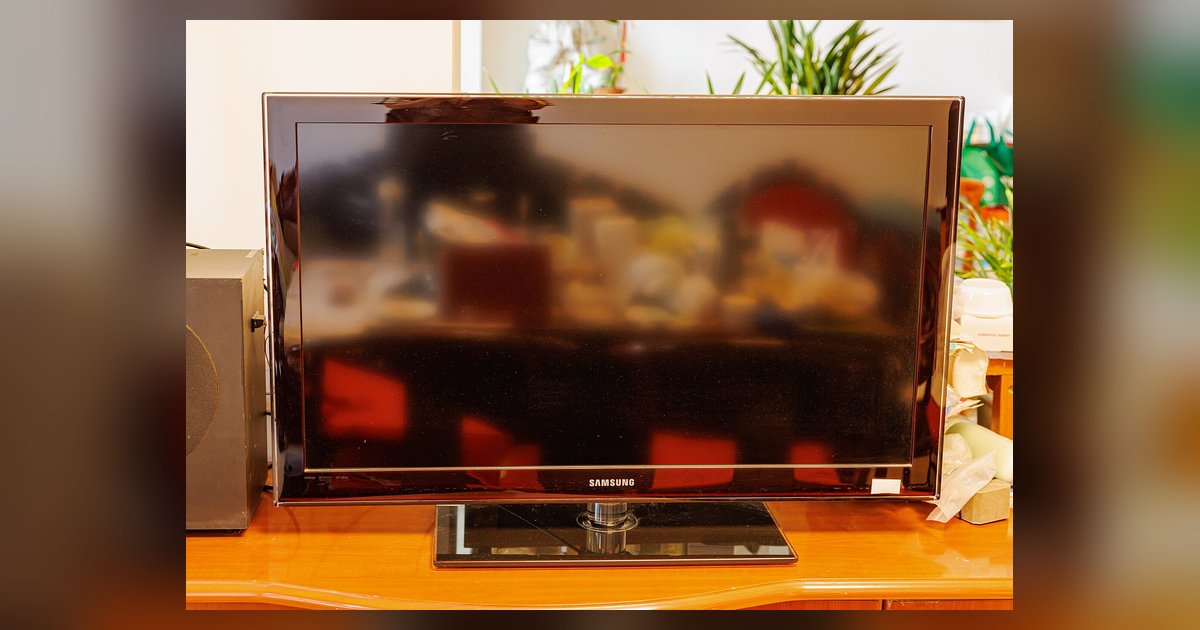

Practical, straight-talking guides for anyone who owns a Samsung smart TV and wants to get more out of it, or fix something that’s not working right. Whether you’re a first-time user or someone who’s had their set for years, these articles are written for everyday people who want clear, step-by-step instructions without jargon. The tag is for anyone dealing with a finicky remote, a black screen, or a missing app, and who prefers to solve the problem themselves rather than call a technician.
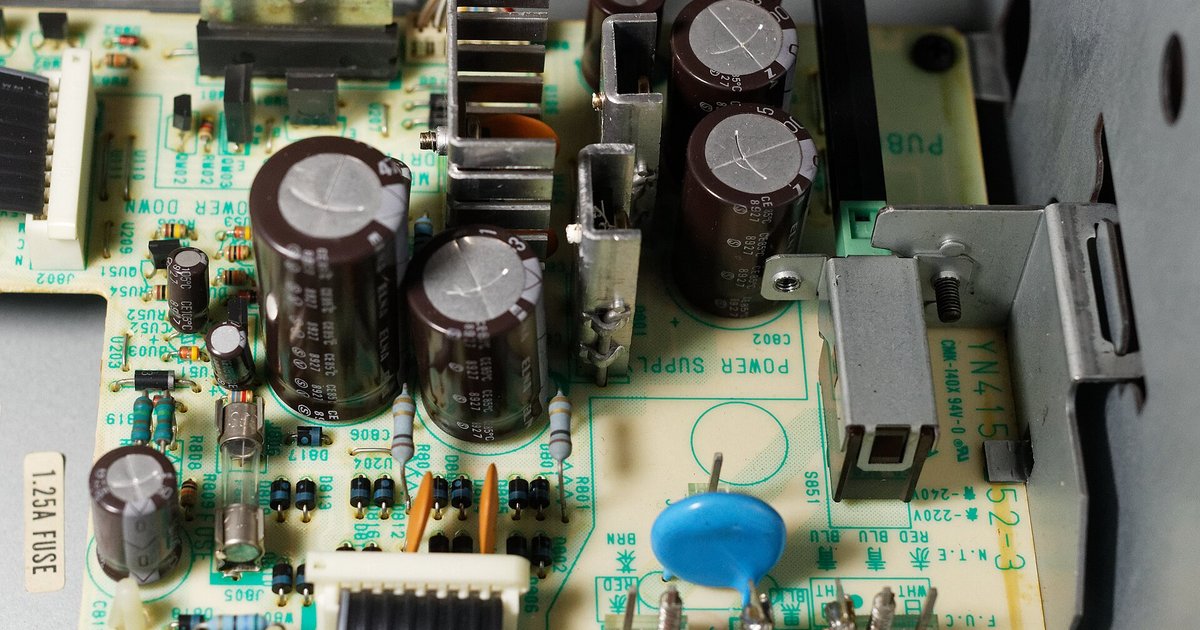
The articles here fall into a few clear themes. One is connectivity and setup: you’ll find help with switching to HDMI, pairing a Bose soundbar or JBL speaker, connecting a wireless microphone, and getting your TV to talk to a router. Another theme is troubleshooting and repair, for example, how to tell if your backlight or power supply is failing, what to do when the HDMI shows a black screen but sound still works, and why your remote might blink red and refuse to pair. A third theme covers apps and content: how to install Netflix, Tubi, or Facebook, update Hulu, or remove YouTube, along with guides for sideloading-related issues like “app not compatible” errors and whether that voids your warranty.
Several articles also take a safety- and security-minded angle. Instead of showing you how to bypass anything, they explain how to stop someone from connecting to your TV without permission, how to disable auto-detect HDMI to keep control, and how to reduce blue light emission for better sleep. Other pieces help you locate the physical buttons on your set, find ABC with a regular antenna, or turn on the TV without a remote at all. In every case, the goal is to help you understand and manage your Samsung TV confidently, legally, and safely.