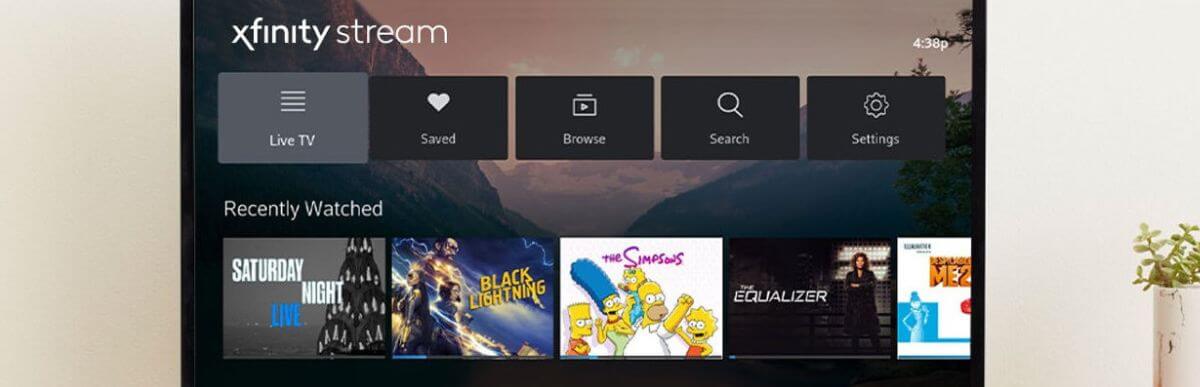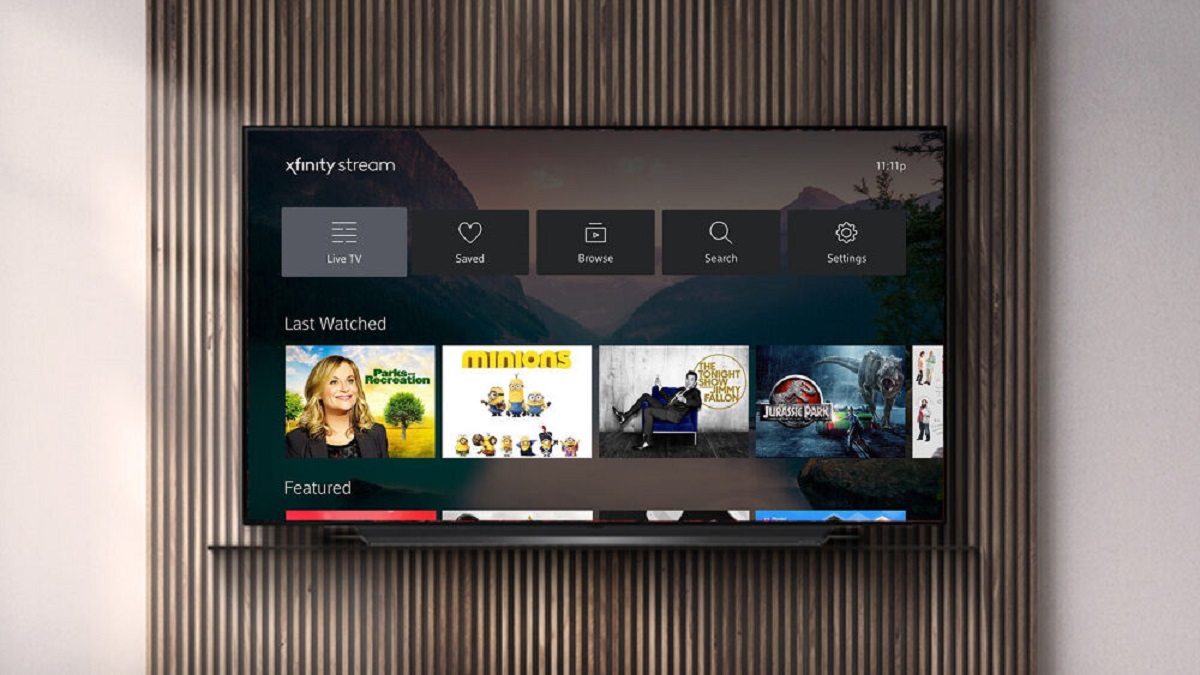
Streaming on the Xfinity Stream app on a Samsung TV generally does not count towards your data cap when connected to your in-home Xfinity network, but 'TV Go' or 'NOW TV' content will use internet data and count against your cap unless you are on an unlimited plan.
When Xfinity stream data usage counts against your cap
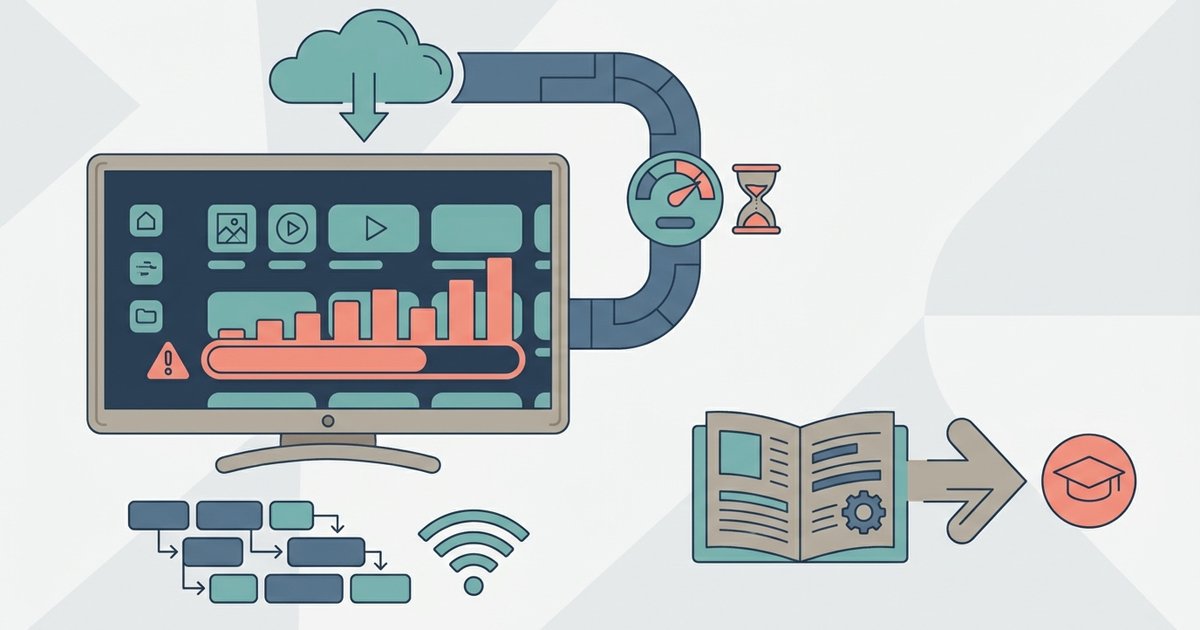
When you stream Xfinity on Samsung smart TV on your in-home network, the app delivers most content over Xfinity's managed cable network, though 'TV Go' or 'NOW TV' content uses your internet connection like Netflix or YouTube. Every hour of HD or 4K viewing deducts from the 1.2TB allowance. The app does not have a special “data‑saving” toggle. The only way to reduce consumption is to manually lower the streaming quality in the app’s settings menu, but if you encounter Xfinity stream app Samsung TV no sound or audio sync issues after adjusting these settings, a quick app restart often resolves it. Your household might also use the internet for work, gaming, or other streaming. The combined total can easily exceed 1.2TB before your billing cycle ends.
The leased gateway exception people get wrong
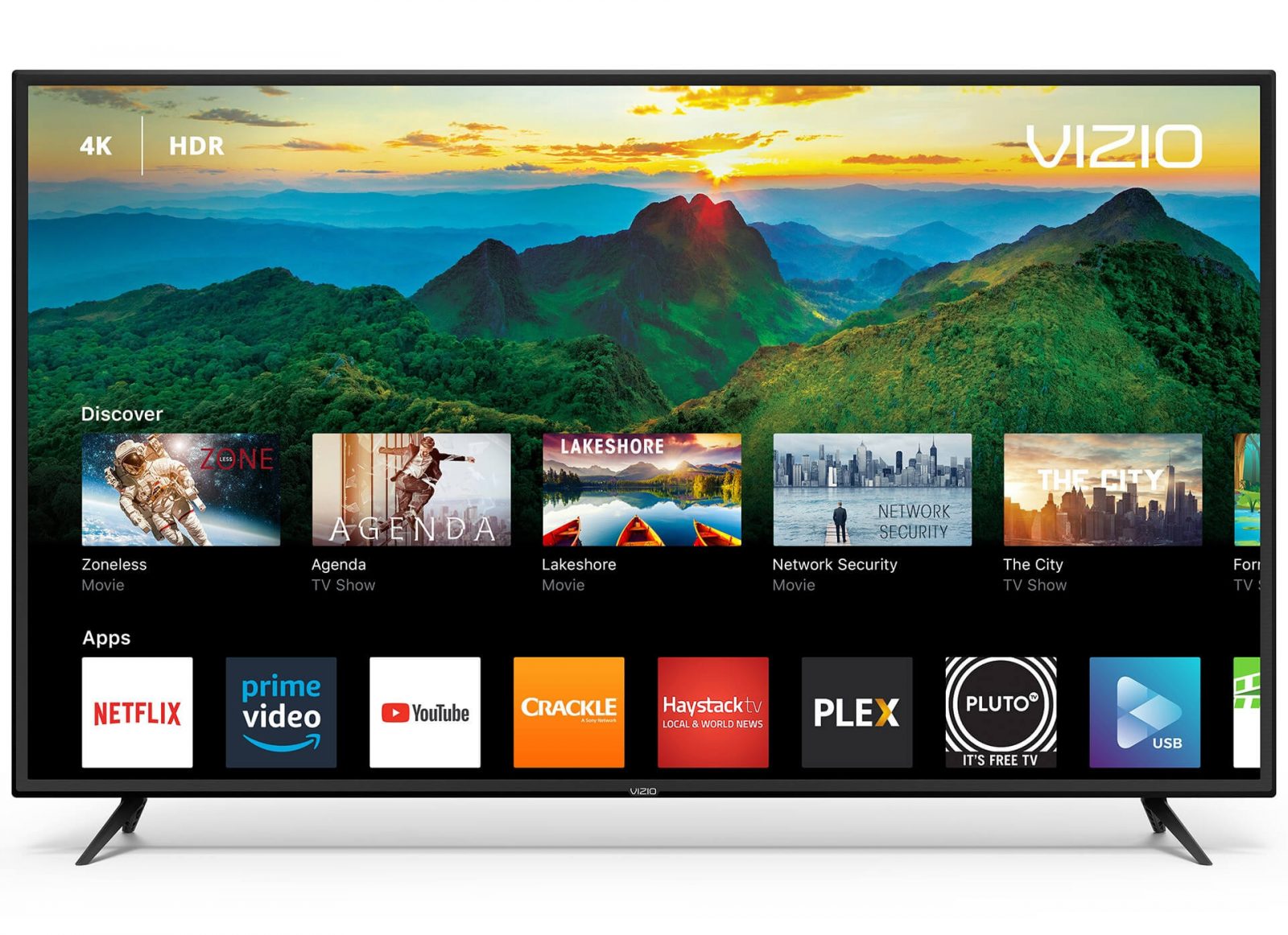
A common misconception is that all Xfinity Stream traffic is zero‑rated. In reality, most in-home streaming on the Xfinity Stream app on a Samsung TV is delivered over Xfinity's managed network and generally does not count towards the data cap, even though it is a third-party device; however, 'TV Go' or 'NOW TV' content is counted. This is the same reason you cannot get Xfinity app on Vizio smart TV and expect it to bypass your cap. The zero‑rating only works when the stream originates from Xfinity’s managed IPTV network to a leased gateway that they control. If you want to download Xfinity stream app on smart TV from any brand other than Xfinity’s own, you are using standard internet data.
How much data live TV actually uses
Real‑world hourly consumption on the Samsung TV app varies by resolution. Standard definition streams run about 0.7GB per hour. HD streams consume roughly 1.5GB per hour. 4K streams can use 3GB or more per hour. If you watch four hours of HD live TV each evening, that adds 180GB per month. Add a single 4K movie per week and you are looking at another 12GB. A household with two people streaming live TV for six hours daily in HD will exceed 1.2TB in about 27 days. To check your exact usage, open the Xfinity app on your phone. Navigate to the “Account” section and tap “Data Usage.” You will see a live meter that resets on your billing date.
Checking your current usage and adding unlimited data
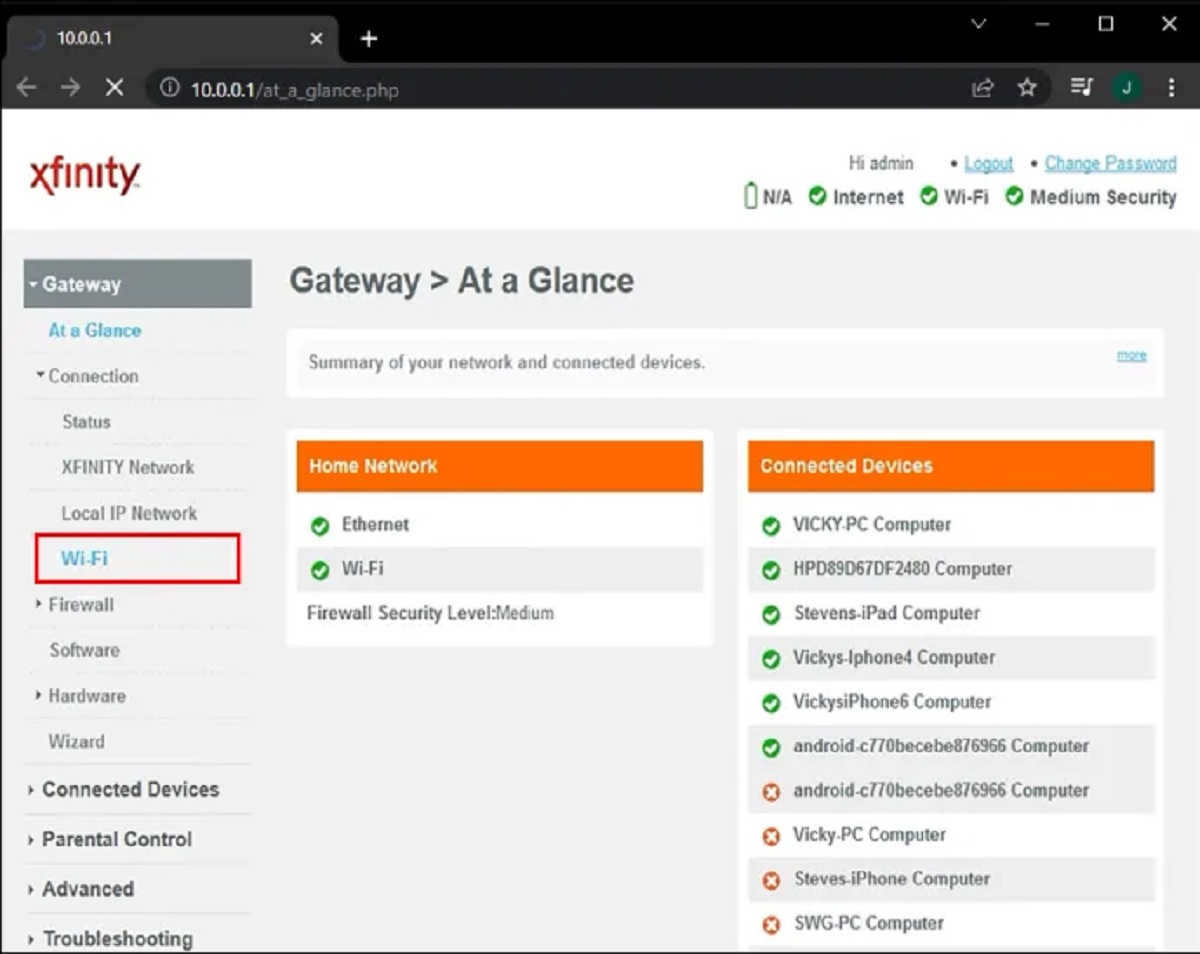
To avoid surprise overage fees, monitor your household meter weekly through the Xfinity app or the account portal at Xfinity.com. If you consistently approach or exceed the 1.2TB limit, the simplest solution is to add xFi Complete. It includes unlimited data and a gateway rental for $25 per month. You can enable it from the “Internet” tab in the Xfinity app without a contract. Alternatively, you can download Xfinity app on Sony smart TV and see the same usage meter there. If you prefer a cheaper fix, reduce streaming resolution in the Stream app’s settings to “Good” (SD) for live news or talk shows. This saves roughly half the data per hour. The cap applies to all devices in your home. Even if you only stream Xfinity on your Samsung TV, other family members’ browsing and downloads still count toward the same 1.2TB pool.
Only certain content types like 'TV Go' or 'NOW TV' always count against your monthly data cap when streamed through third‑party smart TV apps like the Xfinity Stream app on Samsung TVs.