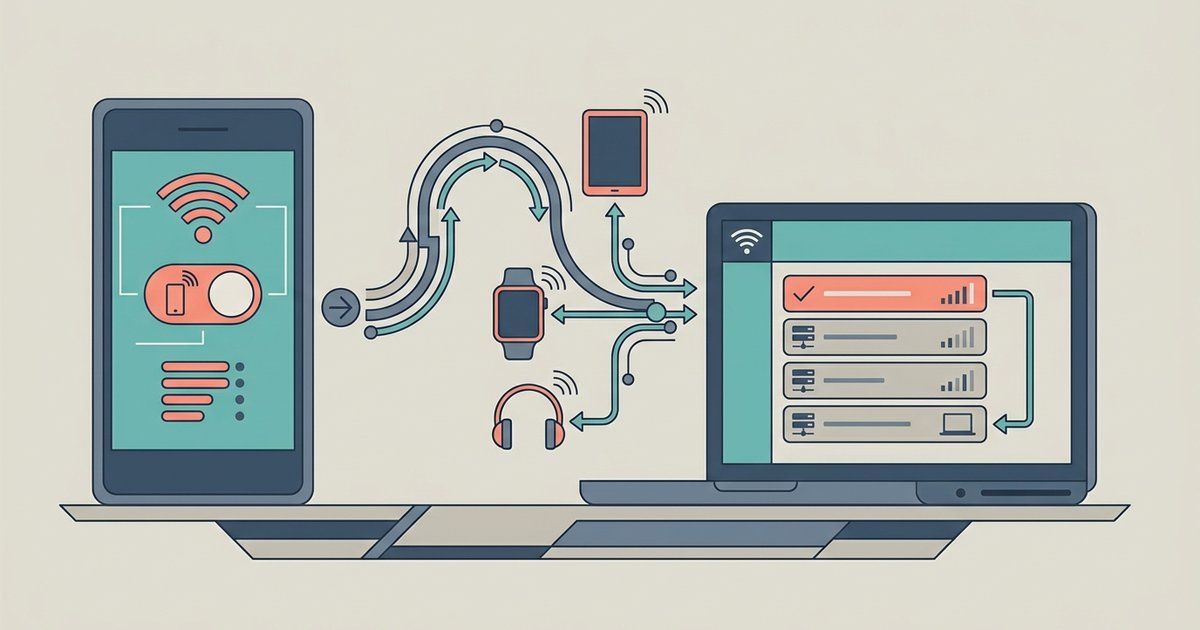

Understanding your phone hotspot setup Before you begin your phone hotspot setup, it helps to understand what happens when you enable the personal hotspot on your phone. Your device essentially...
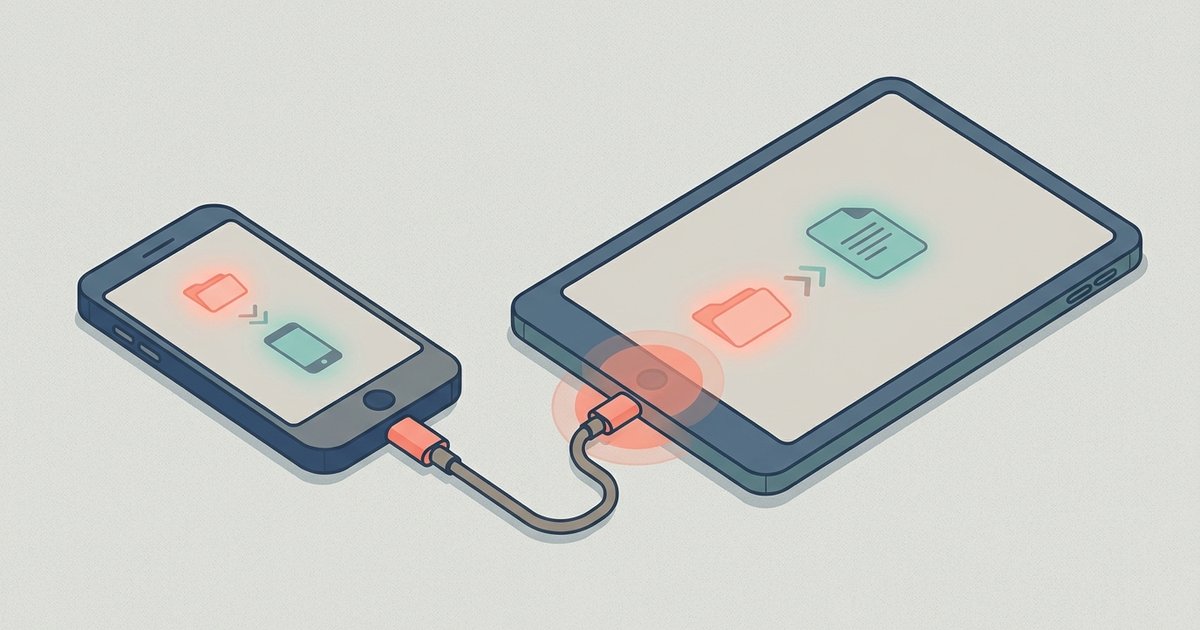
Before you start: connect phone to tablet basics and prerequisites Learning how to connect a phone to a tablet is the first step before you try to move a single...
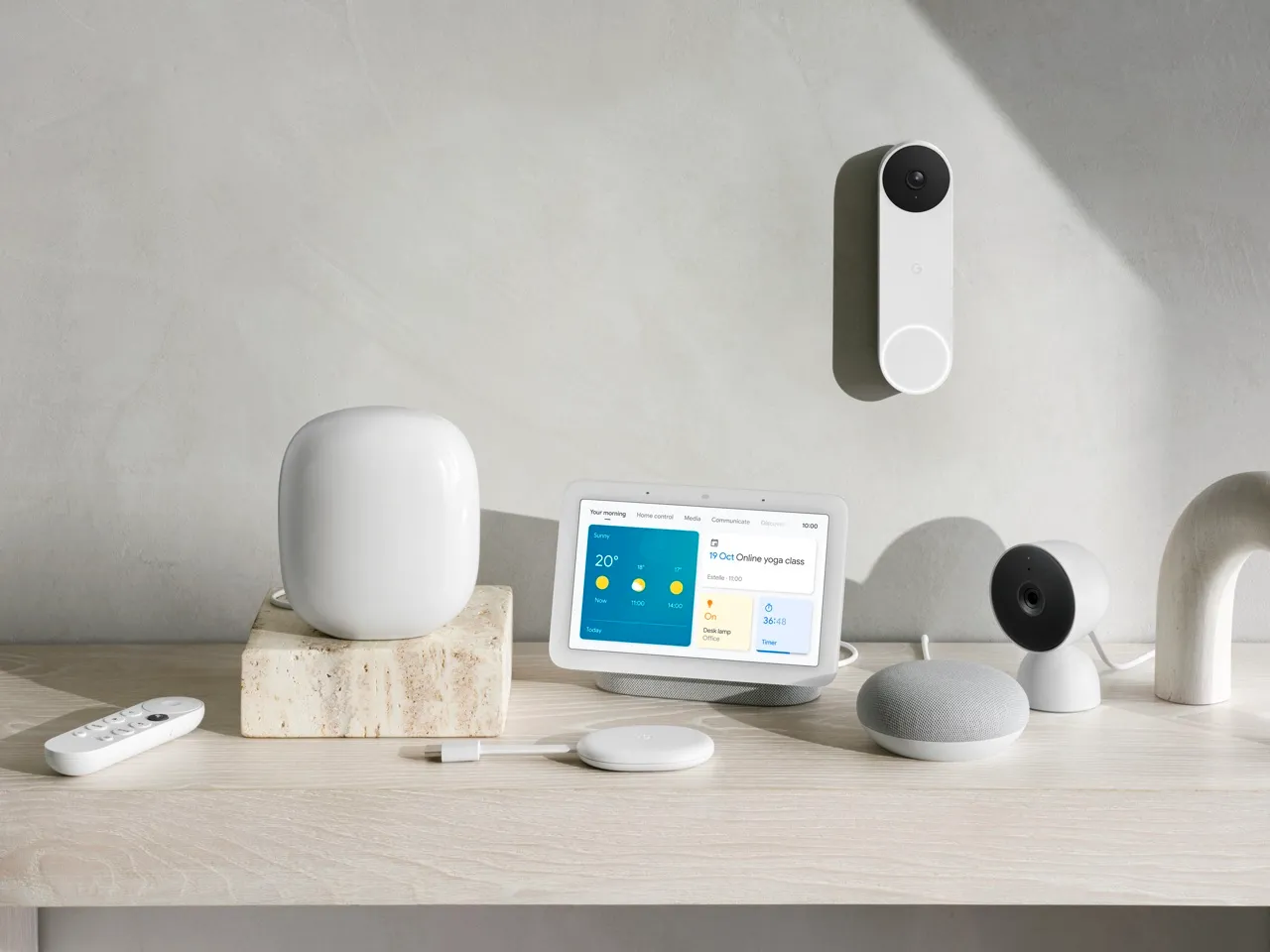
Before you start: connect Alexa to wifi setup methods and requirements To connect Alexa to WiFi, you need to know which echo models support browser-based wifi setup and which require...
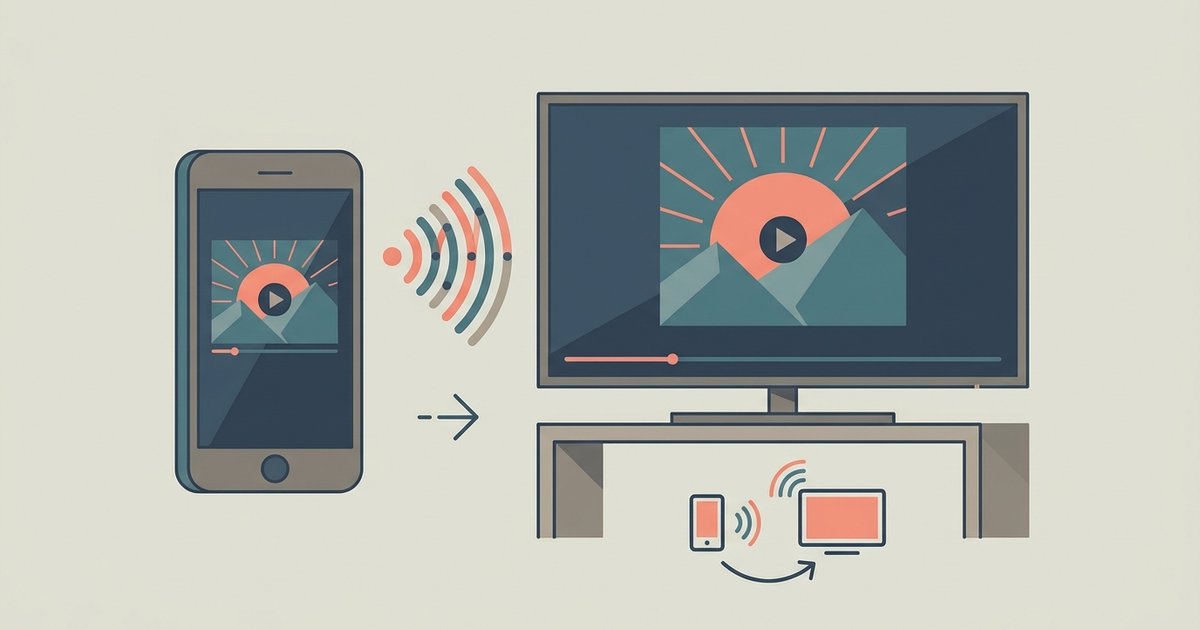
Before you start: mirroring vs. casting Screen mirroring turns your TV into a live duplicate of your phone's display, showing every swipe, notification, and app in real time. Before you...
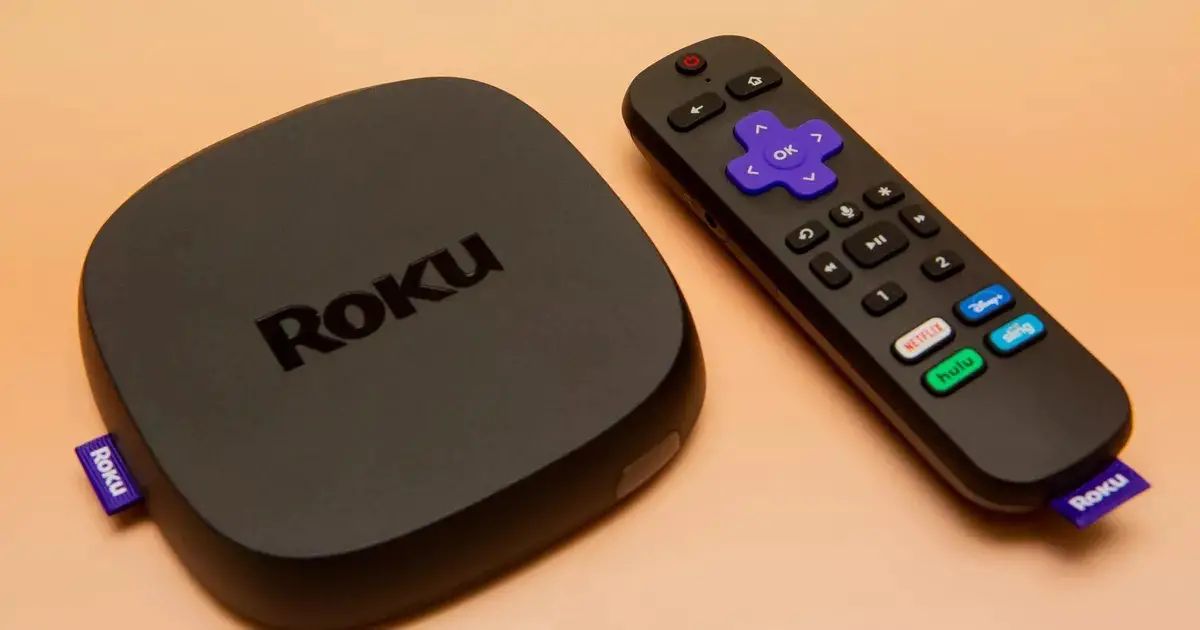
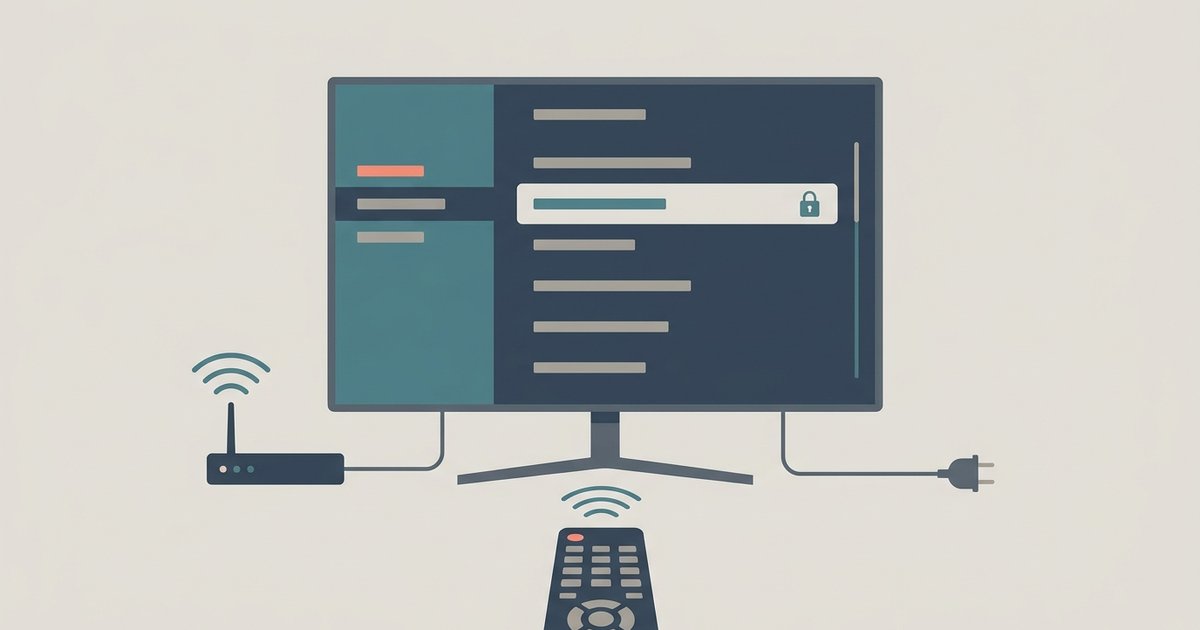
Before you start your smart TV wifi connection To connect smart TV wifi successfully, begin by placing the television within a reasonable range of the router for a strong signal....
Your phone's Spotify app must be open and allowed to stay active, if the screen locks or the app is backgrounded too aggressively, the transfer stops silently. The same Wi-Fi...
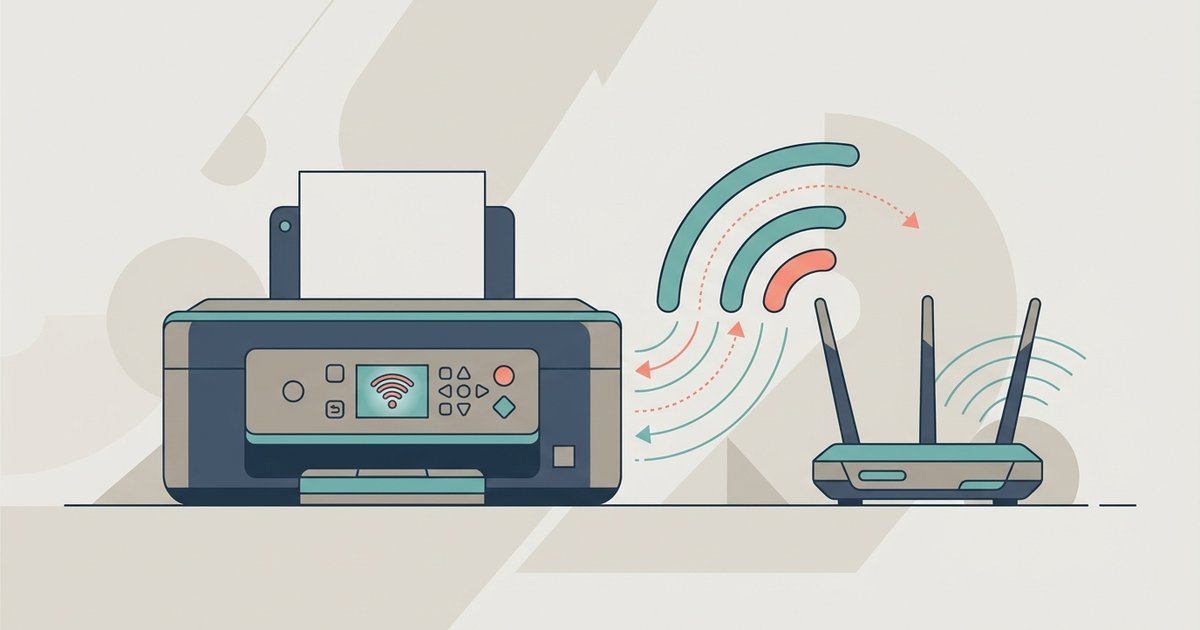
Before you begin: connect printer to Wi-Fi essentials To connect a printer to WiFi, first confirm that your printer and your connection are actually compatible. If you are trying to...
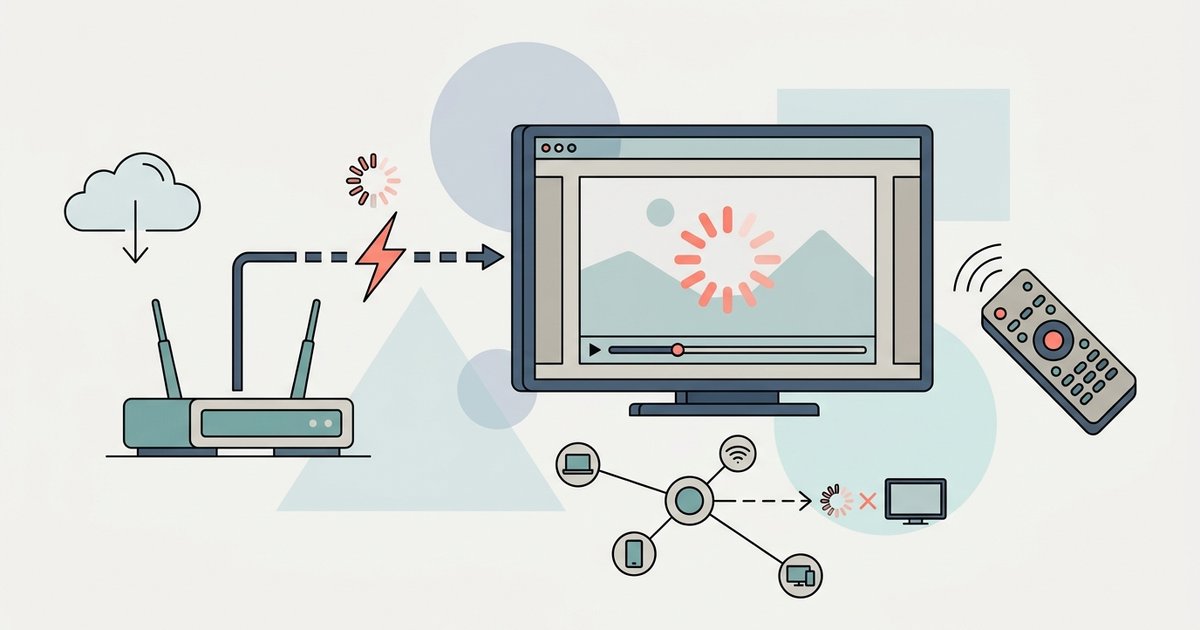
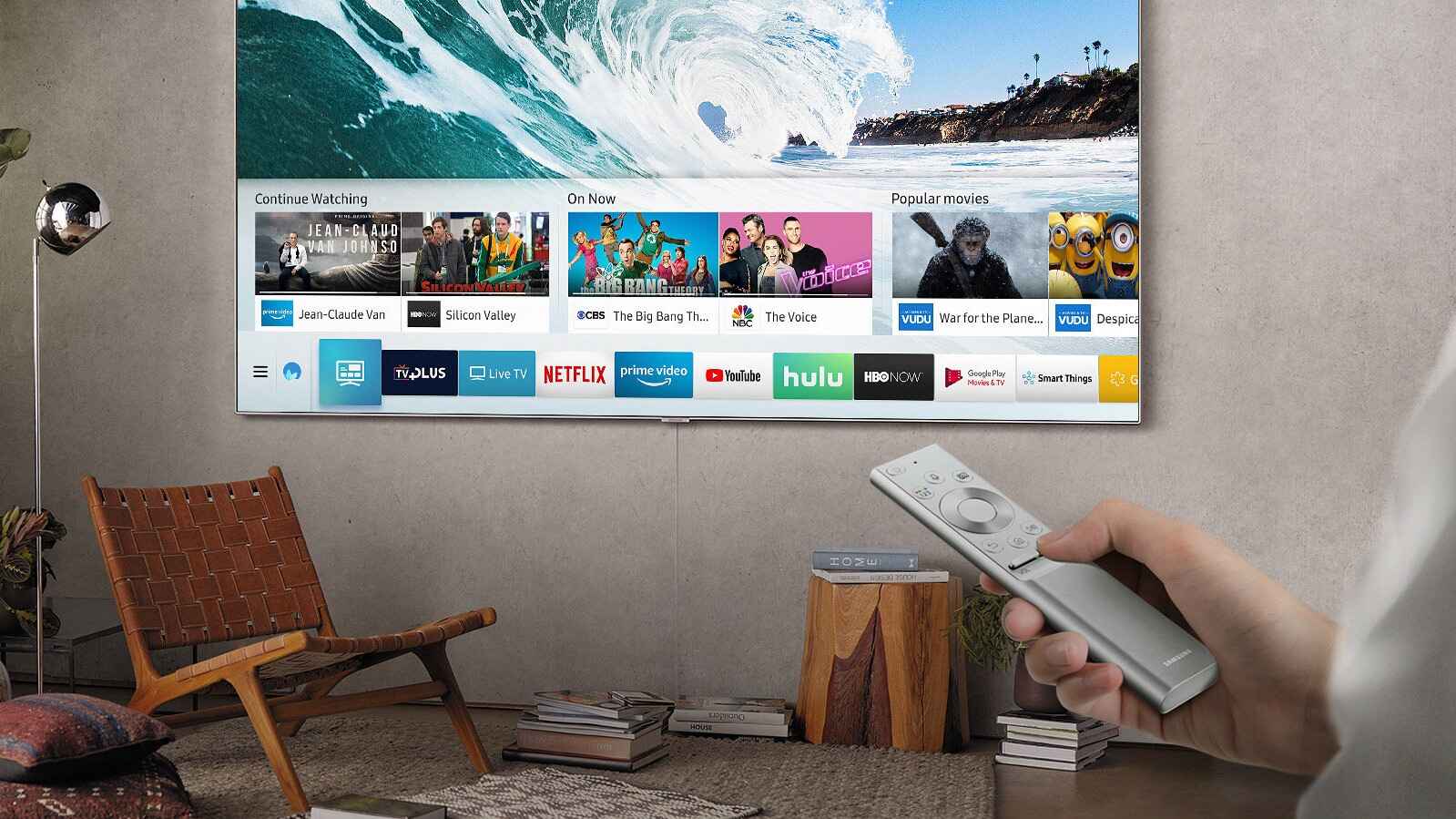
Live TV apps buffer more because they can't pre-load as much video as on-demand apps, so they're far more sensitive to Wi-Fi interference. The fix is usually to force your...
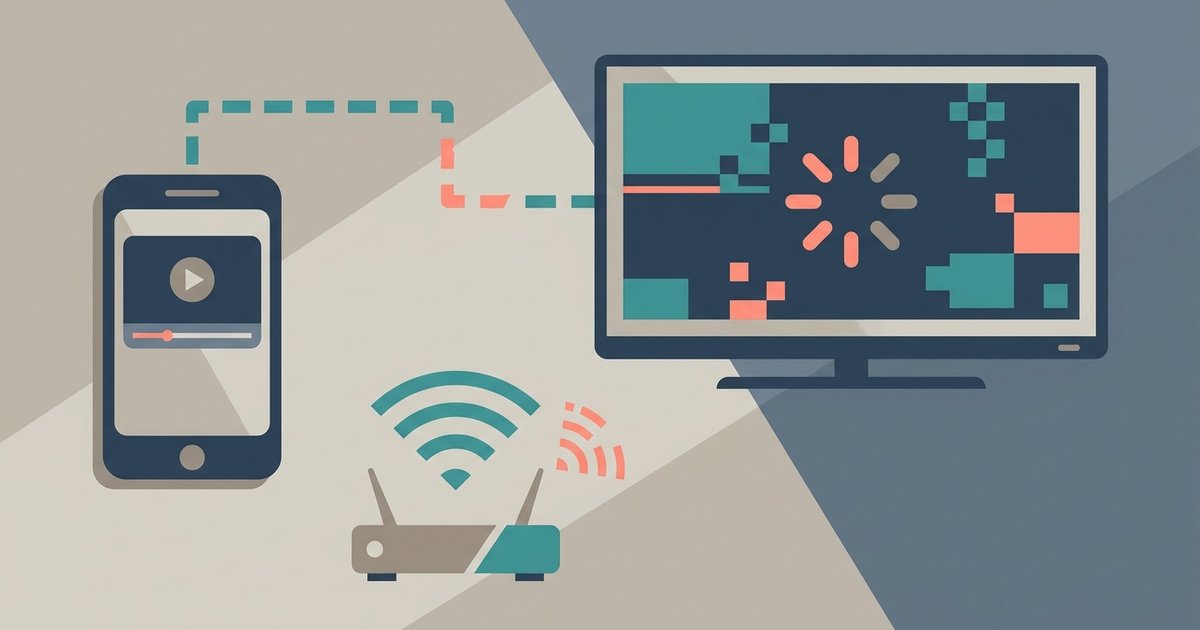
Screen mirroring stutters because real-time video encoding overwhelms your phone’s processor or your Wi-Fi network can’t handle the sustained burst of data, which is different from just having a 'connected'...
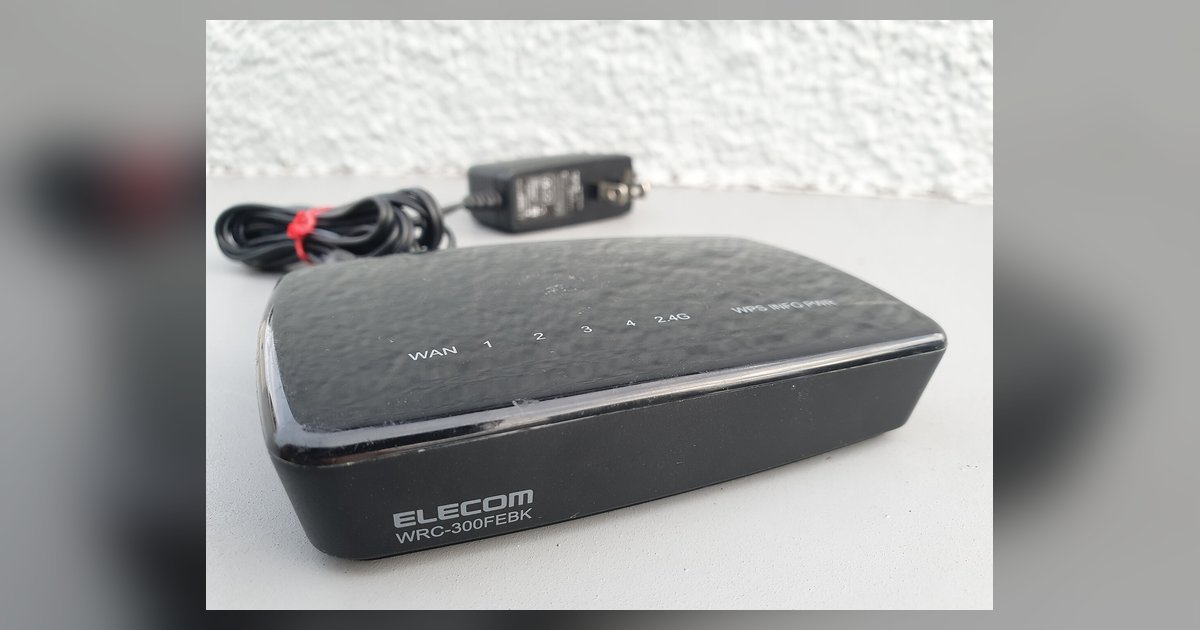
Choose access point mode if the second router connects to the main router with an Ethernet cable. Choose bridge mode only if it connects wirelessly, and even then, avoid it...
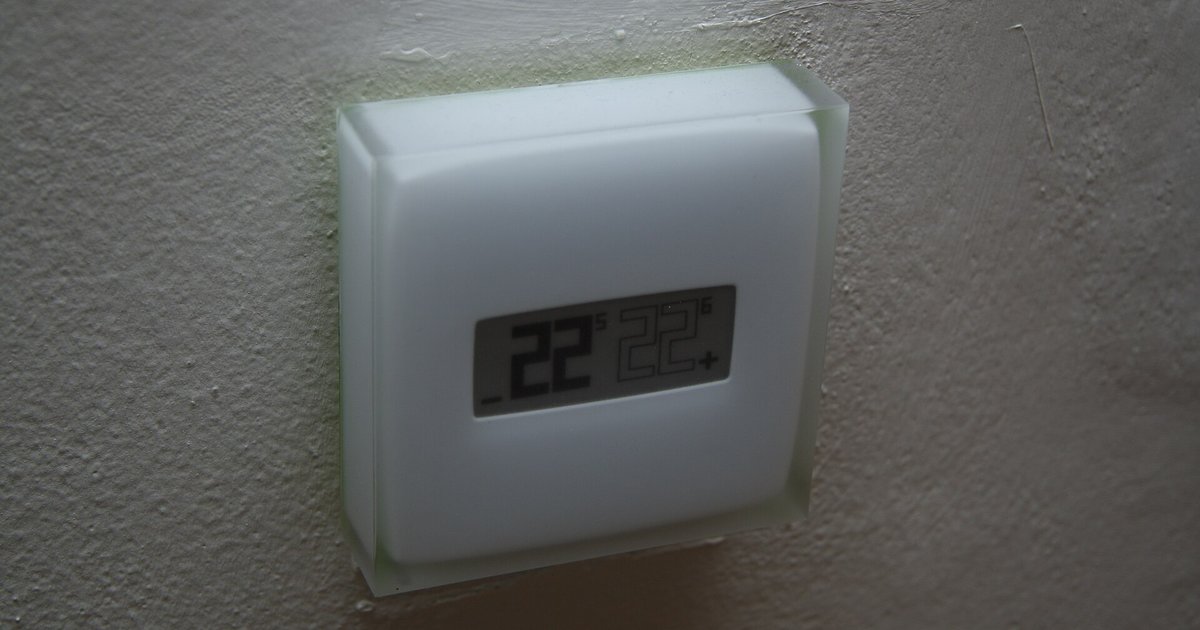
The blank screen is likely caused by a tripped safety float switch on your HVAC drain pan or a door panel switch on the air handler, not the thermostat batteries....
Most Echo models, including screenless ones, support browser-based Wi-Fi setup via `Alexa.amazon.com`; the Echo Show and Echo Input also offer a captive portal method. Echo wifi setup via browser: supported...
This website uses cookies so that we can provide you with the best user experience possible. Cookie information is stored in your browser and performs functions such as recognising you when you return to our website and helping our team to understand which sections of the website you find most interesting and useful.
Strictly Necessary Cookies
Strictly Necessary Cookie should be enabled at all times so that we can save your preferences for cookie settings.
If you disable this cookie, we will not be able to save your preferences. This means that every time you visit this website you will need to enable or disable cookies again.