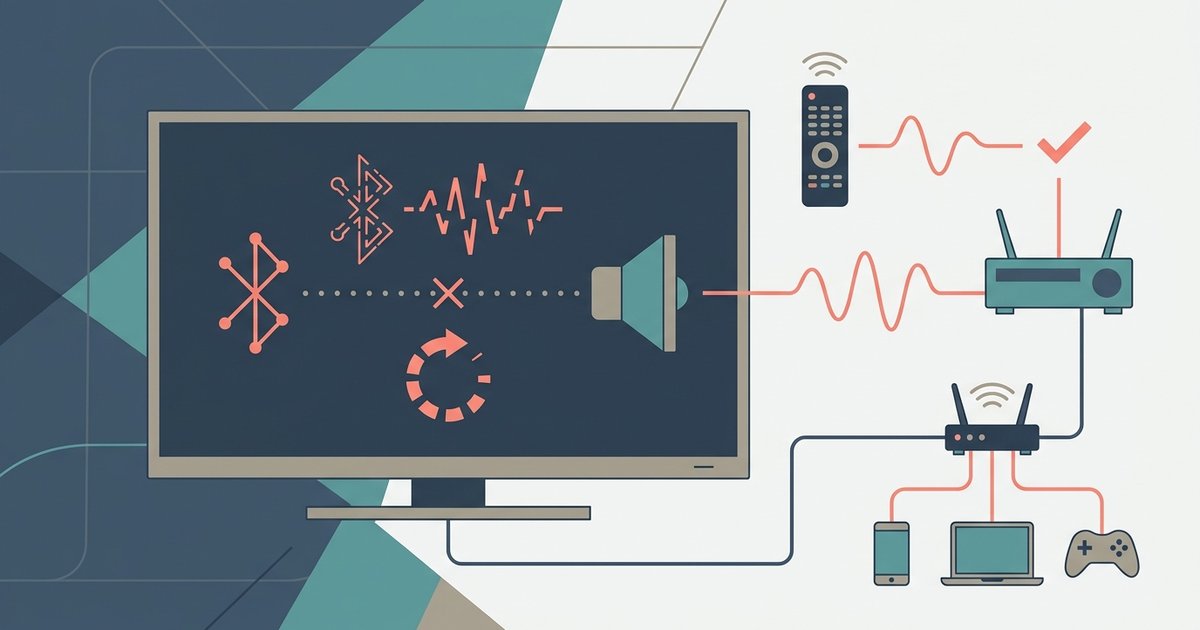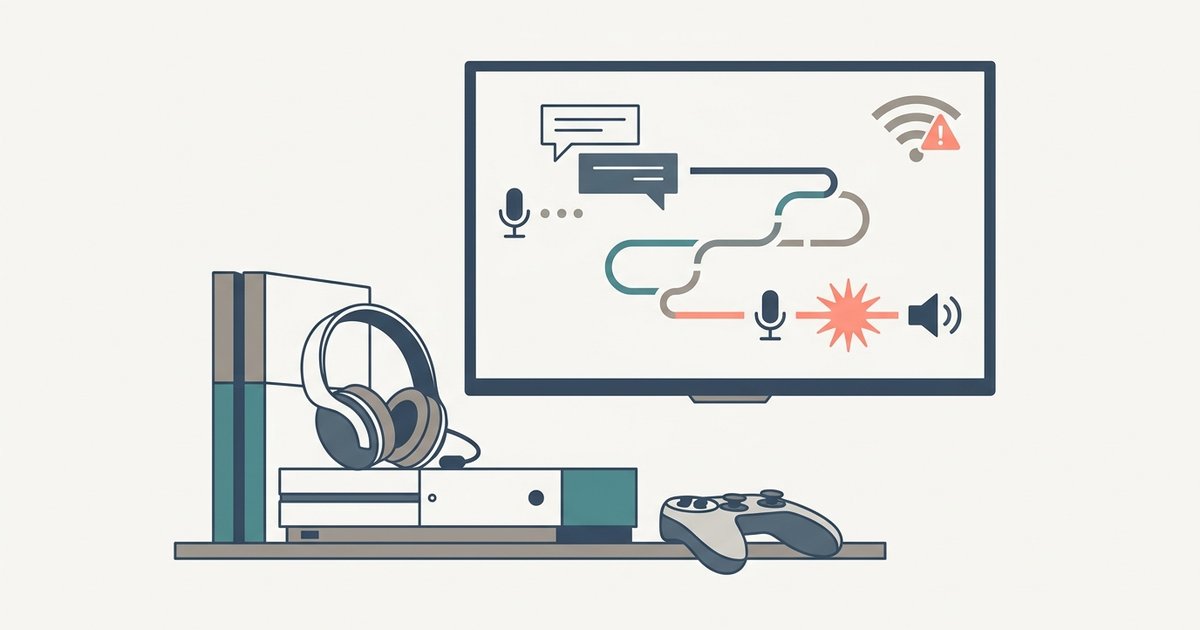
Bluetooth audio stuttering on a smart TV is almost always caused by wireless signal interference or bandwidth congestion, not a faulty pairing. Physically clear the space around your TV and...
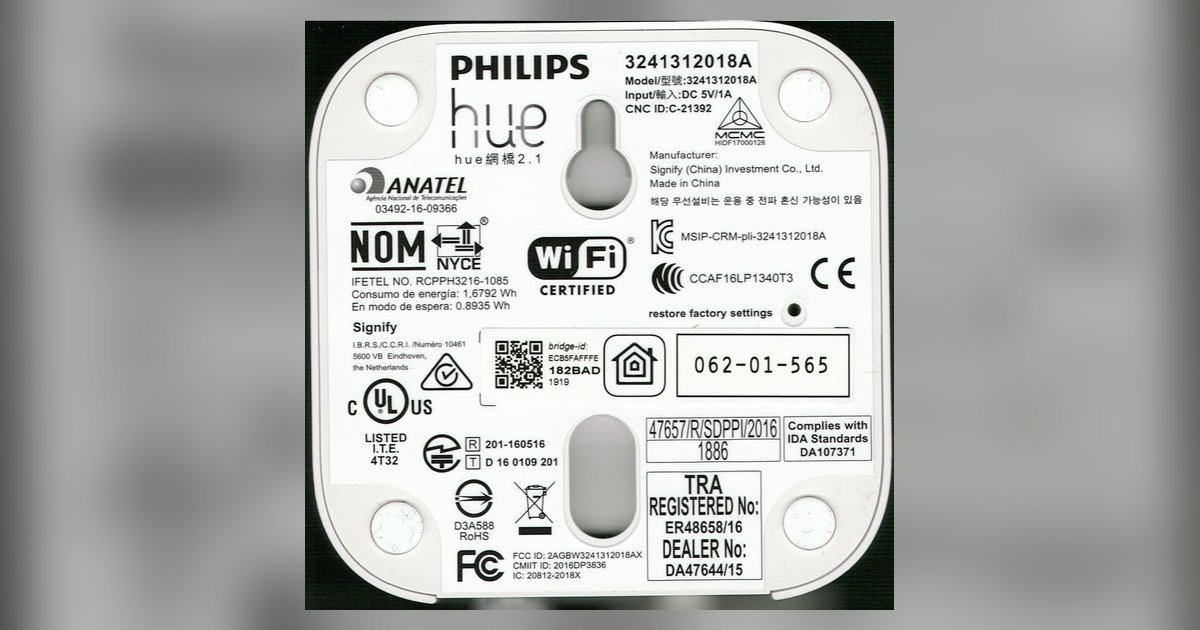
To reconnect your Philips Hue Bridge to new Wi-Fi, simply connect the Bridge to your new router with an Ethernet cable and power it on; the Bridge uses a wired...
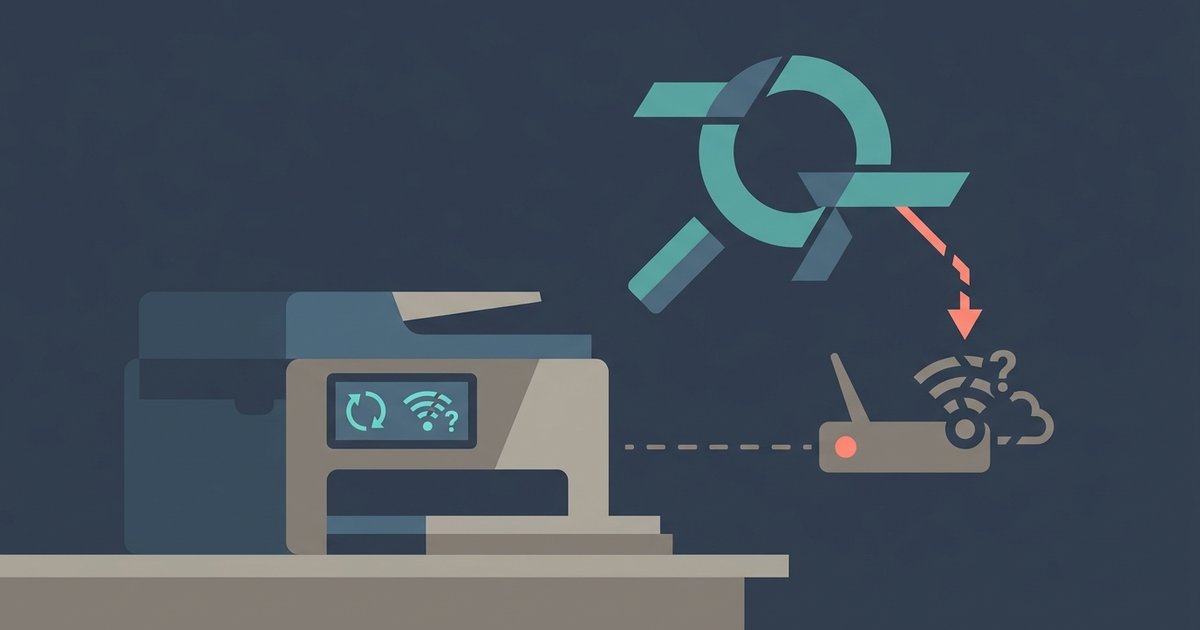
The printer’s wireless radio is likely frozen from a failed initial scan or a temporary firmware glitch. Perform a hard power cycle by unplugging the printer for 60 seconds, then...
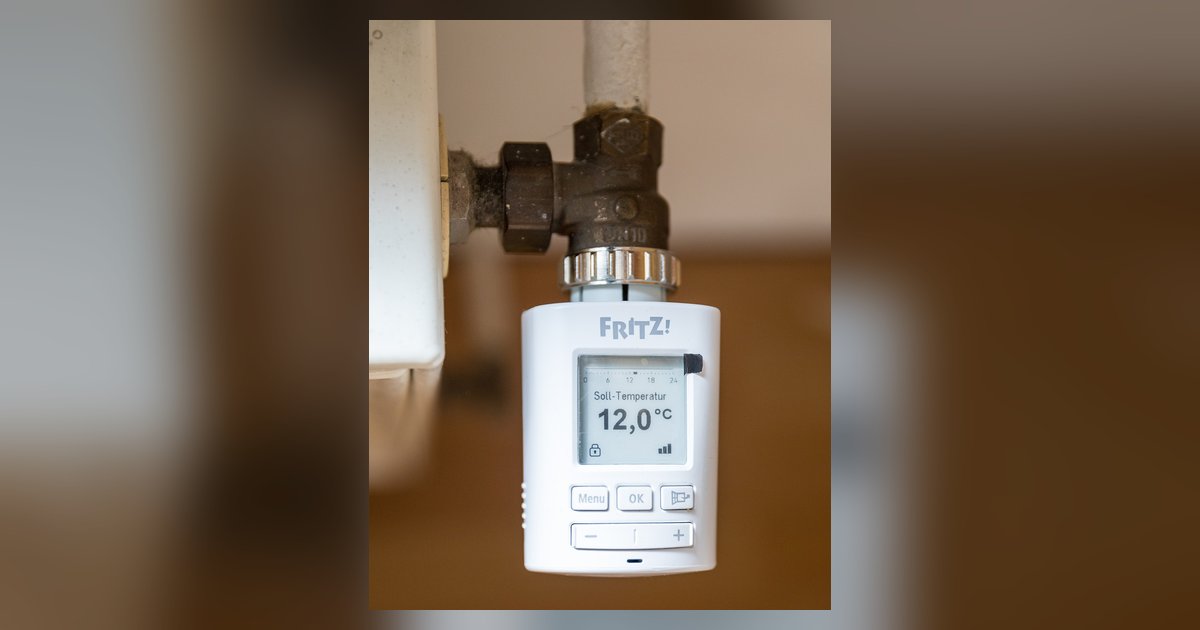
To reconnect a smart thermostat to a new Wi-Fi network after a factory reset, you may need to manually remove the device from the manufacturer’s app account before adding it...
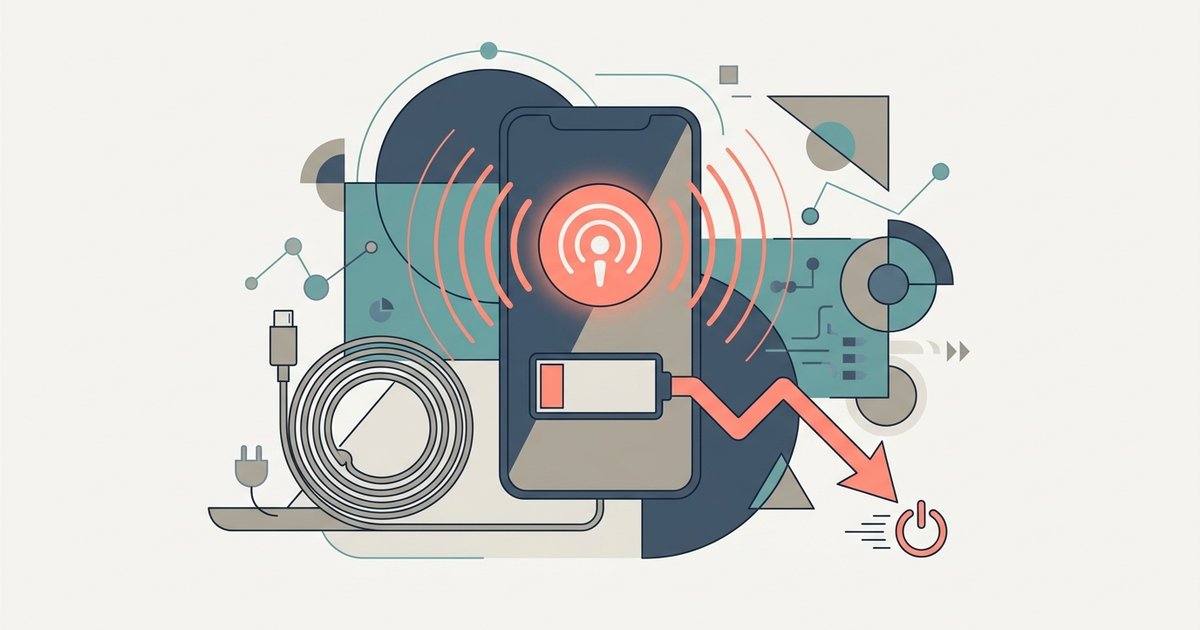
Yes, hotspot broadcasting drains the battery significantly faster—often 2 to 3 times the drain of regular screen-off data use—because the phone must simultaneously maintain a cellular data connection and run...
The transfer likely failed because the connection dropped or the app was pushed out of memory mid‑stream, leaving an incomplete file that the receiving device can’t recognize. You can often...
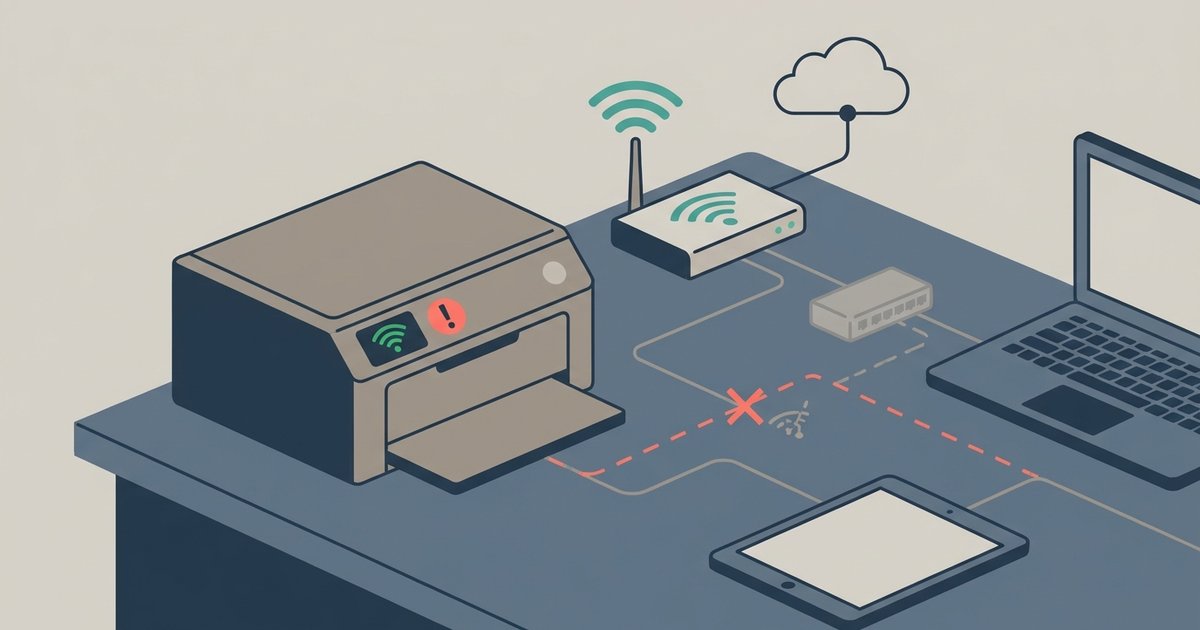
Your printer is likely dropping off the network due to power-saving sleep modes, a changing IP address assigned by your router, or weak Wi-Fi signal—not because it lost the Wi-Fi...
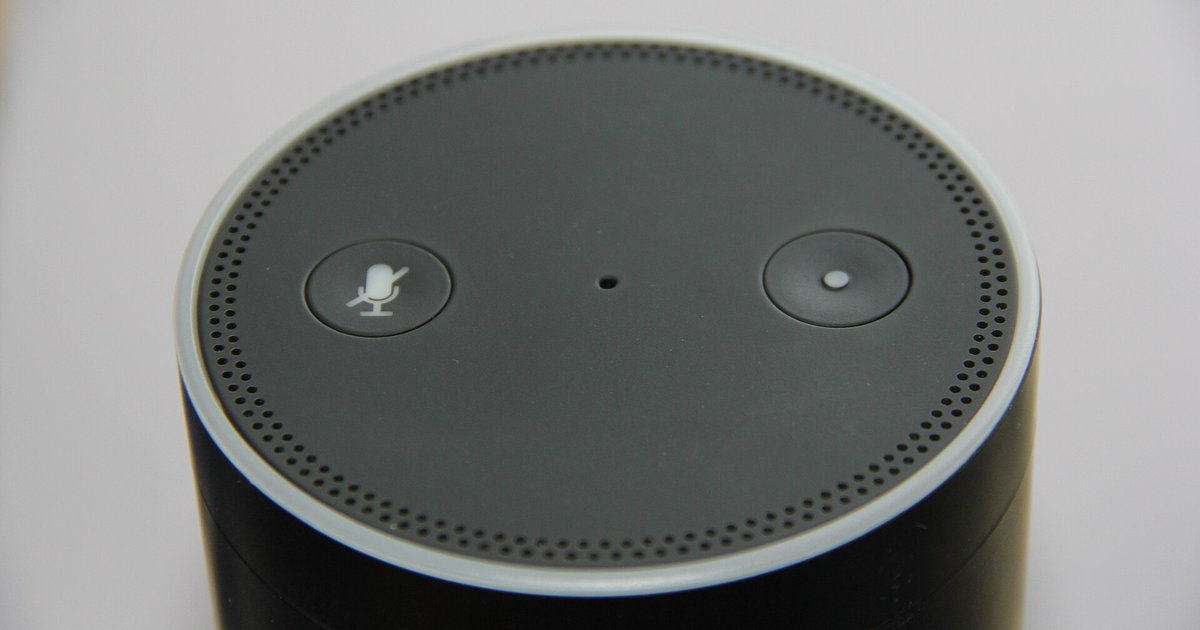
No, your routines, smart home groups, and device settings are stored in your Amazon cloud account, not on the physical device. As long as you log into the same Amazon...
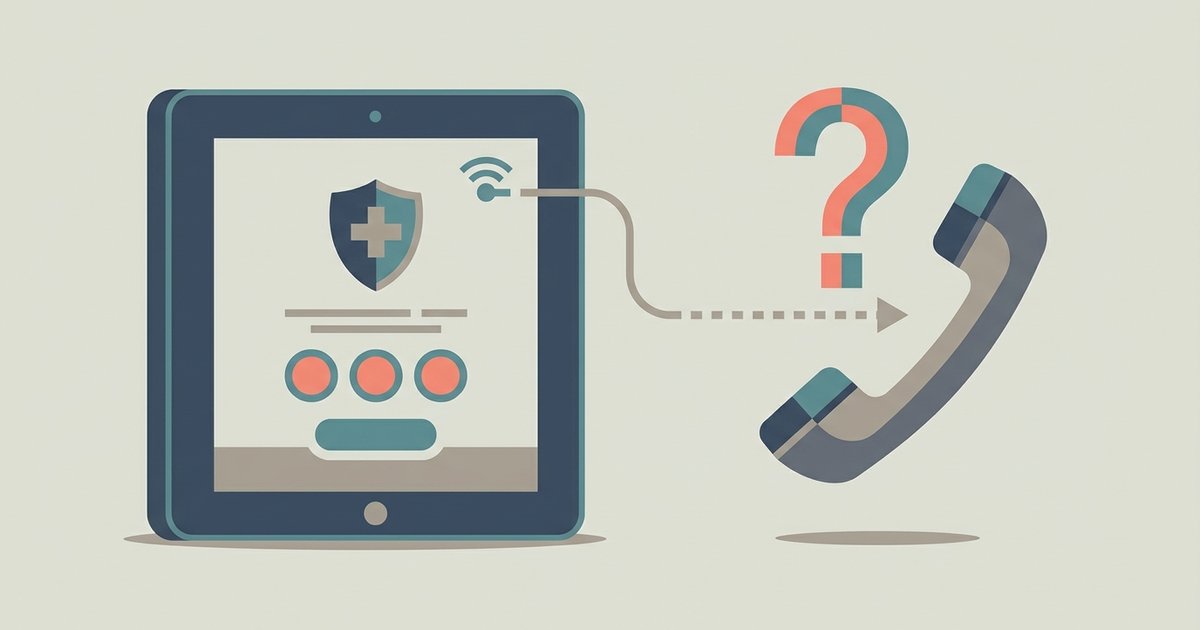
Calling 911 from a VoIP app on a tablet is possible with some providers, but it has significant limitations compared to traditional phone services. The call may fail silently, route...
Streaming on the Xfinity Stream app on a Samsung TV generally does not count towards your data cap when connected to your in-home Xfinity network, but 'TV Go' or 'NOW...
The lag is almost always caused by network congestion or wireless interference on the 2.4GHz band, not your console hardware. Force your phone to connect to a 5GHz Wi-Fi network...
Press the Wi-Fi button on your camera or navigate to the wireless communication menu, choose to connect to a smartphone, and then use the Canon Camera Connect app to scan...
This website uses cookies so that we can provide you with the best user experience possible. Cookie information is stored in your browser and performs functions such as recognising you when you return to our website and helping our team to understand which sections of the website you find most interesting and useful.
Strictly Necessary Cookies
Strictly Necessary Cookie should be enabled at all times so that we can save your preferences for cookie settings.
If you disable this cookie, we will not be able to save your preferences. This means that every time you visit this website you will need to enable or disable cookies again.