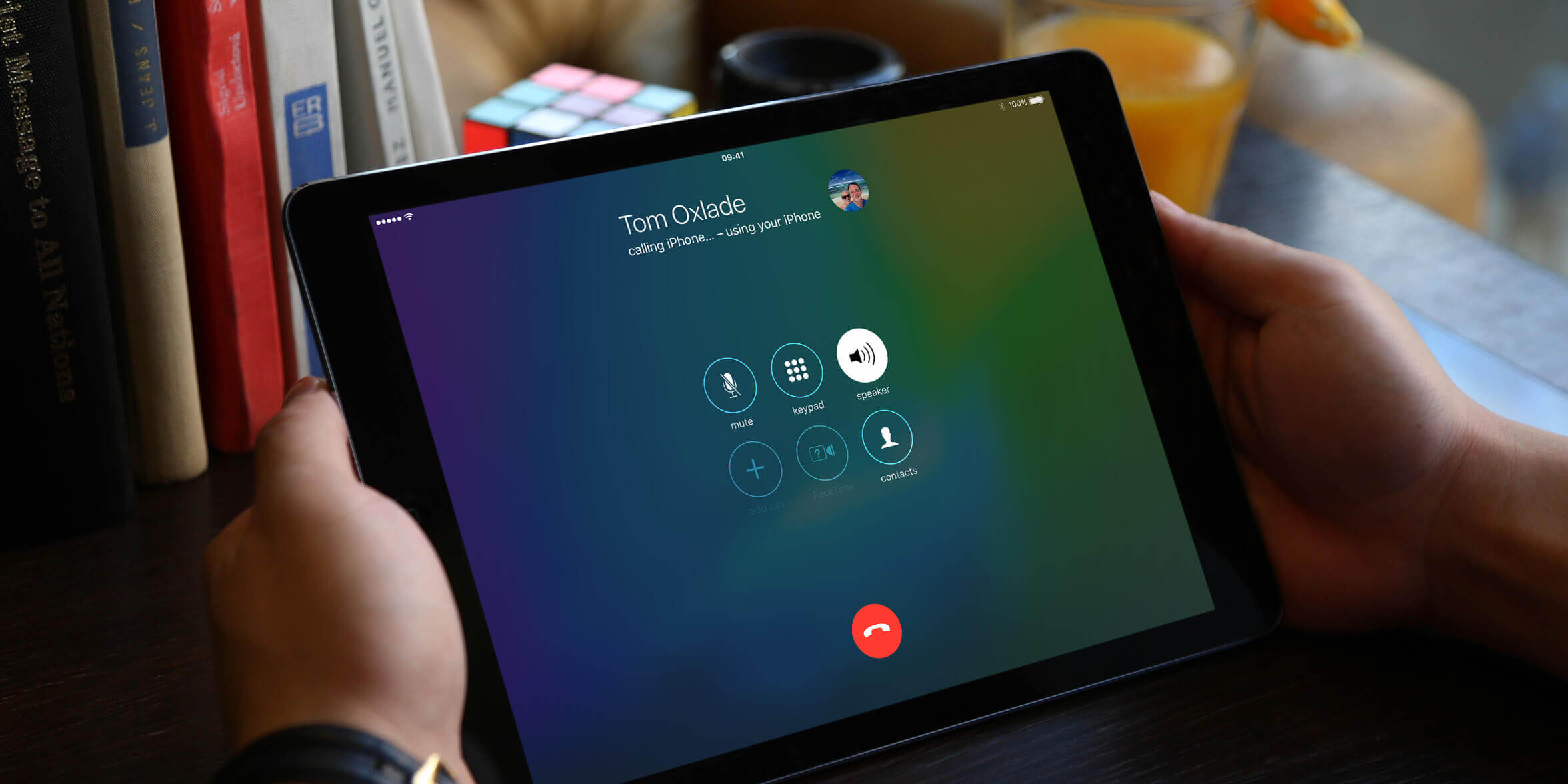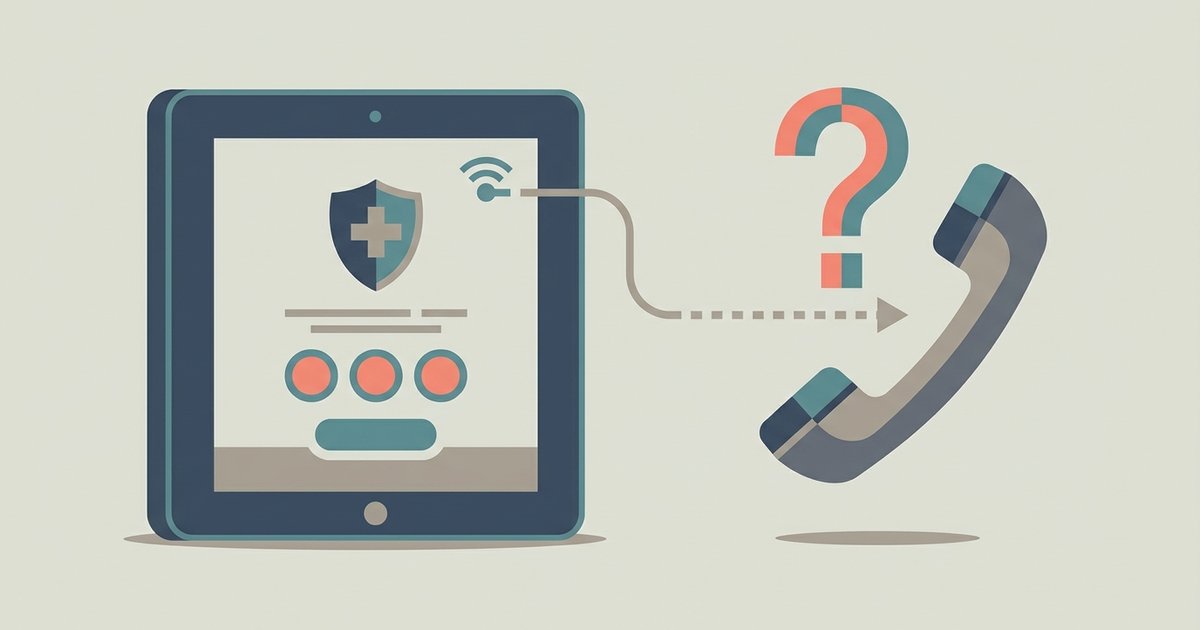
Calling 911 from a VoIP app on a tablet is possible with some providers, but it has significant limitations compared to traditional phone services. The call may fail silently, route to a non-emergency line, or reach a dispatcher who cannot see your location or call you back if the VoIP provider does not support E911 or your registered address is incorrect.
What actually happens when you try a VoIP 911 call
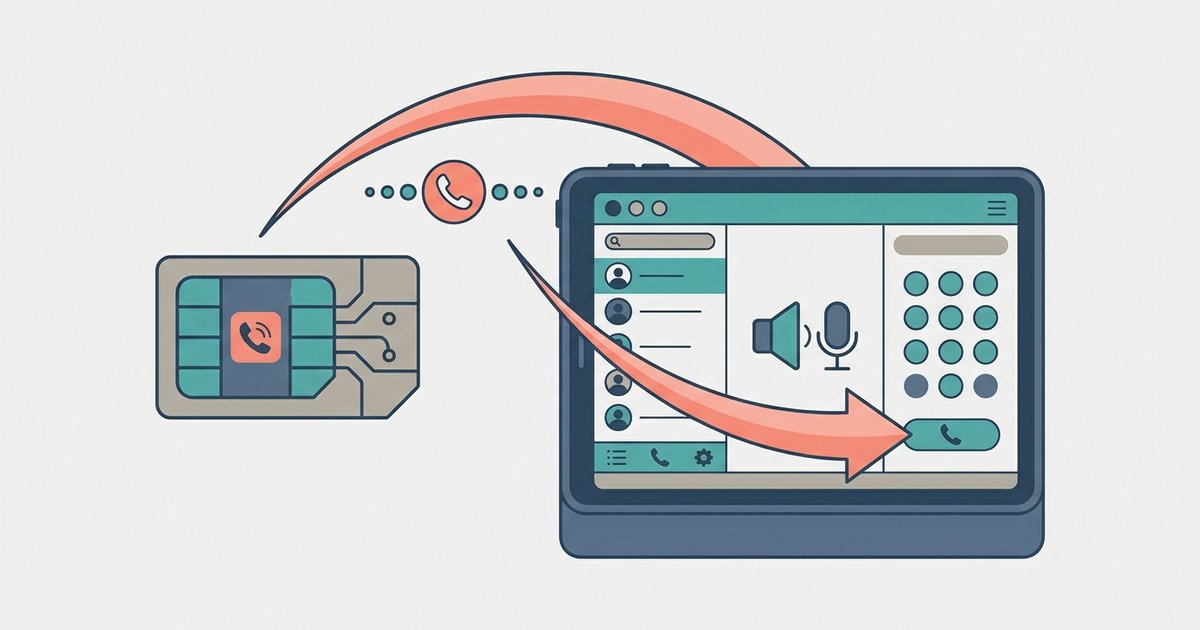
When you dial 911 inside a VoIP app, the app converts your voice into data packets. It sends those packets over Wi‑Fi to the app’s servers. Those servers must then route the call to the nearest Public Safety Answering Point. Interconnected VoIP service providers are required by the FCC to provide E911 service, though some consumer apps may not be interconnected or compliant. The call may silently drop. You hear no dial tone, no ringing, and no error message, just silence. In other cases, the app routes the call to a national administrative line. A general customer service agent answers, not a trained dispatcher. That agent cannot patch you into the local 911 center. The PSAP system expects a fixed landline or a cellular handset with a registered address and a dedicated callback number. Even if the app completes the call, the dispatcher sees a generic VoIP number, often from a different state. If the VoIP provider supports E911 and your registered address is accurate, the dispatcher may receive your tablet's registered location. Some VoIP apps, such as Skype, can transmit location data to the 911 infrastructure when emergency location sharing is enabled.
Why your tablet cannot complete a real 911 call
To make a phone call from a tablet work for emergencies, the device would need to pass the same regulatory tests that cellular carriers undergo. Your Wi‑Fi‑only tablet lacks two critical components. It has no cellular modem to triangulate your position via cell towers. It also has no registered physical address tied to the device. Landline 911 systems rely on the address you provide when you activate service. Cellular 911 systems use GPS and tower‑based location sent alongside the call. VoIP apps on tablets have neither. The app can obtain a phone number on a tablet that the PSAP can recognize as belonging to your registered location if you provide an accurate address to the VoIP provider. Even if you previously added a VoIP number, the dispatcher sees only that number, not your tablet’s GPS coordinates. The system is not designed to accept a dynamic IP address or a Wi‑Fi access point as a valid location reference. When you try to find tablet phone number details inside your VoIP app’s settings, you see only a virtual number. That number may be registered to a different city or state. This confuses the routing algorithms and often sends the call to the wrong PSAP entirely.
The callback problem no one mentions
If you get disconnected during a VoIP 911 call, the dispatcher cannot call you back. Your Wi‑Fi signal might drop. The app might crash. You might accidentally end the call. With a traditional phone, the PSAP has a direct callback number tied to the physical line or the cellular SIM. With a VoIP app that supports E911, the dispatcher sees the callback number associated with your account, not a temporary session identifier. The app may show you a virtual number in its interface. That number is not linked to the active session. It is a general account number that may not even be reachable from outside the app. If you need to confirm my phone number on this tablet for the dispatcher, you cannot provide a stable, location‑aware callback line. The session simply terminates. There is no mechanism for the PSAP to re‑establish the connection.
What to do instead: your emergency plan for a tablet
Do not rely on a VoIP app for 911. Bookmark your local police and fire department 10‑digit emergency numbers in your tablet’s contacts now. Arrive at those numbers before you need them, save both the dispatch center and the closest hospital emergency room line. Use the main entrance number listed on each agency’s official .gov website, not a third‑party directory. Skip any number labeled “administrative” or “non‑emergency” unless you have verified with the agency that it reaches a 24‑hour dispatcher. Keep a charged cellular phone within arm’s reach whenever you are using your tablet as your primary screen. If you must use a tablet as your only device, buy a cellular‑enabled model with an active SIM and a carrier that supports E‑911 location delivery. Activate the SIM before you need it. Confirm that the tablet’s emergency address is registered correctly in the carrier’s system. Test a non‑emergency call to your local dispatch center from that cellular line to verify the number and location appear correctly on their screen.
Unlike a cellular tablet with an active SIM and a registered E‑911 address, a Wi‑Fi‑only tablet running a VoIP app may not reliably transmit your location or provide a callback number to a 911 dispatcher, and the call could fail silently or route to an unstaffed administrative line if the provider does not support E911.