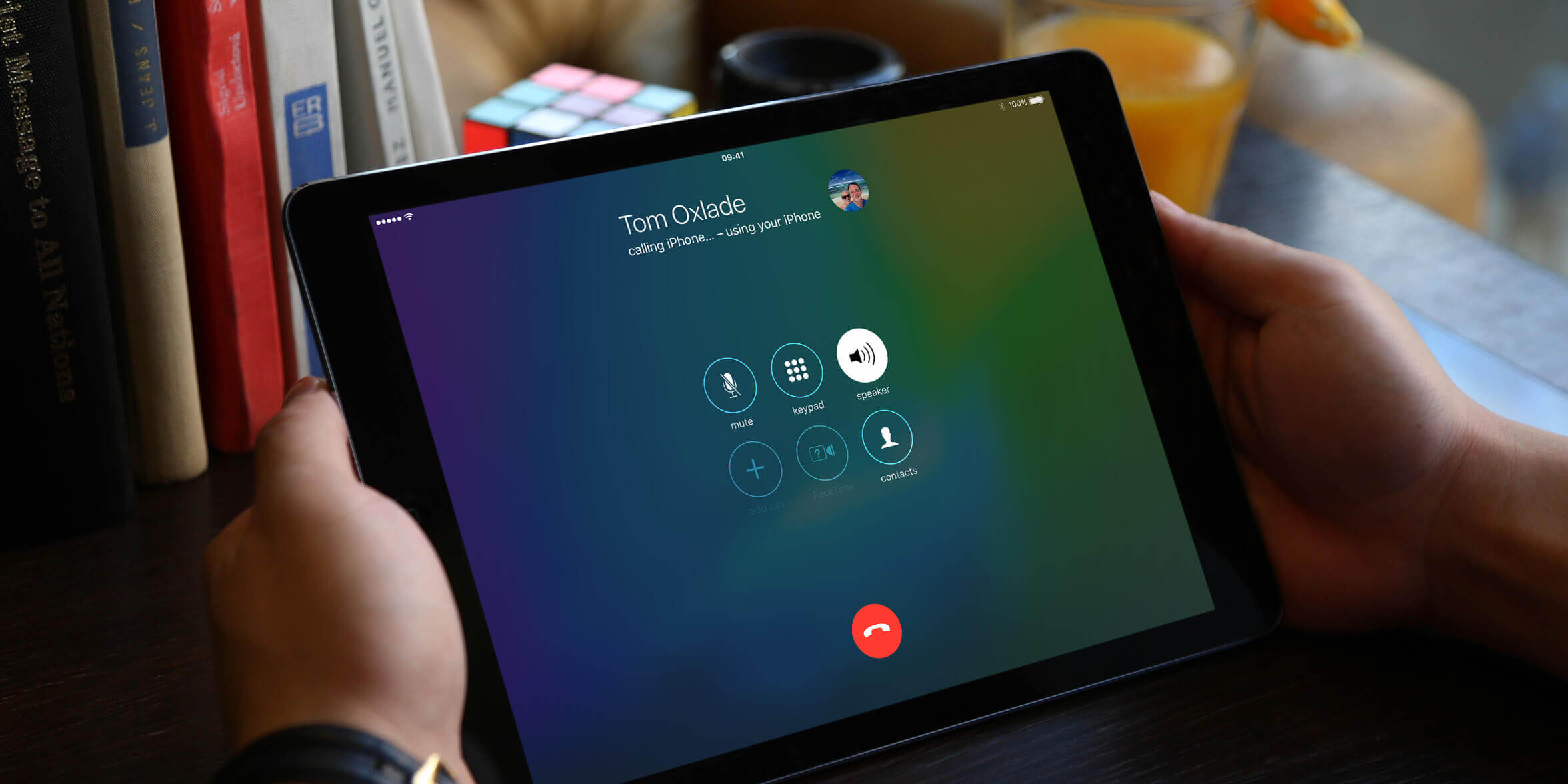
You cannot directly port a mobile number to a tablet-only VoIP app like Google Voice without losing it, but you can forward calls from your existing number to the app or use a second-line service that links your number.
Why a direct port to a tablet usually fails
Porting a mobile number cancels your underlying cell plan with your carrier. Pure tablet VoIP apps, including Google Voice, cannot accept a ported number because they lack a SIM-based carrier infrastructure to host it. Google Voice specifically blocks this: you can only port a number into a Google Voice account, but the number then becomes a Google Voice number, not a tablet app number, and you must not cancel your cell service until the port is complete. The app does not support cellular network registration, so the port request will be rejected or cause you to lose the number entirely. If you try to port to an app like TextNow or Talkatone, the same problem occurs, the app cannot act as a carrier for ported numbers. To truly make a phone call from your tablet with your existing number, you need a different approach.
Forwarding calls from your current number
If your tablet app already has a free VoIP number (like a Google Voice or TextNow number), you can set up unconditional call forwarding on your cell phone. On iPhone, go to Settings > Phone > Call Forwarding, enable it, and enter your tablet app’s number. On Android, open the Phone app, navigate to call forwarding settings (often found under Settings or Supplementary Services), then choose “Always forward” and enter the VoIP number. This sends all calls from your cell number to the tablet app, so you never miss a call. However, outgoing caller ID will still show the tablet app’s number, not your cell number. To fix that, you need a service that links your existing number to the app. If you are still wondering how to get a phone number on a tablet, the forwarding method works without changing your cell plan.
Using a second-line service that links your number
Apps like Google Voice and TextNow offer a “linked number” feature. In Google Voice, go to Settings > Linked numbers, add your cell number, and verify it with a code sent via SMS. Once linked, you can set Google Voice to display your linked cell number as the outgoing caller ID when you call from the tablet app. TextNow works similarly: in Settings > Caller ID, you can verify your cell number and choose it as the display number. This does not port your number, it merely uses the cell number as a mask on outgoing calls. Incoming calls still go to your cell phone unless you set up forwarding as described above. Unlike other guides that only explain basic app setup, this method is ideal if you want to find tablet phone number settings that let you control caller ID. It preserves your cell plan and avoids losing your number.
When you truly need to port out
The only scenario where porting makes sense is if you cancel your cell plan entirely and move the number to a mobile VoIP provider that supports tablets, such as a business phone service like RingCentral or 8x8. These services allow you to port your number into their system, then use their app on a tablet with full calling and SMS. The process requires you to request a port from your current carrier, provide an account number and PIN, and wait 3-14 business days depending on the number type and carriers involved. After porting, your old cell plan is terminated, and the number lives inside the business VoIP app. You can then have your phone number on this tablet appear as your caller ID because the number is now hosted by the VoIP provider. This is a drastic step, you lose your cellular data and voice plan, so only do it if you no longer need a phone line and rely solely on Wi-Fi or tablet cellular data. For a broader overview, learn how to make a phone call from your tablet.