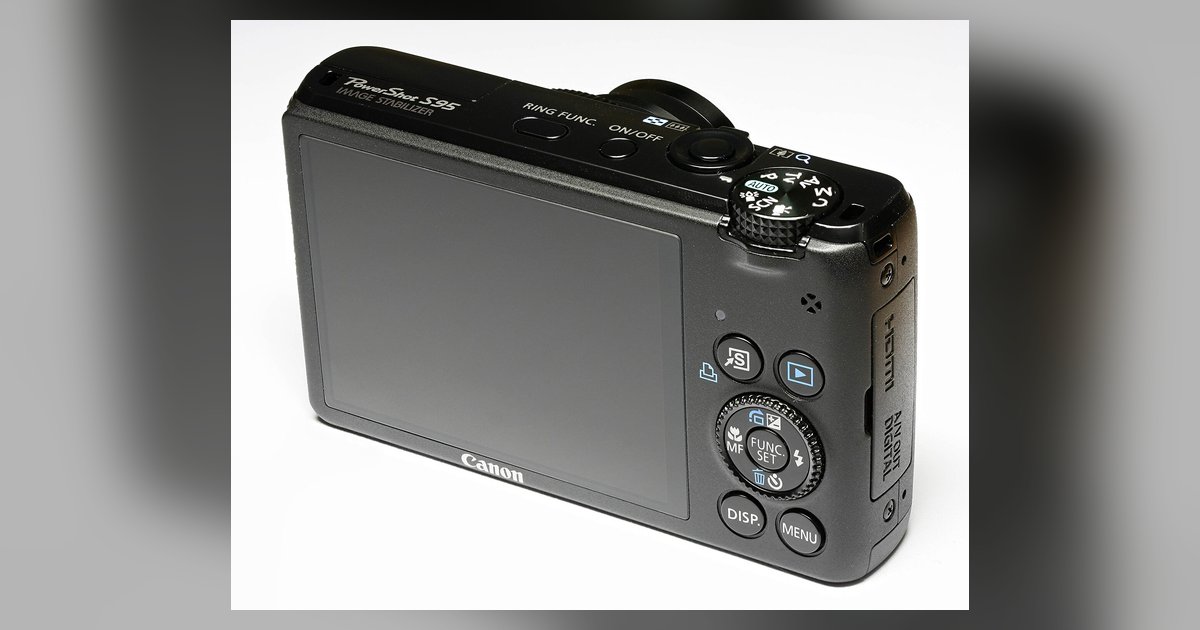
Press the Wi-Fi button on your camera or navigate to the wireless communication menu, choose to connect to a smartphone, and then use the Canon Camera Connect app to scan...
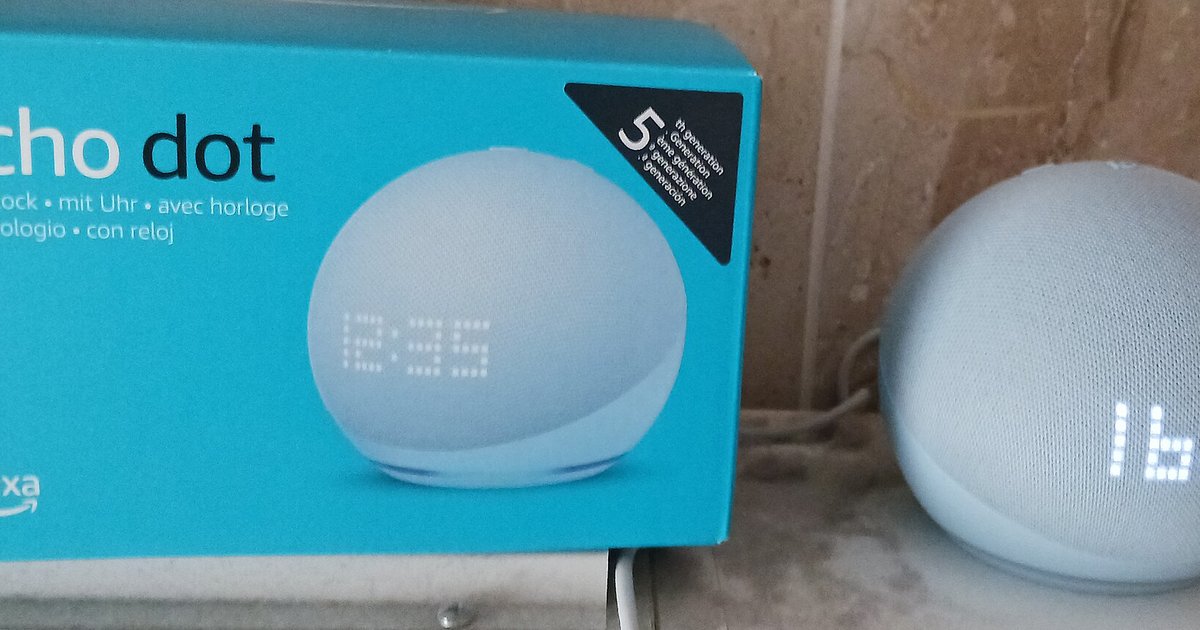
Your Echo is likely frozen or still connected to a remembered network. Force a restart by unplugging it for 30 seconds, then try the button again. The light stays blue...
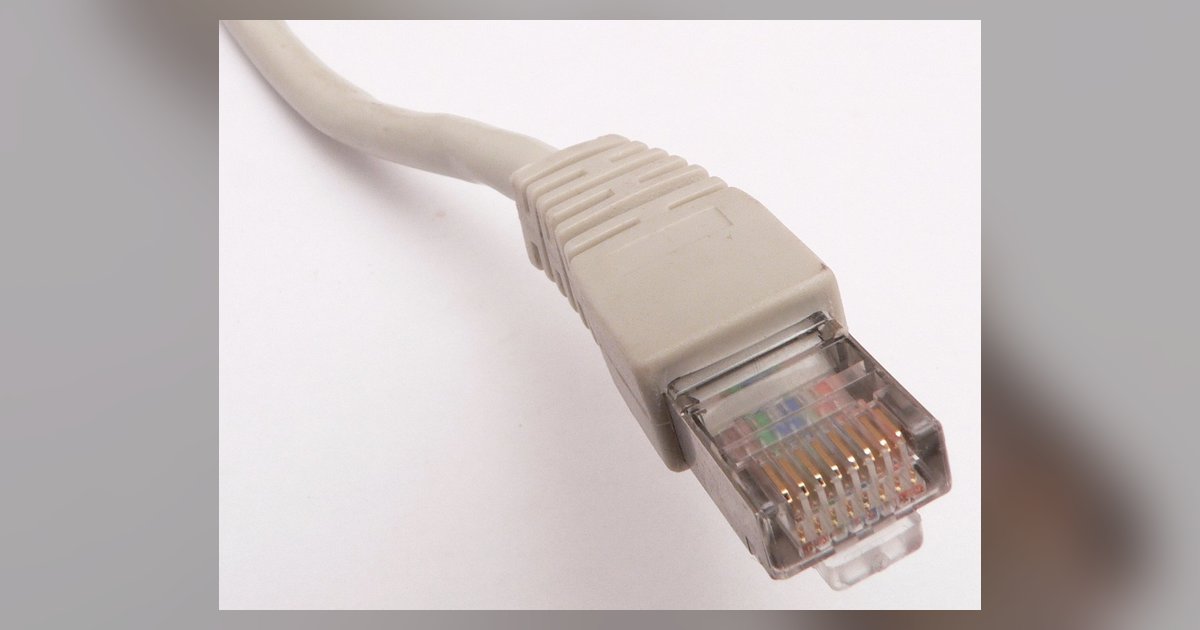
Understanding the gaming latency difference between wired and wireless helps you decide when to cable up: book Ethernet for fast-twitch shooters, fighting games, or any competitive title where a single...
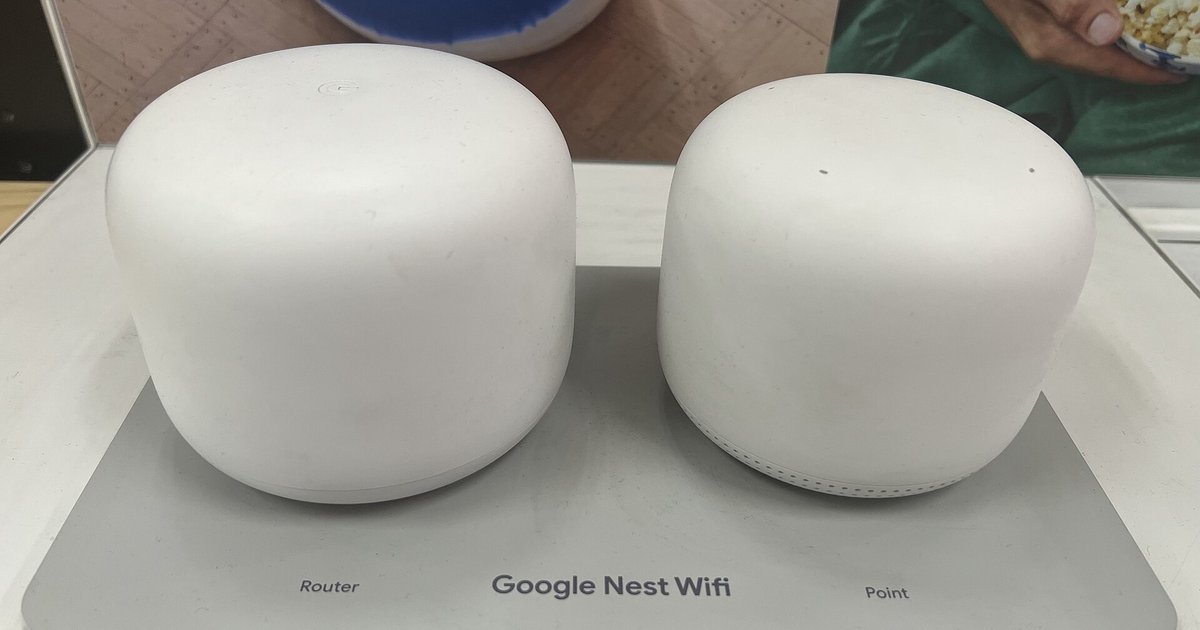
Yes, you can reuse your old Wi-Fi name and password on Nest Wifi, and in most cases every device will reconnect automatically without you touching them. Just make sure you...
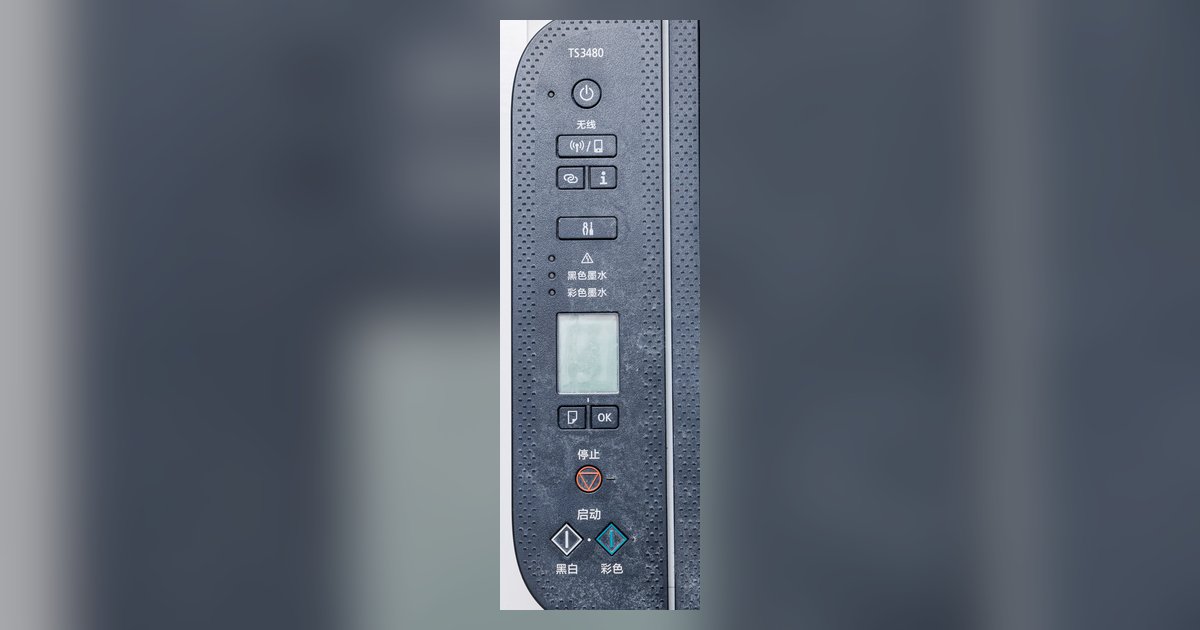
Yes, if your printer has a physical control panel with a display, you can usually connect it directly to your Wi-Fi network without an app. If the printer only has...
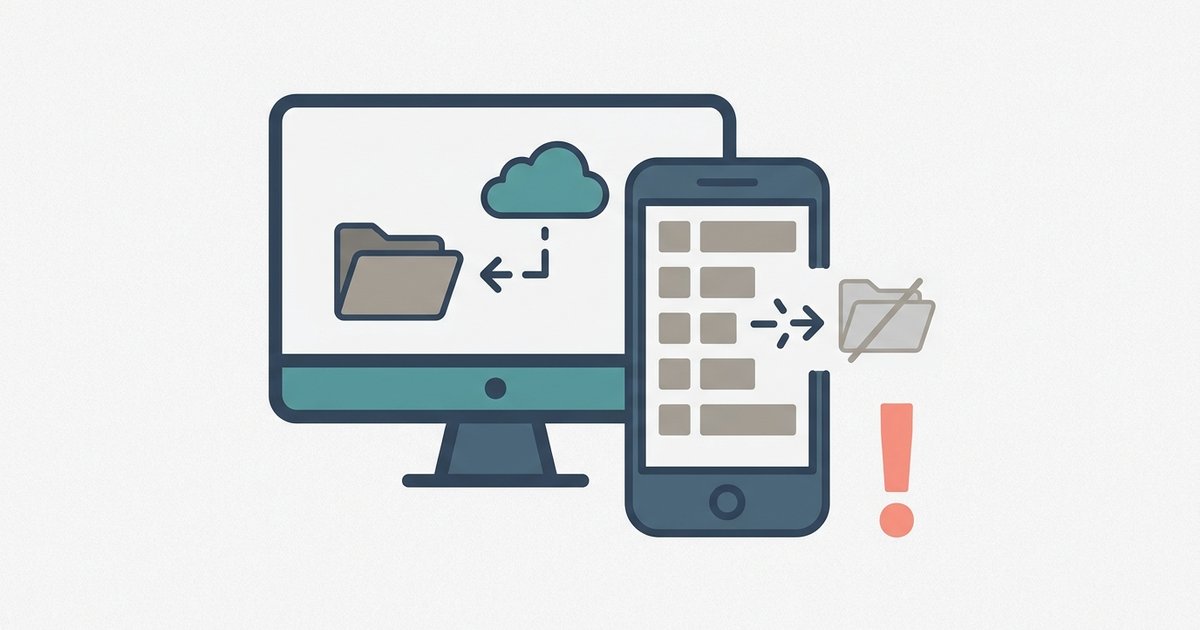
The sync fails because your devices are not on the exact same WiFi network, or your phone's firewall is blocking Spotify's local discovery. If the files came from YouTube or...
The disconnections are almost always caused by the PC's Wi-Fi power management or a band-steering conflict, not the controller itself. Disable the PC's 'Allow the computer to turn off this...
Most people think of an IP address as a technical string of numbers that only network engineers care about. In reality, it acts more like a digital postal address, one...
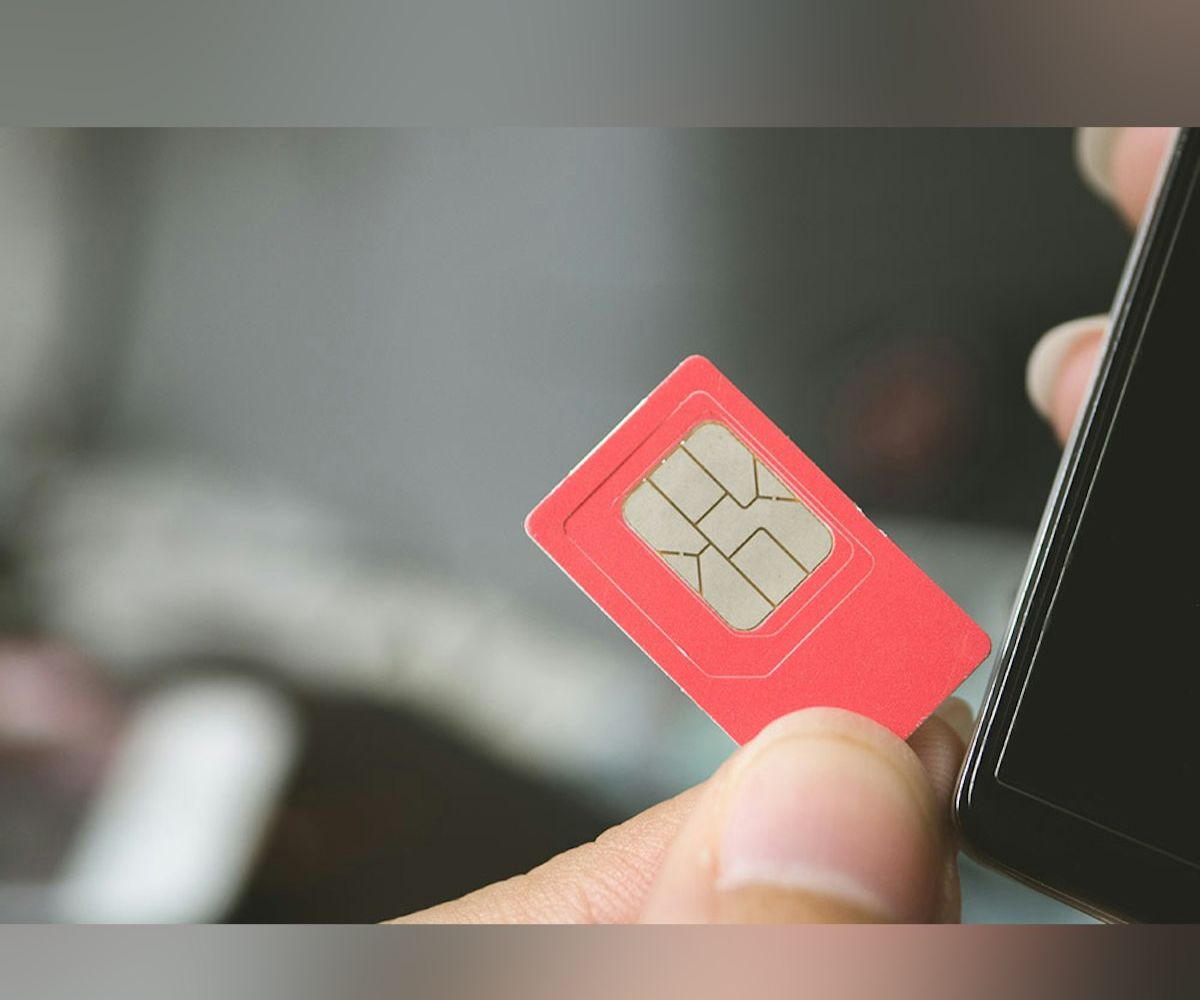
You can connect to the internet without a SIM card by using Wi-Fi or Bluetooth tethering from another device. Without a SIM card, your phone cannot make traditional cellular calls,...
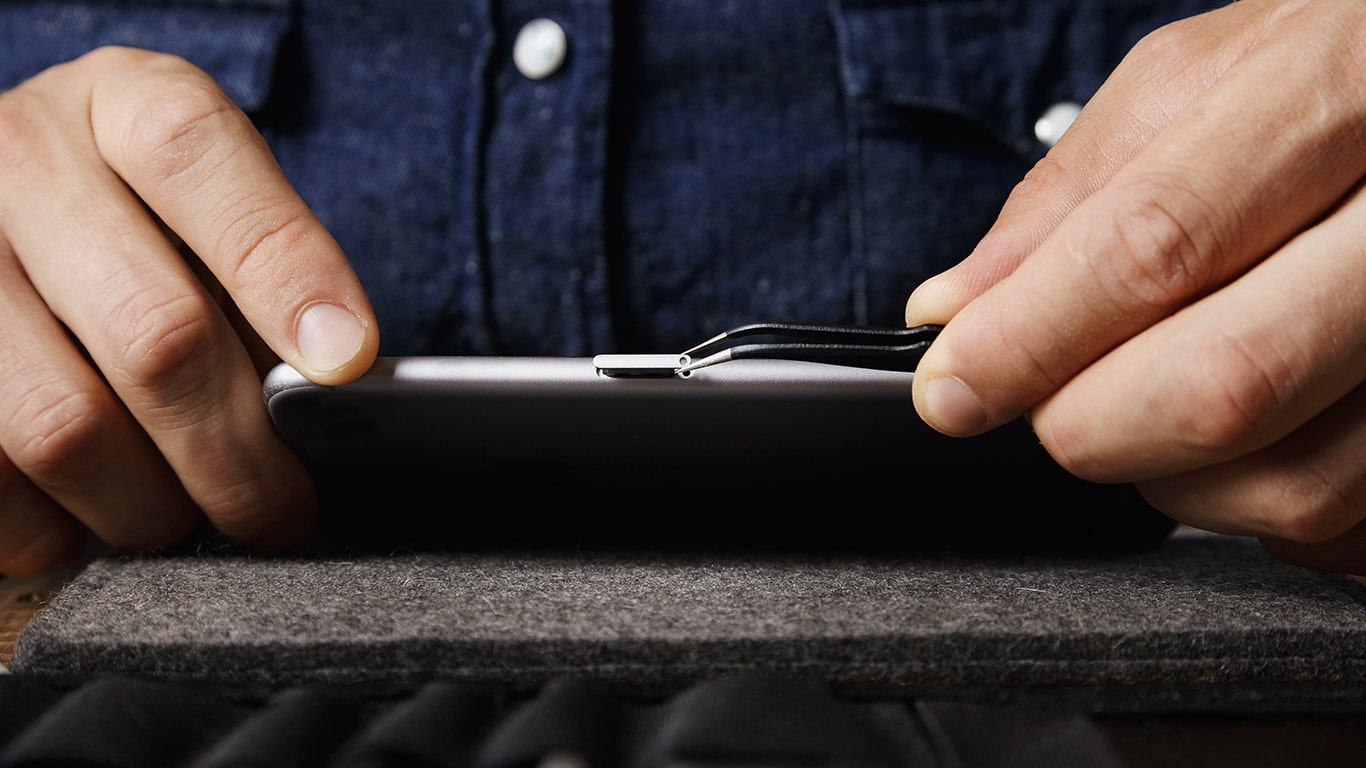
Removing your SIM card immediately cuts your phone off from the cellular network, stopping calls, texts, and mobile data, while Wi-Fi, offline apps, and GPS continue to function. If you...
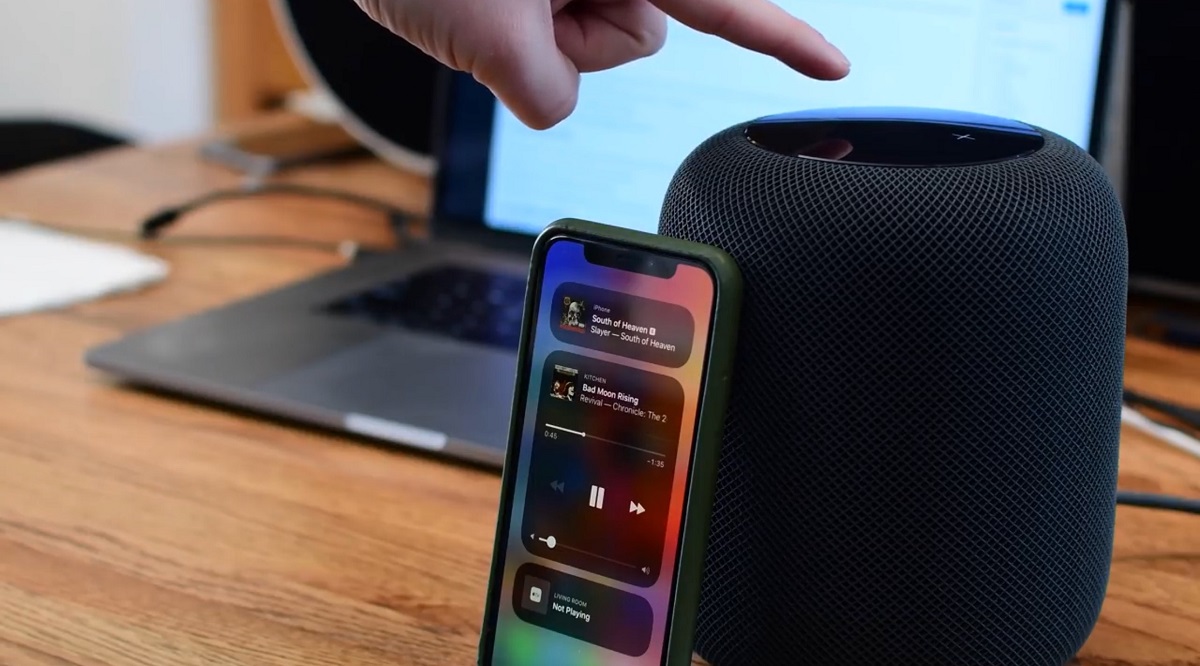
To use iPhone as PC speaker, you route your Windows computer's audio output to your iPhone's built-in speaker, either wirelessly over your local network or through a physical cable connection....
To access your mobile hotspot admin page, you need to connect a device to the hotspot's Wi-Fi network and then enter a specific IP address or URL into a web...
This website uses cookies so that we can provide you with the best user experience possible. Cookie information is stored in your browser and performs functions such as recognising you when you return to our website and helping our team to understand which sections of the website you find most interesting and useful.
Strictly Necessary Cookies
Strictly Necessary Cookie should be enabled at all times so that we can save your preferences for cookie settings.
If you disable this cookie, we will not be able to save your preferences. This means that every time you visit this website you will need to enable or disable cookies again.