Your Echo is likely frozen or still connected to a remembered network. Force a restart by unplugging it for 30 seconds, then try the button again.
The light stays blue or cyan in echo setup mode
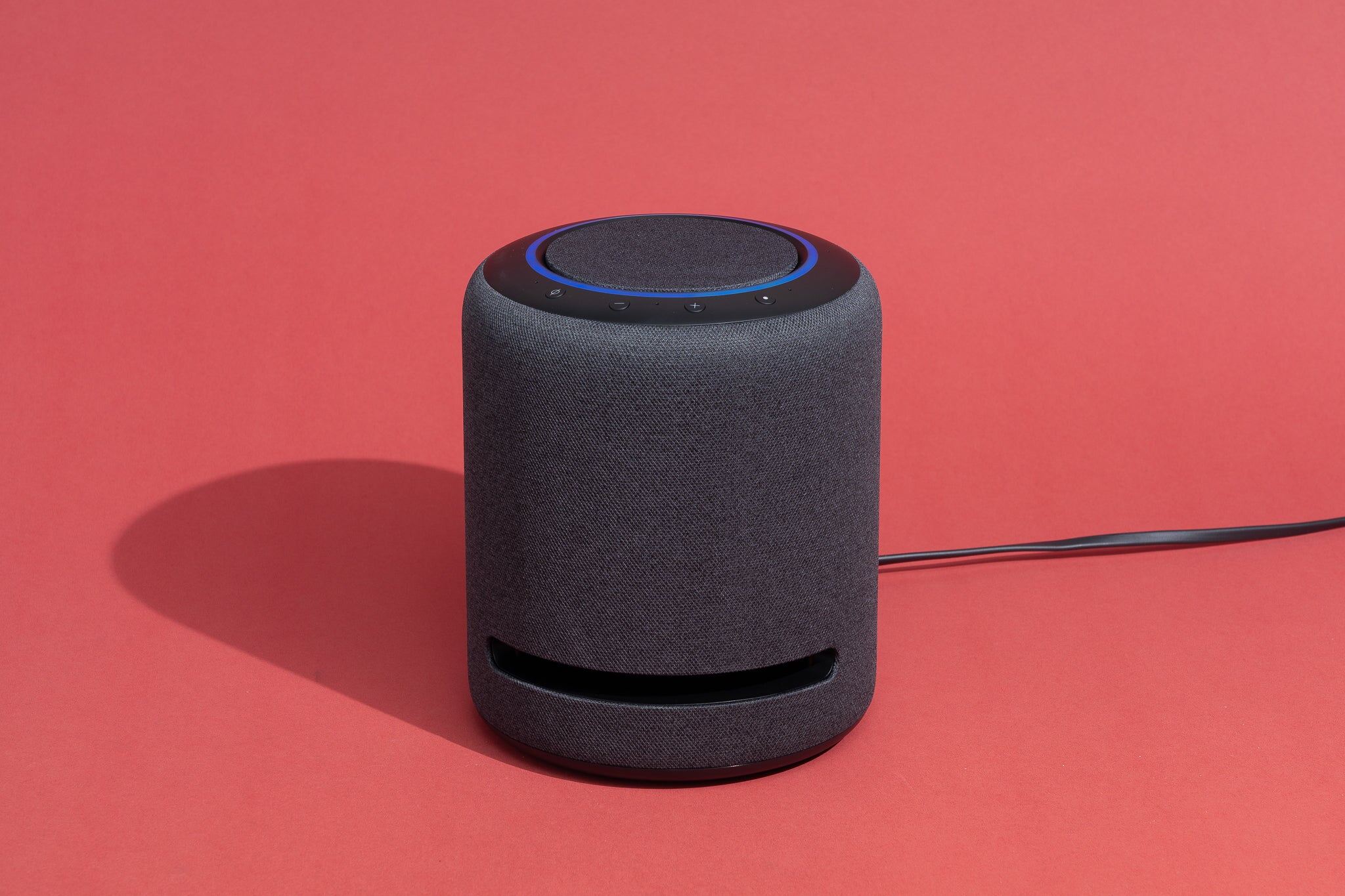
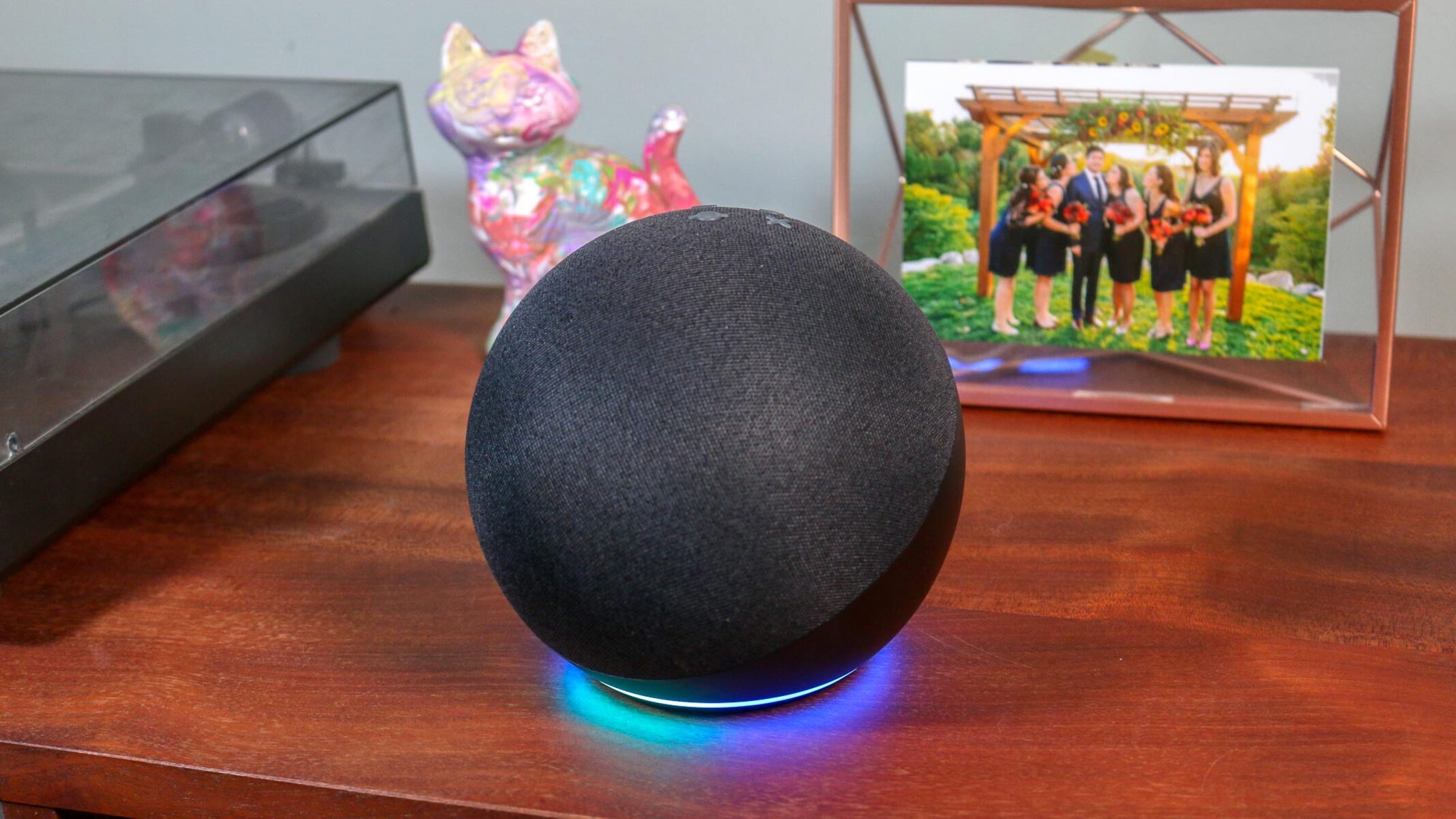
A solid blue or cyan ring when you hold the action button means the Echo is either still booting up or actively trying to reconnect to a saved Wi-Fi network. Setup mode requires a pulsing orange ring. That ring only appears after the device has fully booted and then failed to find its last known network. If you see a blue ring that spins for an extended period, the Echo may be stuck trying to connect to a router that is no longer broadcasting the same SSID or password. Unplug the power adapter, wait a full 30 seconds, and plug it back in. This forces the device to abandon that stale connection. After the restart, the blue ring will cycle briefly during the boot process. Wait for that to stop, then press and hold the action button again. If you need to change wifi on Alexa, this restart step is almost always the fix for a blue ring that won’t turn orange.
The button does nothing at all
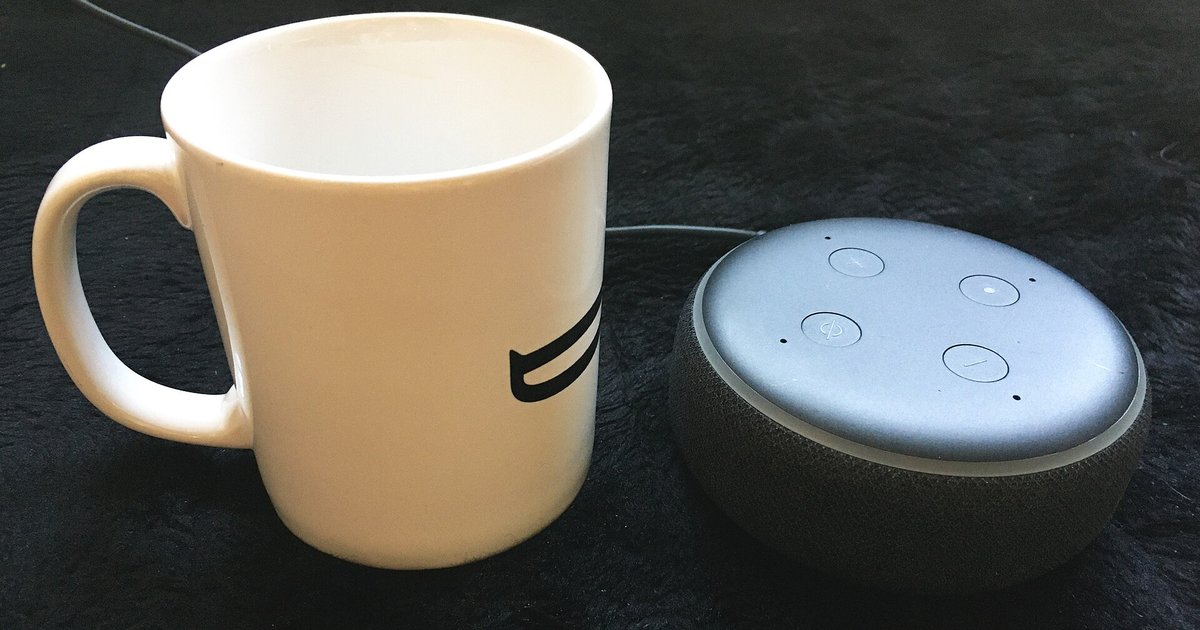
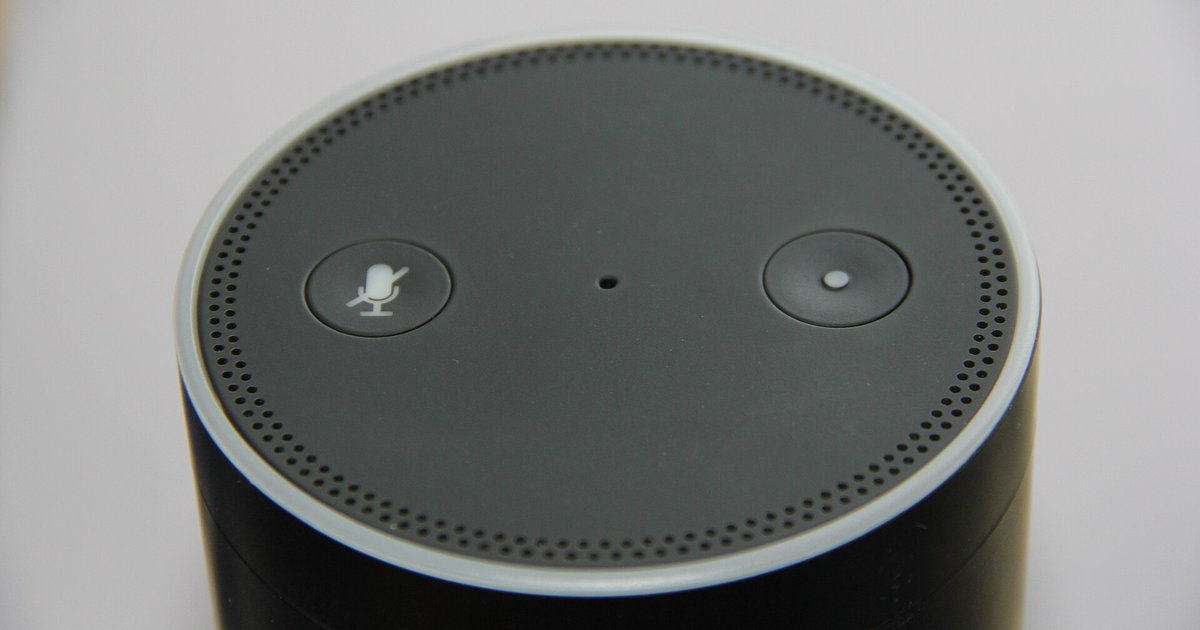
When the action button feels loose, clicks without feedback, or produces no change in the light ring, the hardware button itself may be physically stuck or the device’s firmware has frozen completely. A frozen Echo will ignore all button presses, including the action button, until it receives a hard power reset. Unplug the Echo from the wall outlet and leave it disconnected for at least 30 seconds. Leave it longer if the device feels warm, then plug it back in. After the boot sequence finishes, the button should respond again. If you still get no light change, inspect the button for debris or damage. A piece of dust or a drop of dried liquid can prevent the internal switch from making contact. For users who want to connect Alexa to new wifi without app, the action button is the only physical method. A non-responsive button means you must use the power cycle to restore function before setup mode can appear.
When setup mode still won't start after a restart
If you have unplugged the Echo for 30 seconds, waited for the blue boot light to finish, and held the action button but still see no orange ring, the device’s stored Wi-Fi configuration may be corrupted. In this rare case, a factory reset using the volume down and mute buttons may be necessary. Locate the volume down button and the microphone off button on the top of the Echo. Press and hold both simultaneously for about 20 seconds. Wait for the light ring to turn off and then on again, turning orange to indicate setup mode. Release the buttons after the ring turns orange. This wipes all saved networks, Alexa accounts, and device settings, returning the Echo to the state it was in when you first unboxed it. After the reset, you can set up Alexa without a smartphone by using the Alexa app on a tablet or a web browser at Alexa.amazon.com, but you may find the standard process easier after setting up Alexa with the mobile app. If your goal is to connect Alexa to Bluetooth without wifi, note that Bluetooth pairing requires a working Wi-Fi connection first. Before attempting the browser method, confirm which echo models support browser-based wifi setup and which require the app, as older devices lack this capability entirely.