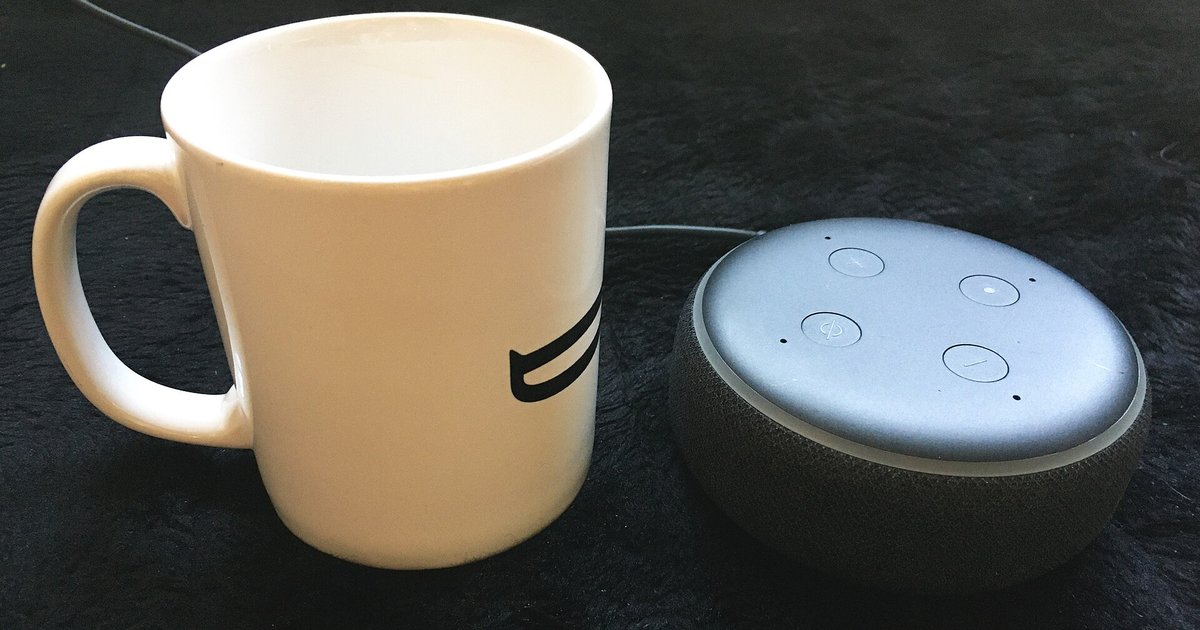
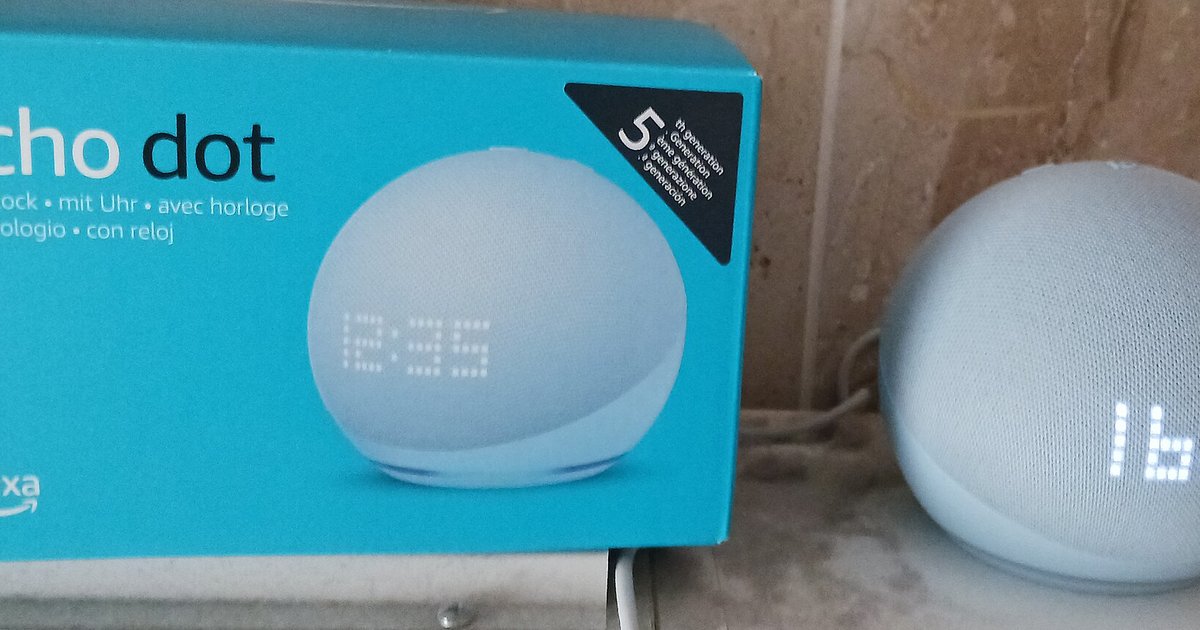
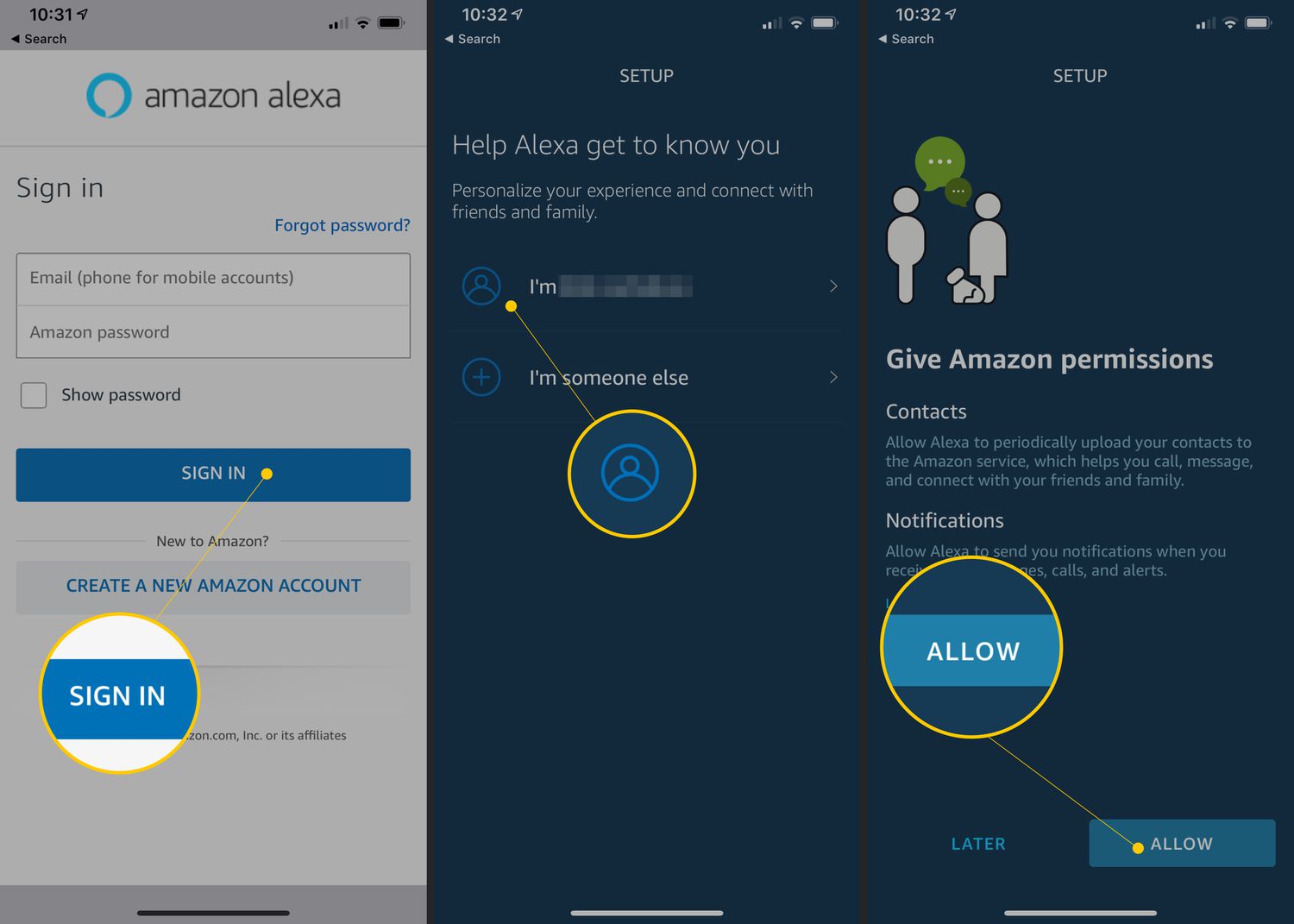
No, your routines, smart home groups, and device settings are stored in your Amazon cloud account, not on the physical device. As long as you log into the same Amazon...
Your Echo is likely frozen or still connected to a remembered network. Force a restart by unplugging it for 30 seconds, then try the button again. The light stays blue...
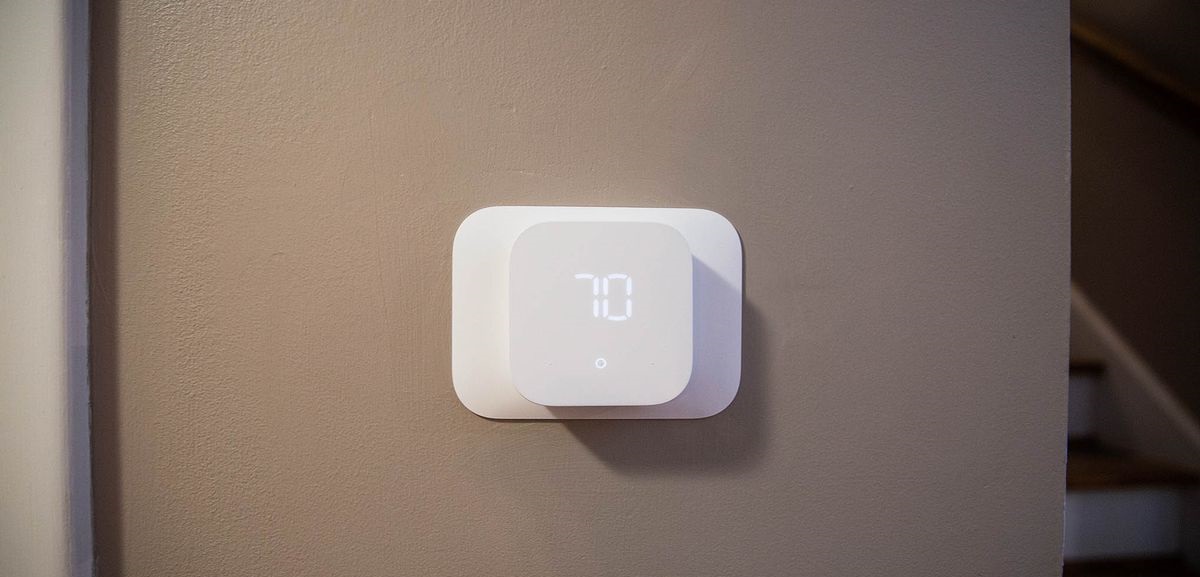
To use Amazon Echo with a smart thermostat, you need to connect the thermostat to Alexa through the Alexa app, then use voice commands to adjust temperature, set schedules, and...
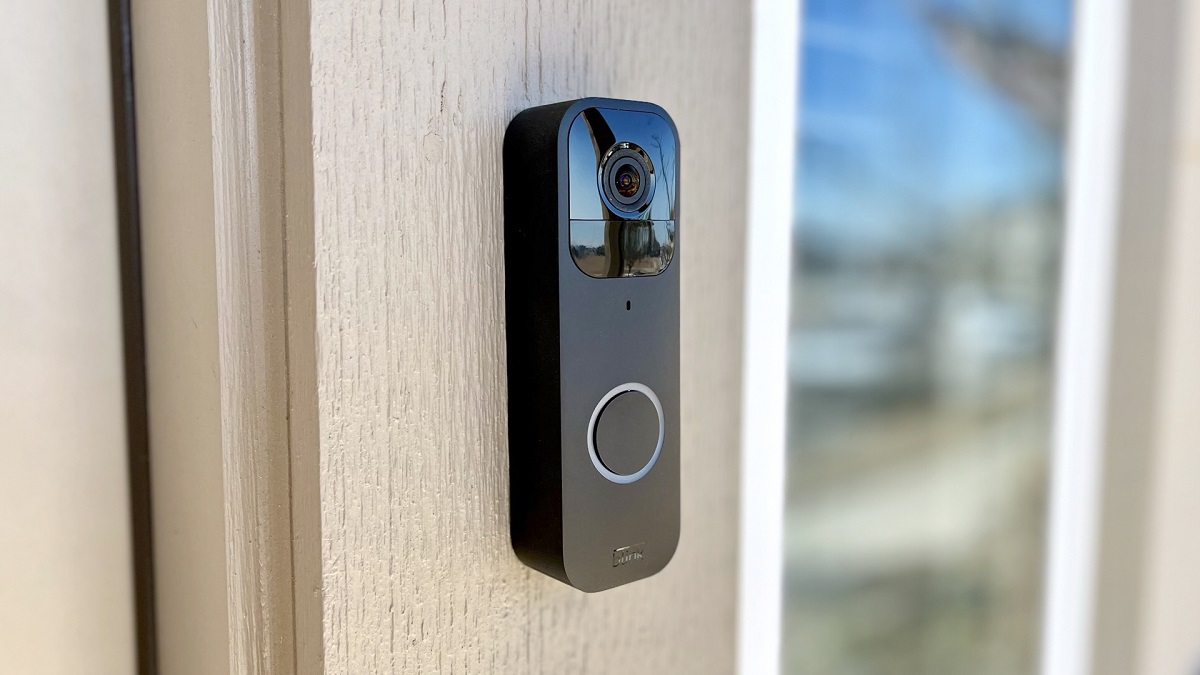
To connect Blink Video Doorbell to Alexa, you link your Blink account with the Alexa app so that Echo Show, Fire TV, or other Alexa devices can display live video,...
Your Amazon Echo isn't limited to being a voice assistant; it doubles as a high-quality speaker for your phone, tablet, or computer. There is no official "Smart Speaker Mode" toggle,...
You can set up Alexa without a smartphone by using a computer with a web browser. This guide walks you through the complete process for setting up Alexa using only...
To download apps on Echo Show, you first need to know which model you own, because most Echo Show devices don't support traditional app downloads at all. Instead of downloading...
To change wifi on Alexa, you need to use either the Alexa app or your device's touchscreen, depending on the model. The process differs for speaker-based devices like the Echo...
This website uses cookies so that we can provide you with the best user experience possible. Cookie information is stored in your browser and performs functions such as recognising you when you return to our website and helping our team to understand which sections of the website you find most interesting and useful.
Strictly Necessary Cookies
Strictly Necessary Cookie should be enabled at all times so that we can save your preferences for cookie settings.
If you disable this cookie, we will not be able to save your preferences. This means that every time you visit this website you will need to enable or disable cookies again.