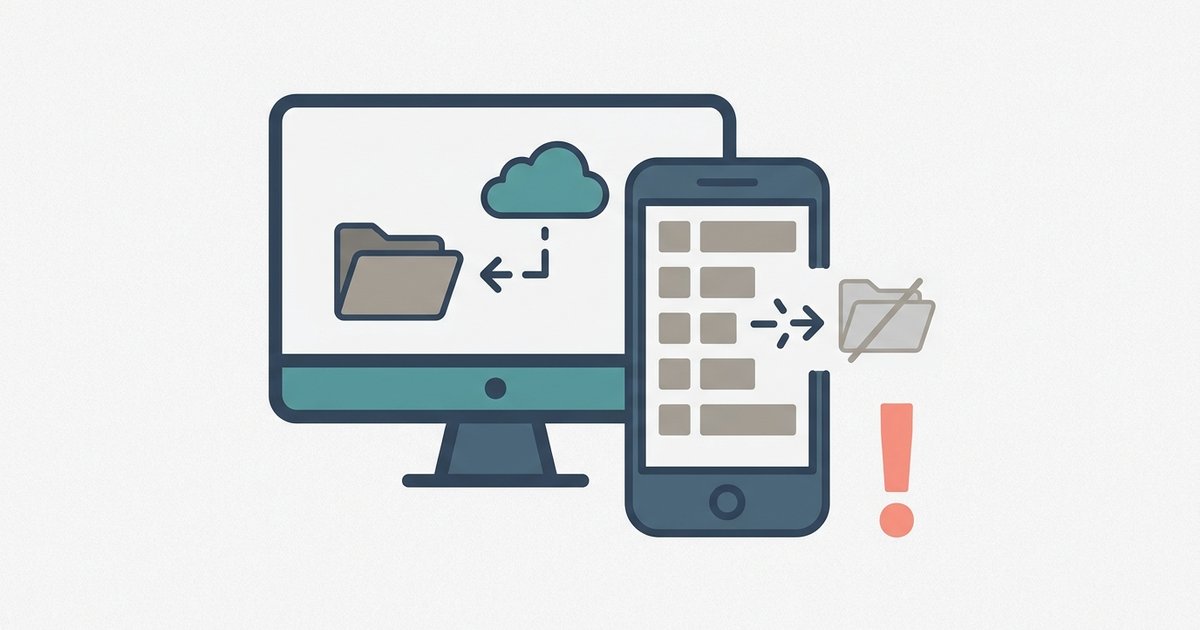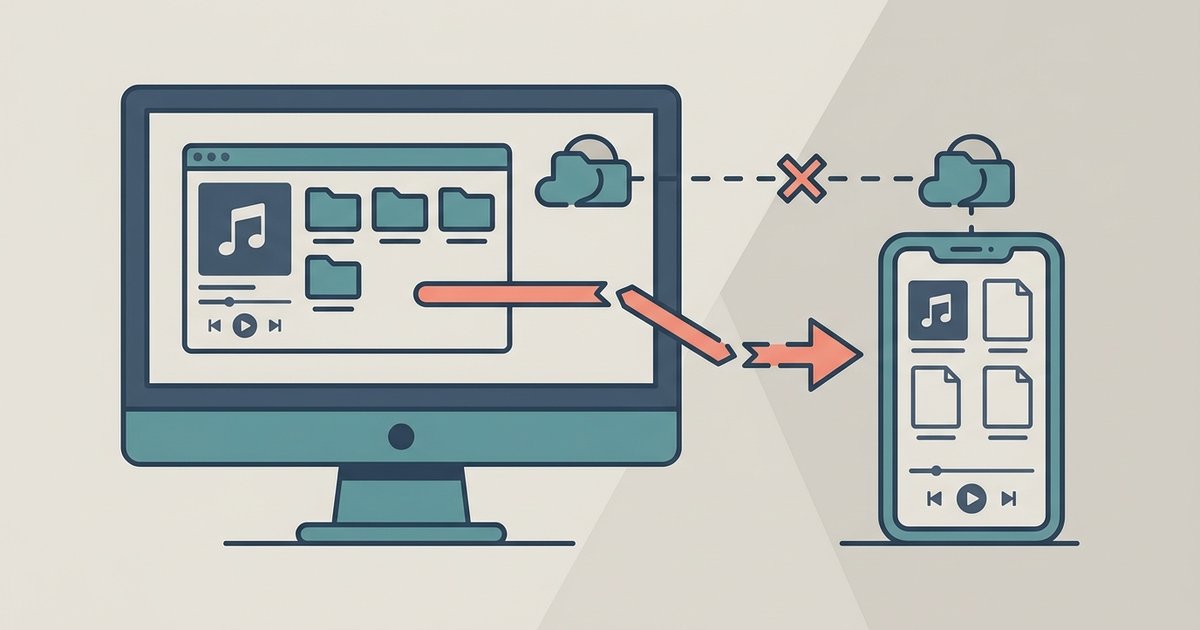
Your phone's Spotify app must be open and allowed to stay active, if the screen locks or the app is backgrounded too aggressively, the transfer stops silently.
The same Wi-Fi rule for Spotify local files most people miss
To fix this, log into your router’s admin panel, disable client isolation, and ensure both devices are on the same band.
Firewall and hotspot gotchas
Even when both devices appear connected, Windows Defender Firewall or third-party firewalls may block Spotify's internet connection needed for sync. You may see the playlist on your phone with greyed-out songs, but the transfer never starts. Ensure Spotify is allowed through your firewall to access the internet. VPNs are another common blocker. Any active VPN on either device may interfere with Spotify's ability to sync over the internet. Turn off the VPN on both devices before attempting the sync, and confirm you've used the correct desktop method to add local files to Spotify so the app can index them properly.
When the files just won't play anyway
Sometimes the sync succeeds. The songs appear on your phone, they are not greyed out, and they show as downloaded, but they still refuse to play. This happens because Spotify mobile only supports MP3, M4A (non-DRM), and OGG formats up to specific bitrates. High-bitrate FLAC, WMA, ALAC, or AAC files will sync but never produce sound. The app silently fails playback because it cannot decode those codecs. Unlike every other music platform, Spotify’s local sync offers zero error messages for unsupported codecs and simply pretends the file isn’t there. If you want to get your music onto the phone reliably, you must first convert unsupported files to MP3 at 320 kbps or lower. For a comprehensive guide on this conversion process, you should visit the hub for this topic: "how to download music as MP3". If you need to pull songs out of Spotify itself to add to this mix, a related article titled "How Do I Download Music From Spotify To My Computer" covers that extraction. Similarly, if you have playlists from other services, you can "download a Spotify song to files" or "download an Apple music song to files" using dedicated tools, then convert those files to MP3 before importing them into your local Spotify folder. Without this format conversion, the sync is pointless. The file lands on your phone but remains unplayable.