Yes, your account can be permanently terminated. Spotify actively detects unauthorized third-party downloaders by monitoring abnormal data-stream patterns and app interactions, and they enforce this with automated bans.
How Spotify detects downloader ban risks
Spotify’s anti-abuse systems look for several technical signals. The most obvious is a high-speed ripping pattern. A legitimate listener streams audio at a consistent bitrate with pauses between tracks. A downloader tool often requests the entire audio file in a burst, pulling data at speeds far above normal playback. The server logs the exact byte range and timing of each request. It flags sessions where a track is consumed in under 10 seconds. Another signal comes from API call anomalies. A downloader may send hundreds of track metadata requests per minute without corresponding play events. It may also use an outdated client version that doesn’t match the official app’s handshake protocol. Spotify also performs client integrity checks. It validates the app’s digital signature and compares the device’s reported OS version against known real-time listeners. If your client reports being on Android 9 but the traffic pattern matches a desktop tool, the system flags it.
What actually happens when you get caught
The enforcement timeline is documented in Spotify’s internal logs and user reports. The first offense typically triggers a warning email sent to the account’s registered address. The message states that unusual activity was detected and asks you to stop using third-party tools. If you continue, your account may be immediately disabled. You lose access to all playlists, saved music, and any premium features you paid for. An appeal process for terms-of-service violations involving circumvention tools may not be available. The company treats these as deliberate breaches of its licensing agreements with record labels. Users who attempt to create a new account on the same IP or device may find their new account also suspended. Spotify may tie enforcement to hardware fingerprints and payment methods. To attempt to regain access, you may need to contact support. Reinstatement may require an agreement not to repeat the behavior.
The common myth about offline mode
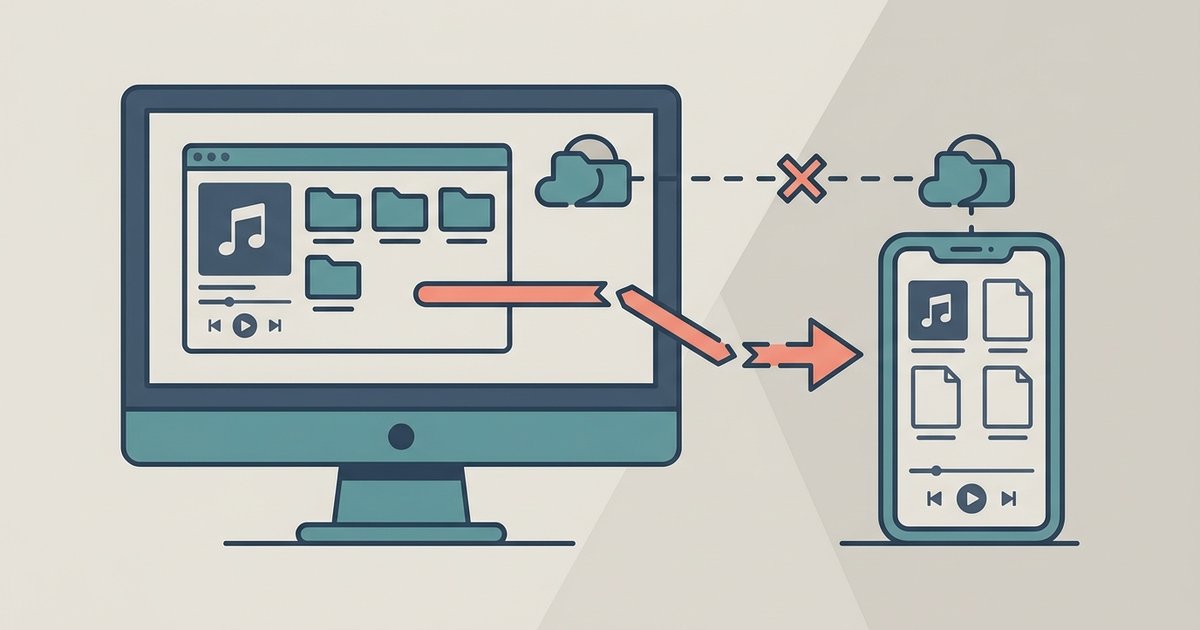
Many users believe they can safely use a downloader while appearing offline or in a private session, but this is false. Spotify queues telemetry data locally and sends it in batches the next time you turn Spotify online, regardless of your current status. Even if you toggle the “Private Session” setting in the desktop app’s dropdown menu, the downloader’s traffic still generates server-side logs. Those logs are timestamped and linked to your account ID. The offline mode only hides your listening activity from friends. It does not disable the backend monitoring that records each stream request. Using a downloader while offline often makes the pattern more suspicious. The queued burst of high-speed requests upon reconnecting triggers the same ripping-pattern algorithm. The safest way to download music from Spotify to your computer is through the official offline sync feature, which stores encrypted files for premium subscribers and never produces raw MP3 files. Any tool that claims to let you download music from Spotify without premium is violating the same detection rules, and the risk of a permanent ban remains identical. Spotify’s entire detection architecture is built to ensure that no external tool can safely download music MP3 files without triggering an automated enforcement sequence.